65+ Open-Ended Survey Questions That Uncover What Numbers Miss

Johannes
CEO & Co-Founder
12 Minutes
May 3rd, 2026
Closed-ended questions tell you what happened. Open-ended questions tell you why. A Pew Research Center study found that open-ended questions have an 18% nonresponse rate compared to 1-2% for closed-ended, yet the responses you do get are often the most actionable data in your entire survey.
The trick is knowing when to use them, how many to include, and how to analyze the results without drowning in unstructured text.
This guide gives you 65+ ready-to-use open-ended survey questions organized by use case, with guidance on when each question works best. You also get a head-to-head comparison with closed-ended questions, the four types of open-ended questions, writing tips that improve response quality, and a practical framework for analyzing qualitative feedback at scale.
What you will find in this guide:
- What open-ended questions are and when they outperform closed-ended
- The four types of open-ended questions and when to use each
- A side-by-side comparison table of open-ended vs. closed-ended questions
- 65+ open-ended survey questions across 8 categories
- Good vs bad question examples with rewrites
- How to write open-ended questions that get useful answers
- How to analyze open-ended responses without losing your mind
- A free survey template you can deploy in minutes
What Are Open-Ended Survey Questions?
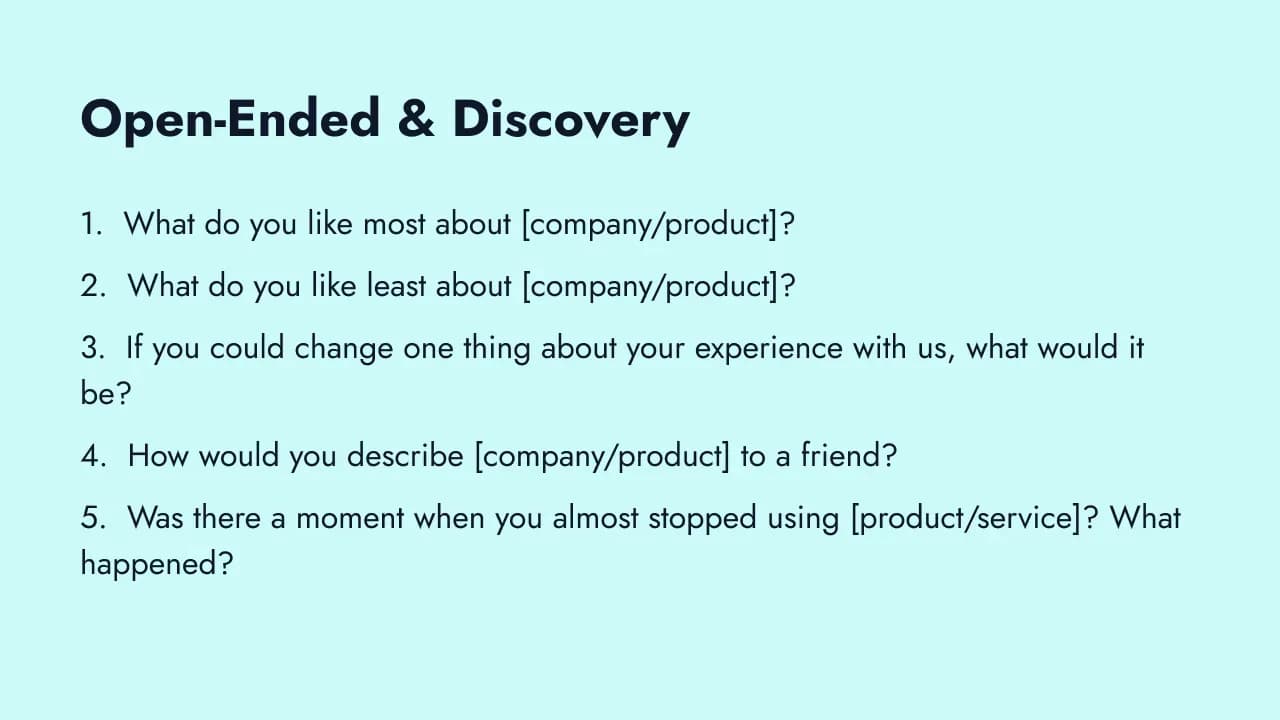
Open-ended survey questions are questions without predefined answer options. Instead of selecting from a list, respondents answer in their own words. There is no multiple-choice menu, no rating scale, no dropdown. Just a blank text field.
This is the opposite of closed-ended questions, which constrain responses to specific options like "Very satisfied / Satisfied / Neutral / Dissatisfied / Very dissatisfied."
Open-ended questions shine in three situations:
- Discovering unknown issues. When you do not know what problems exist, you cannot create predefined options. Open-ended questions let respondents surface issues you never anticipated.
- Understanding context behind scores. A customer rates you 3 out of 5. Why? A rating alone does not tell you. An open-ended follow-up like "What could we improve?" turns a number into a direction.
- Capturing sentiment in the respondent's own language. The words people use to describe your product reveal how they actually think about it. This language is invaluable for messaging, positioning, and building a voice of the customer program.
The trade-off is effort. Open-ended questions take longer to answer, produce lower response rates, and require more work to analyze. That is why they should be a strategic minority in your survey, not the majority.
Open-Ended vs. Closed-Ended Questions
Both question types have a role. The key is knowing when each one earns its place.
| Dimension | Open-Ended | Closed-Ended |
|---|---|---|
| Format | Blank text field | Predefined options (scales, multiple choice, yes/no) |
| Response type | Qualitative (words, sentences) | Quantitative (numbers, categories) |
| Analysis effort | High (manual coding or AI-assisted) | Low (automatic aggregation) |
| Response rate | Lower (18% nonresponse) | Higher (1-2% nonresponse) |
| Best for | Discovery, context, quotes | Benchmarking, trends, segmentation |
| Scalability | Harder at scale | Easy at scale |
| Bias risk | Low (no predefined options to anchor on) | Higher (anchoring, primacy effects) |
Key guideline: Aim for 70-80% closed-ended questions and 20-30% open-ended. Limit open-ended to 2-4 per survey. This ratio gives you the benchmarkable data you need for tracking while still capturing the qualitative insights that explain the numbers.
If you want to learn more about balancing question types and increasing your survey response rate, the distribution method matters just as much as the question format.
The Four Types of Open-Ended Questions
Not all open-ended questions work the same way. Krosnick (1999) in the Annual Review of Psychology identified how question framing fundamentally shapes the quality and nature of responses. Four distinct types serve different research purposes.
1. Exploratory questions open the door to topics you have not yet defined. "What challenges do you face with X?" is exploratory because you do not know what the respondent will name. Use these at the start of discovery research or when you need to identify what the right closed-ended options would even be.
2. Follow-up (probing) questions deepen a response already given. "You mentioned X, can you tell us more about that?" These are most common in interviews but can be replicated in surveys using conditional logic: if a user rates your product below 3, show an open-ended follow-up that asks what specifically made it difficult. Formbricks and similar tools let you trigger these based on score thresholds.
3. Clarifying questions resolve ambiguity. "What do you mean when you say 'complicated'?" This type is more natural in qualitative interviews, but adaptive surveys can approximate it by asking respondents to describe a specific example after a broad statement.
4. Hypothetical questions invite speculation about scenarios that have not happened yet. "If you could redesign this process, what would it look like?" Hypothetical questions surface aspirations and priorities that direct experience questions miss. They also reveal what users believe is possible, which is useful for roadmap planning and product positioning.
When to Use Open-Ended Questions
Not every survey needs open-ended questions, and not every situation calls for them. Here is when they earn their place and when they do not.
Use open-ended questions when:
After a rating question, to understand the "why." A customer rates your support 2 out of 5. Without an open-ended follow-up, you know they are unhappy but not why. Adding "What could we have done better?" turns a data point into a direction. This is the single most valuable use of open-ended questions.
For discovery, when you do not know what you do not know. If you are launching a new product, entering a new market, or investigating an unexpected trend, you cannot create comprehensive predefined options. Open-ended questions let respondents tell you what matters to them, not just react to what you think matters.
For feedback on new features, products, or experiences. Early-stage feedback needs to be exploratory. Closed-ended questions assume you already know the right dimensions to measure. When something is new, you do not.
As a final catch-all. "Is there anything else you would like us to know?" is one of the most underrated survey questions. Some of the most valuable product feedback comes from things you did not think to ask about.
When you need quotes for testimonials, case studies, or messaging. The language your customers use to describe your product is pure gold for marketing. Open-ended questions capture it directly.
Do not use open-ended questions when:
- You need benchmarkable data. Tracking trends over time requires consistent, quantifiable responses.
- The survey needs to be fast. Quick-response surveys (post-checkout, in-app micro-surveys) should minimize typing friction.
- Your audience is mobile-first. Typing long answers on a phone is painful. Keep mobile surveys closed-ended with one optional open-ended question at the end.
65+ Open-Ended Survey Questions by Use Case
Each question below includes a guidance note explaining when to use it and what insights it surfaces. Customize the bracketed text for your specific context.
Customer Feedback and Satisfaction (Questions 1-8)
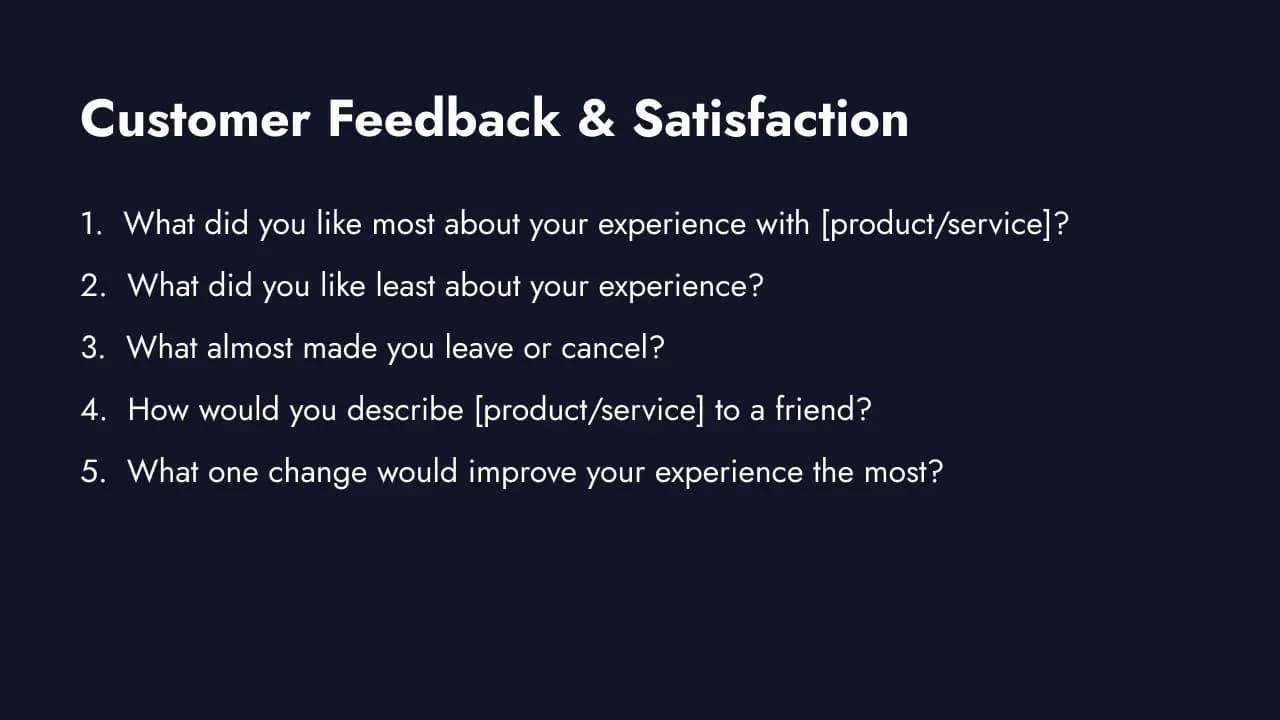
These questions uncover what drives satisfaction, loyalty, and churn from the customer's perspective. Pair them with a rating question for maximum insight. A feedback box template is a great starting point for collecting open-ended customer feedback.
1. "What did you like most about your experience with [product/service]?"
Use after a positive interaction or when CSAT scores are high. The responses reveal your strengths in the customer's own words. These are the things to protect and amplify in your messaging.
2. "What did you like least about your experience?"
The counterpart to question 1. Low-friction phrasing ("like least" instead of "hate" or "dislike") encourages honest answers without negativity bias. Cross-reference with satisfaction scores to prioritize fixes.
3. "What almost made you leave or cancel?"
Surfaces near-miss churn triggers. These are the issues that did not cause departure this time but will next time if left unaddressed. Critical for retention teams building exit survey strategies.
4. "How would you describe [product/service] to a friend?"
Reveals brand perception in everyday language. When customers describe you as "the affordable option" but you position yourself as "premium," you have a messaging gap. The words they use are also excellent raw material for ad copy and landing pages.
5. "What one change would improve your experience the most?"
The "one change" constraint forces prioritization. Without it, respondents scatter across dozens of minor suggestions. This question surfaces the single highest-impact improvement from each person. Aggregate the themes and you have a ranked improvement roadmap.
6. "What problem does [product/service] solve for you?"
Uncovers your actual value proposition as perceived by the people using you. Often different from what your marketing says. Essential for positioning and for building case studies that resonate with prospects who share the same problem.
7. "What were you using before us, and why did you switch?"
Two insights in one: competitive intelligence (who you are replacing) and your actual differentiators (why they chose you over alternatives). Feed this directly to your product and marketing teams.
8. "Is there anything else you would like us to know?"
The catch-all question. Place it last. Some respondents will skip it, but those who answer often share the most unexpected and actionable feedback. Never make this required since forced responses produce noise.
Product and Feature Feedback (Questions 9-16)
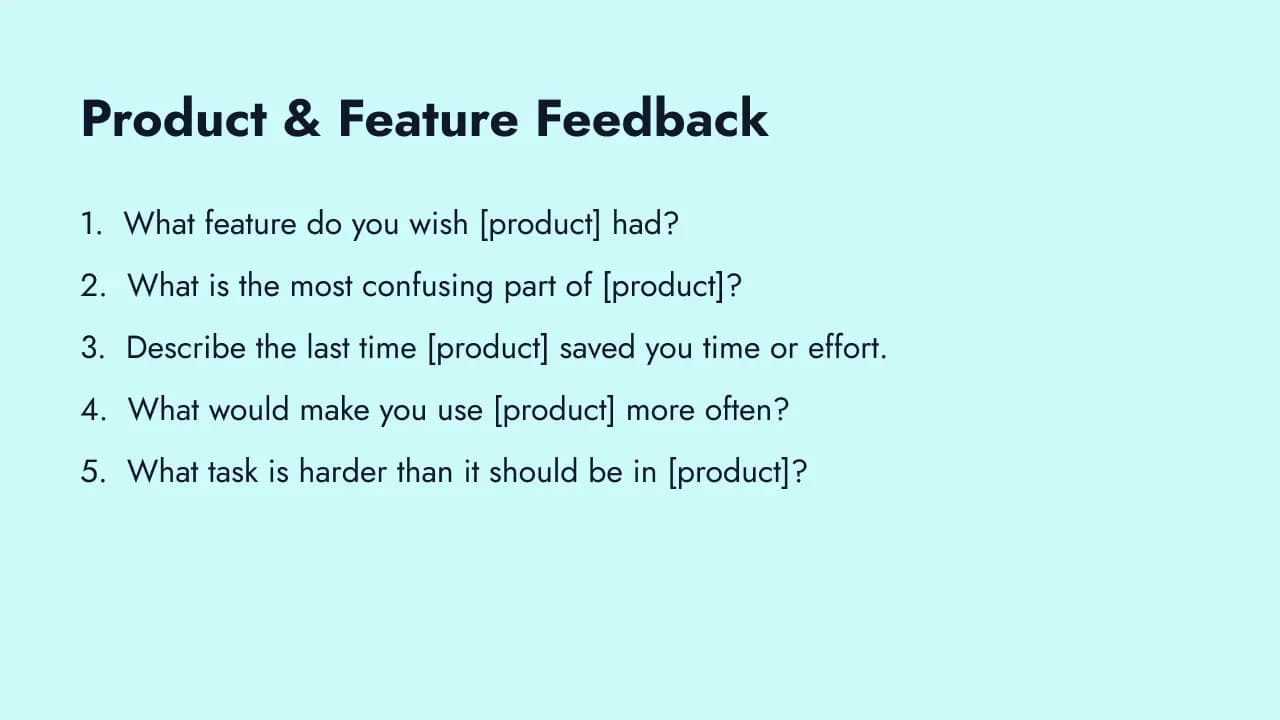
These questions help product teams identify gaps, validate ideas, and understand how users actually interact with your product. Use them alongside your product feedback loop. For documentation-specific insights, try the docs feedback template.
9. "What feature do you wish [product] had?"
Direct feature request input. Group responses by theme and frequency to validate demand before building. High frequency signals a real gap. Low frequency with high intensity may signal a power-user need.
10. "What is the most confusing part of [product]?"
Pinpoints usability friction. Confusion causes abandonment, support tickets, and frustration. The answers here often point to quick fixes: unclear labels, missing tooltips, or broken workflows.
11. "Describe the last time [product] saved you time or effort."
Surfaces your product's "aha moments" in concrete stories. These stories are powerful for case studies, onboarding optimization, and helping new users understand the value faster.
12. "What would make you use [product] more often?"
Identifies barriers to habitual use. The gap between sign-up and daily usage is where most products lose users. These responses tell you what to build (or fix) to close that gap.
13. "If you could change one thing about [product], what would it be?"
Similar to question 5 but product-specific. The constraint to "one thing" forces respondents to surface their top frustration rather than a laundry list.
14. "What task is harder than it should be in [product]?"
Targets workflow friction. Users tolerate difficulty when they do not realize it could be easier. This question gives them permission to name the pain points they have been working around.
15. "How did you feel the first time you used [product]?"
Captures the first-impression emotional response. Useful for improving onboarding. If first-time users consistently feel "overwhelmed" or "confused," your onboarding needs work. If they feel "impressed" or "relieved," double down on whatever creates that feeling.
16. "What do we do better than alternatives you have tried?"
Competitive differentiation from the user's perspective. The answers tell you which advantages to highlight in marketing and which features to protect in your roadmap. Feed these insights into your voice of customer templates.
Employee and Workplace (Questions 17-24)
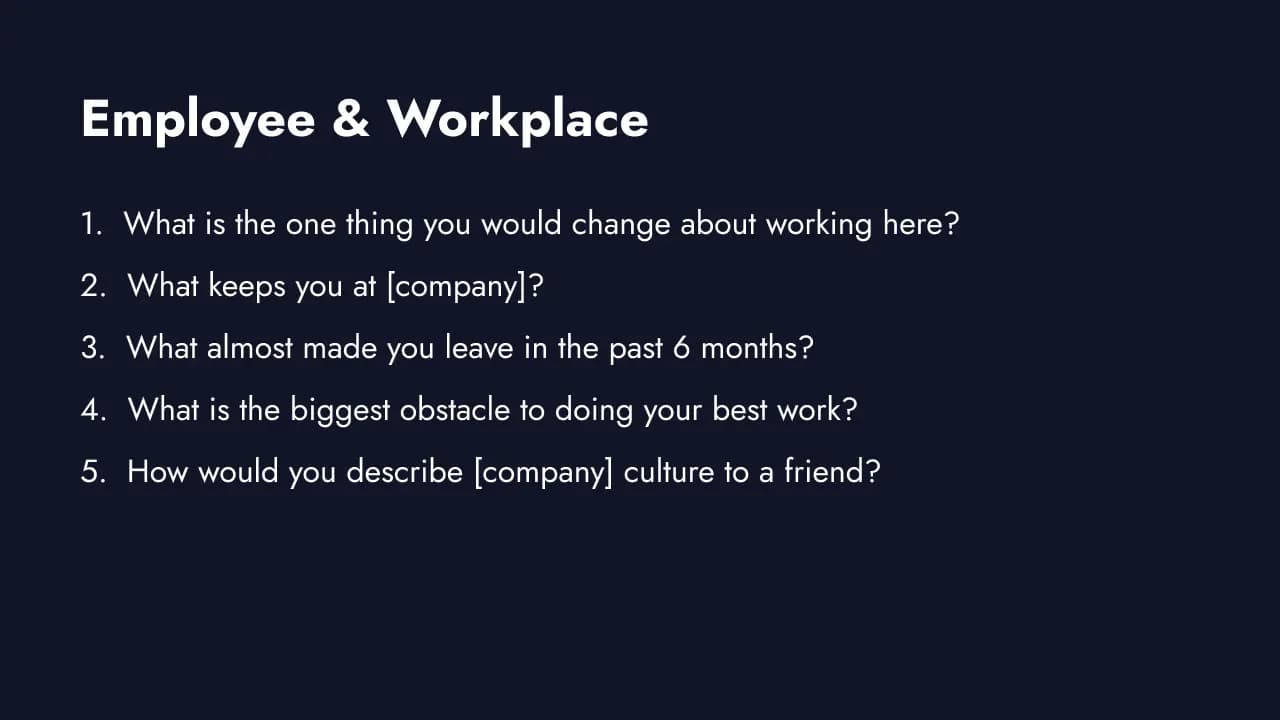
Employee surveys require extra care around anonymity and psychological safety. Make these questions anonymous and communicate clearly how feedback will be used. People share honestly when they trust the process.
17. "What is the one thing you would change about working here?"
The most direct employee feedback question. The "one thing" constraint keeps answers focused. High-frequency themes across the organization signal systemic issues worth addressing first.
18. "What keeps you at [company]?"
Retention insight. The answers reveal what you are doing right and what matters most to employees who have chosen to stay. Protect these strengths. If "the team" is the top answer, invest in team culture. If "flexibility" dominates, do not roll it back.
19. "What almost made you leave in the past 6 months?"
The employee equivalent of question 3. Surfaces near-miss attrition triggers. More actionable than exit surveys because you still have time to fix the issue before the person actually leaves.
20. "Describe your ideal work environment."
Aspirational feedback. Compare the descriptions against your current environment to find the gaps. Patterns across responses reveal whether the disconnect is about physical space, management style, culture, or tools.
21. "What do we do well that we should keep doing?"
Strengths-based feedback. Change initiatives sometimes accidentally dismantle the things that are working. This question creates a "do not touch" list alongside the improvement list.
22. "What is the biggest obstacle to doing your best work?"
Surfaces blockers: slow tools, unclear priorities, too many meetings, broken processes. These are often fixable problems that leadership does not see because they do not experience them daily.
23. "How would you describe [company] culture to a friend?"
Culture perception in the employee's own words. Compare these descriptions to your official values. A large gap between stated culture and perceived culture signals an authenticity problem that erodes trust.
24. "What would make you more likely to recommend [company] as a place to work?"
The employee NPS® follow-up. Turns the eNPS into actionable direction. If the top answer is "better compensation" across the board, you have a compensation problem, not an engagement problem.
Event and Webinar Feedback (Questions 25-30)
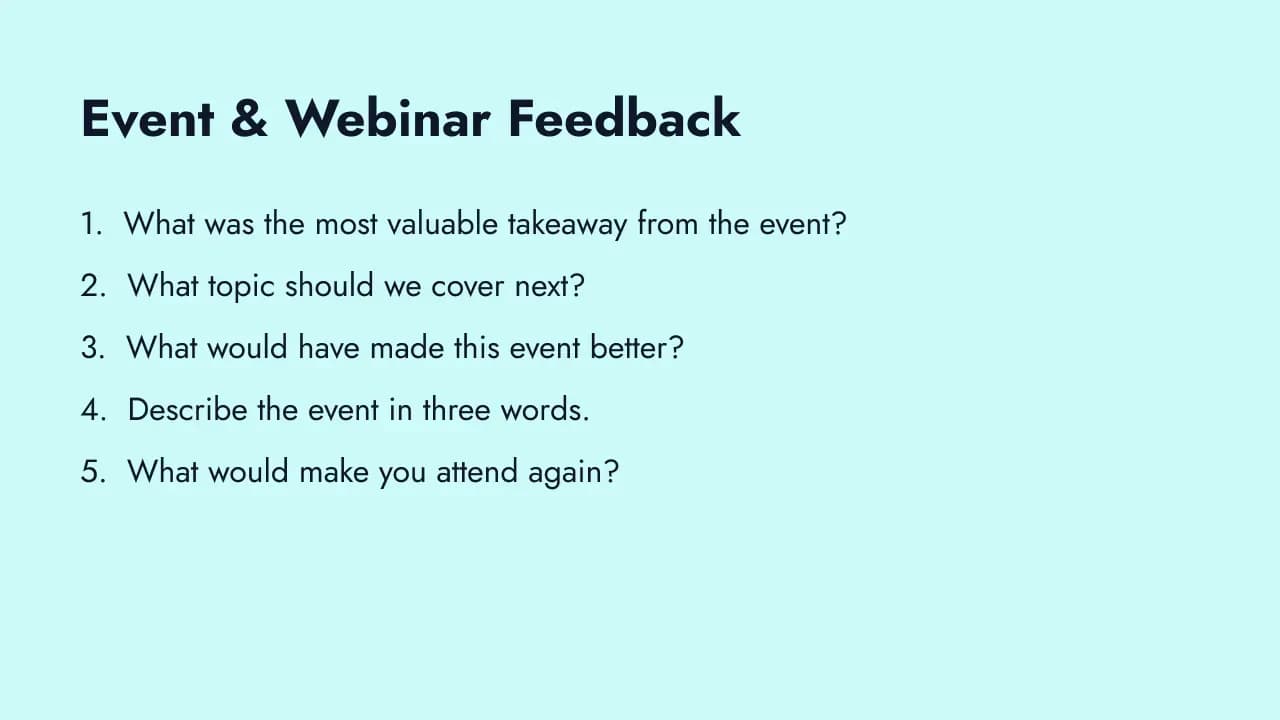
Post-event feedback has a narrow window. Send these questions within 24 hours while the experience is fresh. Short surveys (3-5 questions) work best here.
25. "What was the most valuable takeaway from the event?"
Identifies what resonated. If attendees consistently name the same session or insight, you know what to replicate. If answers are scattered, the event may lack a clear through-line.
26. "What topic should we cover next?"
Direct content planning input from your audience. Group by theme to identify high-demand topics for future events, webinars, or blog content.
27. "What would have made this event better?"
General improvement feedback. Expect a mix of logistics (audio quality, timing, venue) and content (depth, relevance, pacing) suggestions. Categorize and address both.
28. "Describe the event in three words."
A quick emotional snapshot. Constraining to three words forces instinctive responses rather than considered ones. Aggregate into a word cloud to spot patterns. If "long," "boring," or "repetitive" appear frequently, you have a format problem.
29. "What was missing from the agenda?"
Identifies gaps in your content. The answers reveal what your audience expected but did not get. Use this to build a backlog of topics for future events.
30. "What would make you attend again?"
Forward-looking retention question. The answers tell you what drives repeat attendance: specific speakers, networking opportunities, practical content, or community belonging.
Market Research and Discovery (Questions 31-38)
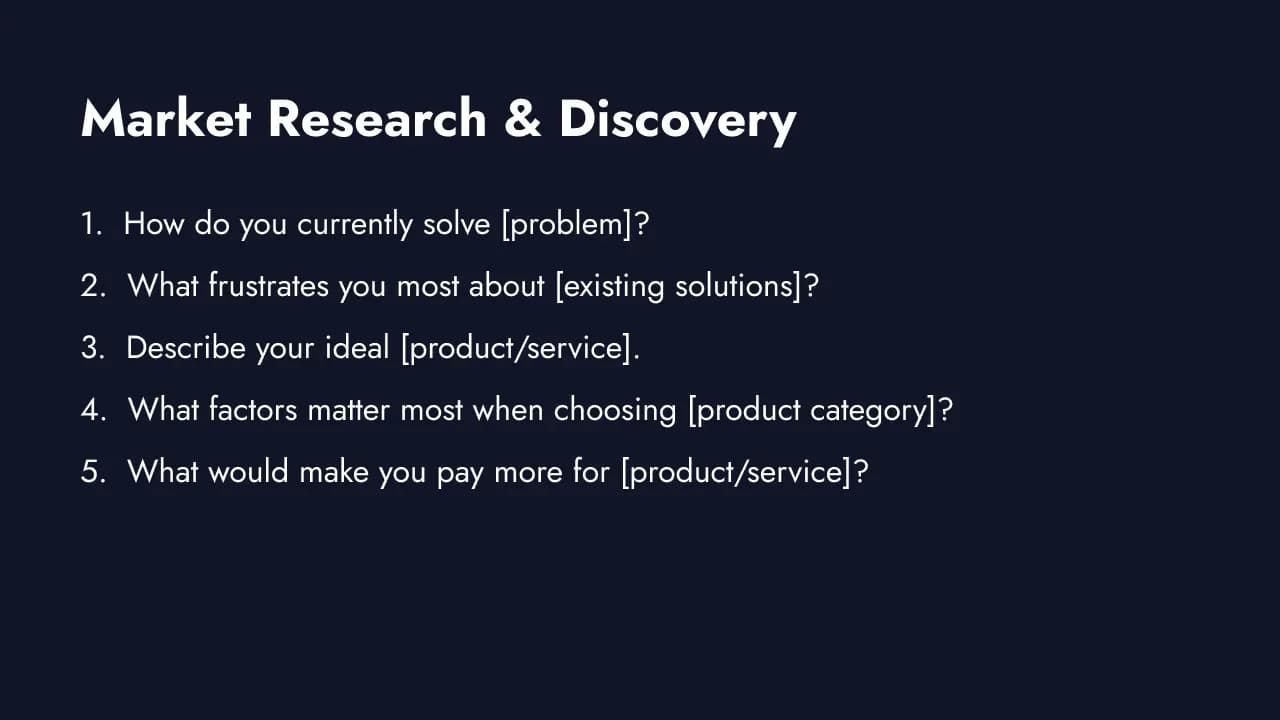
Market research questions need to be broad enough to surface unexpected insights but specific enough to produce useful answers. Use these during early-stage discovery, competitive analysis, or before entering a new market. An interview prompt template can help you recruit willing participants for deeper qualitative research.
31. "How do you currently solve [problem]?"
Maps the competitive landscape from the user's perspective. Respondents often name solutions you did not consider competitors: spreadsheets, manual processes, or cobbled-together tools. This is your true competitive set.
32. "What frustrates you most about [existing solutions]?"
Identifies pain points in the current market. The frustrations people articulate are your product opportunities. Focus on the ones that appear with both high frequency and high emotional intensity.
33. "Describe your ideal [product/service]."
Aspirational feedback. The gap between the ideal description and current reality defines your product roadmap opportunity. Look for patterns: if "simple" appears in 60% of responses, complexity is the core problem to solve.
34. "What factors matter most when choosing [product category]?"
Reveals purchase decision criteria in priority order. Often the most important factors (reliability, ease of setup) are not the ones companies compete on (feature count, price).
35. "What do you wish brands in [category] understood about you?"
Surfaces unmet emotional and practical needs. This question gives respondents permission to express frustrations they normally keep to themselves. The insights are particularly valuable for positioning and messaging.
36. "How has your need for [solution] changed in the past year?"
Tracks market evolution. Growing needs signal expanding opportunity. Shifting needs may require product pivots. Declining needs are an early warning to diversify.
37. "What would make you pay more for [product/service]?"
Willingness-to-pay insight tied to specific value. The answers define your premium positioning: what additional value justifies a higher price in the customer's mind.
38. "Who else in your organization is involved in this decision?"
Maps the buying committee. B2B sales and marketing teams need this to target the right stakeholders. If "IT security" keeps appearing, your sales process needs a security narrative.
Post-Purchase and Onboarding (Questions 39-45)
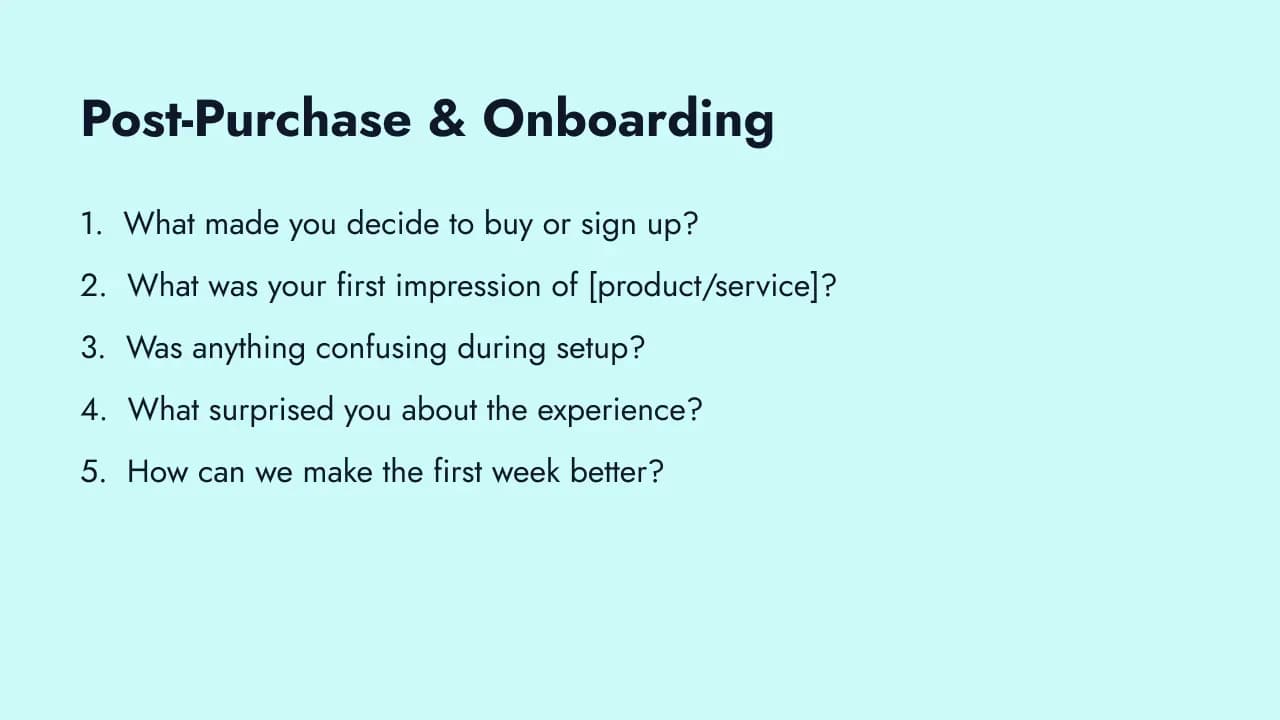
The first experience shapes everything that follows. Capture onboarding feedback within the first week while the experience is vivid. These questions help you reduce time-to-value and improve first impressions.
39. "What made you decide to buy or sign up?"
The final conversion trigger. Different from "How did you hear about us?" (which is awareness). This is about what tipped the decision. Price? A specific feature? A recommendation? A free trial? Feed the answer into your product feedback loop and conversion optimization.
40. "What was your first impression of [product/service]?"
Raw first-impression data. If the dominant theme is "overwhelming," simplify onboarding. If it is "impressive," identify what created that impression and make sure every new user experiences it.
41. "Was anything confusing during setup?"
Surfaces onboarding friction with specificity. Respondents will name the exact step, screen, or concept that tripped them up. These are high-ROI fixes because every new user hits the same friction.
42. "What expectations did you have before starting?"
Expectation mapping. Compare what people expected against what they experienced. Gaps in either direction matter: unmet expectations cause disappointment, and exceeded expectations reveal hidden strengths to amplify.
43. "What surprised you about the experience?"
Surprises are deviations from expectation. Positive surprises become marketing talking points. Negative surprises become urgent fixes. Either way, this question surfaces things you would not find by asking about satisfaction directly.
44. "How can we make the first week better?"
Time-bounded improvement feedback. "The first week" is specific enough to produce actionable answers. Responses typically cluster around documentation, onboarding emails, feature discovery, and support responsiveness.
45. "What would you tell someone who is considering [product/service]?"
Testimonial-quality responses in the customer's own words. This framing naturally produces honest, relatable recommendations (or warnings). Use the positive responses directly in marketing with permission. Use the negative ones to fix problems.
Education and Training Feedback (Questions 46-55)
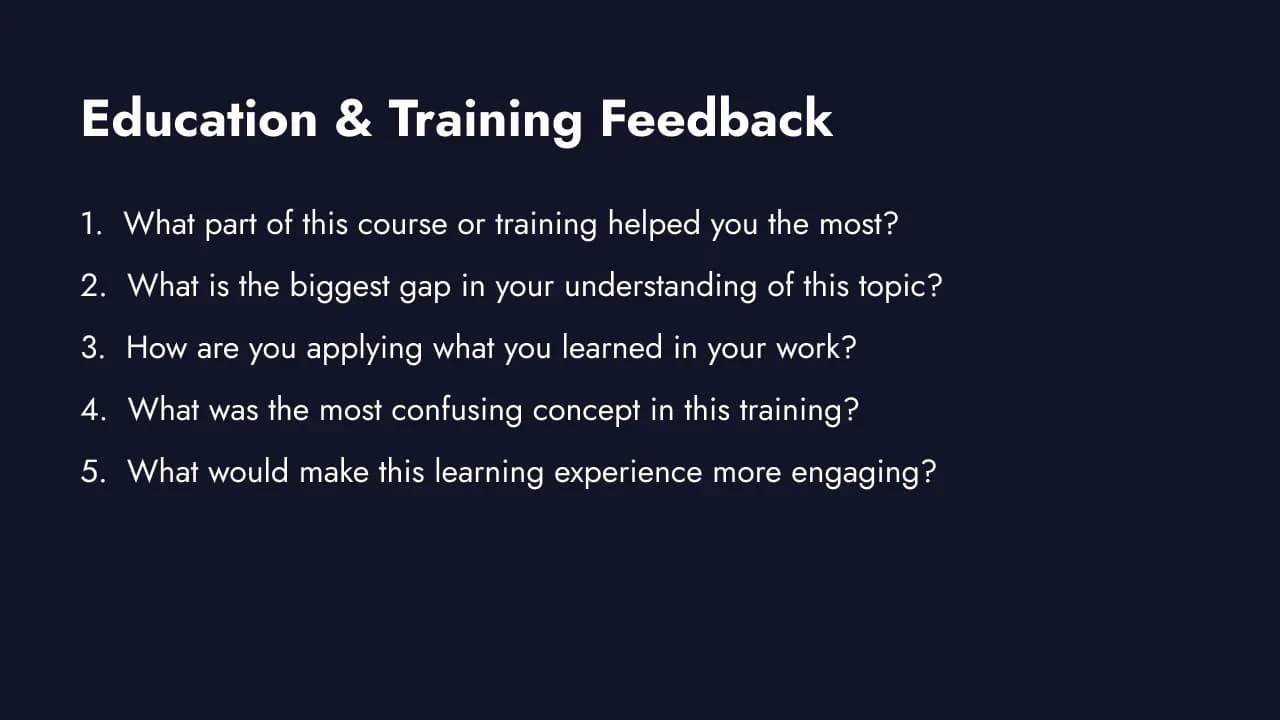
Use these in post-course surveys, workshop evaluations, e-learning feedback, or corporate training assessments. Timing matters: send immediately after the session while specific details are fresh, not two weeks later.
46. "What part of this course or training helped you the most?"
Identifies the highest-value content from the learner's perspective. Responses often differ from what instructors assume is most valuable. These are the segments to keep and build on.
47. "What is the biggest gap in your current understanding of this topic?"
Surfaces unmet learning needs. Use responses to design follow-on content, identify where the current curriculum is too shallow, or build a FAQ that addresses common blind spots.
48. "What would you want to know before starting this program that you did not know going in?"
Captures orientation gaps. High-frequency responses here translate directly into better pre-course communication and orientation materials.
49. "How are you applying what you learned in your day-to-day work?"
Transfer of learning is the ultimate measure of training effectiveness. If learners cannot name specific applications, the training may be too theoretical or too disconnected from real workflows.
50. "What should we change about this curriculum based on your experience?"
Improvement input from the learner's vantage point. Patterns across multiple cohorts reveal structural curriculum problems that individual facilitator feedback misses.
51. "What topics should be covered in more depth?"
Content depth calibration. Learners consistently flag the same thin areas. These responses help you prioritize curriculum expansion.
52. "What was the most confusing concept or topic in this training?"
Pinpoints the specific concepts where learner comprehension breaks down. Often simpler to fix than survey data suggests, requiring a clearer analogy or a concrete example.
53. "What would have made this learning experience more engaging?"
Delivery feedback. Responses tend to cluster around format preferences (more interactivity, shorter segments, real-world case studies) rather than content quality.
54. "Describe the most useful thing you learned in one sentence."
Forces learners to articulate their top takeaway. If the responses are vague or scattered, the course lacks a clear learning outcome. If they converge on one theme, you know what resonates.
55. "What would you tell a colleague who is considering taking this course?"
Word-of-mouth quality data. The language learners use to recommend (or not recommend) the course is your most authentic promotional material and your clearest signal about whether the course is delivering on its promise.
Community and Membership Feedback (Questions 56-65)
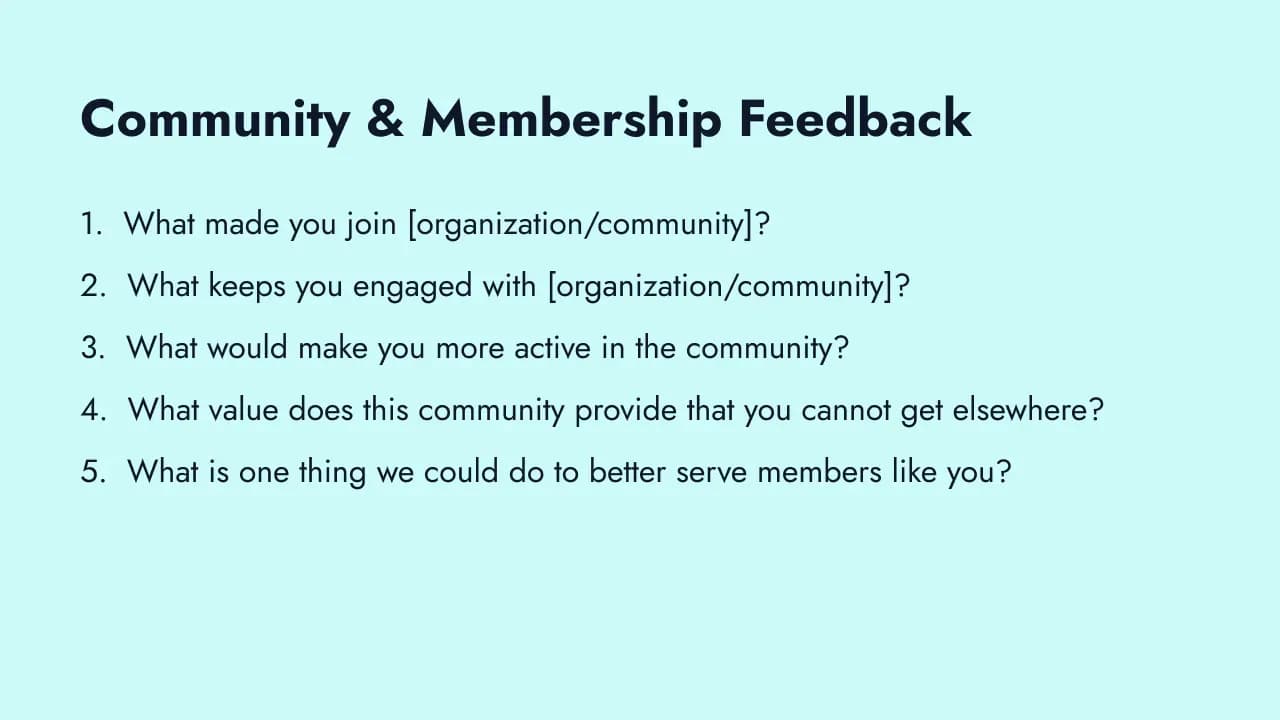
Membership organizations, nonprofits, professional associations, and online communities face a specific challenge: their members are volunteers, not paying customers. The stakes of disengagement are different. These questions help you understand what keeps people in and what pushes them away.
56. "What made you join [organization/community]?"
Origin story of the member relationship. The initial motivation determines what the organization must deliver to retain them. A member who joined for professional development has different expectations than one who joined for networking.
57. "What keeps you engaged with [organization/community]?"
Retention driver. The answers reveal which aspects of membership are genuinely valuable versus which are table stakes people barely notice. Protect the things members name here.
58. "What would make you more active in [organization/community]?"
Participation gap analysis. Low engagement often has a simple explanation: wrong meeting times, irrelevant content, or no obvious entry point. These responses surface the fixable barriers.
59. "What value does [organization/community] provide that you cannot get elsewhere?"
Unique value proposition in the member's own words. If responses are vague or members cannot name a unique value, you have a differentiation problem.
60. "What almost made you leave or lapse your membership?"
Near-miss attrition data. Same principle as product churn questions: the issues that nearly caused departure will cause actual departure next time if unaddressed.
61. "What topics or programs should we add based on your current needs?"
Forward-looking program planning. Member-driven suggestions are more likely to drive engagement than staff-generated ideas because they reflect actual member priorities.
62. "How has your membership benefited your career or organization?"
Impact story collection. The responses function simultaneously as feedback (did we deliver value?) and marketing material (what outcomes can we promise prospective members?).
63. "What does the ideal version of [organization/community] look like to you?"
Aspirational vision feedback. Aggregate responses reveal the gap between current state and member expectations. Patterns here drive long-term strategic planning.
64. "How would you describe our community to someone who has never heard of it?"
Perception check. Compare these descriptions to your official positioning. A large divergence signals a brand clarity problem.
65. "What is one thing we could do to better serve members like you?"
The most direct, highest-signal question in membership surveys. The "one thing" constraint forces prioritization. After collecting enough responses, you will have a clear, ranked improvement backlog in your members' own words.
How to Write Effective Open-Ended Questions
The difference between a useful open-ended response and a useless one usually comes down to how you wrote the question.
Be specific, not vague. "Any feedback?" produces shrugs. "What one change would improve your onboarding experience?" produces direction. The more specific your prompt, the more specific the answer.
Constrain the scope. Add a natural limiter: "one thing," "in three words," "the biggest," "the most." Without a constraint, respondents either overwhelm you with a brain dump or give you nothing because the question feels too broad.
Place open-ended questions after a related rating question. The closed-ended question primes the respondent's thinking. Asking "How satisfied are you with support?" followed by "What could our support team improve?" produces better answers than the open-ended question alone because the rating forces them to evaluate before they explain.
Use the respondent's action as a trigger. "You rated us 3 out of 5. What could we improve?" ties the question directly to a behavior they just demonstrated. This context makes the question feel relevant rather than random. Tools like Formbricks let you trigger follow-up questions based on specific scores using conditional logic.
Avoid leading language. "What did you love about our product?" assumes they loved something. "What stood out about your experience?" is neutral and invites both positive and negative responses. Remove adjectives that push respondents toward a predetermined answer.
Keep the question short. Long-winded questions confuse respondents and reduce answer quality. If your question needs more than two sentences, split it into two questions.
Good vs Bad Open-Ended Question Examples
The difference between a useful response and an empty one usually comes down to question framing. Here are five common weak questions and stronger rewrites.
| Weak question | Why it fails | Better version |
|---|---|---|
| "How was your experience?" | Too vague; produces "good" or "fine" | "What one thing would you change about your experience?" |
| "Did you find our service helpful?" | Suggests the desired answer; yes/no is not open-ended | "What would have made the service more useful to you?" |
| "What do you love about us?" | Assumes a positive reaction; primes positive responses | "What stands out most about your experience with us?" |
| "Any feedback?" | No prompt; produces blank or low-effort responses | "Is there anything else you would like us to know?" |
| "Please describe everything you felt about the event." | Too broad; produces overwhelmed respondents | "What was the single most valuable part of the event?" |
The pattern: weak questions are either too broad, too leading, or make it easy to answer with nothing. Strong open-ended questions narrow the scope with a specific constraint ("one thing," "most valuable," "biggest") while keeping the answer space genuinely open.
How to Analyze Open-Ended Responses
Collecting open-ended responses is the easy part. Extracting patterns from hundreds of free-text answers is where most teams get stuck. Here is a practical six-step framework.
Step 1: Theme coding. Read through all responses and tag each one with a theme. Start with broad categories (pricing, usability, support, performance) and refine as patterns emerge. Most datasets settle into 8-15 distinct themes.
Step 2: Frequency analysis. Count how many responses fall into each theme. The themes mentioned most often represent your highest-priority areas. A usability issue mentioned by 40% of respondents matters more than a feature request from 3%.
Step 3: Sentiment scoring. Classify each theme as positive, neutral, or negative. A theme like "customer support" might appear frequently but split evenly between praise and complaints. Sentiment adds the second dimension you need for prioritization.
Step 4: Quote extraction. Pull 2-3 representative quotes per theme for reports and stakeholder presentations. Direct quotes from respondents carry more weight than summary statistics. Choose quotes that represent the typical response, not the most extreme.
Step 5: AI-assisted analysis for large datasets. For surveys with 500+ open-ended responses, manual coding becomes impractical. AI tools can automate initial theme coding and sentiment classification. Always review the output manually since AI catches the obvious patterns but can miss nuance and sarcasm.
Step 6: Cross-tabulation. Link open-ended themes back to closed-ended scores and respondent segments. Which themes appear most often among detractors? Do enterprise customers mention different issues than small business customers? Cross-tabulation turns qualitative themes into strategic priorities by segment. For a deeper walkthrough, see our guide on analyzing customer feedback.
Free Open-Ended Survey Template
Skip the blank page. Formbricks is an open-source survey platform with free templates that include pre-written open-ended questions, conditional logic for follow-ups, and built-in analytics for response analysis.
Related templates:
- Feedback Box for open-ended customer feedback
- Interview Prompt for recruiting interview participants
- Docs Feedback for documentation feedback
- Identify Customer Goals for understanding user needs
How to get started:
- Sign up at formbricks.com (free tier available, no credit card required)
- Choose a survey template like the collect feedback template or start from scratch
- Add open-ended follow-ups after your rating questions using conditional logic
- Set targeting rules to reach the right audience at the right moment
- Launch and analyze responses from your dashboard
Formbricks supports in-app surveys, link surveys, and website surveys with granular targeting based on user behavior, attributes, and lifecycle stage. It is privacy-first and supports self-hosting for teams that need full data control.
Whether you are collecting customer feedback, running employee engagement surveys, or doing market research, the right mix of open-ended and closed-ended questions gives you both the numbers and the narrative.
Get Your Free Open-Ended Survey Template →
Frequently Asked Questions
Try Formbricks now