

Where logic lives
Logic belongs to the block, not to a single question. Scroll to the foot of any block in the survey editor and you will find Conditional Logic below the question list.
Terminology
- Condition: a rule that decides whether an action runs.
- Action: what happens when the condition is met.
Building a rule
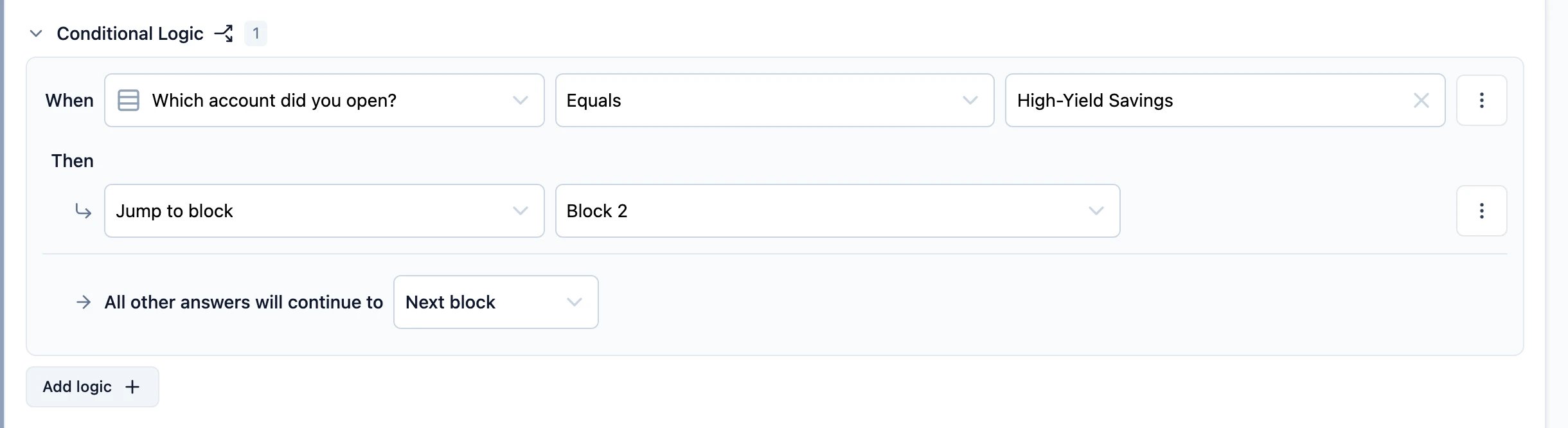
ClickAdd logic + and fill in the sentence.
1
Choose what to test
The When row starts with a source. It can be the answer to a question, the value of a variable, or the value of a hidden field.
2
Choose an operator
The operators on offer depend on the source. A single-select question can be compared with 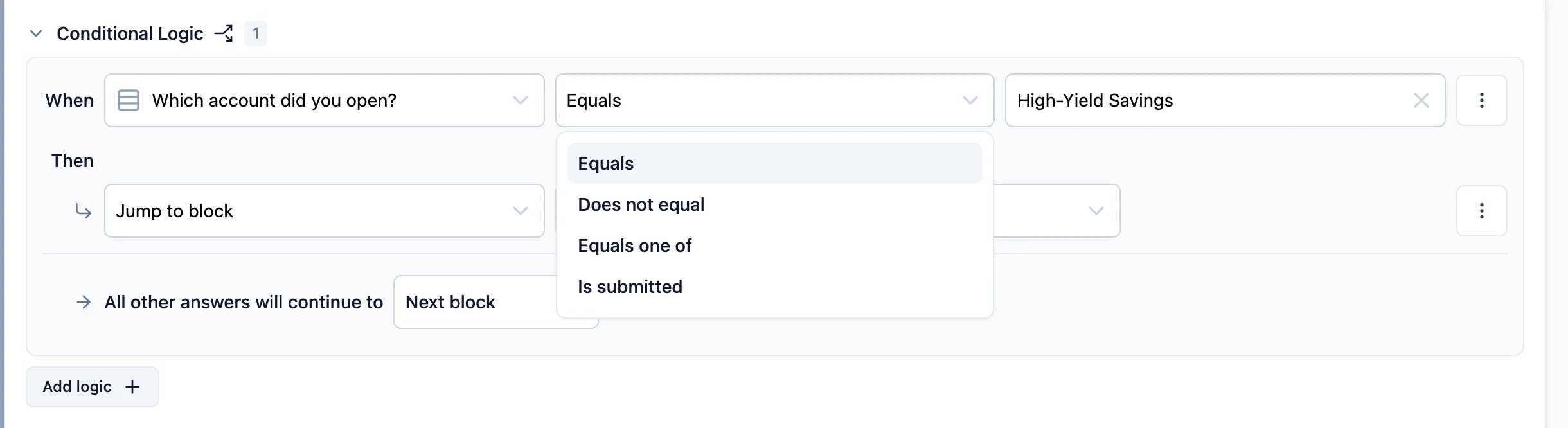
Equals, Does not equal, Equals one of and Is submitted; a free text question adds Contains, Starts with, Ends with and their negations.3
Choose a value
Compare against a fixed value, or against another question’s answer, a variable, or a hidden field.
4
Choose an action
The Then row is what happens when the condition holds.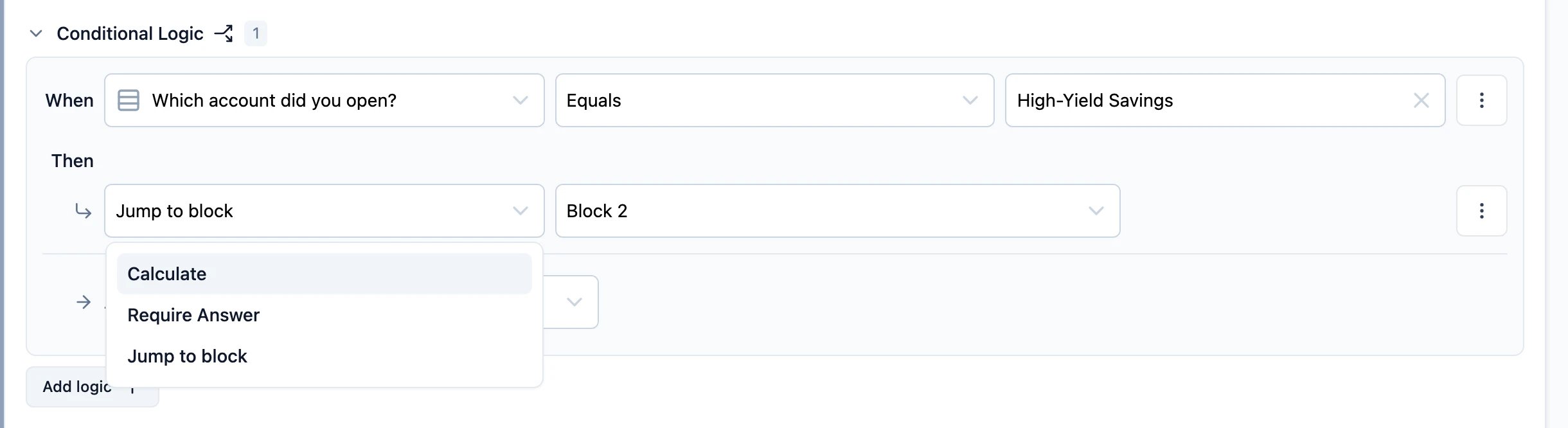
Actions
- Calculate: change a variable’s value. The result is available to every later question, and to the rules below this one.
- Require Answer: make an optional question required. Only questions that are optional to begin with can be required this way.
- Jump to block: send the respondent to a specific block instead of the next one.
A rule can carry several actions. They run in the order they are listed.
Everyone else
Under the rules sits All other answers will continue to. This is the fallback for respondents who match none of the conditions, and it is set to the next block unless you change it.Several conditions in one rule
The⋮ button beside a condition adds another condition below it, duplicates it, removes it, or wraps it in a group. Conditions are joined with and or or, and a group is how you mix the two without ambiguity — the same reason brackets exist in arithmetic.
Several rules in one block
Add logic + adds another rule. Rules are evaluated top to bottom, and the first one whose condition holds decides where the respondent goes. Drag them to change the order.