

Purpose
The number is only meaningful if you ask people who have actually used the product. Asking everyone, including people who signed up yesterday, produces a number that measures your signup flow rather than your product.1. Start from the template
Open Surveys, click New Survey and choose Choose a template. Search for Product Market Fit, then click the card to create the survey.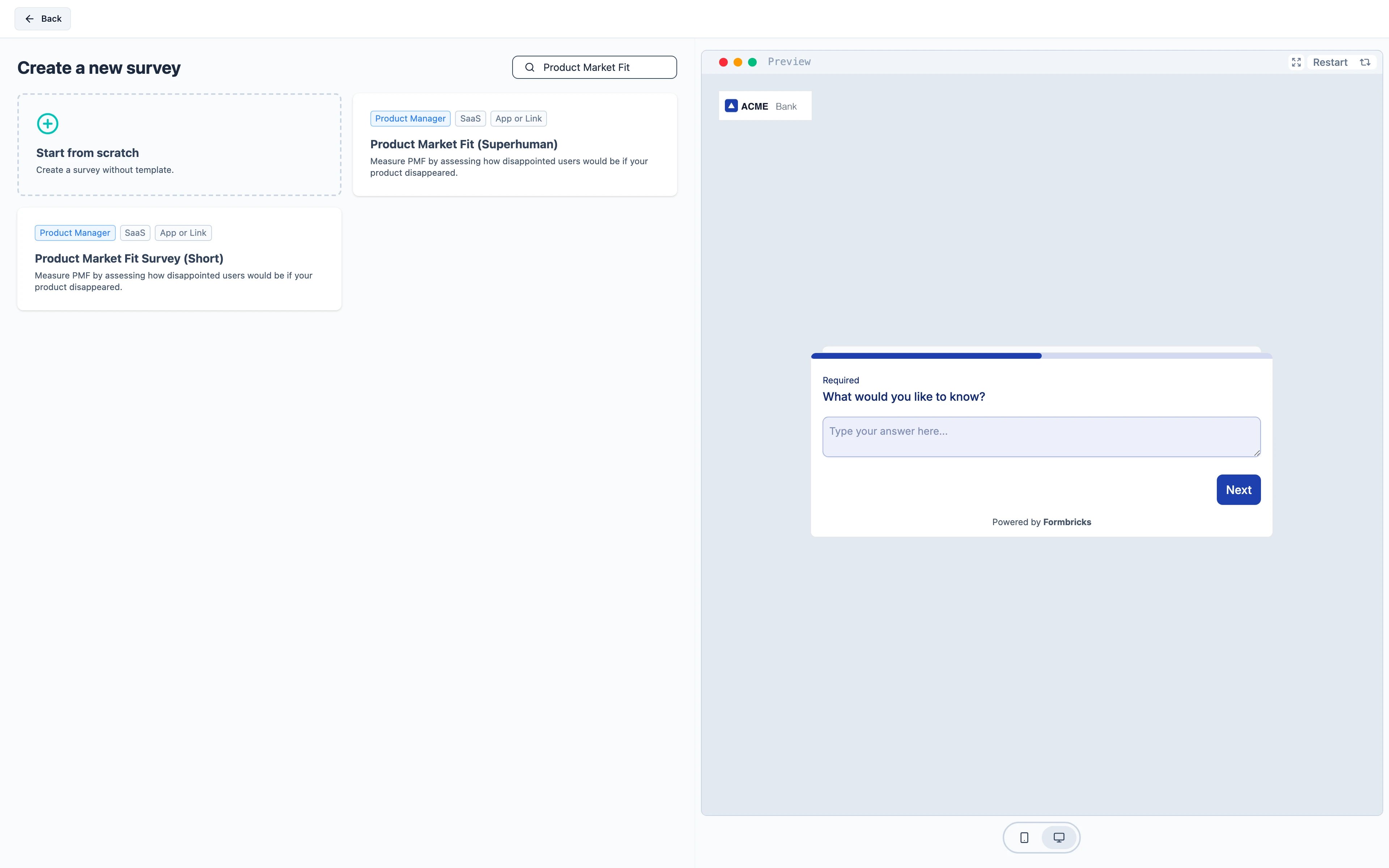
2. Trigger it at the right moment
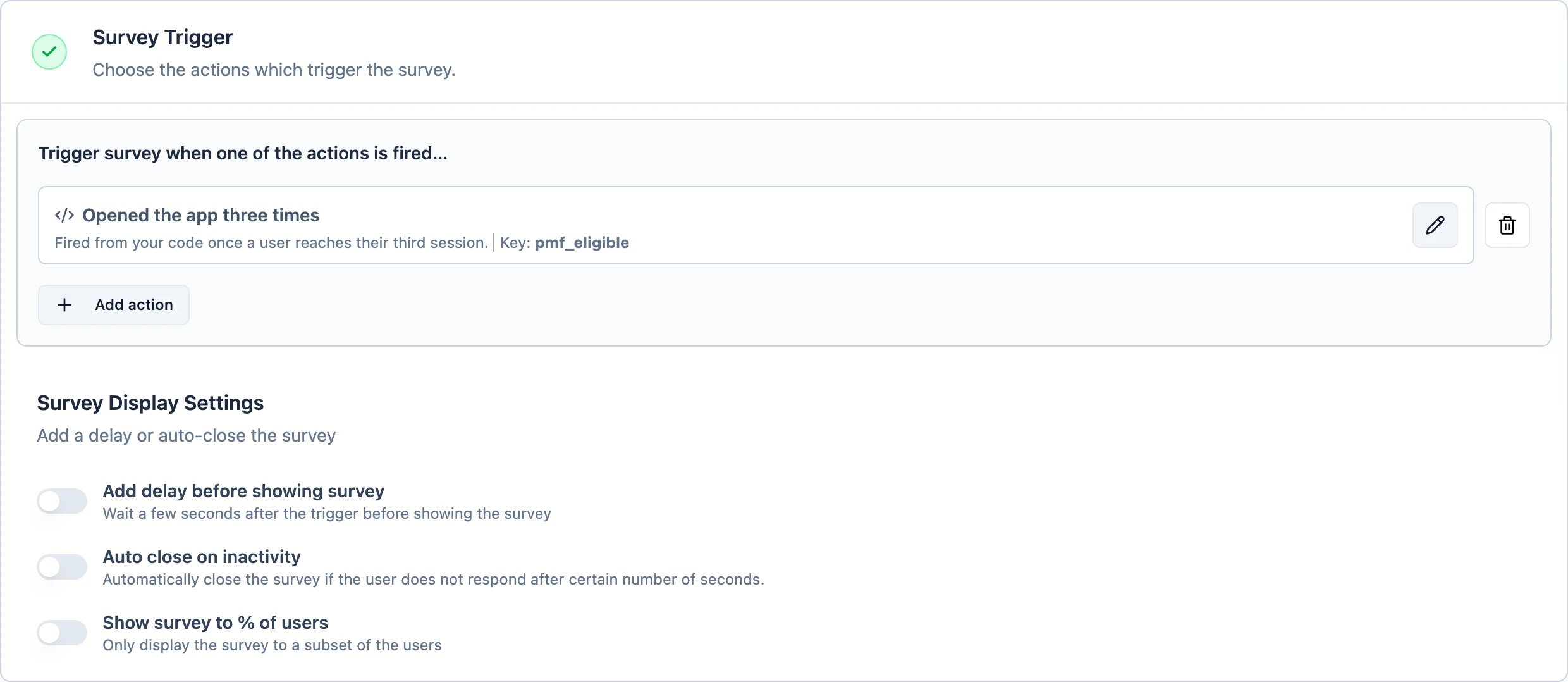
Ask people who have used the product enough to have an opinion. That is easiest as a code action fired from your own app once a user reaches, say, their third session — a page view cannot tell you that. Open the Settings tab, find Survey Trigger and add the action. See Code Actions for firing it withformbricks.track().
3. Decide how often it may appear
Still on Settings, open Display & Recontact. Choose Show only once. Asking the same people to take the survey repeatedly is how you get a number that drifts for reasons unrelated to your product.Recontact Options and the workspace-wide Cooldown Period
are two separate gates and a survey has to pass both — Recontact Options first, then the cooldown. If
your workspace shows at most one survey a week, this survey inherits that unless you set Ignore
Cooldown Period.
4. Activate
Activate starts it. The widget picks up the change within a minute.This is an app survey, so it needs the Formbricks widget running in your product. If you have not
installed it yet, follow the quickstart first.