

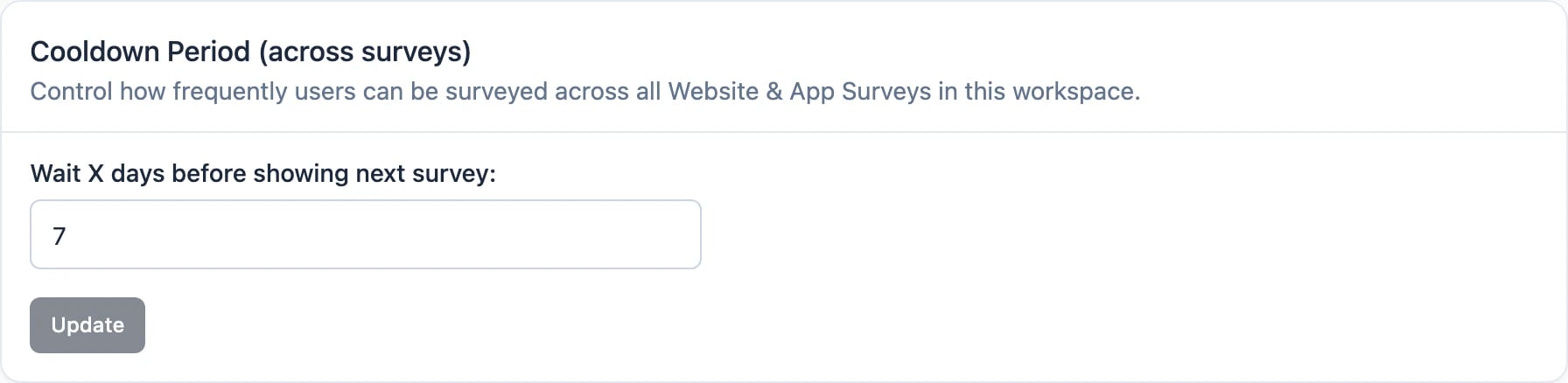
The default Cooldown Period is 7 days.
Workspace Cooldown Period
To adjust the workspace-wide Cooldown Period:- Open Settings → Workspace → General.
- Find the Cooldown Period (across surveys) section.
- Set the interval, in days.
Overriding the Cooldown Period for a survey
In the Survey Editor, under Settings → Display & Recontact, each survey chooses how it interacts with the workspace Cooldown Period:- Use Cooldown Period (default) — the survey follows the workspace configuration and only shows if no other survey appeared during that period.
- Ignore Cooldown Period — the survey can show whenever its conditions are met, even if another survey was shown recently.
- Set custom Cooldown Period — override the workspace value for this survey only.
How the Cooldown Period is measured
To run a survey on its own schedule regardless of other surveys — for example an NPS survey every 3 months — don’t rely on the Cooldown Period alone. Target it with an interaction-based segment such as have not seen this survey within 3 months, which is evaluated per survey. See Survey Display Logic for the full recipe.Still struggling or is something not working as expected? Join us in GitHub Discussions and we’d be glad to assist you!