

Purpose
An email invite competes with everything else in an inbox. A prompt shown while someone is already using the product reaches them when your product is what they are thinking about.1. Start from the template
Open Surveys, click New Survey and choose Choose a template. Search for Interview Prompt, then click the card to create the survey.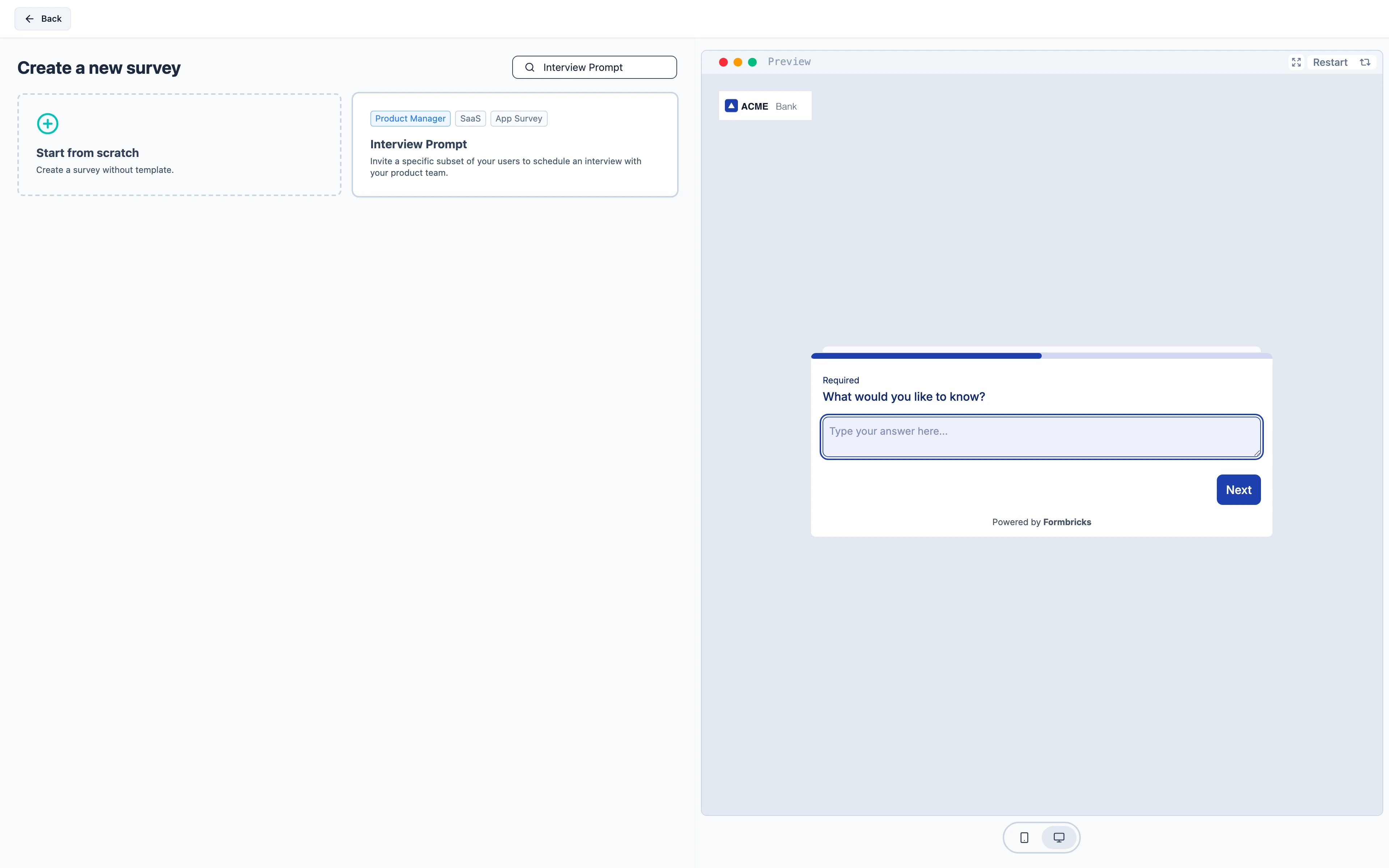
2. Trigger it at the right moment
Who sees this matters more than when, so most of the work is in Target Audience — see attribute-based targeting for building the segment. The trigger can then be something as broad as opening the dashboard, because the segment has already narrowed the audience. Open the Settings tab, find Survey Trigger and add the action.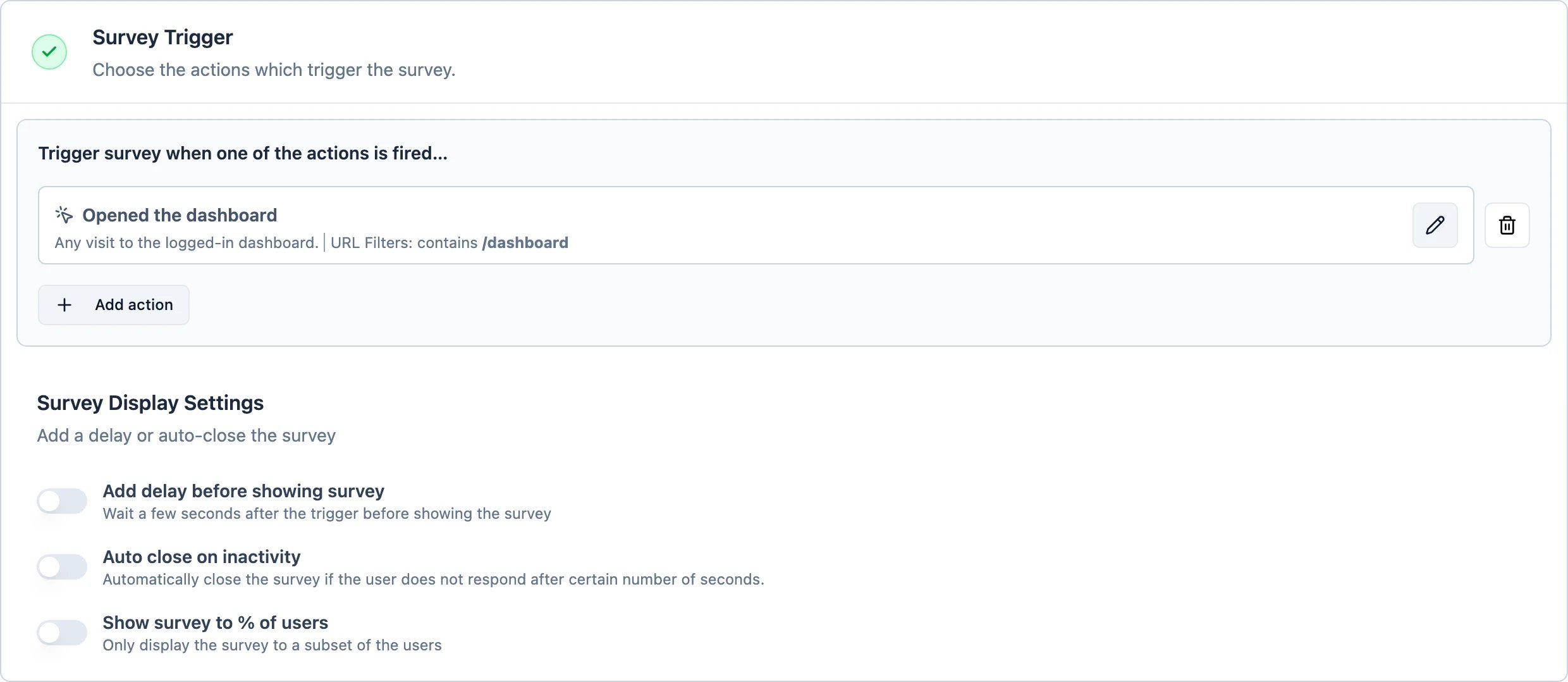
3. Decide how often it may appear
Still on Settings, open Display & Recontact. Choose Show only once. Someone who has already declined an interview should not be asked again every time they open the app.Recontact Options and the workspace-wide Cooldown Period
are two separate gates and a survey has to pass both — Recontact Options first, then the cooldown. If
your workspace shows at most one survey a week, this survey inherits that unless you set Ignore
Cooldown Period.
4. Activate
Activate starts it. The widget picks up the change within a minute.This is an app survey, so it needs the Formbricks widget running in your product. If you have not
installed it yet, follow the quickstart first.