

Self-Hosting Requirements: Adding images to questions requires file upload storage to be configured. If
you’re self-hosting Formbricks, make sure to configure file
uploads before using this feature.
How to add images
Click the image icon to the right of the question field. A panel opens above it with an Image and a Video tab.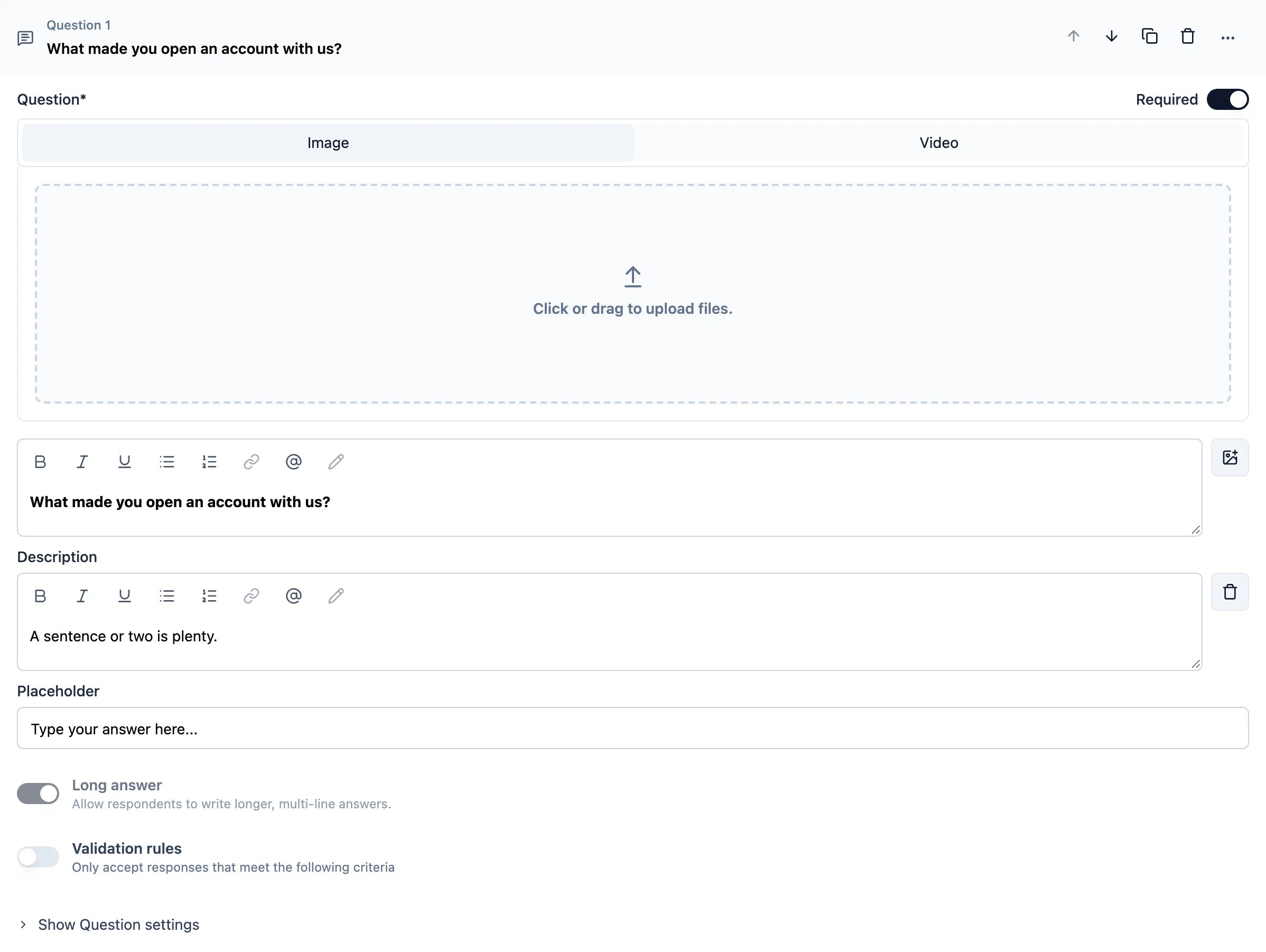
How to add videos
Switch to the Video tab and paste a link.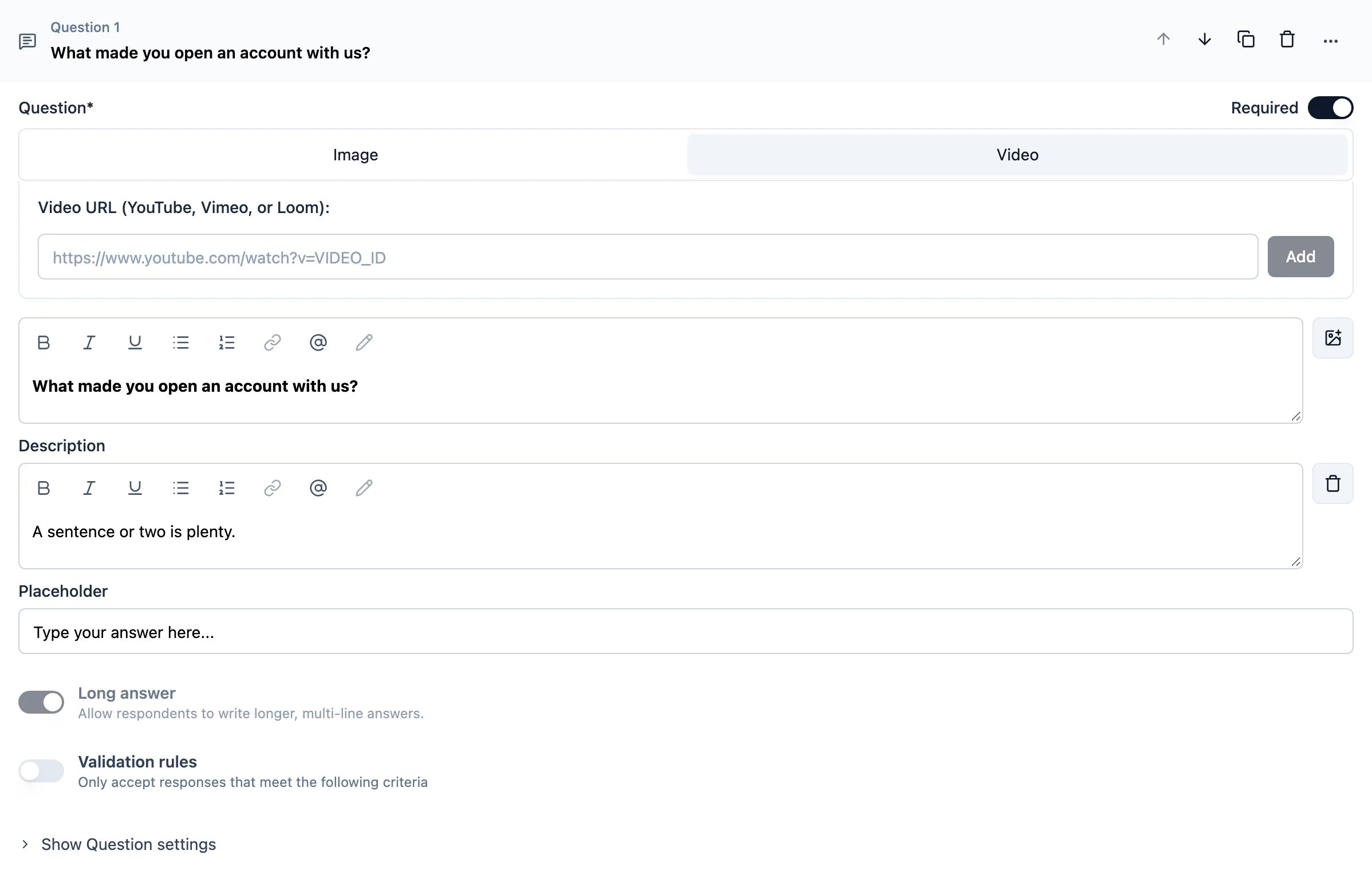
Supported Video Platforms
We support YouTube, Vimeo, and Loom URLs.YouTube Privacy Mode: This option reduces tracking by converting YouTube URLs to no-cookie URLs. It only
works with YouTube.