70+ Product Survey Questions to Build What Users Actually Want

Johannes
CEO & Co-Founder
14 Minutes
May 3rd, 2026
Most product teams do not have a shortage of opinions about what to build next. They have a shortage of evidence. The gap between what users say they want in theory and what they actually adopt is well-documented: Davis (1989) showed that perceived ease of use and usefulness predict adoption far more reliably than stated preferences. Product surveys, designed well and timed to the right moment, close that gap by capturing real behavior and context from the people actively using your product.
This guide gives you 70+ product survey questions organized by category and product stage, from satisfaction and usability to jobs-to-be-done and support. Each question includes a recommended type, an effectiveness rating, and guidance on when to use it.
What you will find in this guide:
- 70+ product survey questions organized into 9 categories
- Question type and effectiveness rating for each question
- Jobs-to-be-done questions no competitor article covers
- Support and documentation feedback questions
- Best practices for in-app product surveys
- Common product survey mistakes and how to avoid them
- How to analyze and prioritize product survey results
- A free product survey template ready to deploy
What Is a Product Survey?
A product survey is a structured feedback tool designed to collect user insights about specific aspects of your product: features, usability, onboarding, pricing, and roadmap direction. Unlike general customer satisfaction surveys that measure broad sentiment, product surveys zero in on what users do inside your product and why.
The difference matters. A CSAT survey tells you users are unhappy. A product survey tells you they are unhappy because the export feature breaks on large datasets and the onboarding tutorial skips the most critical setup step.
Product surveys work best when timed to specific moments in the user journey:
- Post-onboarding: Did users find value quickly? What was confusing?
- After feature use: How useful was the feature? What is missing?
- Before renewal: What would make you stay? What almost made you leave?
- After churn: What was the deciding factor? Where did you go instead?
Teams that run product surveys at these moments build a continuous product feedback loop that replaces guesswork with evidence.
70+ Product Survey Questions by Category
Each question below includes a recommended question type and an effectiveness rating: Essential (include in every survey), Recommended (include when relevant), or Nice-to-have (include if survey length allows). Replace bracketed text with your product name.
Product Satisfaction and Overall Experience (Questions 1-10)
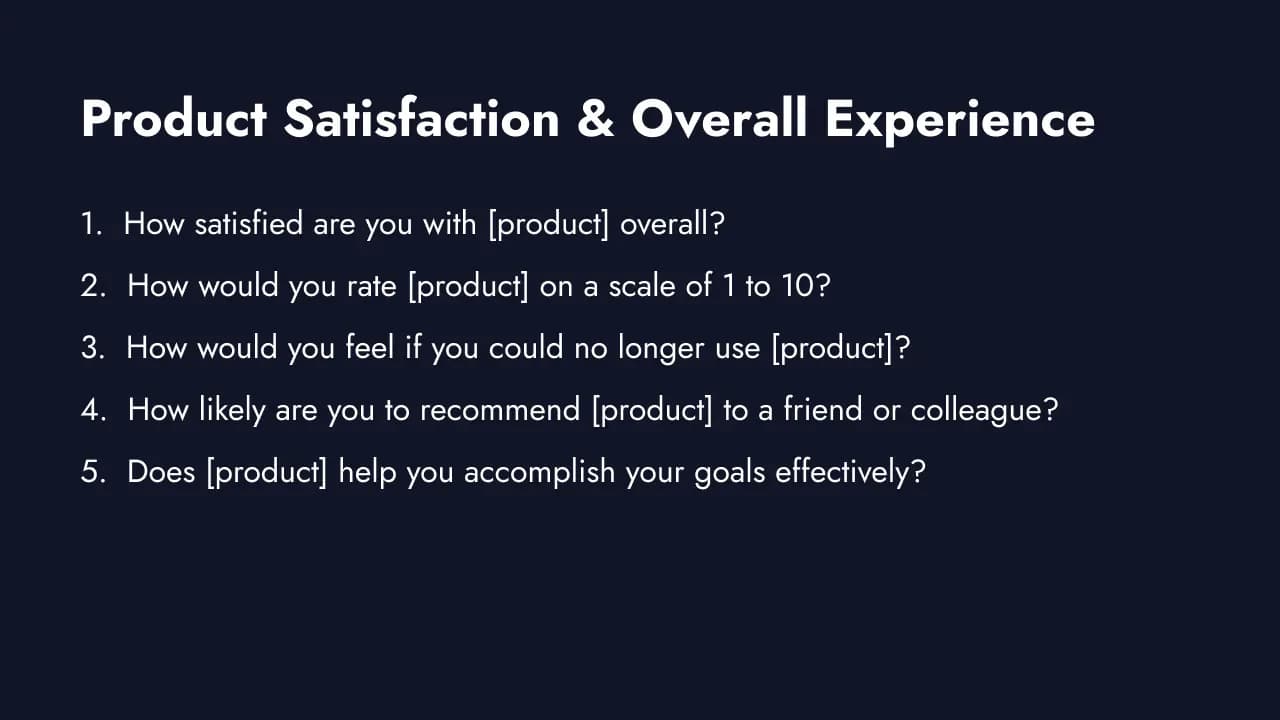
Start here. These questions establish a baseline for how users feel about your product overall. Track them over time to measure whether product changes are moving the needle.
1. How satisfied are you with [product] overall?
- Type: Likert (1-5) | Essential
- Your primary benchmark. Track monthly or quarterly to spot trends before they become crises.
2. How would you rate [product] on a scale of 1 to 10?
- Type: Rating (1-10) | Recommended
- More granular than a 5-point scale. Useful for segmenting users into satisfaction tiers and tracking subtle shifts.
3. How would you feel if you could no longer use [product]?
- Type: Multiple choice (Very disappointed / Somewhat disappointed / Not disappointed / I no longer use it) | Essential
- The product-market fit question. If 40% or more say "Very disappointed," you have strong PMF. Use the Superhuman PMF survey template to measure this. Target users with at least 2 weeks of active usage for reliable results.
4. How likely are you to recommend [product] to a friend or colleague?
- Type: Rating (0-10, NPS®) | Essential
- Net Promoter Score℠ tracks loyalty and predicts organic growth. Reichheld (2003) found that willingness to recommend correlates more directly with company growth than any other satisfaction metric across industries. Segment into Promoters (9-10), Passives (7-8), and Detractors (0-6). Always follow up with "Why did you give that score?"
5. Does [product] help you accomplish your goals effectively?
- Type: Likert (1-5) | Essential
- Measures job-to-be-done alignment. A product can be well-built and still miss the mark if it does not solve the user's actual problem.
6. How well does [product] meet your expectations?
- Type: Scale (Exceeds / Meets / Falls short) | Recommended
- Identifies expectation gaps. Chronic "Falls short" responses point to messaging or positioning problems, not just product issues.
7. What is the one thing [product] does better than anything else?
- Type: Open-ended | Recommended
- Surfaces your core differentiator from the user's perspective. Often different from what your marketing says.
8. How has your perception of [product] changed over the past 3 months?
- Type: Scale (Much worse / Worse / Same / Better / Much better) | Nice-to-have
- Tracks sentiment trajectory. Useful for measuring the impact of recent releases or changes.
9. Compared to when you first started using [product], how do you feel about it now?
- Type: Scale (Much less satisfied / Less satisfied / About the same / More satisfied / Much more satisfied) | Recommended
- Captures whether the product grows on users or frustrates them over time. A key retention signal.
10. In one sentence, how would you describe your experience with [product]?
- Type: Open-ended | Nice-to-have
- Captures raw emotional response in the user's own language. Aggregate these for messaging and positioning insights.
Feature Usage and Value (Questions 11-20)
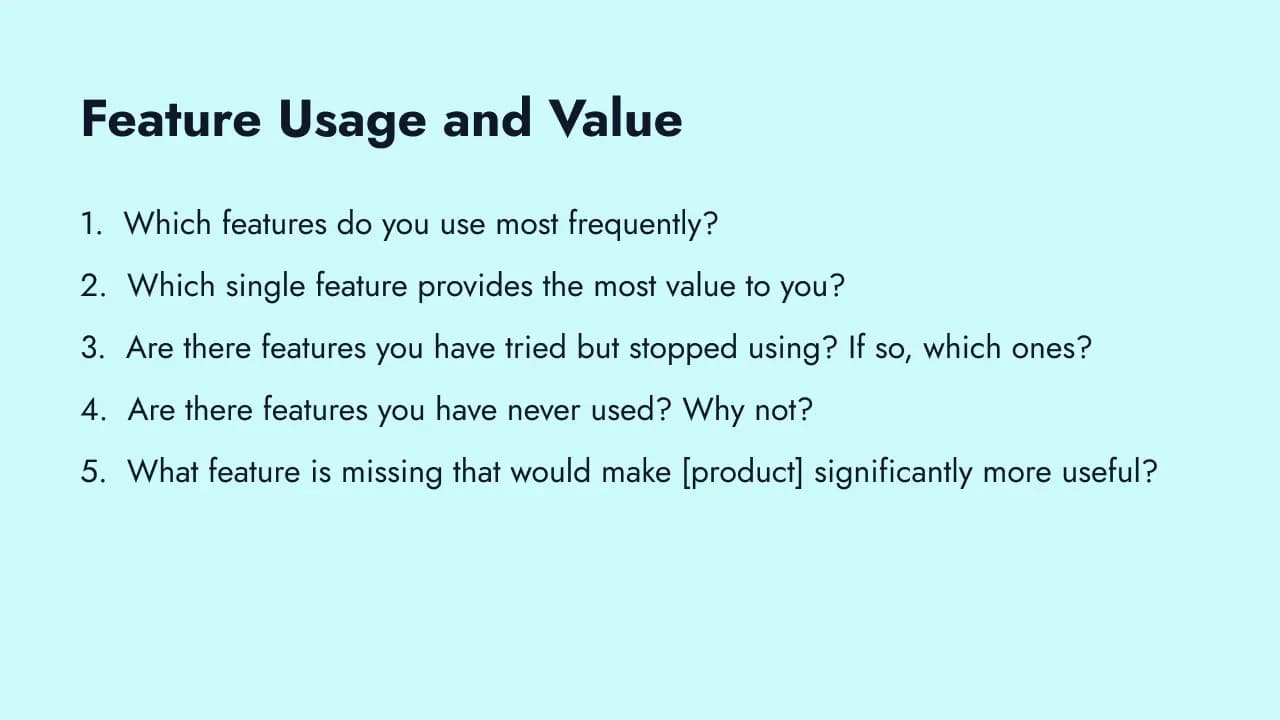
These questions reveal which features drive value and which ones collect dust. Use them to prioritize your roadmap based on what users actually do, not what they say they want in theory. The feature satisfaction survey template gives you a ready-to-use starting point.
11. Which features do you use most frequently?
- Type: Multiple choice (select all that apply) | Essential
- Identifies your product's core value drivers. The features mentioned most are your competitive moat. Protect them.
12. Which single feature provides the most value to you?
- Type: Multiple choice (single select) | Essential
- Forces prioritization. Knowing the one feature users cannot live without tells you what to never break or deprioritize.
13. Are there features you have tried but stopped using? If so, which ones?
- Type: Multiple choice + open-ended follow-up | Recommended
- Abandoned features signal usability issues, poor discoverability, or unmet expectations. Worth investigating before building new things.
14. Are there features you have never used? Why not?
- Type: Multiple choice + open-ended follow-up | Recommended
- Distinguishes between "did not know it existed" (discoverability issue) and "do not need it" (product-market fit issue).
15. What feature is missing that would make [product] significantly more useful?
- Type: Open-ended | Essential
- The classic feature request question. Group responses by theme and cross-reference with user segment for prioritization.
16. How would you prioritize these potential features?
- Type: Ranking | Recommended
- Present 4-6 features your team is considering and ask users to rank them. Ranking forces trade-offs that simple rating scales do not. Try the feature prioritization survey template for a structured approach.
17. When we release a new feature, how quickly do you try it?
- Type: Multiple choice (Immediately / Within a week / Within a month / Rarely / Never) | Nice-to-have
- Measures feature adoption velocity and user engagement with product updates.
18. How well do new features integrate with your existing workflow?
- Type: Likert (1-5) | Recommended
- New features that disrupt existing workflows create friction regardless of their standalone value.
19. How satisfied are you with the pace of product improvements?
- Type: Likert (1-5) | Nice-to-have
- Too slow and users feel ignored. Too fast and users feel overwhelmed. This question reveals where you land.
20. If you could change one thing about [product]'s feature set, what would it be?
- Type: Open-ended | Essential
- The "one thing" constraint forces users to identify their biggest pain point. More actionable than open-ended wish lists.
Usability and User Experience (Questions 21-30)
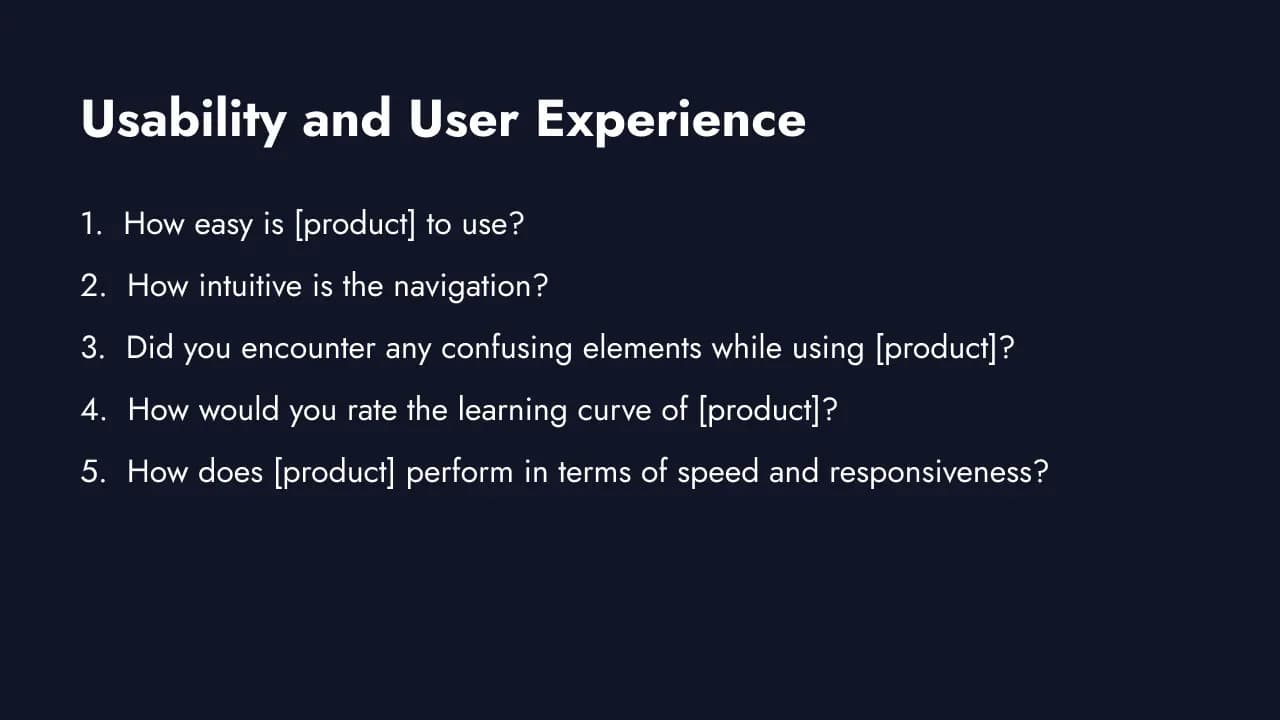
Usability problems cause silent churn. Users rarely tell you the interface is confusing. They just leave. Davis (1989) demonstrated in MIS Quarterly that perceived ease of use correlates with actual system usage at r=.45, meaning products that feel hard to use get abandoned regardless of their capabilities. These questions surface friction points before they cost you users.
If you want a validated benchmark, the System Usability Scale (SUS) developed by John Brooke uses a standardized 10-item questionnaire that yields a 0-100 score, making it easy to compare usability across product versions or against industry benchmarks.
21. How easy is [product] to use?
- Type: Likert (1-5) | Essential
- Your headline usability metric. Track over time and segment by user tenure to see if the product gets easier or harder with experience.
22. How intuitive is the navigation?
- Type: Likert (1-5) | Recommended
- Navigation is the skeleton of your UX. If users cannot find what they need, feature quality is irrelevant.
23. Did you encounter any confusing elements while using [product]?
- Type: Binary (Yes/No) + open-ended follow-up | Essential
- Gate question. If "Yes," the follow-up captures exactly what confused them. Keep the survey short for users who say "No."
24. How would you rate the learning curve of [product]?
- Type: Scale (Very steep / Steep / Moderate / Gentle / Very easy) | Recommended
- A steep learning curve is acceptable for complex tools if the payoff is worth it. But if users rate the curve as steep and value as low, you have a problem.
25. How does [product] perform in terms of speed and responsiveness?
- Type: Likert (1-5) | Essential
- Performance perception directly affects satisfaction. Users tolerate complexity but not slowness.
26. How would you rate the visual design of [product]?
- Type: Likert (1-5) | Nice-to-have
- Design affects credibility and trust. Low design scores from enterprise users can signal a perception gap with competitors.
27. How easy is it to complete your most frequent task in [product]?
- Type: Likert (1-5, CES) | Essential
- Customer Effort Score applied to the core workflow. Low effort predicts retention better than satisfaction alone.
28. Have you found any bugs or technical issues?
- Type: Binary (Yes/No) + open-ended follow-up | Recommended
- Users often work around bugs without reporting them. Asking directly surfaces issues your error tracking might miss.
29. How does the mobile experience compare to the desktop experience?
- Type: Scale (Much worse / Worse / About the same / Better / Much better / I do not use mobile) | Nice-to-have
- If a significant share of users access your product on mobile, this question reveals whether your responsive design is working.
30. What part of [product] do you find most frustrating to use?
- Type: Open-ended | Essential
- Direct and specific. The answers here often become your highest-impact UX improvements.
Onboarding and Getting Started (Questions 31-38)
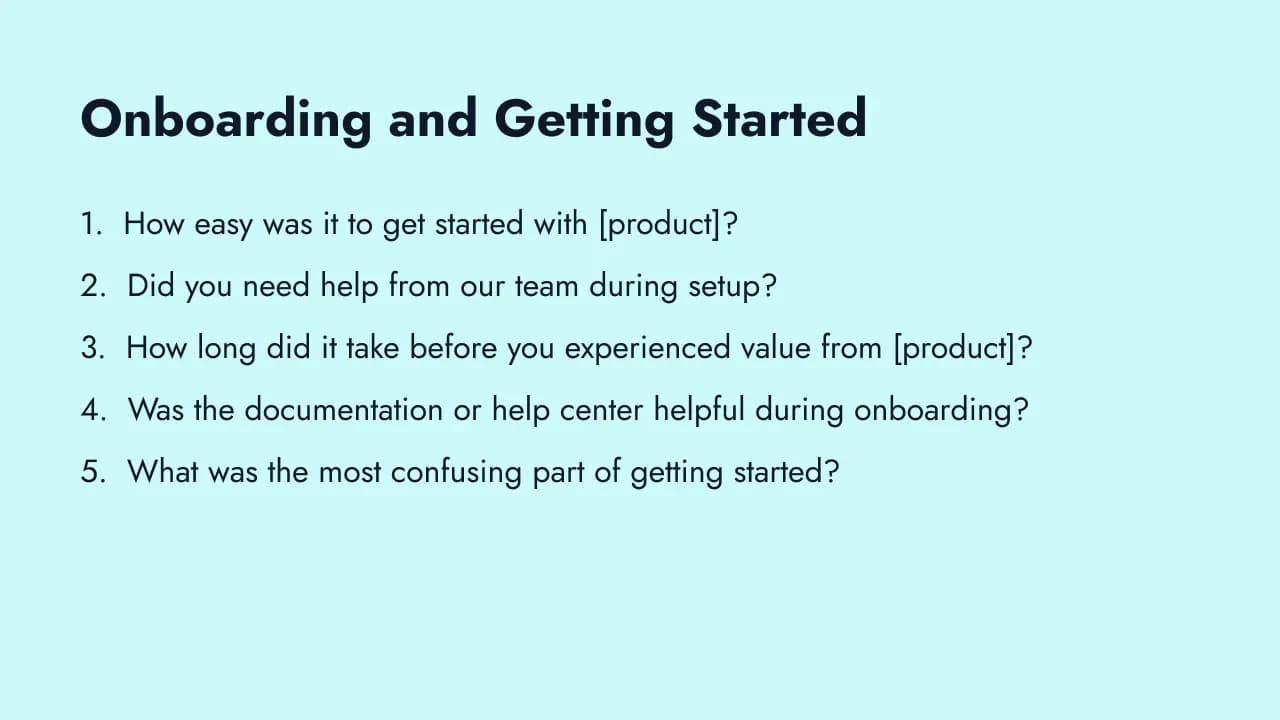
The first experience shapes everything. Users who struggle during onboarding rarely become power users. Ask these questions within the first 7-14 days, while the experience is still fresh. For a deeper dive, see our onboarding survey questions guide.
31. How easy was it to get started with [product]?
- Type: Likert (1-5) | Essential
- The headline onboarding metric. If new users consistently rate this below 4, your activation rate is suffering.
32. Did you need help from our team during setup?
- Type: Binary (Yes/No) | Recommended
- A high "Yes" rate means your self-serve onboarding has gaps. Follow up with "What did you need help with?" to pinpoint them.
33. How long did it take before you experienced value from [product]?
- Type: Multiple choice (First session / First day / First week / More than a week / Still waiting) | Essential
- Time-to-value is the most important onboarding metric. "Still waiting" responses are at high risk of churning.
34. Was the documentation or help center helpful during onboarding?
- Type: Likert (1-5) | Recommended
- Documentation is the unsung hero of onboarding. Low scores here often correlate with high support ticket volume.
35. What was the most confusing part of getting started?
- Type: Open-ended | Essential
- Surfaces the specific friction points in your onboarding flow. These responses map directly to onboarding improvements.
36. Did the onboarding process cover everything you needed to know?
- Type: Scale (Yes / Partially / No) | Recommended
- "Partially" responses reveal gaps between what your onboarding teaches and what users actually need to succeed.
37. How could we improve the setup experience?
- Type: Open-ended | Recommended
- Users who just completed onboarding have the freshest perspective on what to fix. Capture it before they adapt and forget.
38. Which feature or workflow took the longest to figure out?
- Type: Open-ended | Nice-to-have
- Pinpoints the specific feature with the worst first-time experience. Often a quick UX win once identified.
Pricing and Value Perception (Questions 39-45)
Pricing questions are sensitive but critical. Frame them around value rather than cost to get honest responses. These questions work best for users with at least 30 days of active usage who have enough context to evaluate the trade-off.
39. How do you feel about the current pricing of [product]?
- Type: Scale (Very expensive / Somewhat expensive / Fair / Good value / Great value) | Essential
- Your headline pricing perception metric. "Somewhat expensive" is normal for premium products. "Very expensive" at scale signals a pricing problem.
40. Is [product] worth what you pay for it?
- Type: Likert (1-5) | Essential
- Value-for-money is a different dimension from affordability. Users will pay a premium for something that saves them significant time or pain.
41. What would make you upgrade to a higher plan?
- Type: Open-ended | Recommended
- Directly informs your packaging and expansion strategy. The answers reveal what features or limits drive upgrade decisions.
42. Compared to alternatives you have used, how is our pricing?
- Type: Scale (Much more expensive / More expensive / About the same / Less expensive / Much less expensive) | Recommended
- Competitive pricing perception. Pair with satisfaction data to understand whether price or value is the real concern.
43. Which pricing model would you prefer?
- Type: Multiple choice (Monthly subscription / Annual subscription / Usage-based / One-time purchase / Freemium with paid upgrades) | Nice-to-have
- Reveals pricing model preferences. Useful when considering pricing restructuring or launching new tiers.
44. If [product] increased in price by 20%, would you continue using it?
- Type: Multiple choice (Yes, definitely / Probably / Not sure / Probably not / Definitely not) | Nice-to-have
- Price sensitivity gauge. High "Definitely not" rates mean you are close to the willingness-to-pay ceiling.
45. What is the most valuable outcome [product] delivers for you?
- Type: Open-ended | Essential
- Reveals the value users anchor to when evaluating price. Use this language in your pricing page and sales conversations.
Competitive Positioning (Questions 46-50)
Competitive intelligence from your own users is more reliable than secondhand market research. These questions reveal why users chose you, what almost made them leave, and where competitors have an edge.
46. What product or tool did you use before [product]?
- Type: Multiple choice + "Other" field | Essential
- Maps your actual competitive landscape from the user's perspective. Often includes unexpected alternatives like spreadsheets or manual processes.
47. What was the primary reason you switched to [product]?
- Type: Open-ended | Essential
- Surfaces your real differentiators as perceived by people who actively chose you. Use these themes in your marketing and positioning.
48. What do competitors do better than [product]?
- Type: Open-ended | Essential
- The hardest question to ask, and the most valuable. Honest competitive gaps are the foundation of a strong product roadmap.
49. What keeps you using [product] instead of switching to an alternative?
- Type: Open-ended | Recommended
- Identifies your retention drivers. These are the things you should protect at all costs. Sometimes the answer is switching cost (not great) rather than genuine value (great).
50. If you were to leave [product], which alternative would you switch to?
- Type: Open-ended | Recommended
- Identifies your most dangerous competitor from the user's perspective. Track changes in this answer over time to spot competitive threats early.
Open-Ended and Churn Prevention (Questions 51-57)
These questions surface insights that structured questions miss. Use them strategically: open-ended questions have an 18% nonresponse rate compared to 1-2% for closed-ended (Pew Research Center). Limit to 2-3 per survey.
51. What almost made you cancel your subscription?
- Type: Open-ended | Essential
- Identifies near-miss churn triggers. These are the problems that did not cause departure this time but will next time. Feed these directly into your churn reduction strategy.
52. What one change would make the biggest difference in your experience with [product]?
- Type: Open-ended | Essential
- The "one change" constraint forces prioritization. More actionable than a general "any feedback?" prompt.
53. What does [product] do better than anyone else?
- Type: Open-ended | Recommended
- Surfaces your unfair advantage in the user's own words. These responses often reveal differentiators your team takes for granted.
54. How would you describe [product] to a colleague in one sentence?
- Type: Open-ended | Recommended
- Reveals brand perception and positioning in natural language. If users describe you differently than your marketing does, there is a gap to close.
55. If you could have us build anything, what would it be?
- Type: Open-ended | Nice-to-have
- The unconstrained version of the feature request question. Occasionally surfaces breakthrough ideas that structured questions cannot.
56. What frustrates you most about [product category] tools in general?
- Type: Open-ended | Nice-to-have
- Zooms out from your product to the category. Helps identify market-level pain points you could uniquely solve.
57. Anything else you would like to share with us?
- Type: Open-ended | Recommended
- The catch-all. Some of the most valuable feedback comes from questions you did not think to ask. Always include this as your final question.
Jobs-to-be-Done Questions (Questions 58-67)
Most product surveys ask what users think of your features. Jobs-to-be-done (JTBD) questions ask something harder: what outcome were users trying to achieve when they chose your product? Christensen, Hall, Dillon, & Duncan (2016) in Harvard Business Review argue that understanding the "job" a customer hires a product to do is a better predictor of adoption and retention than understanding their demographics or feature preferences.
JTBD questions belong in onboarding surveys and periodic deep-dive research, not in every micro-survey. Use them quarterly or for new user cohorts to understand whether your product's core value proposition still matches why people actually show up.
58. What were you trying to accomplish when you first signed up for [product]?
- Type: Open-ended | Essential
- The moment of "hiring." Understanding the job users needed done at signup reveals your actual market positioning, which is often different from how you describe yourself.
59. What were you doing before you used [product] to handle this?
- Type: Open-ended | Essential
- Surfaces your real competition: spreadsheets, manual processes, other software, or nothing at all. This answer informs positioning and onboarding messaging more than any competitive analysis.
60. What progress were you hoping to make when you chose [product]?
- Type: Open-ended | Recommended
- The "progress" framing captures the outcome, not the feature. "I wanted to understand why users were churning" is more actionable than "I needed survey software."
61. How well does [product] help you make that progress today?
- Type: Likert (1-5) | Essential
- Measures job-completion success. Users who rate this low are at high risk of finding a better solution elsewhere.
62. What outcome would make [product] indispensable to your workflow?
- Type: Open-ended | Recommended
- The gap between current job completion and this ideal state is your highest-value roadmap territory.
63. What concerns or hesitations did you have before choosing [product]?
- Type: Open-ended | Nice-to-have
- Reveals the anxieties users had to overcome. These are the exact objections your onboarding and positioning need to address.
64. What did you stop using or give up when you started using [product]?
- Type: Open-ended | Recommended
- Shows what competing tools or habits users displaced. Confirms or challenges your assumed competitive set.
65. Is [product] your primary tool for this job, or one of several?
- Type: Multiple choice (Primary tool / One of several / I mainly use something else) | Recommended
- Reveals workflow centrality. Being one of several tools signals either niche specialization or incomplete job coverage, and both are worth understanding.
66. What would [product] need to do differently for it to become your go-to tool for this job?
- Type: Open-ended | Recommended
- Directly targets expansion: what would it take to go from partial-hire to full-hire?
67. In your own words, what job does [product] do for you that nothing else does as well?
- Type: Open-ended | Essential
- The JTBD equivalent of "what is your unfair advantage?" Users name your actual moat in their own language. These responses are gold for positioning and messaging.
Customer Support and Documentation (Questions 68-72)
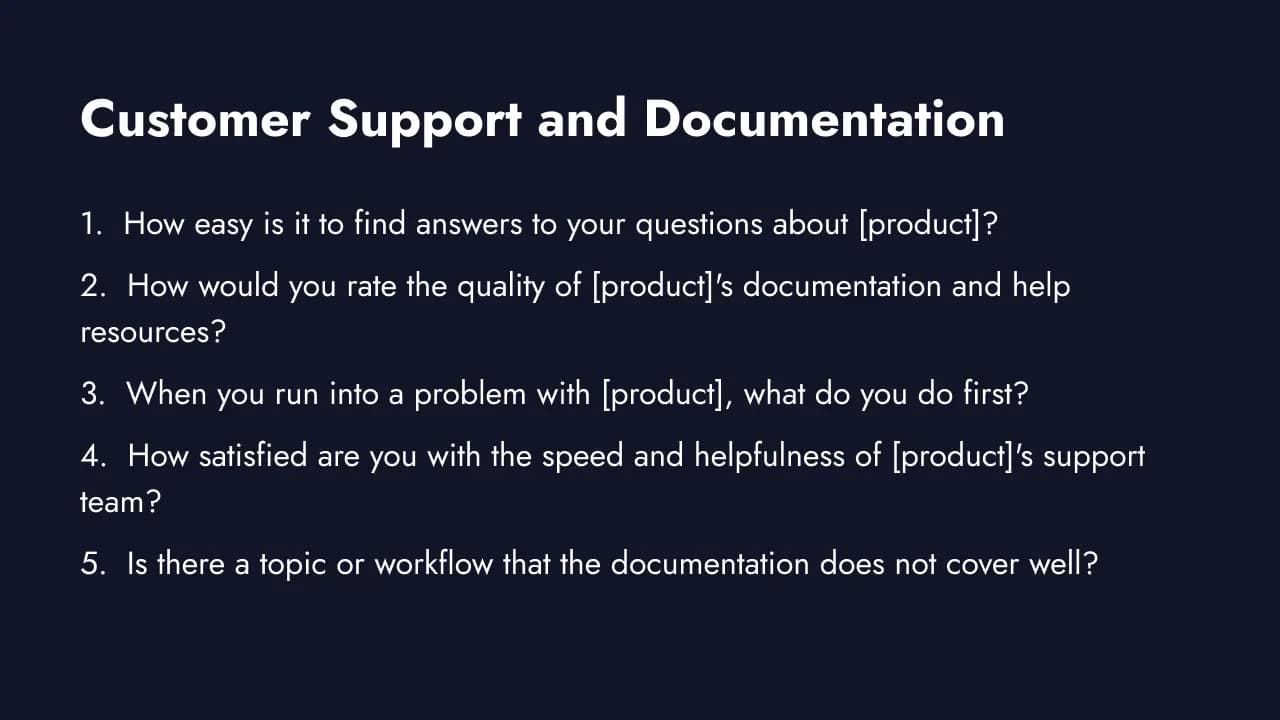
Support and documentation are product surfaces, not just post-sales concerns. Users who cannot find answers on their own open tickets, disengage, or churn quietly. Dixon, Toman & Freeman (2010) introduced the Customer Effort Score (CES) in Harvard Business Review, showing that reducing the effort required to get help predicts retention better than customer delight across B2B and B2C contexts.
These questions belong in quarterly check-ins or triggered after a user contacts support or visits the help center.
68. How easy is it to find answers to your questions about [product]?
- Type: CES scale (1-7, Strongly disagree to Strongly agree: "It was easy to get the help I needed") | Essential
- The core self-service usability metric. High effort on this question correlates directly with churn and repeat ticket volume.
69. How would you rate the quality of [product]'s documentation and help resources?
- Type: Likert (1-5) | Recommended
- Documentation quality affects both activation and retention. Poor docs inflate support costs and drive users to competitors with better resources.
70. When you run into a problem with [product], what do you do first?
- Type: Multiple choice (Search the help center / Contact support / Ask a colleague or community / Search Google / Just experiment until it works) | Essential
- Reveals your actual support channel mix and whether your self-serve resources are meeting users where they look first.
71. How satisfied are you with the speed and helpfulness of [product]'s support team?
- Type: Likert (1-5) | Recommended
- Support satisfaction is a significant retention factor, especially in SMB and mid-market segments where users have fewer internal resources.
72. Is there a topic or workflow that the documentation does not cover well?
- Type: Open-ended | Recommended
- Surfaces specific documentation gaps. Responses here map directly to help center improvements that reduce support ticket volume.
Product Survey Best Practices
Writing the right questions is half the battle. How you deliver them determines whether you get actionable data or silence.
Survey in-app, at the moment of experience. Email surveys rely on memory recall days later. In-app surveys capture feedback while the experience is fresh. A user who just struggled with the export feature can tell you exactly what went wrong. The same user surveyed via email three days later will say "it was fine." For targeting strategies, see our guide on granular targeting for in-app surveys.
Trigger surveys based on behavior, not schedules. "Used feature X three times" is a better trigger than "signed up 30 days ago." Behavioral targeting ensures users have enough context to give meaningful feedback. A user who has never touched your analytics dashboard should not be asked about it.
Keep to 3-5 questions per micro-survey. Each additional question reduces completion rates. If you need broader coverage, run multiple short surveys triggered by different actions over time. One focused survey per user interaction beats one long annual questionnaire.
Run continuous feedback, not annual surveys. Annual surveys produce stale data that is outdated by the time you act on it. Continuous in-app surveys tied to user behavior create a real-time stream of insights. You can increase your response rates significantly by making surveys a natural part of the product experience.
Target the PMF question carefully. The product-market fit question ("How would you feel if you could no longer use this product?") requires users who actually know your product. Target users with at least 2 weeks of active usage who have completed key activation milestones. Surveying brand-new trial users will artificially deflate your PMF score.
Follow up on the "why." A Likert scale score tells you what, not why. Always pair key quantitative questions with a conditional open-ended follow-up. "You rated us 3/5. What would it take to make it a 5?" turns a data point into an actionable insight.
Common Product Survey Mistakes
These mistakes silently sabotage your data quality. Each one is common, and each one is fixable.
Asking non-users about features they have not tried. If a user has never opened your reporting module, their opinion on it is speculation. Use behavioral targeting to only show feature-specific questions to users who have actually used that feature. Formbricks lets you trigger surveys based on specific in-app actions and user attributes.
Surveying during onboarding (too early). New users are still orienting. Asking "How satisfied are you with [product]?" on Day 1 produces noise, not signal. Wait until users have completed key activation steps and used the product enough to form a real opinion.
Feature request lists without priority ranking. Asking users to "select all features you want" produces a list where everything seems equally important. Use ranking or maximum-difference scaling to force trade-offs. When users must choose between Feature A and Feature B, you learn which one they actually need.
Not segmenting by user type. Power users and casual users have fundamentally different needs. Averaging their feedback together masks both groups' real priorities. Segment results by usage frequency, plan tier, role, and tenure using customer segmentation to uncover actionable patterns.
Ignoring qualitative context. A low satisfaction score tells you something is wrong. The open-ended follow-up tells you what. Teams that skip qualitative analysis end up fixing the wrong problems. Build a habit of reading every open-ended response before touching the quantitative data. Our guide on analyzing customer feedback walks through a practical framework.
Not closing the loop. Collecting feedback and doing nothing visible with it is worse than not collecting it at all. Users who feel ignored stop responding. Communicate what you changed based on feedback: "You told us onboarding was confusing, so we rebuilt the setup wizard." See our guide on closing the feedback loop for a step-by-step framework.
How to Analyze Product Survey Results
Collecting responses is step one. Turning them into product decisions is where the value lives.
Segment by user persona, plan tier, and usage frequency. Averages hide critical patterns. A 4.0 average satisfaction score might mask the fact that enterprise users rate you 4.8 while free-tier users rate you 2.9. Break every metric down by segment before drawing conclusions. Cross-tabulate satisfaction by feature usage to understand which features drive the most value for which groups.
Calculate your PMF score. Take the percentage of respondents who answered "Very disappointed" to the product-market fit question. If it is 40% or higher, you have strong product-market fit. Below 40%, focus your roadmap on deepening value for your core users rather than expanding to new segments.
Build a feature prioritization matrix. Plot each feature request on two axes: frequency (how many users mention it) and impact (how much it affects retention or revenue). High-frequency, high-impact items go to the top of your roadmap. Low-frequency, low-impact items go to the backlog. Cross-reference with which user segments are requesting each feature.
Cross-tabulate satisfaction by feature usage. Users who actively use Feature X and rate satisfaction low are telling you Feature X needs improvement. Users who do not use Feature X and rate satisfaction low have a different problem. This cross-tabulation turns generic dissatisfaction into specific, actionable improvements.
Track longitudinally. Do not treat each survey as an isolated snapshot. Compare results across months and cohorts to measure whether product changes are working, spot emerging trends, and catch regression before it becomes churn. For a detailed analysis walkthrough, see our guide on analyzing customer feedback.
Free Product Survey Template
Skip the blank page. Formbricks offers free, open-source survey templates built for product teams, including a product survey template ready to deploy. Set up in-app surveys with behavioral targeting, so the right users see the right questions at the right moment.
Related templates:
- Product Market Fit (Superhuman) for PMF measurement
- Gauge Feature Satisfaction for feature feedback
- Prioritize Features for roadmap input
- Uncover Strengths & Weaknesses for competitive positioning
How to get started:
- Sign up at formbricks.com (free tier available, no credit card required)
- Choose a product survey template or start from scratch
- Customize the questions from this guide for your product
- Set behavioral triggers and user targeting to reach the right users
- Launch and monitor responses in real time from your dashboard
Formbricks is open source, privacy-first, and supports self-hosting for teams that need full data control. With granular targeting, you can trigger surveys based on specific in-app actions, user attributes, and lifecycle stage, so you collect product feedback from the users who matter most.
Get Your Free Product Survey Template →
Frequently Asked Questions
Try Formbricks now