
Typeform Competitors in 2026: 13 Tools Compared by Price, Free Limits and Use Case

Johannes
Co-Founder @ Formbricks
12 Minutes
Updated November 13, 2026
Typeform competitors fall into three groups: design-first form builders that undercut Typeform on price (Tally, Jotform, Fillout, Youform), research and workflow platforms that go deeper (SurveyMonkey, Qualtrics, Formstack), and free basics (Google Forms, Microsoft Forms). A fourth group matters if your security team has a say: tools you can self-host, such as Formbricks. This guide compares 13 Typeform competitors by free-plan limits, entry price and the job each one does best.
Quick answer:
- Best free Typeform competitor: Tally (unlimited forms and responses, fair use).
- Best for feature-heavy business forms: Jotform (payments, PDFs, e-signatures).
- Best for complex logic on a budget: Fillout (1,000 free responses a month).
- Best for research depth: SurveyMonkey. Best for enterprise XM: Qualtrics.
- When security review rules Typeform out: Formbricks (self-hosted or EU cloud, SSO, data in your jurisdiction).
Table of contents:
- Typeform competitors at a glance
- How we evaluated these tools
- Why teams look for Typeform competitors
- Form-builder competitors
- Research, CX and workflow competitors
- Free basics
- Formbricks: for teams where security review decides
- Open-source and self-hosted options
- Switching from Typeform
- How to choose
- Typeform competitors FAQ
Typeform Competitors at a Glance
| Tool | Best for | Free plan | Entry paid price (monthly) |
|---|---|---|---|
| Typeform (baseline) | Polished conversational forms | 10 responses/month | Basic $39 |
| Tally | Free, doc-style forms | Unlimited (fair use) | Pro $29 |
| Jotform | Payments, PDFs, e-signatures | 100 submissions/month, 5 forms | Bronze $39 ($34 yearly) |
| Fillout | Complex logic, Notion/Airtable flows | 1,000 responses/month | Starter $19 ($15 yearly) |
| Youform | Typeform look on a budget | Unlimited (fair use) | Pro $29 ($20 yearly) |
| FormGrid | Grid layouts, creative forms | Unlimited | Plus $29 |
| Paperform | Landing-page style forms that sell | Available | Pro $49 (billed yearly) |
| Zoho Forms | Zoho ecosystem, offline field data | 3 forms, 500 responses/month | Basic $10 (yearly) |
| SurveyMonkey | Research depth, benchmarks, panel | Limited free plan | Team Advantage $30/user (yearly, 3 users min.) |
| Qualtrics | Enterprise experience management | No | Quote only |
| Formstack | Regulated document workflows | No | Forms $99 ($83 yearly) |
| Google Forms | Free internal surveys | Unlimited | Free |
| Microsoft Forms | Microsoft 365 teams | Included with Microsoft account | Free / Microsoft 365 |
| Formbricks | Self-hosting, data residency, security review | 250 responses/month (Surveys Hobby) | Surveys Pro $89 ($74 yearly); Experience Suite by quote |
Sources: vendor pricing pages linked in each section, Growform's October 2026 price comparison and FormGrid's 2026 roundup. Prices checked November 2026; vendors change them often.
How We Evaluated These Tools
We read each vendor's pricing page and help docs and cross-checked figures against independent roundups (Growform, FormGrid, Tally's own comparison). For each tool we looked at five things: free-plan limits, entry price per response, form experience (one question at a time or full page), integrations, and data control (hosting region, SSO, self-hosting). Formbricks is our product, so we kept its section to where it actually fits and listed its trade-offs.
Why Teams Look for Typeform Competitors
Price went up. Typeform raised Basic from $29 to $39, Plus from $59 to $79 and Business from $99 to $129 a month after December 2025 (Growform). Our Typeform pricing breakdown covers every plan.
The response cap closes forms. The free plan allows 10 responses a month and Basic allows 100. When you hit the cap, Typeform switches forms to private until the next month, unless auto-upgrade moves you to a pricier tier. This is the most common answer to "why is my Typeform closed?": either the account hit its monthly response limit, or the owner closed the form or set a close date.
Security features are Enterprise-only. SSO, HIPAA compliance and a choice of US or EU data center require Typeform Enterprise, which also kicks in at 6+ users (typeform.com/pricing). Typeform does hold SOC 2 Type II, ISO 27001 and ISO 27701 certifications (Typeform security), but there is no self-hosted Typeform, so your data always runs on Typeform's infrastructure.
Some forms are too long for one question per screen. Reviewers on G2 praise Typeform's design but note it gets tedious for long surveys, although Typeform now offers multi-question pages.
For context on the company: Typeform was founded in Barcelona in 2012. Its last announced round was a $135M Series C in March 2022 led by Sofina, reported at a $935M post-money valuation, just under unicorn status (SiliconANGLE).
Form-Builder Competitors
These compete for the same buyer as Typeform: someone who wants good-looking forms without code.
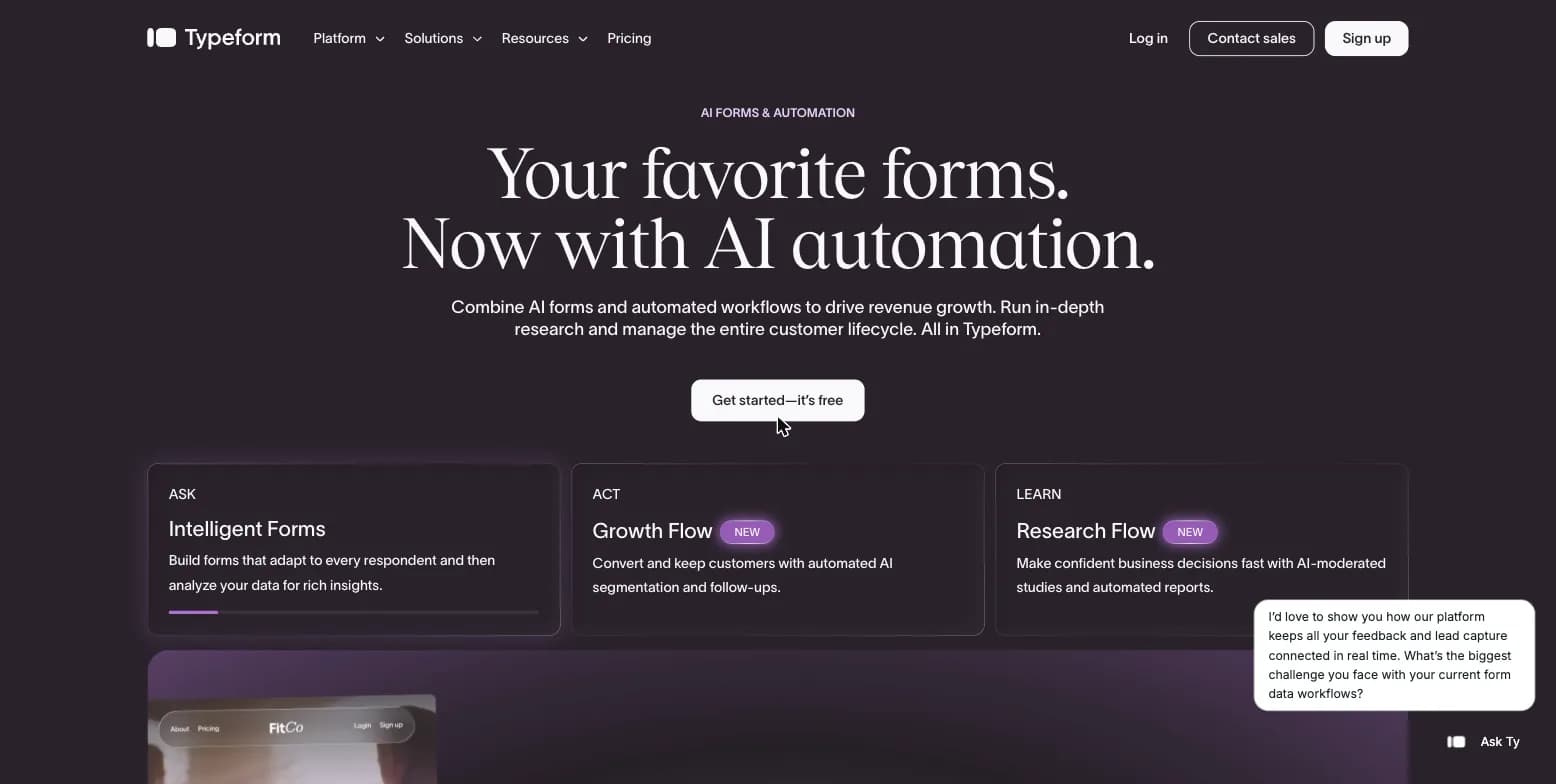
Typeform homepage, captured August 15, 2026.
1. Tally
Tally is a doc-style form builder: you type the form like a document. Its free plan includes unlimited forms and responses (fair use), conditional logic, file uploads and payments. Tally reports a 4.9/5 G2 rating against Typeform's 4.5, with higher scores for quality of support (9.4 vs 8.4) and online form builder (9.1 vs 8.6) (Tally's comparison). It also has a built-in Typeform importer.
- Pricing: Free; Pro $29/month (or $24/month billed yearly); Business tier above that (tally.so/pricing).
- Pros: most generous free plan; fast editor; imports Typeforms.
- Cons: less design control than Typeform; no conversational one-question mode by default.
- Choose it over Typeform if cost and response volume matter more than the conversational feel. See our Typeform vs Tally comparison.
2. Jotform
Jotform offers "Card Forms" that mimic Typeform's one-question layout, plus a classic layout. It covers ground Typeform does not: payment processors, PDF generation, e-signatures and a large template library.
- Pricing: Free (100 submissions/month, 5 forms); Bronze $39/month ($34 billed yearly) with 1,000 submissions; Silver and Gold add more forms and submissions (jotform.com/pricing, Growform).
- Pros: 10 times Typeform Basic's responses at the same price; payments and documents built in.
- Cons: busier editor; forms look less polished than Typeform.
- Choose it over Typeform if forms feed operations (orders, applications, signatures). See Typeform vs Jotform.
3. Fillout
Fillout handles complex branching and multi-page flows well, with native Notion and Airtable integrations.
- Pricing: Free (1,000 responses/month, unlimited seats); Starter $19/month ($15 billed yearly) with 2,000 responses; Pro and Business above (fillout.com/pricing).
- Pros: generous free tier; strong logic; flat fee with unlimited seats.
- Cons: fewer templates; less visual polish.
- Choose it over Typeform if your forms have many interacting paths.
4. Youform
Youform is the closest visual substitute for Typeform's one-question-at-a-time style at a lower price.
- Pricing: Free (unlimited forms and responses, fair use); Pro $29/month ($20 billed yearly); Business $89/month ($60 billed yearly) (youform.com/pricing).
- Pros: Typeform-like experience; unlimited free responses.
- Cons: smaller integration catalog; younger product.
- Choose it over Typeform if you like the conversational format but not the price.
5. FormGrid
FormGrid lets you lay out forms freely on a grid, with multi-column sections and AI-generated themes.
- Pricing: Free (unlimited forms and responses); Plus $29/month ($19 billed yearly); Business $79/month ($59 billed yearly) (formgrid.com/pricing).
- Pros: layout freedom; unlimited free responses.
- Cons: less known; fewer integrations than Jotform.
- Choose it over Typeform if you want creative layouts instead of a strict vertical flow.
6. Paperform
Paperform blurs the line between a form and a landing page, which suits bookings, payments and product sales.
- Pricing: Free plan; Pro $49/month and Business $124/month, billed yearly (paperform.com/pricing).
- Pros: content and questions on one page; strong for selling.
- Cons: takes longer to set up; higher entry price.
- Choose it over Typeform if the form needs to explain an offer before asking questions.
7. Zoho Forms
Zoho Forms is a practical business form builder with offline mobile collection and tight Zoho CRM integration.
- Pricing: Free (3 forms, 500 responses/month); Basic from $10/month billed yearly (FormGrid, zoho.com/forms/pricing).
- Pros: cheap; good field-data apps.
- Cons: dated design.
- Choose it over Typeform if you already run on Zoho.
Research, CX and Workflow Competitors
These solve a related job: statistical rigor, enterprise programs or document workflows.
8. SurveyMonkey
SurveyMonkey trades conversational design for research depth: advanced logic, crosstabs, benchmarks and a paid respondent panel (SurveyMonkey Audience).
- Pricing: limited free plan; Team Advantage $30/user/month billed yearly with a 3-user minimum (surveymonkey.com/pricing).
- Choose it over Typeform if you need analysis and panel access. See SurveyMonkey vs Typeform.
9. Qualtrics
Qualtrics is a full experience management suite across customer, employee and brand research. It is rarely a direct swap for Typeform; it shows up when a company outgrows forms entirely.
- Pricing: quote only, well above Typeform's published plans.
- Choose it over Typeform if you need an enterprise research program with dedicated analysts.
10. Formstack
Formstack combines forms with documents, e-signatures and approval routing, and markets HIPAA-ready setups for regulated industries.
- Pricing: no free plan; Forms $99/month ($83 billed yearly); Suite $299/month ($250 billed yearly) (formstack.com/pricing).
- Choose it over Typeform if submissions need to trigger documents and approvals.
Free Basics
11. Google Forms
Free with any Google account, unlimited forms and responses, results straight into Google Sheets. No conversational design, limited branding.
12. Microsoft Forms
Free with a Microsoft account and included in Microsoft 365, with results flowing to Excel and Teams. Good for internal quizzes and staff surveys.
Both win on cost. Neither tries to match Typeform's design.
Formbricks: For Teams Where Security Review Decides
13. Formbricks
Formbricks is a Typeform competitor for a specific buyer: the team whose IT, InfoSec or legal review has ruled Typeform out. If Typeform needs Enterprise for SSO and a data center choice, and still cannot run on your infrastructure, Formbricks can.
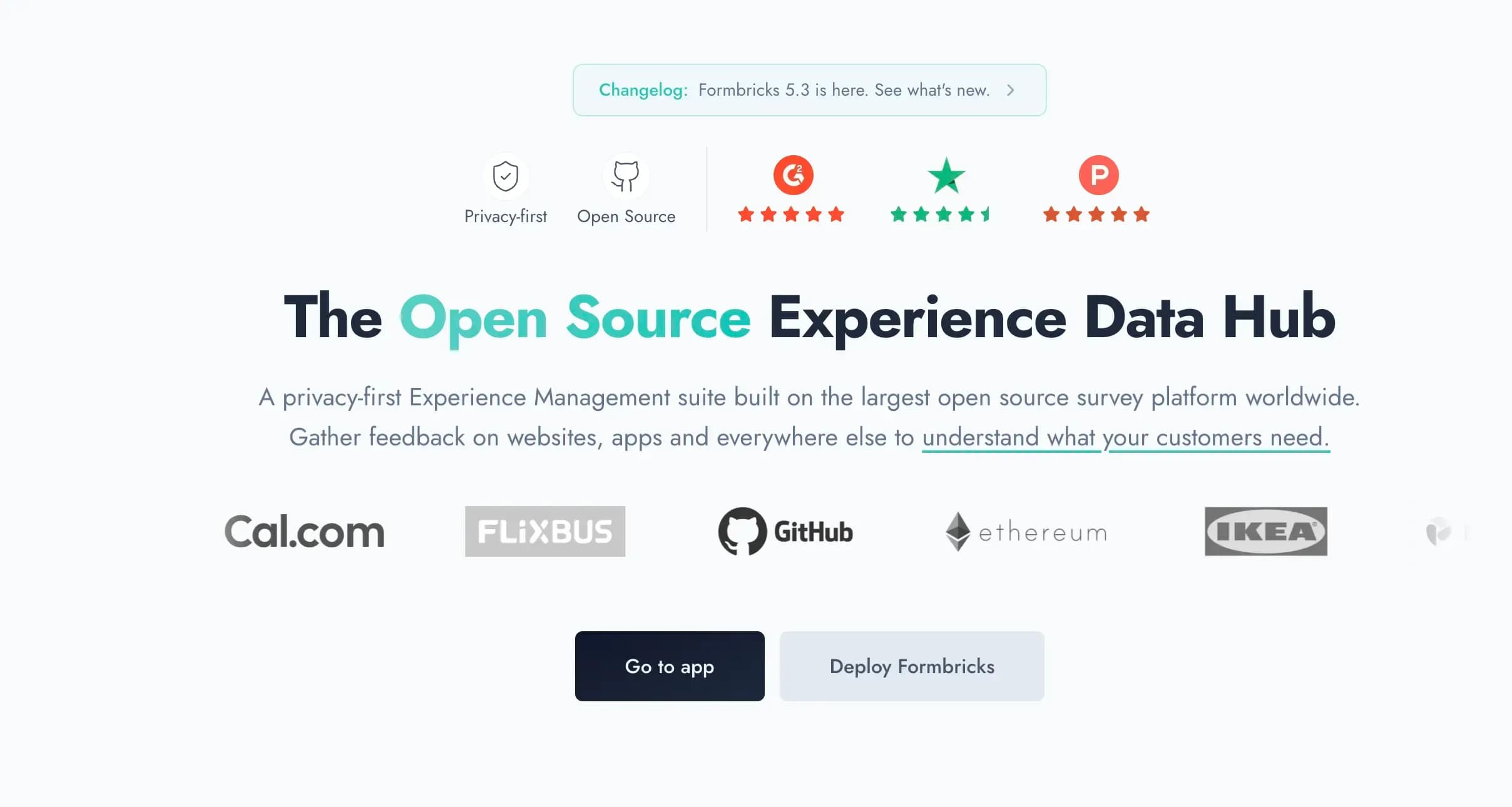
Captured August 15, 2026 from formbricks.com.
Why enterprises switch:
- Data sovereignty. Responses stay in your jurisdiction and on your infrastructure. When you self-host Formbricks, no third-party sub-processors touch the data.
- Deployment choice. Self-host on your own servers or in your own AWS, Azure or GCP account today; Dedicated cloud and Managed by Formbricks (EU or Saudi Arabia) are coming soon. The Formbricks Public Cloud is hosted in Frankfurt, Germany.
- Security and compliance. The Formbricks Public Cloud is SOC 2 Type II and ISO 27001 compliant, plus GDPR and CCPA (compliance, SOC 2). Self-hosted teams run the same codebase under their own controls.
- Experience Suite. The Experience Suite adds Unify Feedback with AI enrichment and Topics (preview), dashboards and charts, Workflows (beta), SAML and OIDC SSO, teams and access roles, 2FA, audit logs, white-glove onboarding, support SLAs, a DPA and custom terms.
The message is simple: own your experience data instead of renting it back. Open source is how Formbricks delivers that.
For IT: Docker or Kubernetes (Helm charts) deployment, full API and an MCP server, integrations through webhooks, Make, n8n or Zapier, SSO, and a SOC 2 report for the Public Cloud on request. For CX and product teams: link, website, in-app (iOS and Android SDKs from Pro) and email surveys in one place, with targeting by user attributes, so feedback ties to real customer segments. Paid Surveys plans include unlimited seats, so cost follows responses, not headcount.
Pricing: the Experience Suite is an annual license priced by responses and workspaces, with unlimited seats; pricing is by quote, with a free 15-day trial license key. Smaller teams can use Formbricks Surveys: Hobby free (250 responses/month), Pro $89/month ($74 billed yearly) (pricing).
Trade-offs: Formbricks does not have Typeform's conversational design polish, lead enrichment, payments or e-signatures. The Formbricks Public Cloud is not HIPAA compliant yet, so HIPAA teams self-host. If you only need a pretty marketing form, Tally or Jotform is the better pick.
Open-Source and Self-Hosted Options
Among the tools in this list, Formbricks is the only one you can self-host. Outside it, LimeSurvey is a long-standing open-source survey tool that can also be self-hosted, with a more traditional, research-style interface. If self-hosting is a hard requirement, compare the two on deployment (Docker, Kubernetes), SSO, API coverage and who supports you when something breaks.
Switching from Typeform
- Export your data. Typeform lets you download responses in XLSX or CSV (typeform.com/pricing). Do this before your plan ends, since forms may close to new responses after a downgrade.
- Move the forms. Tally has a one-click Typeform importer. For most other tools, rebuild the form; Typeform's API can pull form definitions if you have many.
- Recreate logic and hidden fields. Test every branch and URL parameter before you switch the embed.
- Swap embeds and integrations. Update webhooks, Zapier zaps and CRM mappings, then cancel Typeform at the end of the billing period (Typeform does not refund unused time).
How to Choose the Right Typeform Competitor
| If you need | Pick |
|---|---|
| A free form with unlimited responses | Tally, Youform, FormGrid |
| Payments, PDFs, e-signatures | Jotform |
| Complex logic, Notion/Airtable | Fillout |
| Forms that sell or book | Paperform |
| Research depth and a panel | SurveyMonkey |
| An enterprise XM program | Qualtrics |
| Document and approval workflows | Formstack |
| Free internal surveys | Google Forms, Microsoft Forms |
| Self-hosting, data residency, SSO | Formbricks |
Typeform Competitors FAQ
What is the best alternative to Typeform?
Who are Typeform's main competitors?
Is Jotform or Typeform better?
Is Typeform a unicorn?
Why is Typeform closed?
What is a free alternative to Typeform?
Does any Typeform competitor offer self-hosting?
Which Typeform competitor is best for regulated industries?
Can I import my Typeform forms into another tool?
What do Typeform competitors cost compared to Typeform?
Final Verdict
For most small teams, the best Typeform competitors are Tally (free, unlimited), Jotform (feature-dense) and Fillout (logic at a low price). SurveyMonkey, Qualtrics and Formstack fit research, enterprise XM and document workflows. If your security review is the reason Typeform is off the table, Formbricks gives you self-hosting or an EU cloud, SSO, and data you own on infrastructure you choose.