

QuestionPro vs SurveyMonkey (vs Formbricks): Which Should You Actually Choose in 2026?

Johannes
Co-Founder @ Formbricks
12 Minutes
Updated November 13, 2026
QuestionPro vs SurveyMonkey usually comes down to research depth and free-plan limits against brand familiarity and panel reach. Both are mature, cloud-hosted survey platforms with real security programs. This comparison covers 2026 prices, features, security and compliance, and how to migrate, using both vendors' pricing and security pages checked November 12, 2026.
At a glance:
| QuestionPro | SurveyMonkey | |
|---|---|---|
| Free plan | 1 user, 200 responses per survey, 30 question types | 10 questions per survey, limited responses viewable |
| Entry paid plan | Advanced: $99/user/month, billed annually, 25,000 responses/year | Advantage Annual: $39/month ($468/year), 15,000 responses/year |
| Team plan | Team Edition: $83/user/month, 5+ users | Team Advantage $30 or Team Premier $92 per user/month, 3+ users |
| Research tools | Research Suite: communities, panel, conjoint, MaxDiff, qualitative | Paid Research Panel, crosstabs, benchmarks |
| Data centers | Regional data centers from Team Edition | US, Canada or EU on Enterprise only |
| Certifications | ISO 27001:2022, HIPAA, PCI DSS, GDPR, FERPA | ISO 27001, HIPAA (Enterprise), PCI DSS 4.0 |
| Self-hosting | Not published | No |
| Best for | Research teams, academia, regulated research | Broad business use, panel access, familiar UI |
Quick verdict: QuestionPro is the stronger research platform for the money, with a far more usable free plan. SurveyMonkey is easier for casual users and cheaper per response for a single user. If your security team needs data on your own infrastructure, neither publishes a self-hosted option, and Formbricks is the alternative to look at.
What Buyers Mean by "QuestionPro vs SurveyMonkey"
Most results for this search are review aggregators (G2, Capterra, Software Advice, GetApp) and QuestionPro's own comparison, which naturally favors QuestionPro. Searchers are usually researchers, HR teams or CX teams who outgrew SurveyMonkey's free plan or its per-seat Team pricing.
Capterra's side-by-side gives a useful ratings grid by category (Capterra comparison, checked November 12, 2026):
| Capterra category | QuestionPro | SurveyMonkey |
|---|---|---|
| Survey builder | 4.8 | 4.6 |
| Reporting and analytics | 4.7 | 4.4 |
| Data import and export | 4.6 | 4.3 |
| Question branching | 4.7 | 4.3 |
QuestionPro rates higher on every category, while SurveyMonkey has a far larger review base.
QuestionPro Overview
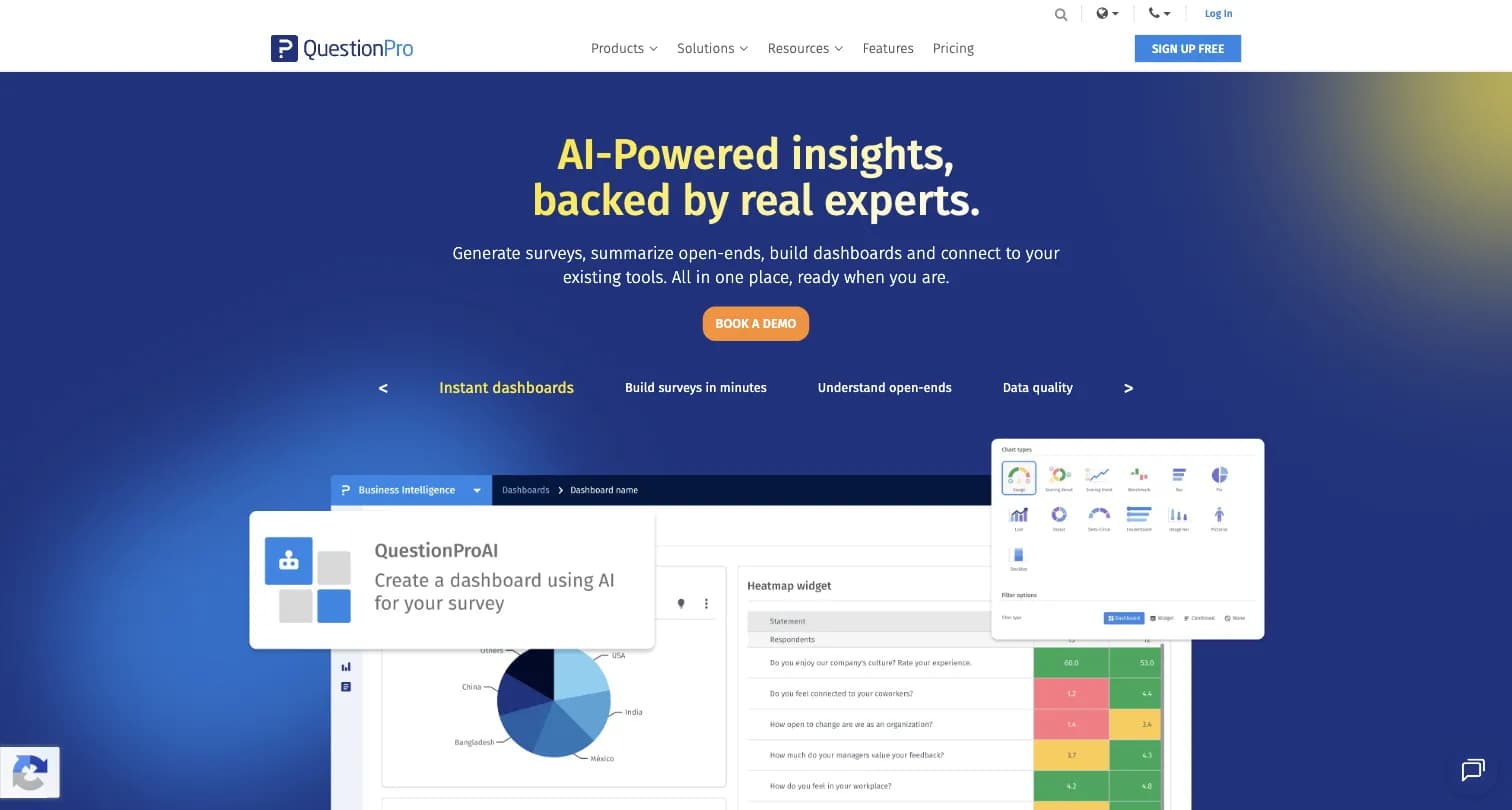
Captured August 15, 2026 from questionpro.com.
Vivek Bhaskaran founded QuestionPro in Seattle in 2005. It sells survey software, a Research Suite, and CX and employee experience products. It markets AI tools such as ListenAI for qualitative research and synthetic data, and offers academic and nonprofit pricing.
| Plan | Price | Users | Responses | Question types |
|---|---|---|---|---|
| Essentials | Free | 1 | 200 per survey | 30 |
| Advanced | $99/user/month, billed annually | 1 | 25,000 per year | 38 |
| Team Edition | $83/user/month, billed annually | 5+ | 100,000 per survey | 46 |
| Research Suite | Quote | 10+ | Custom | 52 |
Source: QuestionPro pricing. Essentials covers basic logic and piping; quota management and advanced branching come with paid plans. Team Edition adds regional data centers and a dedicated account manager. The $83 and $99 rates are not a discrepancy: $83 is the per-user Team Edition rate for 5 or more users, $99 the single-user Advanced rate. A five-person team on Team Edition pays $4,980 a year. For plan-level detail, see our QuestionPro pricing guide.
Where QuestionPro falls short: a 5-user minimum on Team Edition, quote-only Research Suite, and an interface Capterra reviewers call "unintuitive at times" for complex surveys.
SurveyMonkey Overview
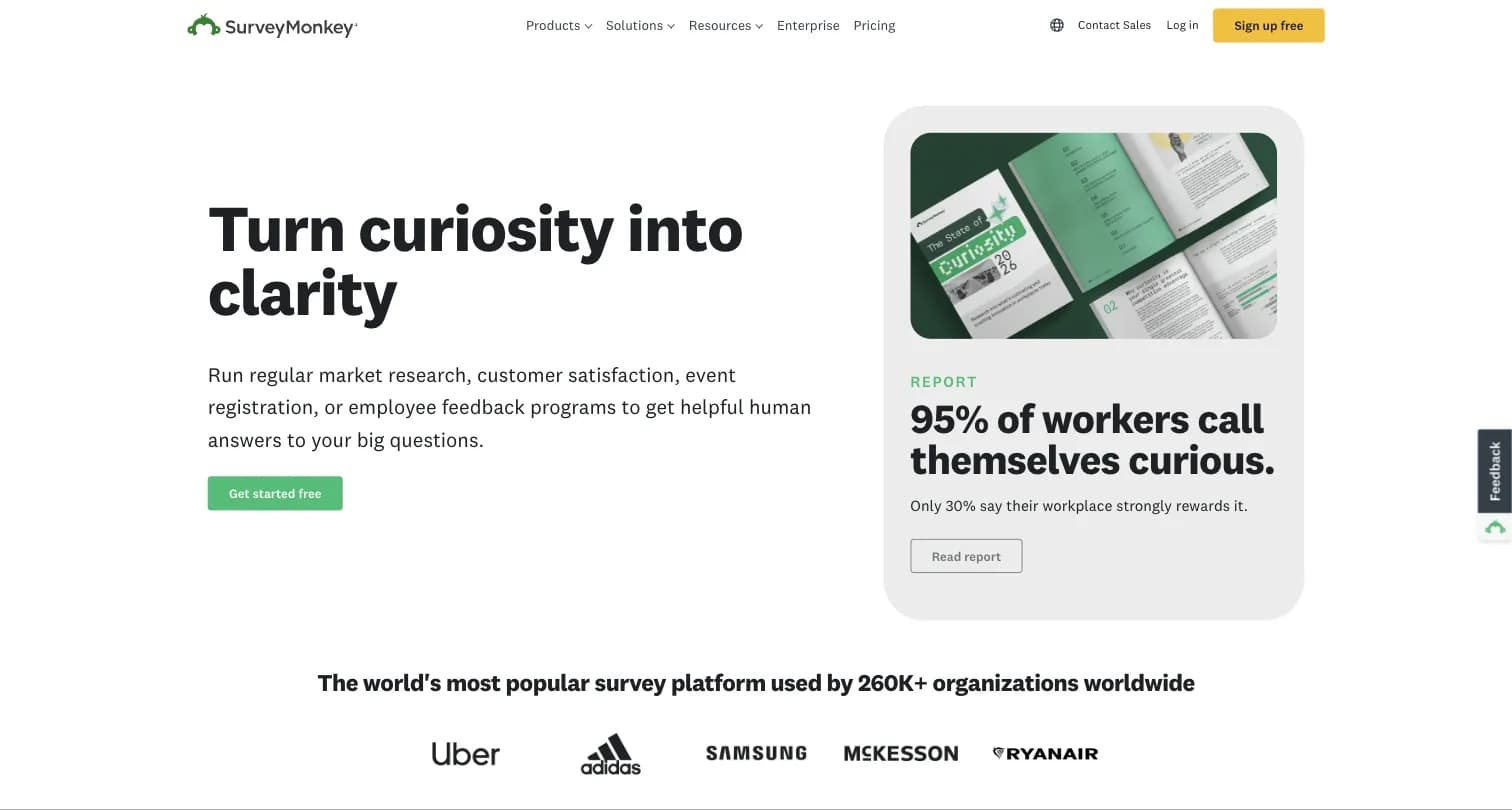
Captured August 15, 2026 from surveymonkey.com.
SurveyMonkey launched in 1999. An STG-led group took its parent, Momentive Global, private for about $1.5 billion in May 2023, and the company went back to the SurveyMonkey name (SurveyMonkey newsroom, CX Today).
| Plan | Price | Users | Responses |
|---|---|---|---|
| Basic | Free | 1 | 10 questions per survey, limited responses viewable |
| Standard Monthly | $149/month, billed monthly | 1 | 1,000 per month |
| Advantage Annual | $39/month ($468/year) | 1 | 15,000 per year |
| Premier Annual | $139/month ($1,668/year) | 1 | 40,000 per year |
| Team Advantage | $30/user/month, billed annually | 3+ | 50,000 per year |
| Team Premier | $92/user/month, billed annually | 3+ | 100,000 per year |
| Enterprise | Quote | 5+ | Custom |
Sources: Individual plans and Team plans. Every paid plan charges $0.15 per extra response. A five-person team on Team Premier pays $5,520 a year. Our SurveyMonkey review scores each part of the product.
Where SurveyMonkey falls short: a very limited free plan, per-response overages, advanced logic only on Premier Annual, Team Premier and Enterprise, and data center choice and SSO only on Enterprise. In a 2021 Thematic analysis, 24.2% of SurveyMonkey reviewers disliked its price and plans, twice the rate for other survey tools.
Features Compared
Free plan. QuestionPro's Essentials plan is usable for real work: 200 responses per survey and no 10-question cap. SurveyMonkey's Basic plan is a trial in practice. Winner: QuestionPro.
Research methods. QuestionPro's Research Suite includes conjoint, MaxDiff, communities, a respondent panel and qualitative tools. SurveyMonkey offers a larger paid panel, crosstabs and benchmarks but fewer advanced methods. Winner: QuestionPro for methodology, SurveyMonkey for panel reach.
Ease of use. SurveyMonkey's builder is simpler for occasional users. QuestionPro has more options and a steeper learning curve. Winner: SurveyMonkey.
AI. SurveyMonkey offers survey generation, Analyze with AI and Thematic Analysis on Team plans. QuestionPro markets ListenAI, AI text analysis and synthetic data, mostly in its research products. Winner: tie, depending on whether you need analysis of open text or qualitative research.
Cost for a team of five. QuestionPro Team Edition is $4,980 a year; SurveyMonkey Team Premier is $5,520 and Team Advantage $1,800. Winner: SurveyMonkey Team Advantage on price, QuestionPro on features per dollar.
Security and Compliance Compared
For IT and procurement, this is where the two differ most. Both are cloud-hosted vendors that will sign your security questionnaire. What they certify, and on which plan, is different.
| QuestionPro | SurveyMonkey | Formbricks | |
|---|---|---|---|
| ISO 27001 | ISO 27001:2022 certified | ISO 27001 certified | ISO 27001 compliant |
| SOC 2 | SOC 2 audited data centers | SOC 2 accredited data centers | SOC 2 Type II, covering the Formbricks Public Cloud |
| HIPAA | Yes, per QuestionPro | Enterprise product only | Self-host so health data stays in your environment |
| GDPR | Yes | Yes | Yes; Public Cloud hosted in Frankfurt, Germany |
| Other | PCI DSS, FERPA, Cyber Essentials, UK G-Cloud 13, Section 508 | PCI DSS 4.0 | CCPA, DPA with subprocessor list |
| Data location choice | Regional data centers from Team Edition | US, Canada or EU on Enterprise only | Self-hosted on your own servers or cloud account today; Dedicated cloud and Managed by Formbricks coming soon |
| SSO | SAML SSO on Research Suite, CX and EX | Enterprise only | Experience Suite and self-hosted Enterprise Code (SAML, OIDC) |
| Self-hosting | Not published | No | Yes |
Sources: QuestionPro security, SurveyMonkey Security Statement, SurveyMonkey Team plans, Formbricks compliance.
What this means in practice:
- For HIPAA or university research, QuestionPro has the broader published coverage, including IRB approvals at 1,000+ universities and a Federalwide Assurance number. With SurveyMonkey you need the Enterprise contract.
- For EU or regional data residency, QuestionPro offers regional data centers from Team Edition. SurveyMonkey reserves data center choice for Enterprise.
- For zero third-party processing, neither publishes a self-hosted option. Every response sits in the vendor's cloud and the vendor is a processor in your records.
Migrating From SurveyMonkey
Most people searching QuestionPro vs SurveyMonkey are planning to leave SurveyMonkey. These steps apply whether you move to QuestionPro, Formbricks or another tool.
- Inventory what is live. List active surveys, collectors, email lists, embeds and integrations. Note who owns each one.
- Export everything before you change plans. Download responses as CSV, XLS or SPSS and save survey designs. If you drop to Basic, responses above the Basic limit that are older than 365 days are deleted under SurveyMonkey's data retention policy.
- Rebuild and test logic. Recreate skip logic, piping, quotas and randomization in the new tool, then run test responses through every branch.
- Keep question wording identical for trend data. Changing an NPS or CSAT question breaks comparisons with past results.
- Run both tools in parallel for one survey cycle, then switch links, embeds and email templates.
- Check renewal dates. SurveyMonkey plans auto-renew by default. Turn off auto-renew before the date, after your export is complete.
- Finish the security review early. Get the DPA, subprocessor list and certifications from the new vendor before any personal data moves.
Common mistakes: canceling before exporting, forgetting contact lists and custom variables, not testing logic on mobile, and underestimating seat minimums (5 users for QuestionPro Team Edition, 3 for SurveyMonkey Team plans).
When You Need Self-Hosting: Formbricks
If the reason you are comparing these tools is that responses must stay in your jurisdiction and infrastructure, a third option fits better. Formbricks lets you own your experience data instead of renting it back.
- Deployment choice. Run the Formbricks Experience Suite self-hosted today, on your own servers or in your own AWS, Azure or GCP account. Dedicated cloud and Managed by Formbricks (EU or Saudi Arabia) are coming soon. Self-hosted, there are no sub-processors. See how Formbricks self-hosting works.
- Security review. ISO 27001, a SOC 2 Type II audit covering the Formbricks Public Cloud, a DPA with custom terms, and reports through the Trust Center (SOC 2, compliance). Self-hosted customers run their own controls on the same codebase.
- Enterprise controls. The Experience Suite adds SAML and OIDC SSO, teams and access roles, audit logging and support SLAs. It is an annual license by quote, priced by responses and workspaces, with unlimited seats and a free 15-day trial license key. Multi-language surveys are free in the Community Edition.
- For CX and research teams. Link, website, in-app and email surveys, segmentation by user attributes, and routing to Slack, Google Sheets, Airtable, Notion, Zapier, n8n, Make or Activepieces, documented recipes for Salesforce, HubSpot and Attio via Make, n8n or a webhook (no native CRM integration), or your own systems by API and webhooks. Cost follows responses, not seats.
- Beyond surveys. The Experience Suite adds Unify Feedback, which brings survey, CSV and API feedback into one place with AI sentiment enrichment, Topics (preview) and shareable dashboards, plus Workflows (beta) that can send an email when a response is completed, and an MCP server.
Trade-offs: Formbricks has no respondent panel, no conjoint or MaxDiff, and no industry benchmarks. Teams that need those keep QuestionPro or SurveyMonkey for panel research and use Formbricks for first-party feedback.
Which Should You Choose?
Choose QuestionPro if you run research for a living, need advanced methods, HIPAA or academic approvals, or regional data centers without an Enterprise contract.
Choose SurveyMonkey if many occasional users need a familiar tool, you want to buy responses from a large panel, or a single user needs the lowest cost per response.
Choose Formbricks if survey data must stay in your own infrastructure or jurisdiction, or you need in-product surveys tied to user attributes.
QuestionPro vs SurveyMonkey FAQ
Is QuestionPro better than SurveyMonkey?
Is QuestionPro really free?
Why use QuestionPro?
Is there anything better than SurveyMonkey?
Which is the best survey platform?
How much do QuestionPro and SurveyMonkey cost?
Is QuestionPro or SurveyMonkey more secure?
How do I migrate from SurveyMonkey to QuestionPro?
Which has a bigger respondent panel, QuestionPro or SurveyMonkey?
Final Verdict
QuestionPro is the better research platform: more methods, a real free plan, regional data centers and broad compliance coverage. Budget for the 5-user Team Edition minimum.
SurveyMonkey is the better general-purpose tool for occasional users and panel research, if you can live with per-seat Team pricing and Enterprise-only security controls.
Formbricks is the choice when neither can pass your review because the data must stay in your own infrastructure. Request a 15-day trial license to test it on your servers.
Related Comparisons
- QuestionPro pricing: every QuestionPro plan and what it includes
- SurveyMonkey review: scores by category, pros and cons
- SurveyMonkey pricing: every plan and overage
- SurveyMonkey alternatives: the best tools to replace SurveyMonkey
- SurveyMonkey competitors: the wider market by use case
- SurveyMonkey vs Typeform: research depth vs conversational design
- Qualtrics vs SurveyMonkey: enterprise XM vs self-serve surveys
- GetFeedback pricing and GetFeedback competitors: SurveyMonkey's CX product and where its customers go