

Verification proves access to that mailbox and nothing more. It does not establish who the person is,
and a disposable inbox passes it as readily as a corporate one. Treat it as a way to attribute a
response to an address, not as proof of identity.
Enabling email verification
Open the survey editor, go to the Settings tab, and expand Response Options. Switch on Verify email before submission.
This is a link survey feature. App surveys already know who the respondent is.
What the respondent sees
Opening the link asks for an address first. Formbricks sends a link to that address, and the survey opens once it is followed.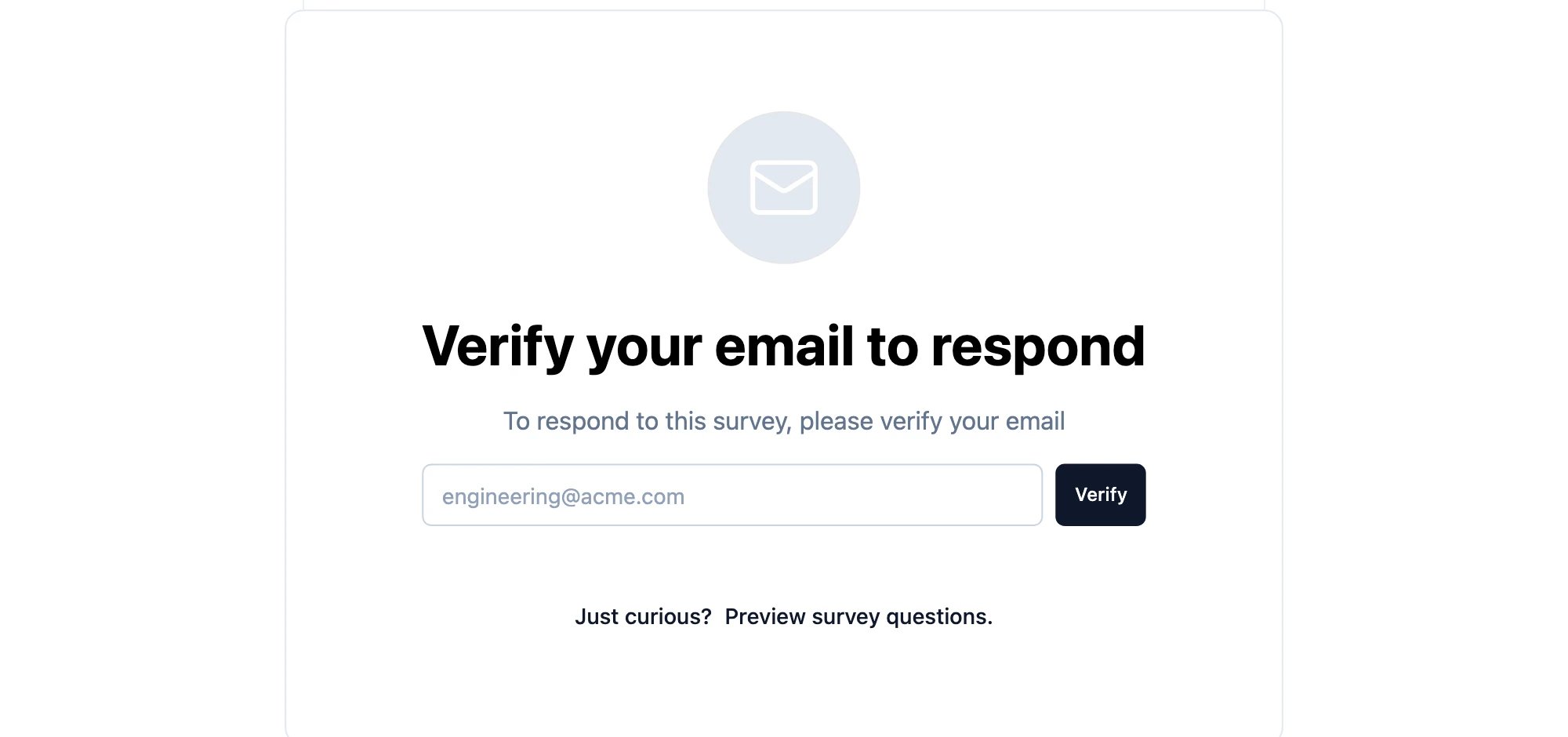
Where the verified address shows up
Each response carries the address it was verified against, visible on the response in the Responses tab and included in exports.When to use it
- Market research that has to come from a known population.
- Surveys behind gated content, where the audience is a list you already hold.
- Academic or professional studies where a response has to be attributable.
Verification needs a working SMTP configuration. On a self-hosted instance, see SMTP
Configuration.