

8 Best Wufoo Alternatives in 2026 (Free, Paid, and Open Source)

Johannes
Co-Founder @ Formbricks
11 Minutes
August 16th, 2026
Wufoo was one of the first drag-and-drop form builders to make online data collection easy, and it's still reliable. But its design hasn't changed much since SurveyMonkey acquired it in 2011, its plans cap submissions relatively low even at the paid tiers, and per a detailed, highly-rated G2 review, it has no CAPTCHA or spam-prevention feature at any tier. If any of that sounds familiar, here are 8 real alternatives, including one open-source feedback platform.
What Is Wufoo?
Wufoo was founded in 2006 by Kevin Hale, Chris Campbell, and Ryan Campbell in Tampa, Florida, on the idea that forms were the starting point for building anything useful on the web. It went through Y Combinator and was acquired by SurveyMonkey in 2011 for approximately $35 million, and now operates as "Wufoo by SurveyMonkey."
Wufoo positions itself around building "powerful online forms and customiz[ing] them to your heart's delight," with drag-and-drop building, 400+ templates, and a theme designer, all with a distinctly older visual style than most competitors on this list.
| Plan | Price (billed annually) | Monthly Entries | Users |
|---|---|---|---|
| Free | $0 | 100/month | 1 |
| Starter | $16.25/month ($195/year) | 1,000/month | 1 |
| Professional | $33.25/month ($399/year) | 5,000/month | 5 |
| Advanced | $83.25/month ($999/year) | 25,000/month | 20 |
| Ultimate | $210.25/month ($2,523/year) | 200,000/month | 60 |
Source: wufoo.com/pricing, captured August 15, 2026. Wufoo holds a 4.2 rating on G2 across 296 reviews, in the Survey and Online Form Builder categories.
Why Users Look for Wufoo Alternatives
Three reasons come up repeatedly across Wufoo's own G2 review data.
1. Design Feels Outdated
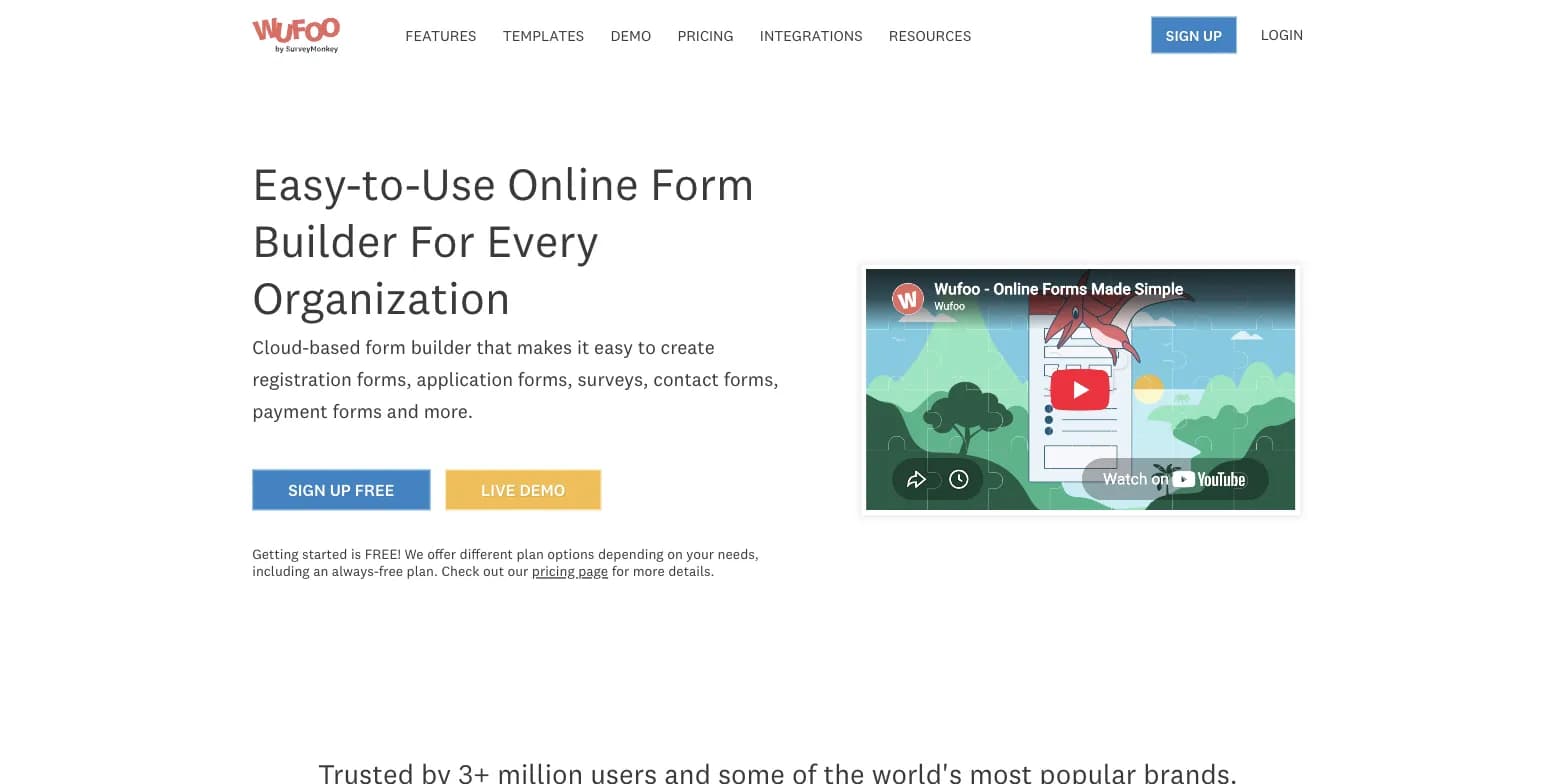
Reviewers across several years note the interface feels dated compared to modern form builders, which can depress completion rates for public-facing forms.
2. No CAPTCHA or Spam Prevention at Any Tier
Wufoo's own pricing grid shows no CAPTCHA feature at any tier. One long-time G2 reviewer, in a highly-rated, detailed account, documented over 35,000 spam credit-card transactions hitting a payment-integrated Wufoo form in an 8-hour span, with no effective fix offered by support.
3. Email-Only Support
There's no live chat or phone support at any tier, which can slow resolution of time-sensitive issues, a real drawback for payment-integrated forms exposed to the public internet.
Wufoo Alternatives at a Glance
| Alternative | Best For | Free Plan | Starting Price | Open Source |
|---|---|---|---|---|
| Formbricks | Feedback, experience management & self-hosting | Yes (250 responses/mo cloud, unlimited self-hosted) | $74/month (billed annually) | Yes |
| Jotform | Template variety, payments, business workflows | Yes (100 submissions/mo) | $34/month (billed annually) | No |
| Typeform | Polished, conversational form design | Yes (limited) | $28/month (billed annually) | No |
| Google Forms | Simple, free internal forms | Yes (unlimited) | Free | No |
| Cognito Forms | Complex logic and calculations | Yes (100 entries/mo) | $19/month (billed annually) | No |
| Formstack | Enterprise workflows, document generation | No | $83/month (billed annually) | No |
| Paperform | Payment- and content-heavy landing-page forms | Yes (30 responses/mo) | $24/month | No |
| Microsoft Forms | Teams already on Microsoft 365 | Yes (200 responses/form, personal account) | $7/user/month (M365 Business Basic) | No |
Formbricks, Jotform, Typeform, Google Forms, Cognito Forms, Formstack, Paperform, and Microsoft Forms are trademarks of their respective owners; logos shown are for identification purposes only.
Top 8 Wufoo Alternatives in 2026
1. Formbricks: Open-Source Feedback and Experience Management
Formbricks is an open-source feedback and experience management platform. Where Wufoo is a legacy form builder for one-off data collection, Formbricks is built for teams that need website, in-app, link, and email surveys managed on one platform, plus the analytics and workflow automation to act on the responses.
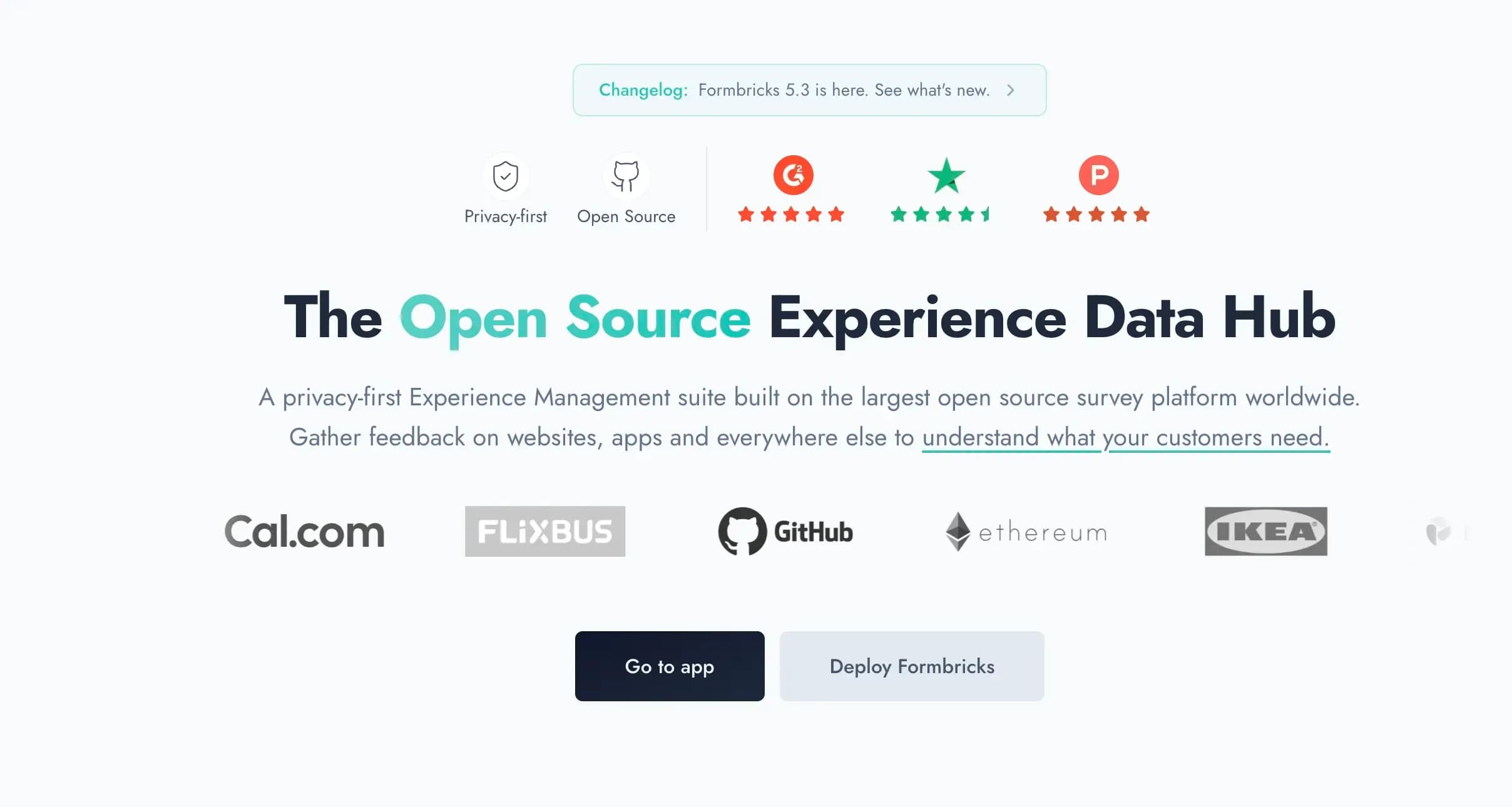
Most people leaving Wufoo just want better design or higher submission limits. If that's you, several other tools below are a closer match. Formbricks earns its spot here for the subset of teams whose forms have grown into a real feedback program: recurring NPS/CSAT, in-app targeting, or a hard requirement to keep response data off a third party's servers.
Key features:
- Feedback management across every channel: website surveys, in-app surveys, link surveys, and email surveys, all on one platform instead of stitching together a form tool and a separate feedback tool
- Feedback analytics: response dashboards, drop-off and partial-response tracking, segmentation, and aggregate plus per-response views
- Workflows and automation: Formbricks Workflows for post-response actions, plus native integrations to Salesforce, HubSpot, Slack, Google Sheets, and Notion via webhooks
- Free API on every tier, including MCP: full API access (Public Client API and Management API) on the free Hobby plan, not gated behind an enterprise tier
- Advanced targeting: attribute-based segmentation with conditional logic, for example "show this survey to users on the Pro plan who haven't responded in 30 days"
- Self-hosting on your own infrastructure, with Formbricks never having access to your data when self-hosted
Why Choose Formbricks Over Wufoo
A Structured Feedback and CX Layer Wufoo Doesn't Have. Wufoo has no NPS/CSAT program templates, no closed-loop workflow, and no segmentation for in-product surveys. Formbricks is built around feedback analytics (drop-off tracking, response dashboards, segmentation) and Workflows for what happens after a response comes in.
⚡ Formbricks in Action: A support team collecting CSAT after ticket resolution outgrows a Wufoo form within weeks because there's no dashboard to segment responses by plan or region. On Formbricks, the same survey ships with a response dashboard and a workflow that routes low scores straight to Slack.
A Modern, Actively Maintained Interface. Wufoo's design has drawn "outdated" feedback from reviewers across multiple years, with no major visual refresh since its SurveyMonkey acquisition. Formbricks ships a modern builder UI as its baseline.
⚡ Formbricks in Action: A brand-conscious team that switched away from Wufoo because their public feedback forms "looked like they belonged in the early 2010s" gets a current, on-brand builder without waiting for a redesign that may never come.
Self-Hosting for Data Wufoo Can't Match. Wufoo has no self-hosted option at any tier; every response lives on SurveyMonkey's infrastructure. Formbricks offers a free, self-hosted Community Edition (AGPLv3) where Formbricks never has access to your data, for healthcare, finance, and government teams with data residency requirements.
Formbricks Pricing (verified at formbricks.com/pricing):
- Hobby (Free): 1 workspace, 250 responses/month, all question types, conditional logic, full API access including MCP, hosted in Frankfurt
- Pro: $89/month billed monthly, or $74/month billed annually ($890/year total), 3 workspaces, 2,000 responses/month, unlimited seats, branding removal, attribute-based segmentation, all integrations
- Scale: $390/month billed monthly, or $325/month billed annually, 5 workspaces, 5,000 responses/month, teams and access roles, quota management
- Self-hosted: Community Edition is free forever, open-source (AGPLv3), unlimited surveys
Who Should Use Formbricks?
- You're running a recurring feedback program (NPS, CSAT, PMF), not just a one-off intake form
- You need in-app surveys with attribute-based targeting, not just a link form
- You're in a regulated industry with a data residency requirement Wufoo doesn't document a path for
- You want feedback analytics and workflow automation on the same platform as your survey builder
2. Jotform: Best for Template Variety and Business Workflows
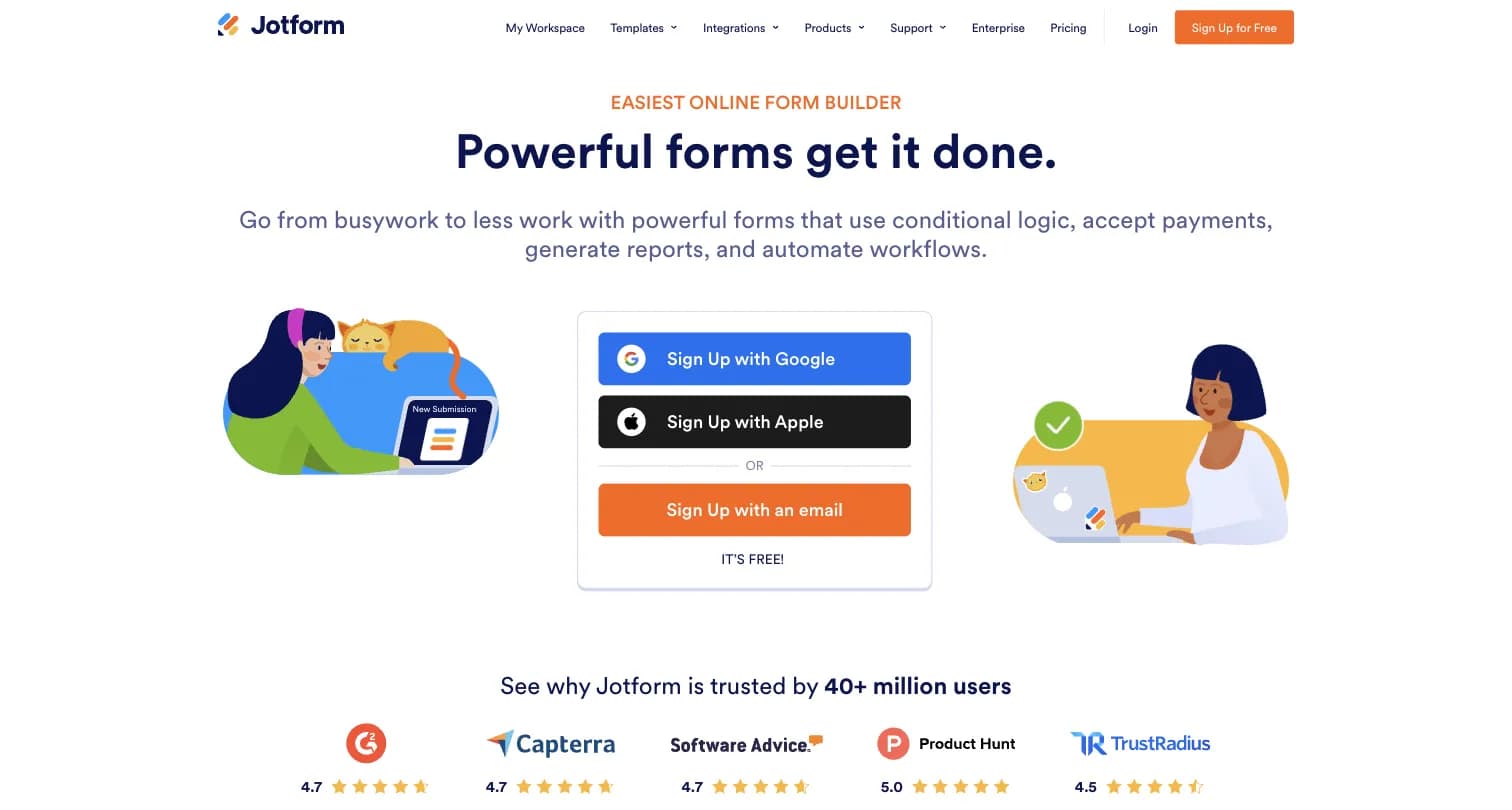
Jotform is a general-purpose online form and workflow automation platform, founded in 2006, bootstrapped to 40M+ users and 2B+ form submissions.
Key features:
- Drag-and-drop builder with 20,000+ templates, conditional branching, and 100+ field types on paid tiers
- Native payment collection via 40+ gateways
- Conversational AI Agents built on GPT-4 and Gemini
- HIPAA-enabled features available on Gold and Enterprise plans
Why Choose Jotform Over Wufoo
A Feature Ecosystem Wufoo Hasn't Kept Pace With. Where Wufoo has stayed relatively static, Jotform has aggressively added app-building, store builders, approval workflows, and AI Agents, giving it far more room to grow into.
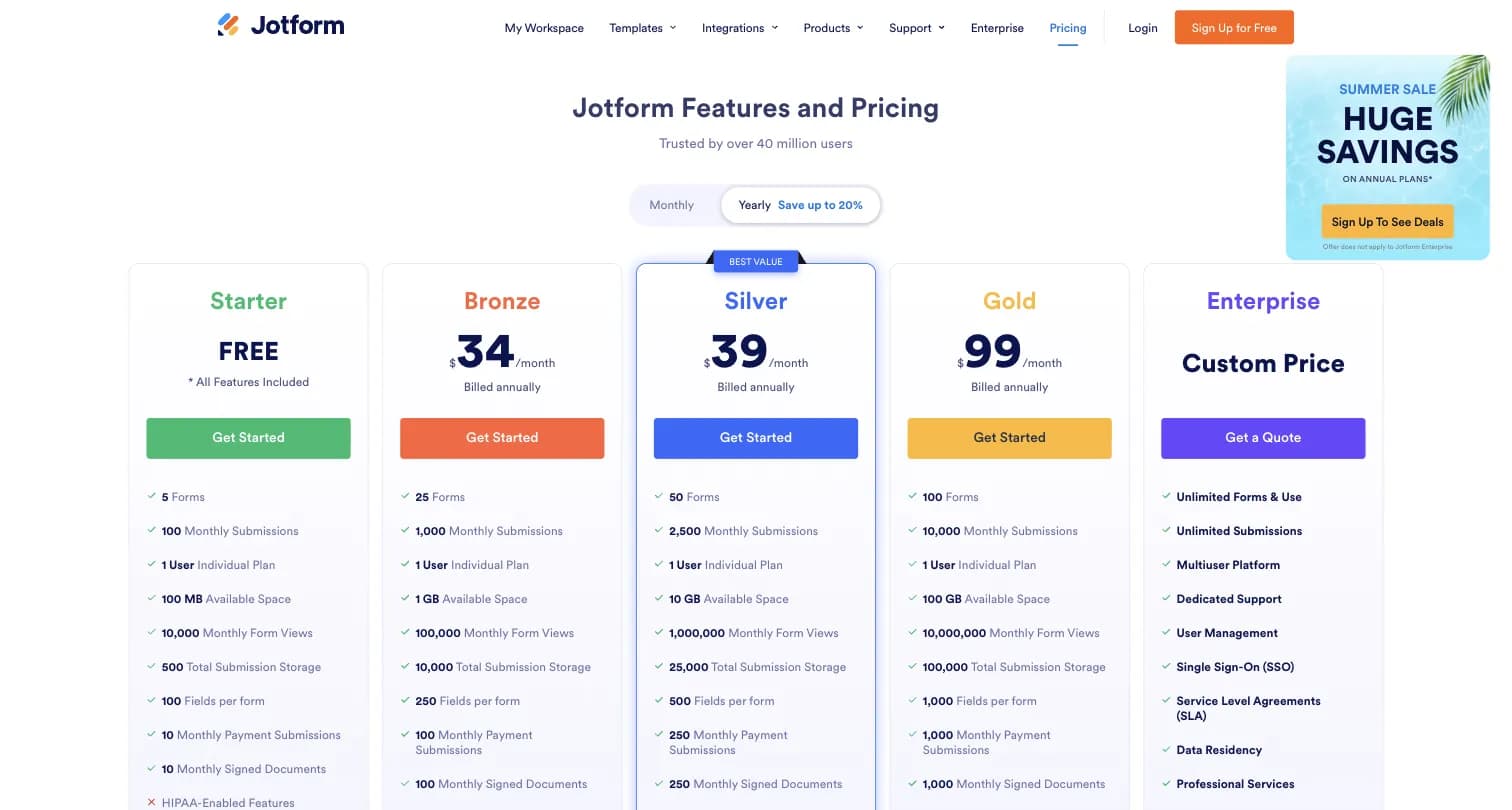
The Tradeoff to Know About. Jotform's every plan below Enterprise is single-user, similar to Wufoo, and its Bronze entry tier ($34/month billed annually) costs more than Wufoo's Starter ($16.25/month billed annually) for a comparable submission cap.
Captured August 2026.
Jotform Pricing: Free Starter (5 forms, 100 submissions/month), Bronze $34/month billed annually (1,000 submissions/month), Silver $39/month billed annually (2,500 submissions/month), Gold $99/month billed annually (10,000 submissions/month, HIPAA), Enterprise custom.
Jotform holds a 4.7/5 rating on both G2 (5,424 reviews) and Capterra (2,918 reviews).
Who Should Use Jotform?
- You want power beyond simple data collection: e-signatures, PDFs, apps, HIPAA-enabled forms
- You want a wide ecosystem of widgets and integrations
- You're comfortable with single-user plans below Enterprise, same as Wufoo
3. Typeform: Best for Polished, Conversational Form Design
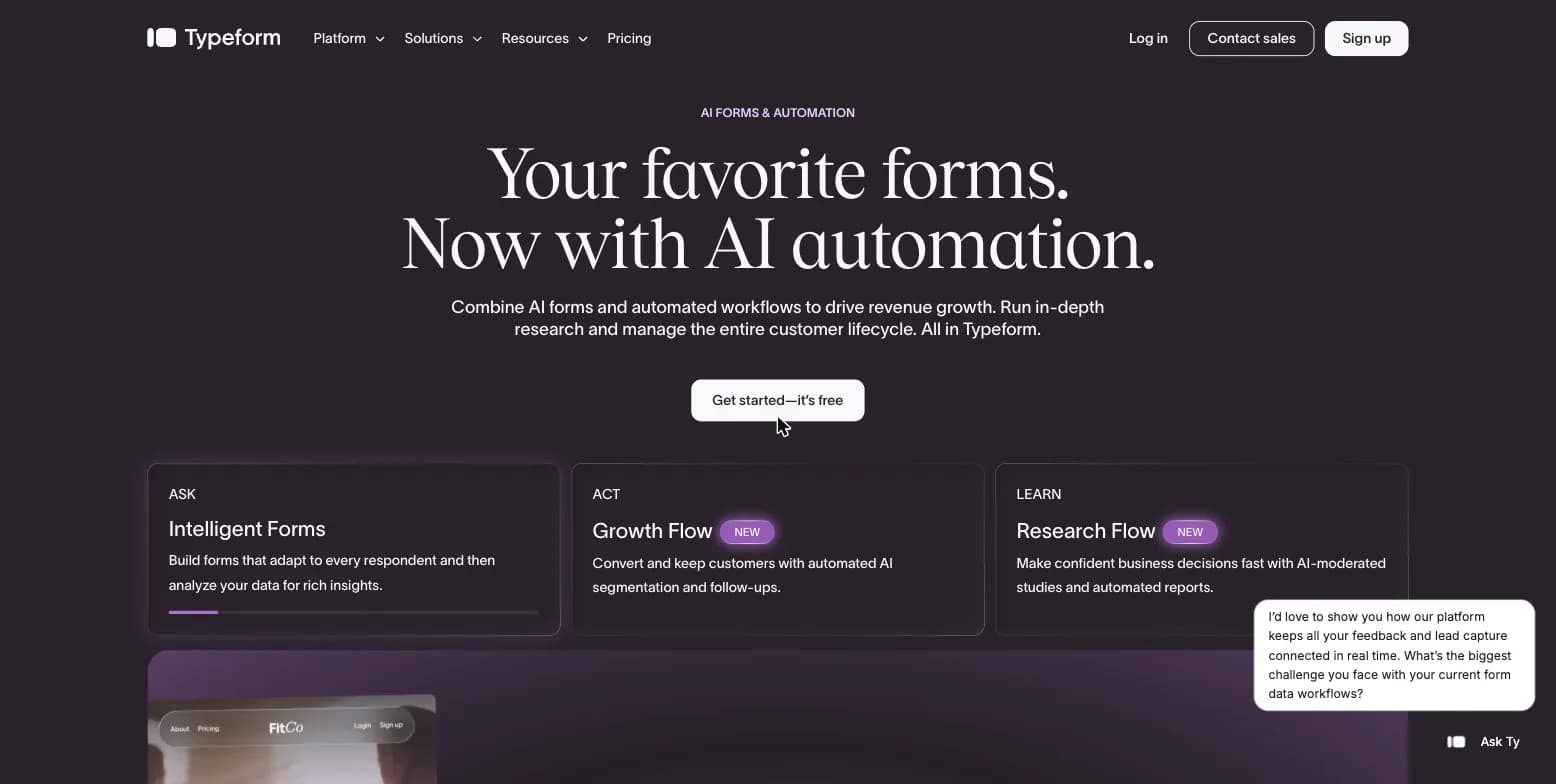
Typeform replaces Wufoo's static, long-scrolling forms with a conversational, one-question-at-a-time experience, founded in 2012 and used by 150,000+ businesses.
Key features:
- One-question-at-a-time layout designed to reduce drop-off, particularly on mobile
- AI-powered form creation, plus thousands of templates
- Drop-off rate analytics and conversion tracking on the Business tier
Why Choose Typeform Over Wufoo
A Design Experience Wufoo's Static Forms Don't Attempt. If low completion rates are the reason you're leaving Wufoo, Typeform's conversational format is built specifically to keep respondents engaged instead of confronting them with a long, dated-looking scroll.
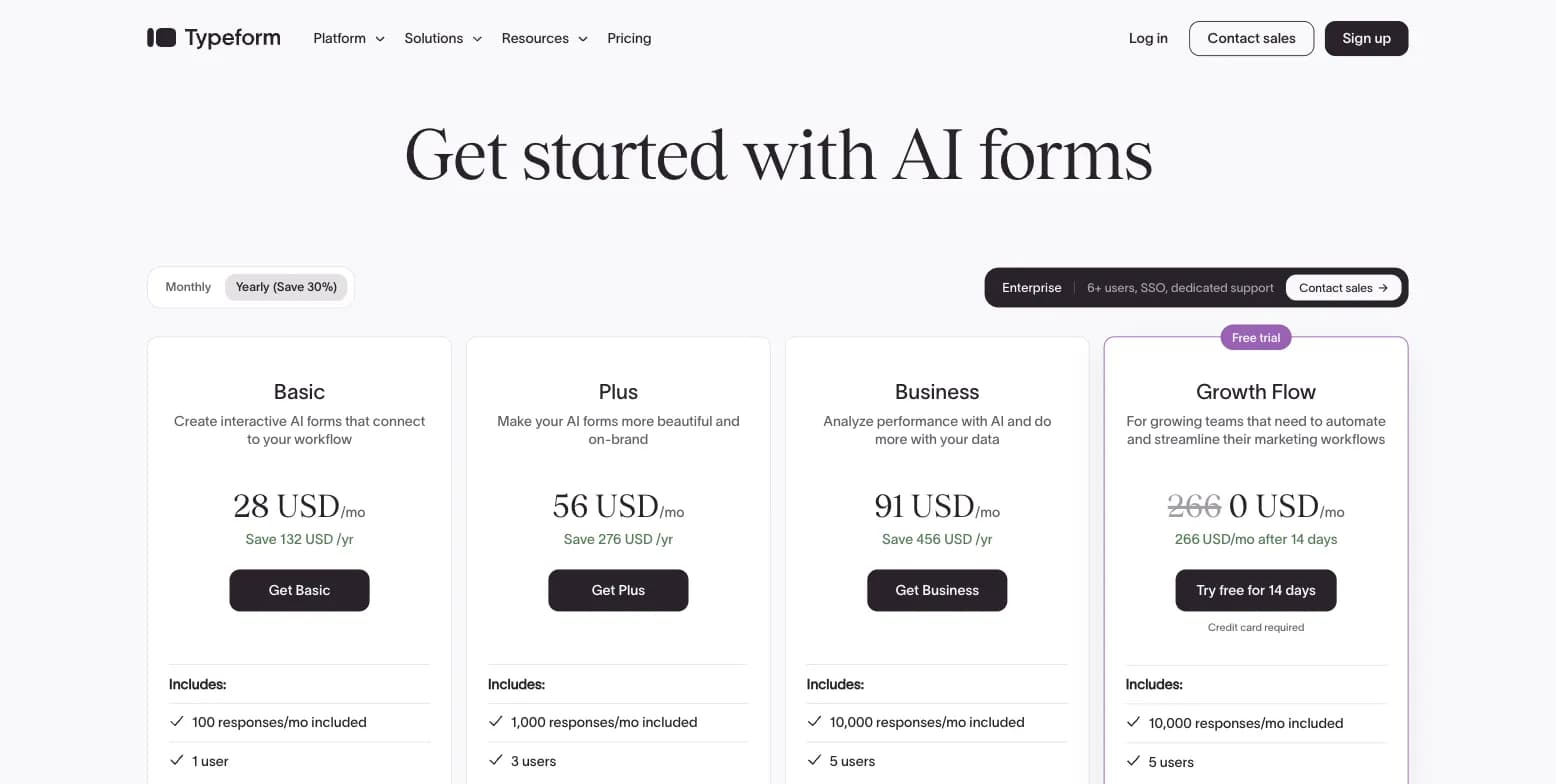
The Tradeoff to Know About. Typeform's free plan caps around 10 responses a month, tighter than Wufoo's free 100 entries/month, and its cheapest paid tier ($39/month, $28/month billed annually) costs more than Wufoo's Starter plan.
Captured August 2026.
Typeform Pricing: Free (10 responses/month), Basic $39/month or $28/month billed annually (100 responses/month), Plus $79/month or $56/month billed annually, Business $129/month or $91/month billed annually (drop-off analytics).
Typeform holds a 4.5/5 rating on G2 (1,017 reviews) and 4.7/5 on Capterra (973 reviews).
Who Should Use Typeform?
- Your brand experience and form design directly affect completion rates
- You need drop-off analytics and conversion tracking Wufoo doesn't offer
- You're comfortable paying more than Wufoo for a more modern respondent experience
4. Google Forms: Best for Simple, Free Internal Forms
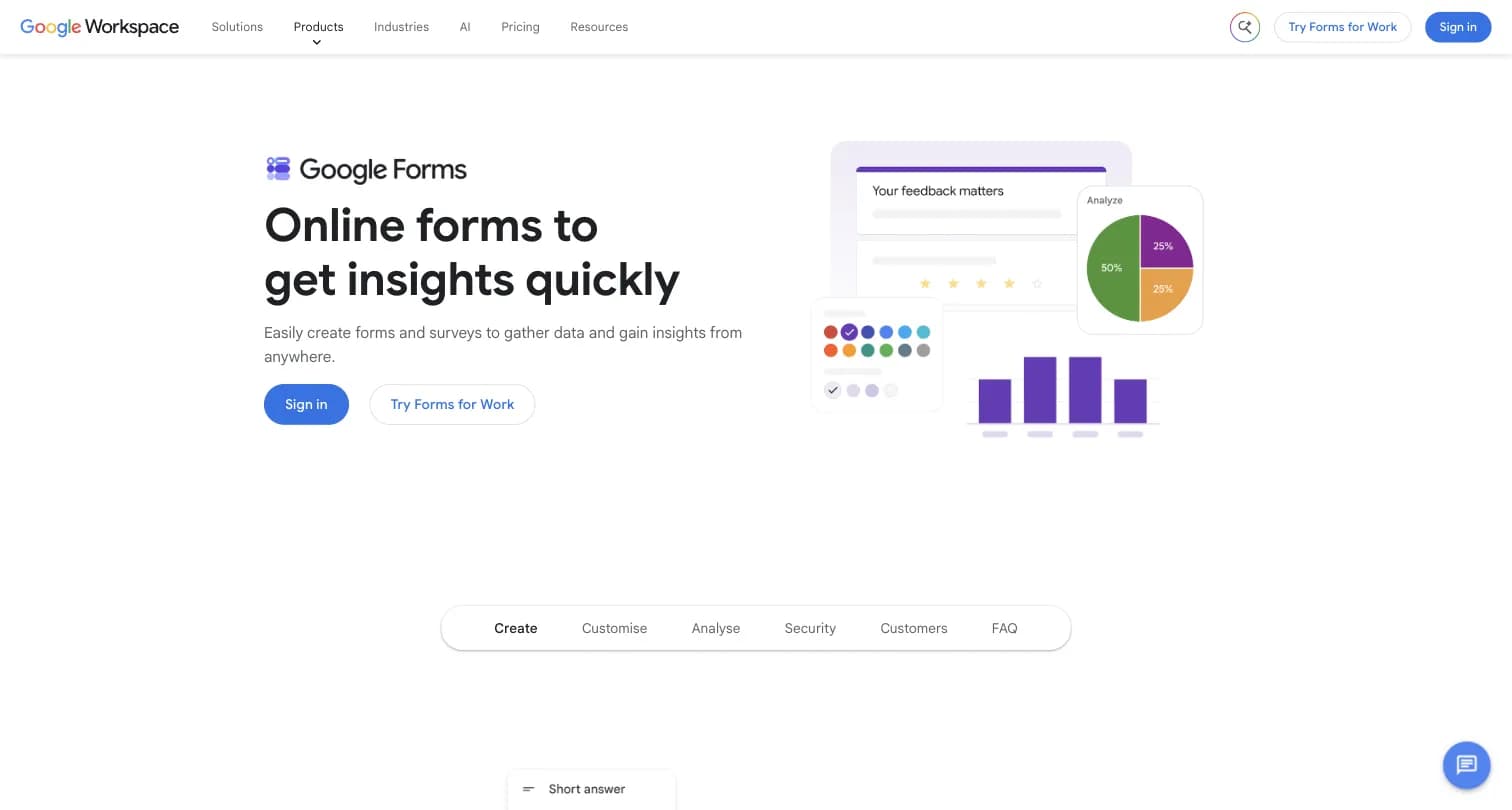
Google Forms is Google's free forms and survey tool, bundled into any personal Google account and into Google Workspace, with no standalone price of its own.
Key features:
- Unlimited forms and responses with any Google account
- Real-time collaboration and native Google Sheets export
- Basic single-question conditional logic and auto-generated charts
Why Choose Google Forms Over Wufoo
Zero Monthly Fee, Ever. Wufoo's free plan caps at 100 entries a month; Google Forms has no response cap at all, at any budget. If you're leaving Wufoo purely because of its submission ceiling, Google Forms removes that ceiling entirely for free.
The Tradeoff to Know About. Google Forms has no payment collection, no CAPTCHA specifically built for forms beyond standard Google account protections, and far less design customization than Wufoo's theme designer.
Google Forms Pricing: Free with any personal Google account. Google Workspace Business Starter ($7/user/month) through Business Plus ($22/user/month) add storage and admin features elsewhere in the suite, not a different version of Forms itself.
Google Forms holds a 4.7/5 rating on Capterra (11,526 reviews).
Who Should Use Google Forms?
- You just want to stop paying a monthly form-builder fee entirely
- You don't need payment collection or Wufoo's theme customization
- Internal teams or student projects where budget matters more than design
5. Cognito Forms: Best for Complex Logic and Calculations
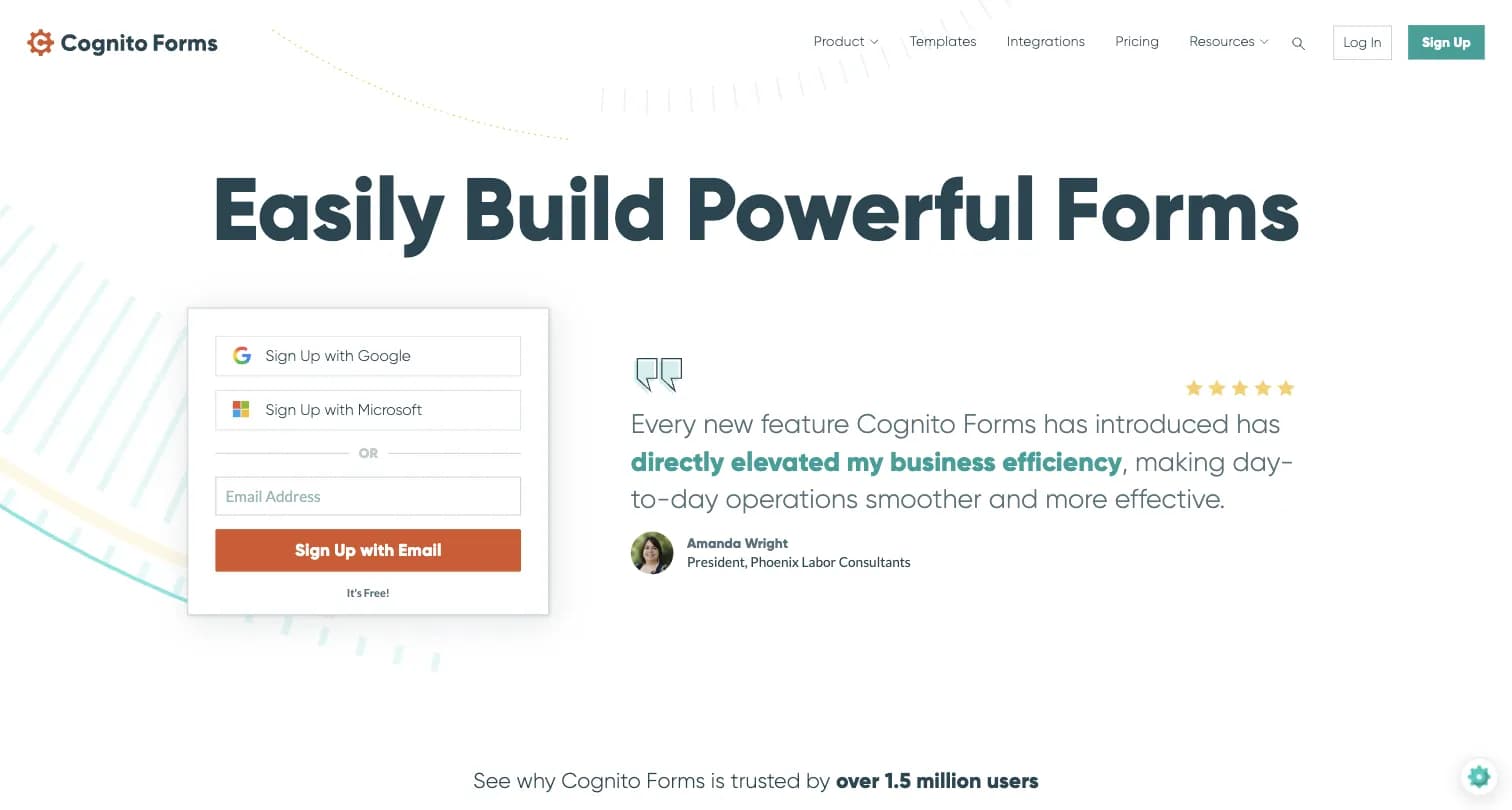
Cognito Forms is a form and workflow automation platform founded in 2012, built around powerful calculations, repeating sections, and document generation.
Key features:
- Advanced conditional logic, calculations, and repeating sections ("Add Another" to collect lists of data instead of duplicating fields manually)
- Save and resume functionality
- Document generation and e-signatures
- Payment processing via Stripe, Square, and PayPal
Why Choose Cognito Forms Over Wufoo
A Logic Engine Built for Real Math. Cognito Forms can perform actual calculations on fields, combine text strings, and handle repeating sections, considerably more capable than Wufoo's more basic conditional logic for order forms, registrations, or invoicing.
Captured August 2026.
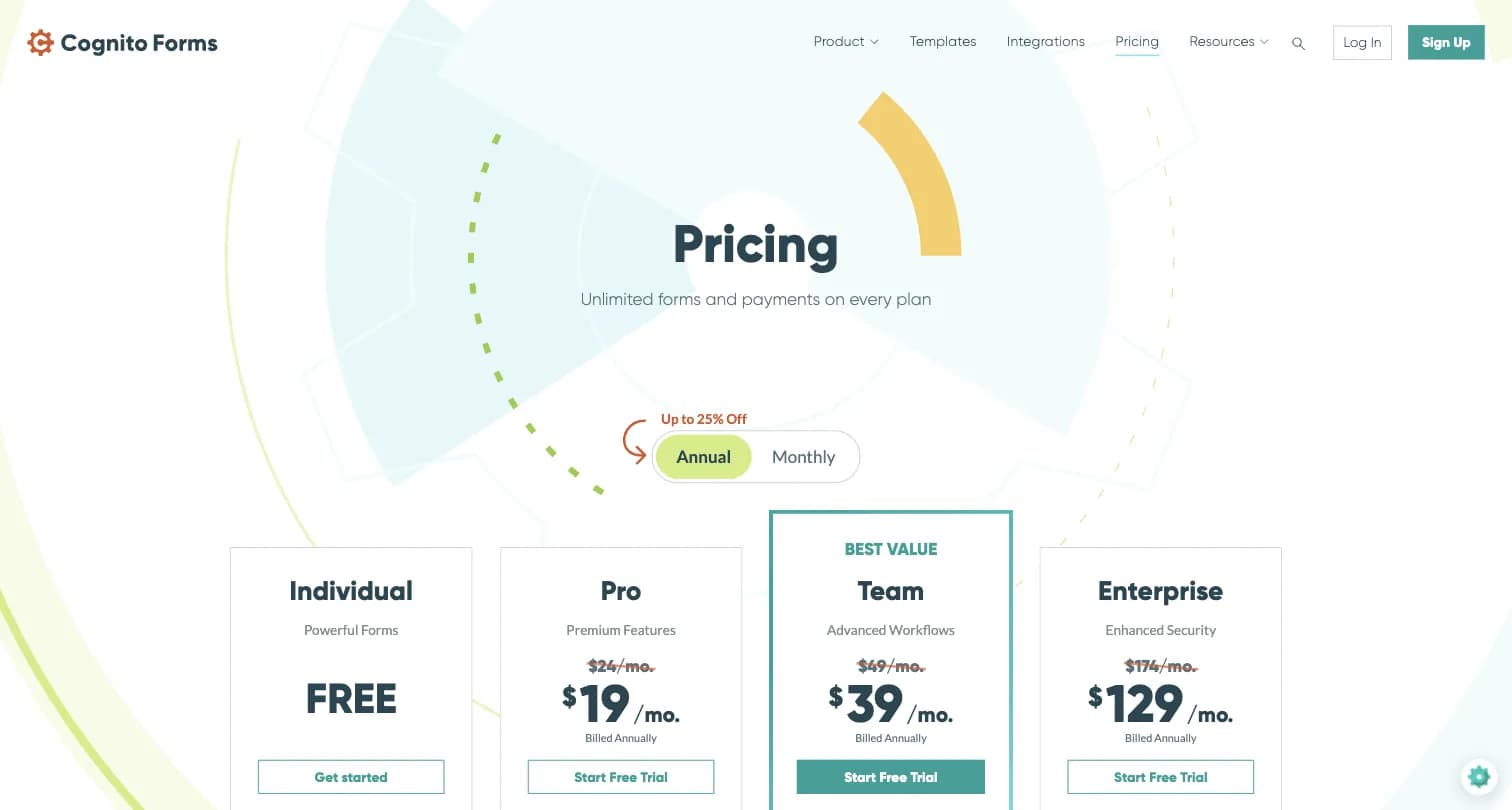
The Tradeoff to Know About. Per G2 reviewers, Cognito Forms' advanced template customization is effectively gated to its highest ($129/month annual) Enterprise tier.
Cognito Forms Pricing: Free Individual (100 entries/month), Pro $19/month billed annually (2,000 entries/month), Team $39/month billed annually (10,000 entries/month), Enterprise $129/month billed annually (unlimited entries, HIPAA).
Cognito Forms holds a 4.6/5 rating on G2 (132 reviews).
Who Should Use Cognito Forms?
- Your forms need real math: totals, taxes, or conditional calculations across repeating sections
- You're building registration systems with multiple attendees or line items
- Document generation and e-signatures matter alongside logic depth
6. Formstack: Best for Enterprise Workflows and Document Generation
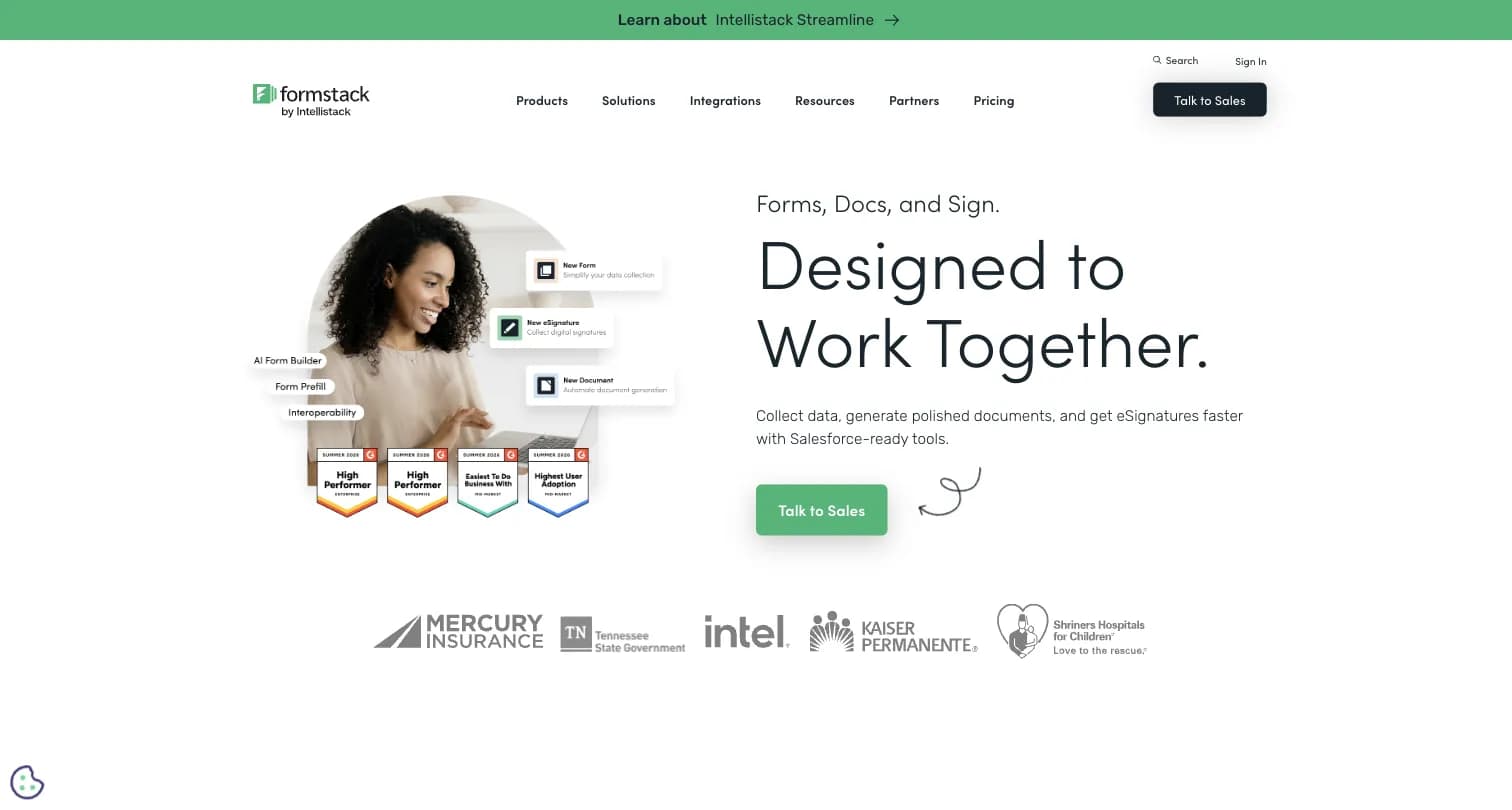
Formstack is built for teams that need HIPAA compliance, document generation, and complex approval routing, positioned for regulated industries like healthcare and finance.
Key features:
- Workflow automation visualizer for routing submissions through approvals
- HIPAA, GDPR, and Section 508 compliance
- Native Salesforce integration
- A/B testing for forms
Why Choose Formstack Over Wufoo
Enterprise-Grade Workflows Wufoo Doesn't Offer. Where Wufoo is a form builder, Formstack is a platform for automating business processes: submissions can trigger document creation, digital signatures, and secure routing in regulated industries.
Captured August 2026.
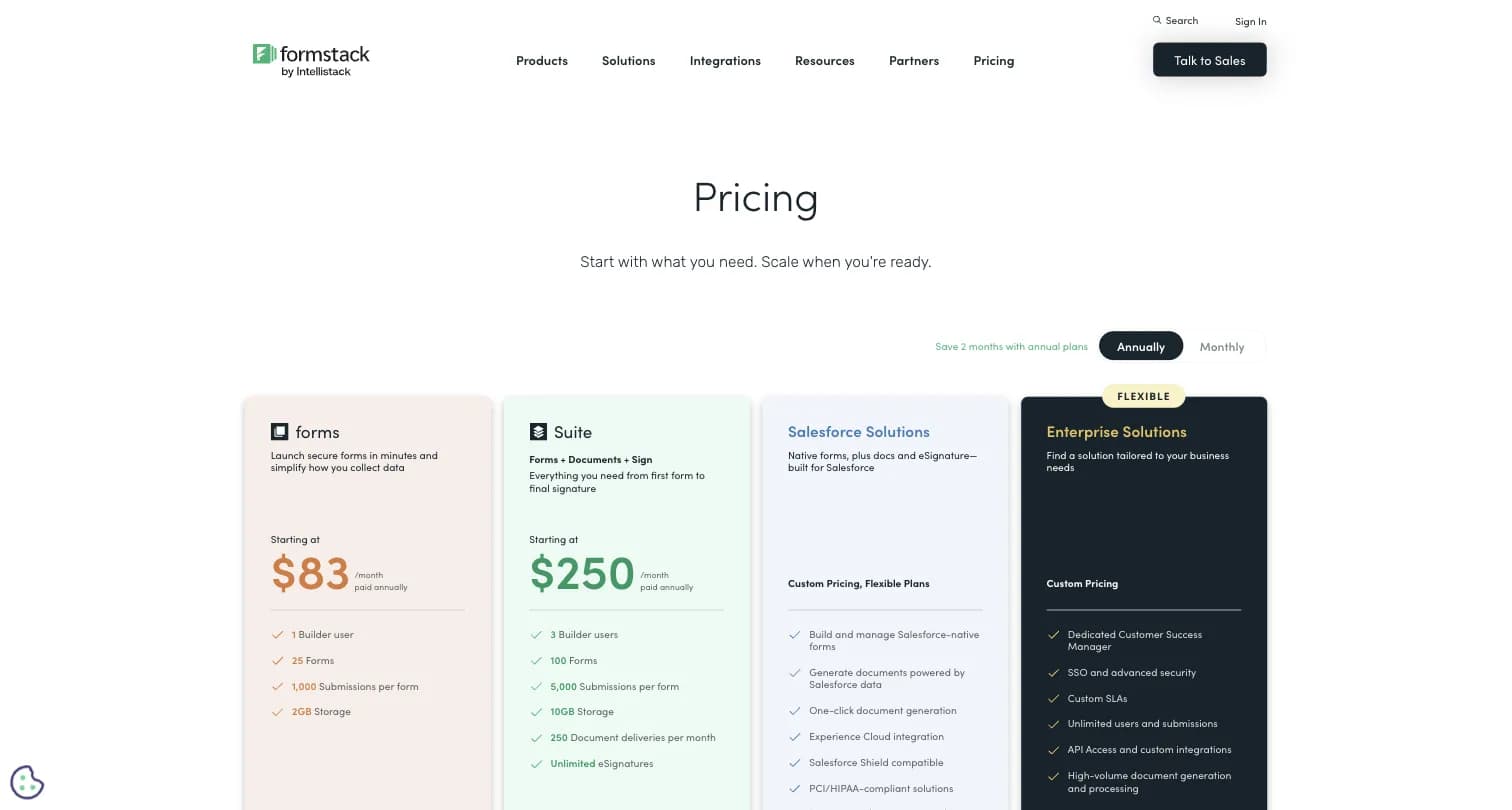
The Tradeoff to Know About. Formstack has no free plan at all, and its entry Forms tier ($83/month billed annually, per Formstack's own pricing page) costs roughly 5x Wufoo's Starter plan.
Formstack Pricing: Forms $99/month or $83/month billed annually (1,000 submissions/month, 25 forms), Suite $299/month or $250/month billed annually (5,000 submissions/month, document generation, e-signatures), Salesforce Solutions and Enterprise Solutions both custom-priced.
Formstack holds a 4.3 rating on G2 (471 reviews) and 4.0 on Capterra (126 reviews).
Who Should Use Formstack?
- You've outgrown Wufoo because you need HIPAA compliance, document generation, or approval routing
- Salesforce integration is a requirement, not a nice-to-have
- Budget supports a meaningfully higher price point than Wufoo
7. Paperform: Best for Payment- and Content-Heavy Landing-Page Forms
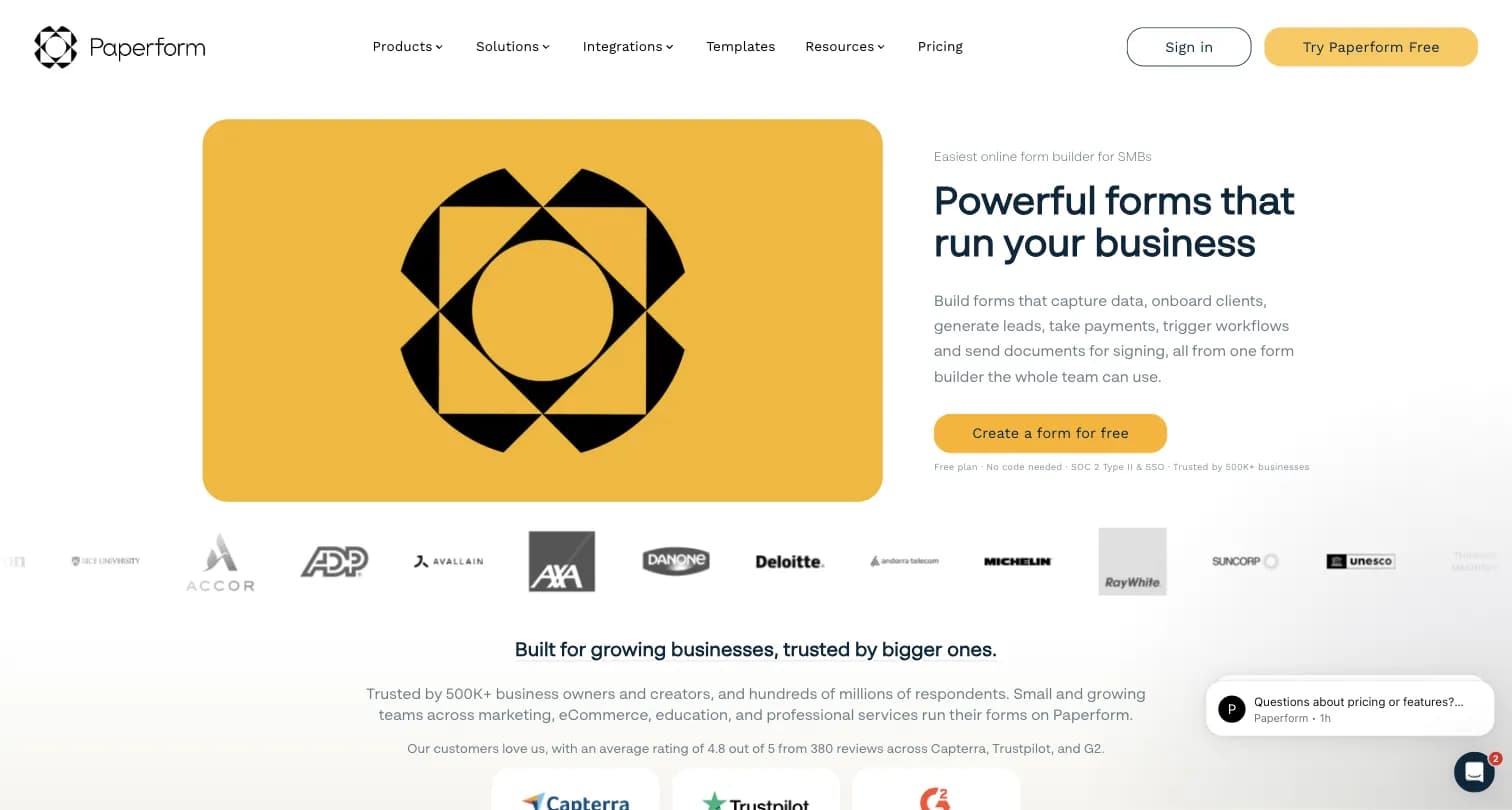
Paperform combines a form builder with a landing-page builder, letting you add rich text, images, and video before a single question, founded in 2016.
Key features:
- Doc-style editor with rich media support
- Built-in appointment booking and scheduling
- Custom pricing and calculations for order forms
- Automated emails and PDF receipts
Why Choose Paperform Over Wufoo
A Storefront Feel Wufoo's Administrative Look Doesn't Have. Wufoo forms look like paperwork; Paperform forms look like a product page, a meaningful upgrade if you're using the form to sell something, not just collect data.
The Tradeoff to Know About. Paperform prices submission limits per year rather than per month; the $24/month Essentials plan caps at 1,200 submissions/year, roughly 100/month, a lower effective monthly cap than it first appears next to Wufoo's 1,000/month Starter plan.
Paperform Pricing: Free (30 responses/month), Essentials $24/month (1,200 submissions/year), Pro $49/month (12,000 submissions/year), Business $99/month (120,000 submissions/year).
Paperform holds a 4.8 rating on G2 (86 reviews).
Who Should Use Paperform?
- You're selling a product, service, or ticket and want the form to look like a storefront
- You need built-in appointment booking alongside form collection
- Design matters more than Wufoo's administrative, table-driven layout
8. Microsoft Forms: Best If You're Already on Microsoft 365
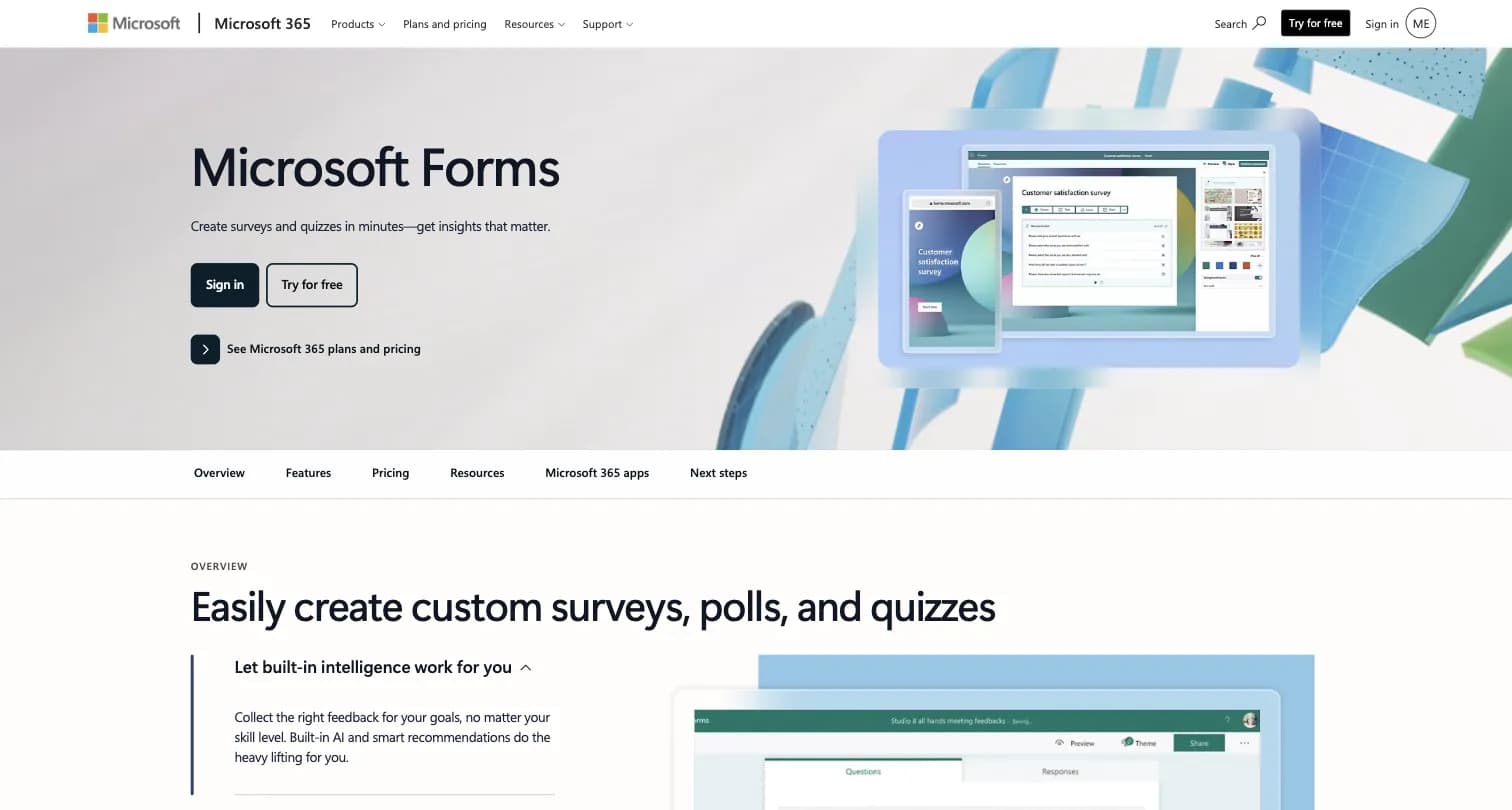
Microsoft Forms is Microsoft's free surveys, polls, and quizzes tool, bundled into any Microsoft account and into Microsoft 365, with no independent company or founding story of its own.
Key features:
- Built-in AI and smart recommendations for form creation, with branching logic for polls and quizzes
- Real-time collaboration and co-analysis across Microsoft 365 groups and Teams
- Real-time charts and one-click export to Excel
Why Choose Microsoft Forms Over Wufoo
Native Teams, Excel, and Outlook Integration. If your organization already runs on Microsoft 365, Forms slots directly into Teams for quick polls and into Excel for analysis, with no new login, payment, or vendor relationship the way Wufoo requires.
The Tradeoff to Know About. Microsoft Forms has no payment collection at all, unlike Wufoo, and adding a file-upload question disables the "Anyone can respond" option, blocking external respondents from attaching documents entirely, per third-party comparison research.
Microsoft Forms Pricing: Free for personal Microsoft accounts (200 responses/form). Microsoft 365 Business Basic $7/user/month, Business Standard $14/user/month, Business Premium $22/user/month, all paid yearly (2026 pricing).
Microsoft Forms holds a 4.4/5 rating on G2 (476 reviews) and 4.6/5 on Capterra (327 reviews).
Who Should Use Microsoft Forms?
- Your organization already runs on Microsoft 365 and needs quick internal polls or lightweight surveys
- You need tight Teams/Excel/Outlook integration more than payment collection
- You don't need to collect file attachments from external, non-employee respondents
How to Choose the Right Wufoo Alternative
Picking a replacement depends on whether you just need better design and higher limits, or whether your forms have grown into a feedback program.
Start With Your Use Case
- You want power beyond simple forms: Jotform
- Design and completion rates matter most: Typeform
- You want a free, no-frills option: Google Forms
- Your forms need real math and calculations: Cognito Forms
- You need HIPAA compliance or document workflows: Formstack
- You're selling something through the form itself: Paperform
- You're already on Microsoft 365: Microsoft Forms
- You're running a recurring feedback or NPS program, or need self-hosting: Formbricks
Then Evaluate These Criteria
| Criteria | Questions to Ask |
|---|---|
| Spam and fraud protection | Does the tool offer CAPTCHA at any tier, especially if you're collecting payments? |
| Response limits | Does the free or entry tier actually cover your real volume, not just a test? |
| Design flexibility | Do you need a genuinely modern look, not Wufoo's dated theme designer? |
| Support responsiveness | Do you need live chat or phone support, not just email? |
| What happens after the response | Do you need analytics, segmentation, and workflows, or just the raw submission? |
The Self-Hosting Factor
Every tool on this list except Formbricks is closed-source and cloud-only, including Wufoo itself, now operating under SurveyMonkey's infrastructure since its 2011 acquisition. If your organization has a hard data-residency requirement, a compliance review that rules out third-party SaaS, or you simply want to own your infrastructure, Formbricks is the only open-source alternative here, with a free, self-hostable Community Edition.
For related reading, see our Tally alternatives, Google Forms alternatives, and SurveySparrow alternatives guides.
Frequently Asked Questions
Most people leaving Wufoo just need better design, higher submission limits, or real spam protection, and Jotform, Typeform, Google Forms, Cognito Forms, Formstack, Paperform, or Microsoft Forms will get that done. If your forms have grown into a recurring feedback program, or you need self-hosting for data residency, Formbricks gives you website, in-app, link, and email surveys, feedback analytics, and workflow integrations with Salesforce, HubSpot, Slack, Google Sheets, and Notion, plus a free API on every tier. Self-host it for full data ownership, or start on the cloud Hobby plan for free.
Try Formbricks now