

8 Best Tally Alternatives in 2026 (Free, Paid, and Open Source)

Johannes
Co-Founder @ Formbricks
11 Minutes
August 16th, 2026
A quick disambiguation before we start: this guide covers alternatives to Tally.so, the Belgium-based, document-style form and survey builder. A separate, unrelated product called TallyPrime is accounting and inventory software from Tally Solutions in India. If you searched for an accounting-software alternative, this isn't the guide for that; everything below is about the free form builder.
Tally.so's free plan includes unlimited submissions within fair use, plus payments, e-signatures, file uploads, and conditional logic with no feature paywall, genuinely rare for a free form tool. But its document-style editor trades away deep visual design control, and it has no dedicated feedback or CX program layer once your forms turn into a recurring NPS or CSAT effort.
What Is Tally?
Tally was founded in 2020 by Marie Martens and Filip Minev in Ghent, Belgium. The founders had quit their jobs to build an unrelated travel startup when COVID-19 lockdowns hit; after six months without revenue, they pivoted to a form builder born from their own frustration with expensive, bloated tools like Typeform, inspired by Notion's inline-editing interface. The company remains fully bootstrapped with no outside investors, reached $5M in annual revenue by its fifth year, and runs with a 10-person team.
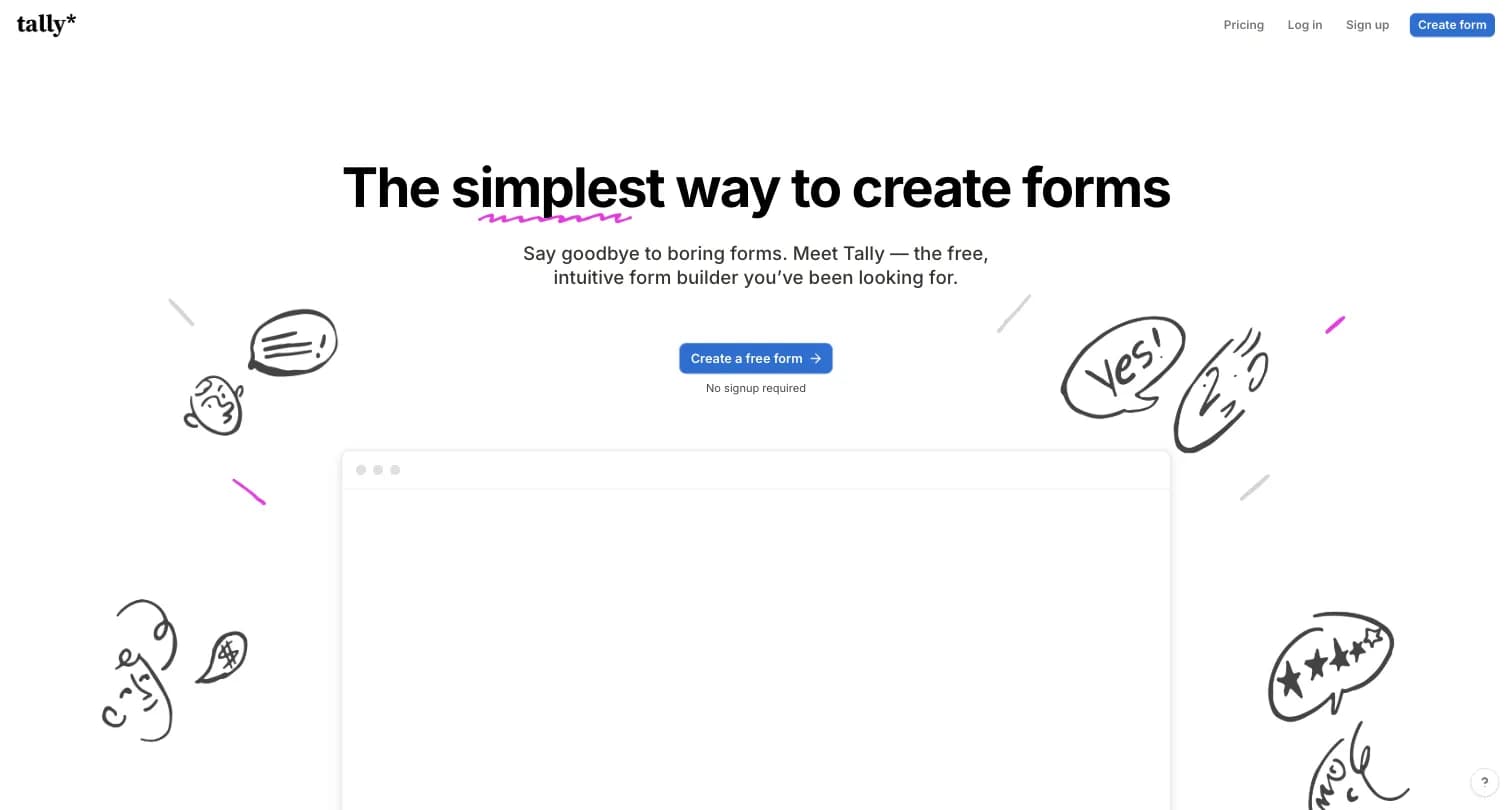
Tally positions itself as "the simplest way to create forms." It's Belgium-based, EU-hosted, GDPR-compliant, and includes no cookie tracking, distinctive for a form tool at any price point.
| Plan | Price | What It Actually Buys |
|---|---|---|
| Free | $0 | Unlimited forms and submissions (fair use), payments, signatures, file uploads, conditional logic, calculations |
| Pro | $24/month | Remove Tally branding, custom domains, unlimited team members, custom CSS, drop-off analytics |
| Business | $74/month | Everything in Pro, data retention controls, respondent email verification, 90-day version history |
Source: tally.so/pricing, captured August 15, 2026. Tally holds a 4.9 rating on G2 (141 reviews) across the Survey, Online Form Builder, and Event Registration & Ticketing categories.
Why Users Look for Tally Alternatives
Three reasons come up repeatedly across Tally's own G2 review data and its own comparison content.
1. Design Customization Is Limited
Tally's document-style editor is fast to use, but forms are largely stuck in a Notion-style layout. Reviewers on G2 specifically flag limited design customization as the tradeoff for that speed.
2. Analytics Are Fairly Basic
Per G2 reviewers, analytics are basic enough that some users export data elsewhere for deeper analysis, and more advanced scoring or branching logic (ranked scores, tie-breakers) requires manual workarounds.
3. No Native XM or CX Program Layer
Tally is a lightweight form and survey builder, not a purpose-built NPS/CSAT or journey-analytics platform. There's no closed-loop feedback workflow or segment-level analytics built into any plan.
Tally Alternatives at a Glance
| Alternative | Best For | Free Plan | Starting Price | Open Source |
|---|---|---|---|---|
| Formbricks | Feedback, experience management & self-hosting | Yes (250 responses/mo cloud, unlimited self-hosted) | $74/month (billed annually) | Yes |
| Typeform | Polished, conversational form design | Yes (limited) | $28/month (billed annually) | No |
| Jotform | Template variety, payments, business workflows | Yes (100 submissions/mo) | $34/month (billed annually) | No |
| Google Forms | Free, no-frills internal forms | Yes (unlimited) | Free | No |
| Fillout | Database sync, unlimited seats | Yes (1,000 responses/mo) | $15/month (billed annually) | No |
| SurveyMonkey | Enterprise scale, respondent panels | Yes (limited) | $30/user/month | No |
| Paperform | Payment- and content-heavy landing-page forms | Yes (30 responses/mo) | $24/month | No |
| Cognito Forms | Complex logic and calculations | Yes (100 entries/mo) | $19/month (billed annually) | No |
Formbricks, Typeform, Jotform, Google Forms, Fillout, SurveyMonkey, Paperform, and Cognito Forms are trademarks of their respective owners; logos shown are for identification purposes only.
Top 8 Tally Alternatives in 2026
1. Formbricks: Open-Source Feedback and Experience Management
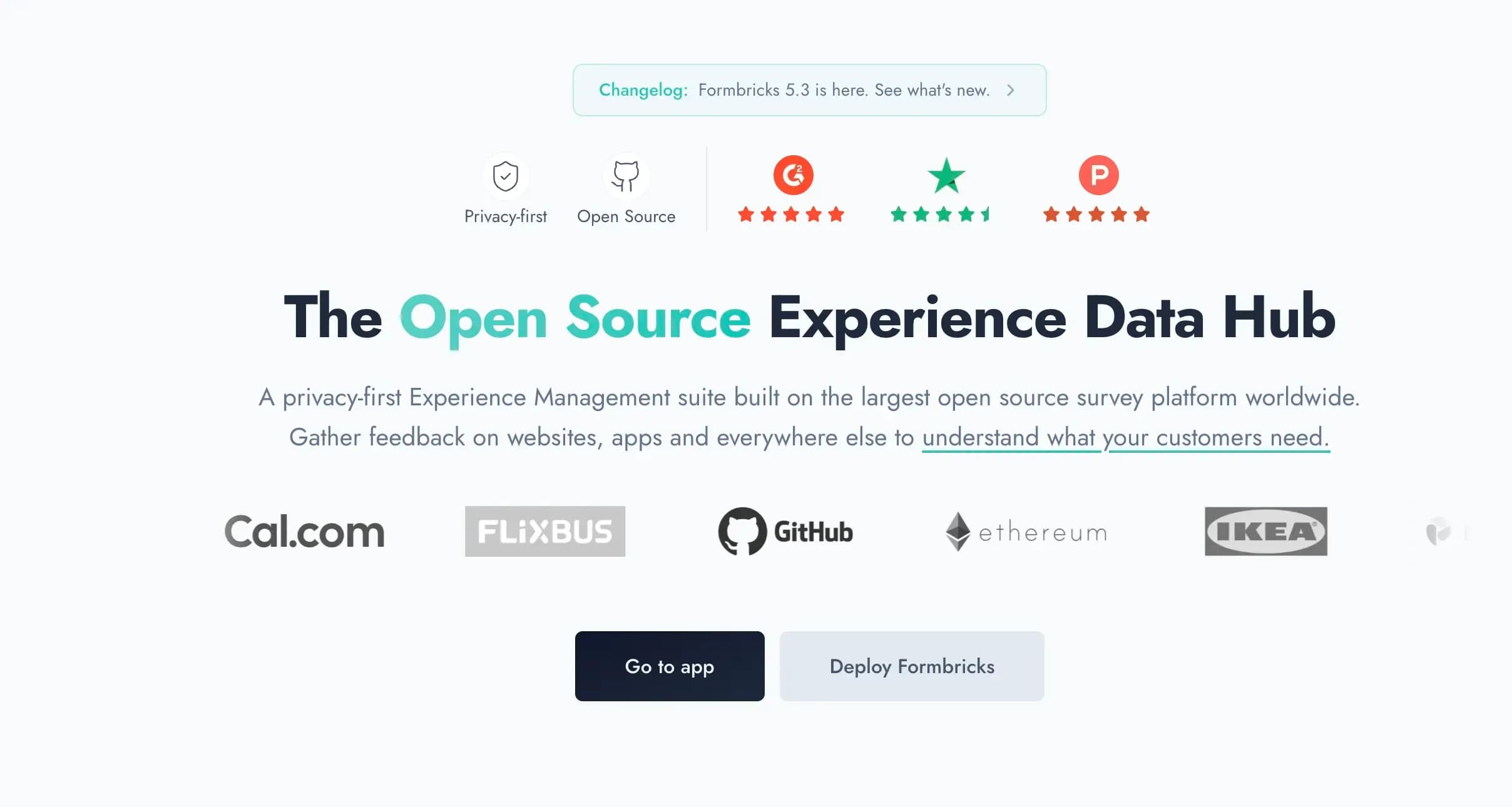
Formbricks is an open-source feedback and experience management platform. Where Tally is a fast, document-style form builder for one-off data collection, Formbricks is built for teams that need website, in-app, link, and email surveys managed on one platform, plus the analytics and workflow automation to act on the responses.
Most people searching for "Tally alternatives" just want a similarly fast, free form builder. If that's you, several other tools below are a closer match. Formbricks earns its spot here for the subset of teams whose forms have grown into a real feedback program: recurring NPS/CSAT, in-app targeting, or a hard requirement to keep response data off a third party's servers.
Key features:
- Feedback management across every channel: website surveys, in-app surveys, link surveys, and email surveys, all on one platform instead of stitching together a form tool and a separate feedback tool
- Feedback analytics: response dashboards, drop-off and partial-response tracking, segmentation, and aggregate plus per-response views
- Workflows and automation: Formbricks Workflows for post-response actions, plus native integrations to Salesforce, HubSpot, Slack, Google Sheets, and Notion via webhooks
- Free API on every tier, including MCP: full API access (Public Client API and Management API) on the free Hobby plan, not gated behind an enterprise tier
- Advanced targeting: attribute-based segmentation with conditional logic, for example "show this survey to users on the Pro plan who haven't responded in 30 days"
- Self-hosting on your own infrastructure, with Formbricks never having access to your data when self-hosted
Why Choose Formbricks Over Tally
A Structured Feedback and CX Layer Tally Doesn't Have. Tally has no NPS/CSAT program templates, no closed-loop workflow, and no segmentation for in-product surveys. Formbricks is built around feedback analytics (drop-off tracking, response dashboards, segmentation) and Workflows for what happens after a response comes in.
⚡ Formbricks in Action: A support team collecting CSAT after ticket resolution outgrows a Tally form within weeks because there's no dashboard to segment responses by plan or region. On Formbricks, the same survey ships with a response dashboard and a workflow that routes low scores straight to Slack.
Advanced Targeting Tally Can't Do. Tally has no in-app targeting capability; it's a link-and-embed tool. Formbricks supports attribute-based segmentation, for example showing a survey only to users on a specific plan who haven't responded in 30 days.
⚡ Formbricks in Action: A product team wants to survey only power users who signed up more than 60 days ago and haven't seen a survey recently. Tally has no concept of user attributes or survey history. Formbricks' attribute-based segmentation handles it directly.
Self-Hosting for Data Tally Can't Match on Depth. Tally is EU-hosted and GDPR-compliant, a genuine strength, but offers no self-hosted deployment option. Formbricks offers a free, self-hosted Community Edition (AGPLv3) where Formbricks never has access to your data, for healthcare, finance, and government teams with data residency requirements beyond "EU-hosted."
Formbricks Pricing (verified at formbricks.com/pricing):
- Hobby (Free): 1 workspace, 250 responses/month, all question types, conditional logic, full API access including MCP, hosted in Frankfurt
- Pro: $89/month billed monthly, or $74/month billed annually ($890/year total), 3 workspaces, 2,000 responses/month, unlimited seats, branding removal, attribute-based segmentation, all integrations
- Scale: $390/month billed monthly, or $325/month billed annually, 5 workspaces, 5,000 responses/month, teams and access roles, quota management
- Self-hosted: Community Edition is free forever, open-source (AGPLv3), unlimited surveys
Who Should Use Formbricks?
- You're running a recurring feedback program (NPS, CSAT, PMF), not just a one-off intake form
- You need in-app surveys with attribute-based targeting, not just a link form
- You're in a regulated industry with a data residency requirement that goes beyond "EU-hosted" to full self-hosting
- You want feedback analytics and workflow automation on the same platform as your survey builder
2. Typeform: Best for Polished, Conversational Form Design
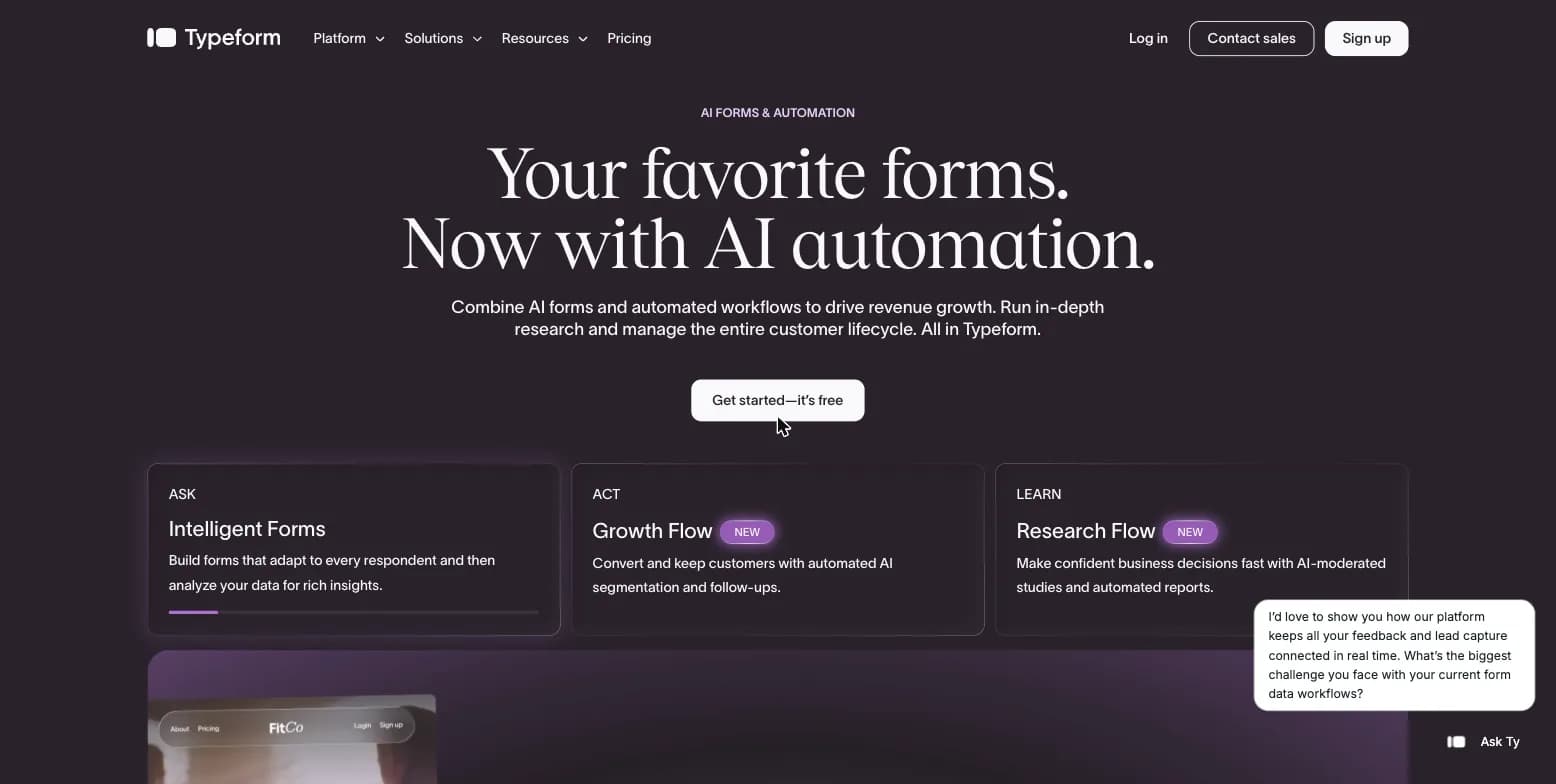
Typeform is an AI-powered conversational forms and workflow automation platform, founded in 2012, and one of Tally's founders has directly cited it as an inspiration for what Tally set out to do differently on price.
Key features:
- One-question-at-a-time layout designed to keep respondents engaged and reduce drop-off
- AI-powered form creation, plus thousands of templates
- Growth Flow, automated lead enrichment and follow-up triggered from form submissions
- Drop-off rate analytics and conversion tracking on the Business tier
Why Choose Typeform Over Tally
A Design Experience Tally's Editor Doesn't Attempt. Tally's document-style editor is fast but visually constrained. Typeform's fully brandable, one-question-at-a-time format is built specifically to maximize engagement and completion rates.
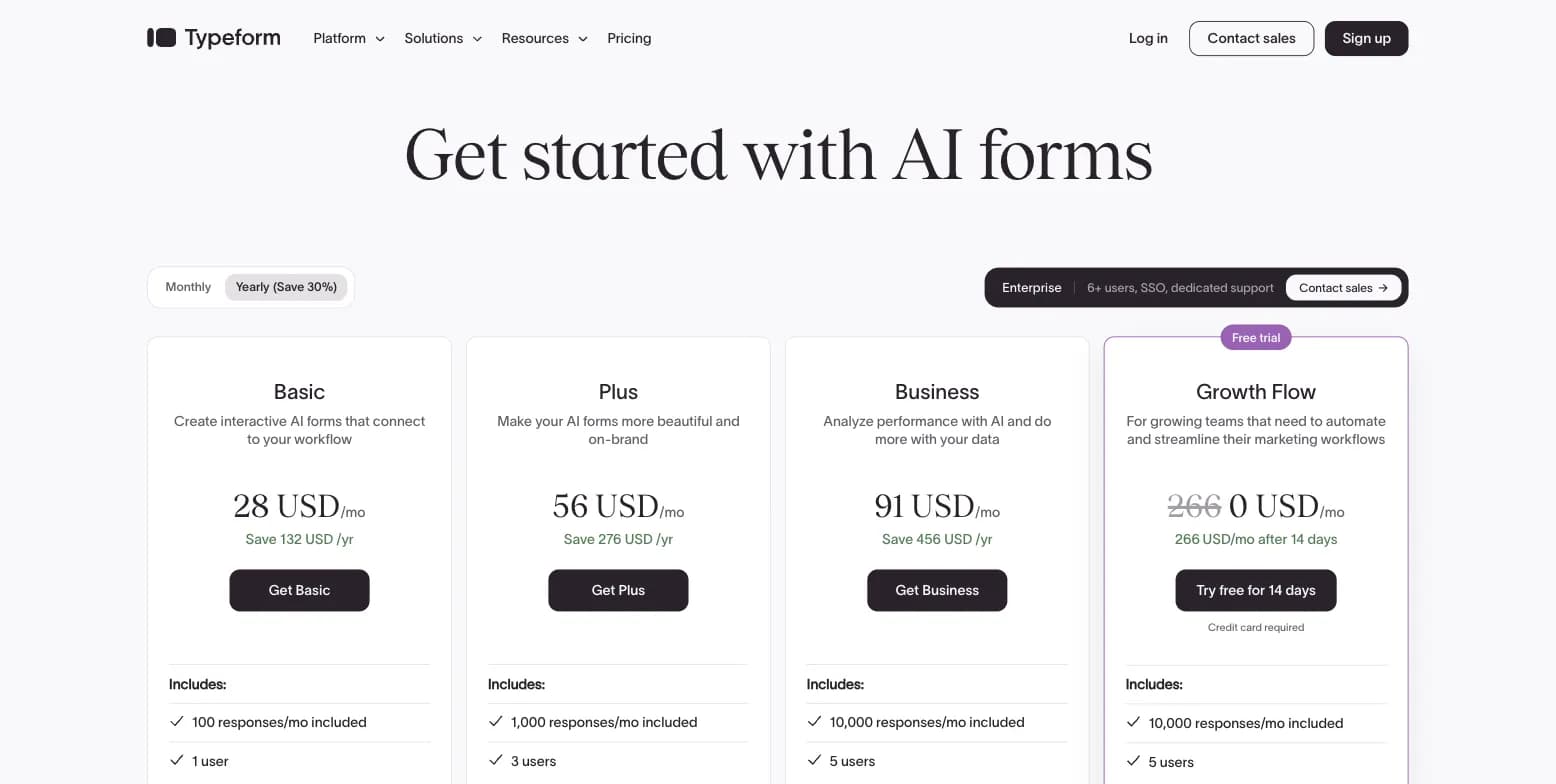
The Tradeoff to Know About. Typeform's free plan caps around 10 responses a month, and its cheapest paid tier only raises that to 100 responses for $39/month ($28/month billed annually). Tally, by contrast, offers unlimited submissions for free within fair use.
Captured August 2026.
Typeform Pricing: Free (10 responses/month), Basic $39/month or $28/month billed annually (100 responses/month), Plus $79/month or $56/month billed annually (1,000 responses/month), Business $129/month or $91/month billed annually (10,000 responses/month, drop-off analytics).
Typeform holds a 4.5/5 rating on G2 (1,017 reviews) and 4.7/5 on Capterra (973 reviews).
Who Should Use Typeform?
- Your brand experience and form design directly affect completion rates or lead quality
- You need drop-off analytics and conversion tracking that Tally's basic reporting doesn't provide
- You're comfortable paying $28+/month once your response volume goes beyond a handful a month
3. Jotform: Best for Template Variety and Business Workflows
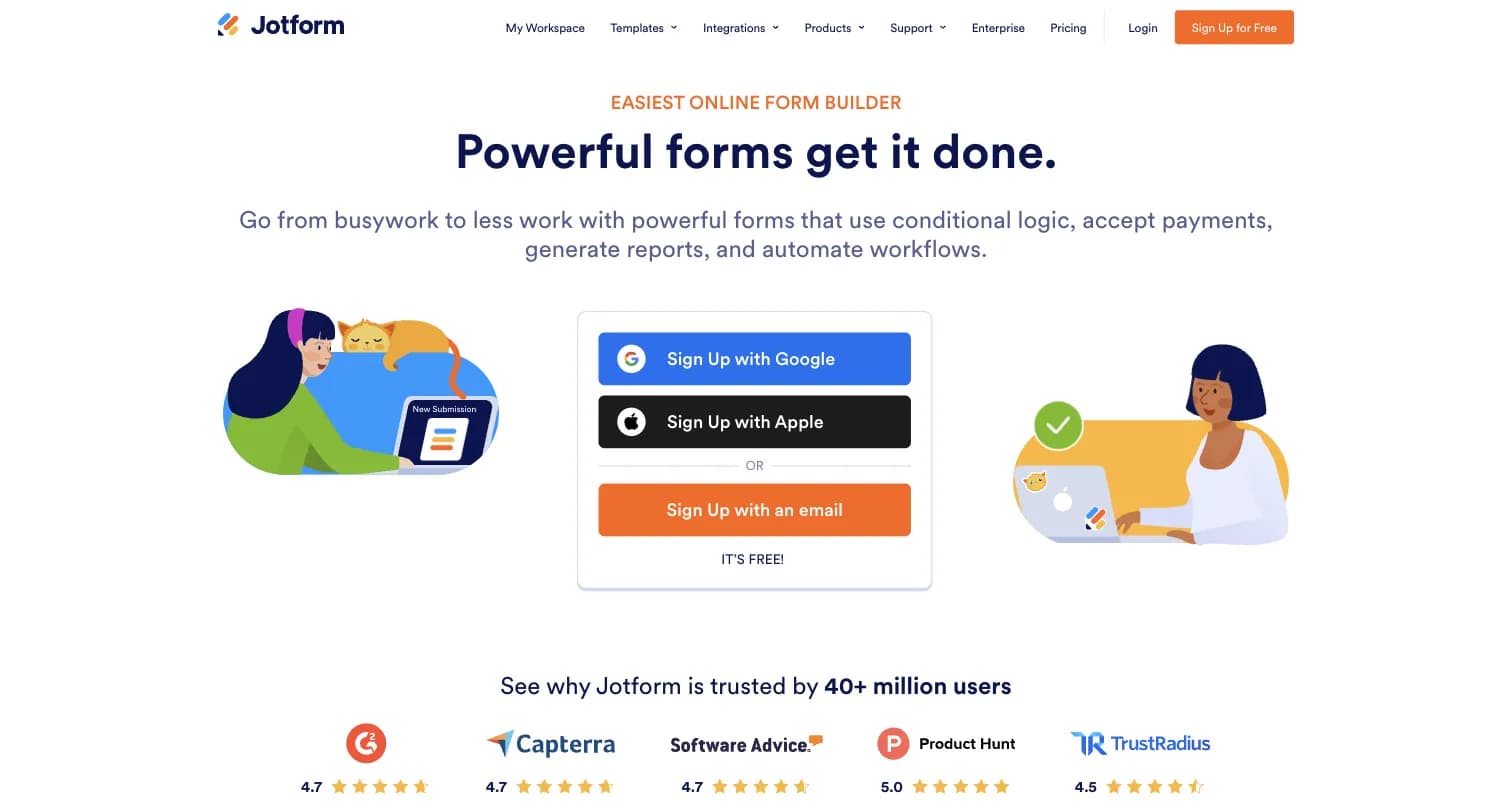
Jotform is a general-purpose online form and workflow automation platform, founded in 2006, bootstrapped to 40M+ users and 2B+ form submissions.
Key features:
- Drag-and-drop builder with 20,000+ templates, conditional branching, and 100+ field types on paid tiers
- Native payment collection via Stripe, PayPal, Square, and other gateways
- 150+ integrations with CRMs, email marketing, cloud storage, and project management tools
- HIPAA-enabled features available on Gold and Enterprise plans
Why Choose Jotform Over Tally
Payments, E-Signatures, and Workflows Tally Doesn't Have. Jotform natively collects payments and can route submissions through document generation and approval steps, well beyond Tally's form-plus-payments feature set.
HIPAA-Enabled Forms When You Need Them. Jotform makes HIPAA-enabled features available starting on its Gold plan ($99/month billed annually). Tally has no HIPAA-specific compliance features documented.
The Tradeoff to Know About. Every Jotform plan below Enterprise is single-user, while Tally's Pro plan ($24/month) includes unlimited team members.
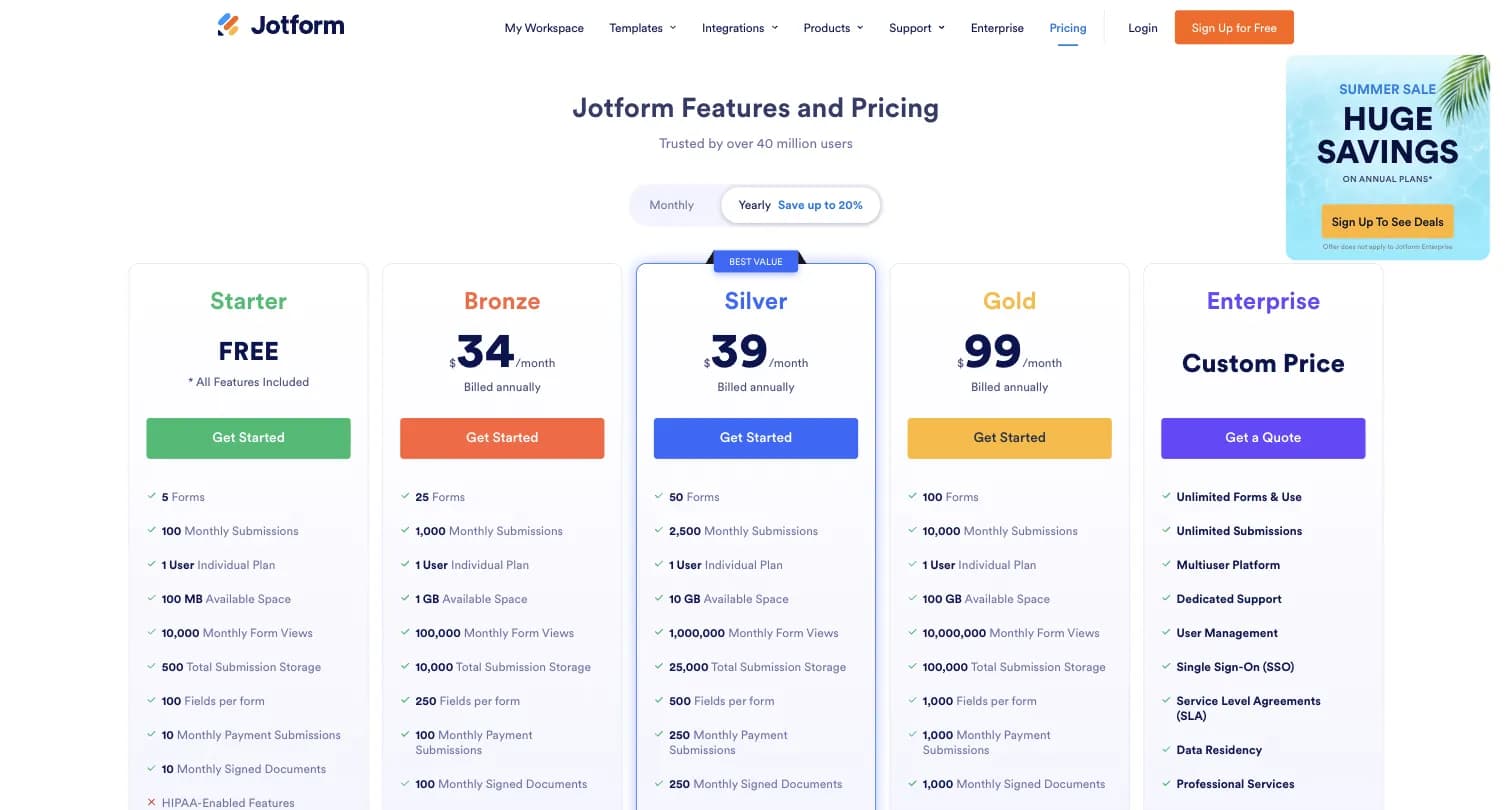
Captured August 2026.
Jotform Pricing: Free Starter (5 forms, 100 submissions/month), Bronze $34/month billed annually (1,000 submissions/month), Silver $39/month billed annually (2,500 submissions/month), Gold $99/month billed annually (10,000 submissions/month, HIPAA), Enterprise custom.
Jotform holds a 4.7/5 rating on both G2 (5,424 reviews) and Capterra (2,918 reviews).
Who Should Use Jotform?
- Your form needs to do more than collect answers: e-signatures, payments, approvals, or document generation
- You want the widest possible template library to start from
- You need HIPAA-enabled forms without going straight to a custom Enterprise quote
4. Google Forms: Best for Simple, Free Internal Forms
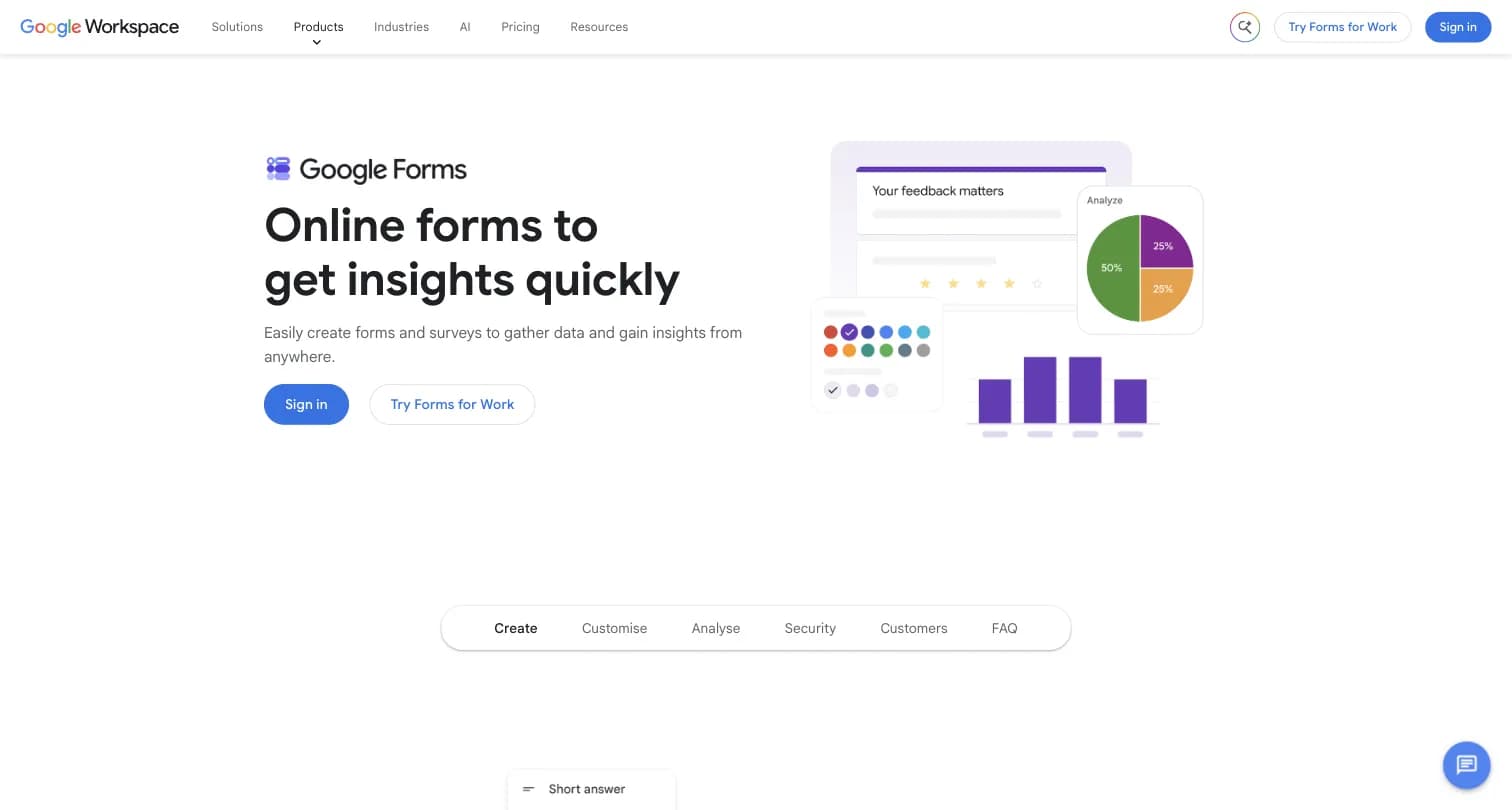
Google Forms is Google's free forms and survey tool, bundled into any personal Google account and into Google Workspace, with no standalone price of its own.
Key features:
- Unlimited forms and responses with any Google account
- Real-time collaboration and native Google Sheets export
- Basic single-question conditional logic and auto-generated charts
Why Choose Google Forms Over Tally
Zero New Account Required If You're Already on Google. If your organization already runs on Google Workspace, Google Forms requires no new login, while Tally is a separate account and separate vendor relationship.
The Tradeoff to Know About. Both are free with unlimited responses, but Tally's free plan includes payments, e-signatures, file uploads, and multi-condition logic, none of which Google Forms offers at any price.
Google Forms Pricing: Free with any personal Google account. Google Workspace Business Starter ($7/user/month) through Business Plus ($22/user/month) add storage and admin features elsewhere in the suite, not a different version of Forms itself.
Google Forms holds a 4.7/5 rating on Capterra (11,526 reviews).
Who Should Use Google Forms?
- You already live in Google Workspace and want zero new logins for internal polls or RSVPs
- You don't need payments, e-signatures, or multi-condition logic
- Simplicity matters more than design or advanced features
5. Fillout: Best for Database Sync and Unlimited Seats
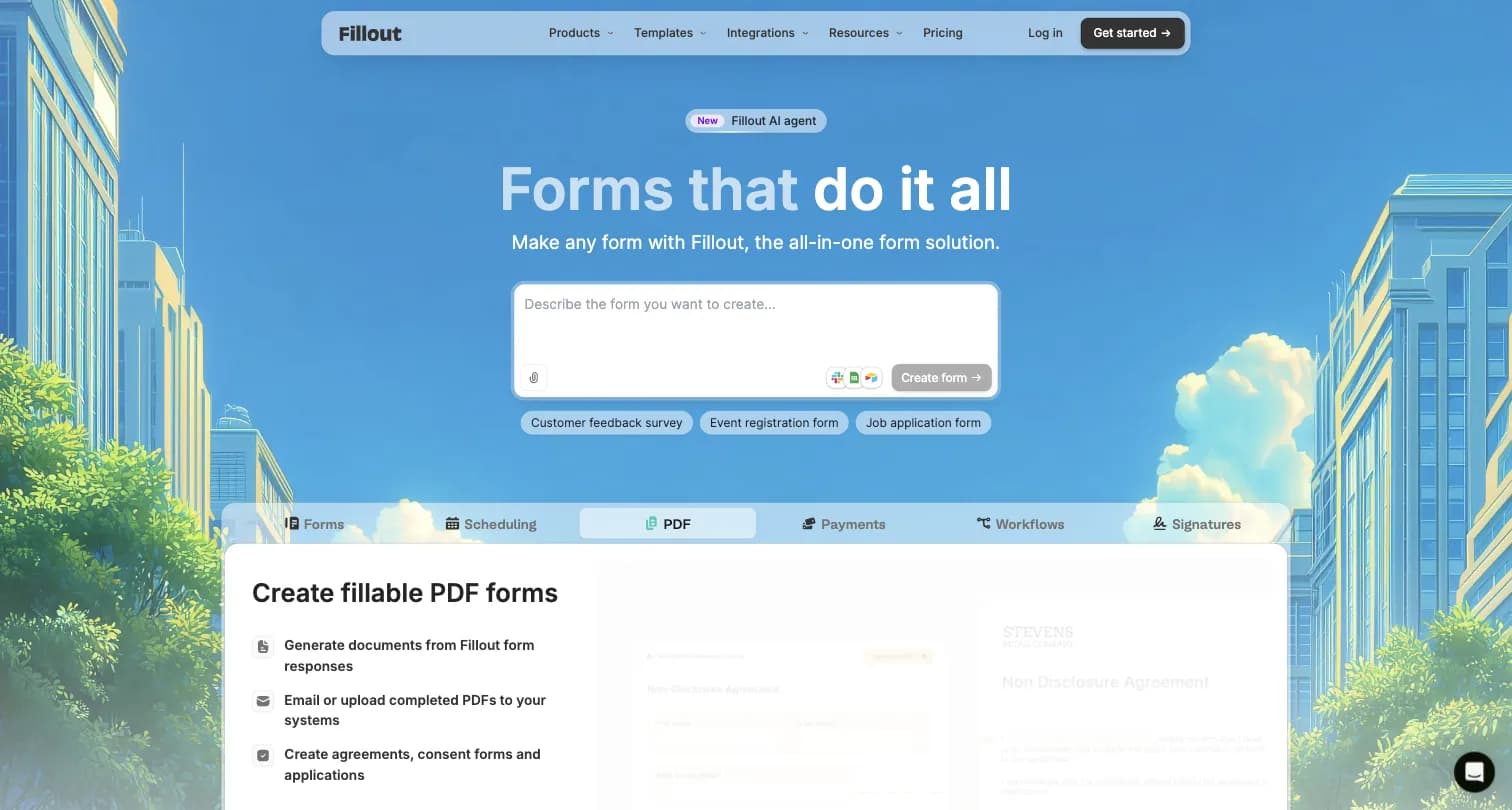
Fillout is a database-connected form builder built by a team with prior experience at Microsoft, Retool, and Jet.com, used by 100,000+ organizations.
Key features:
- Native two-way sync with Airtable, Google Sheets, and Notion, including updating existing records
- 50+ field types, conditional logic, calculations and scoring, pre-fill and hidden fields
- Unlimited seats at every tier, including free
- SOC 2 Type II compliant
Why Choose Fillout Over Tally
Two-Way Database Sync Tally Doesn't Offer. Fillout's signature feature is writing form data directly back into Airtable and Notion records. Tally exports and integrates via Zapier/Make but doesn't natively update existing database records the same way.
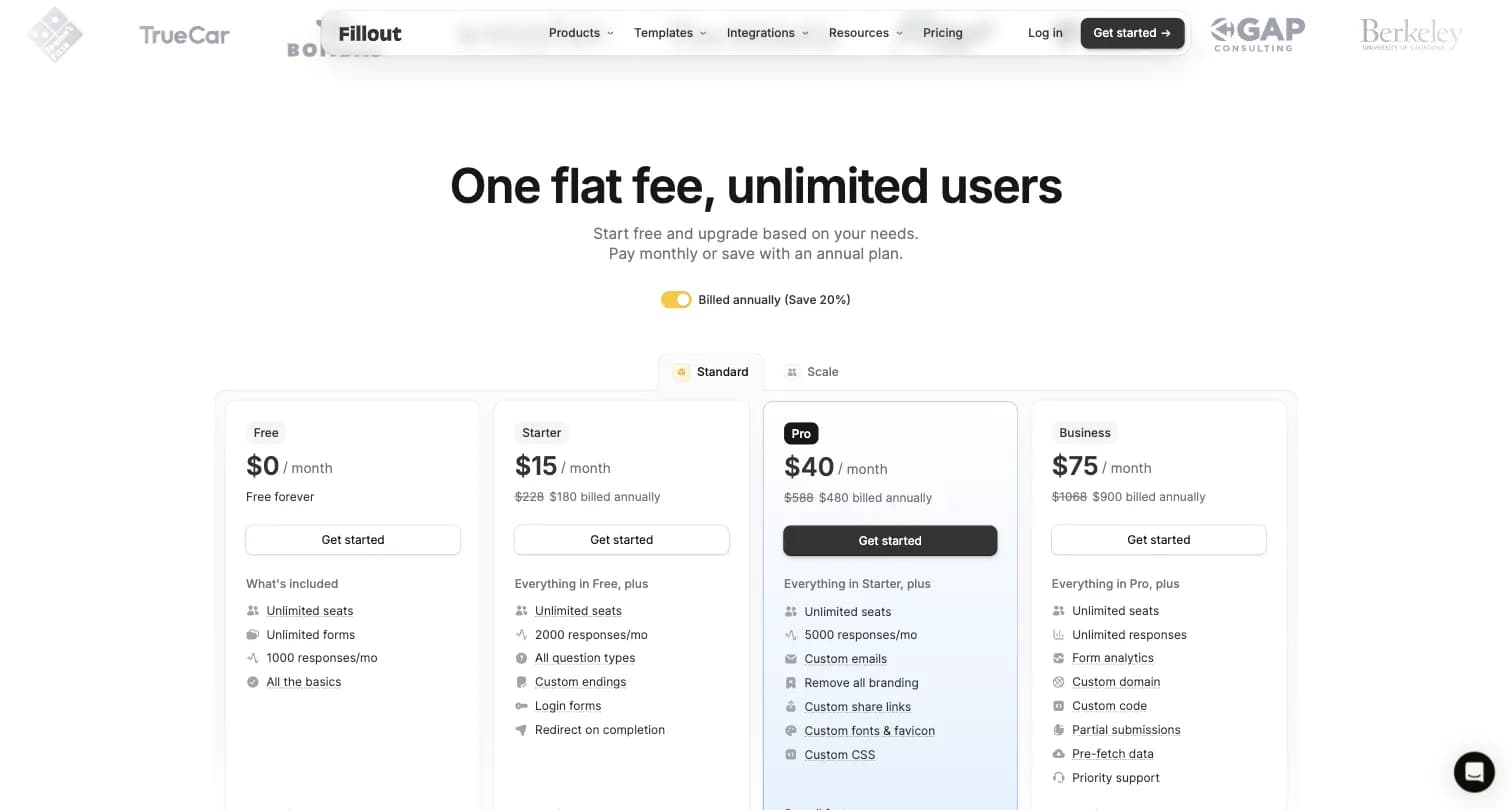
The Tradeoff to Know About. Fillout's free plan caps at 1,000 responses a month, while Tally's free plan is unlimited within fair use. Fillout's own feature comparison table also labels its top self-serve plan "Standard" in one place and "Business" in another, a naming inconsistency worth knowing about before you subscribe.
Captured August 2026.
Fillout Pricing: Free (1,000 responses/month, unlimited seats), Starter $15/month billed annually (2,000 responses/month), Pro $40/month billed annually (5,000 responses/month), Business $75/month billed annually (unlimited responses, analytics).
Fillout holds a 4.6/5 rating on G2 (30 reviews).
Who Should Use Fillout?
- Your team already lives in Airtable or Notion and wants forms that write directly back into those databases
- You want unlimited seats at every tier, including free
- Your forms rely on complex branching or calculations
6. SurveyMonkey: Best for Enterprise Scale and Respondent Panels
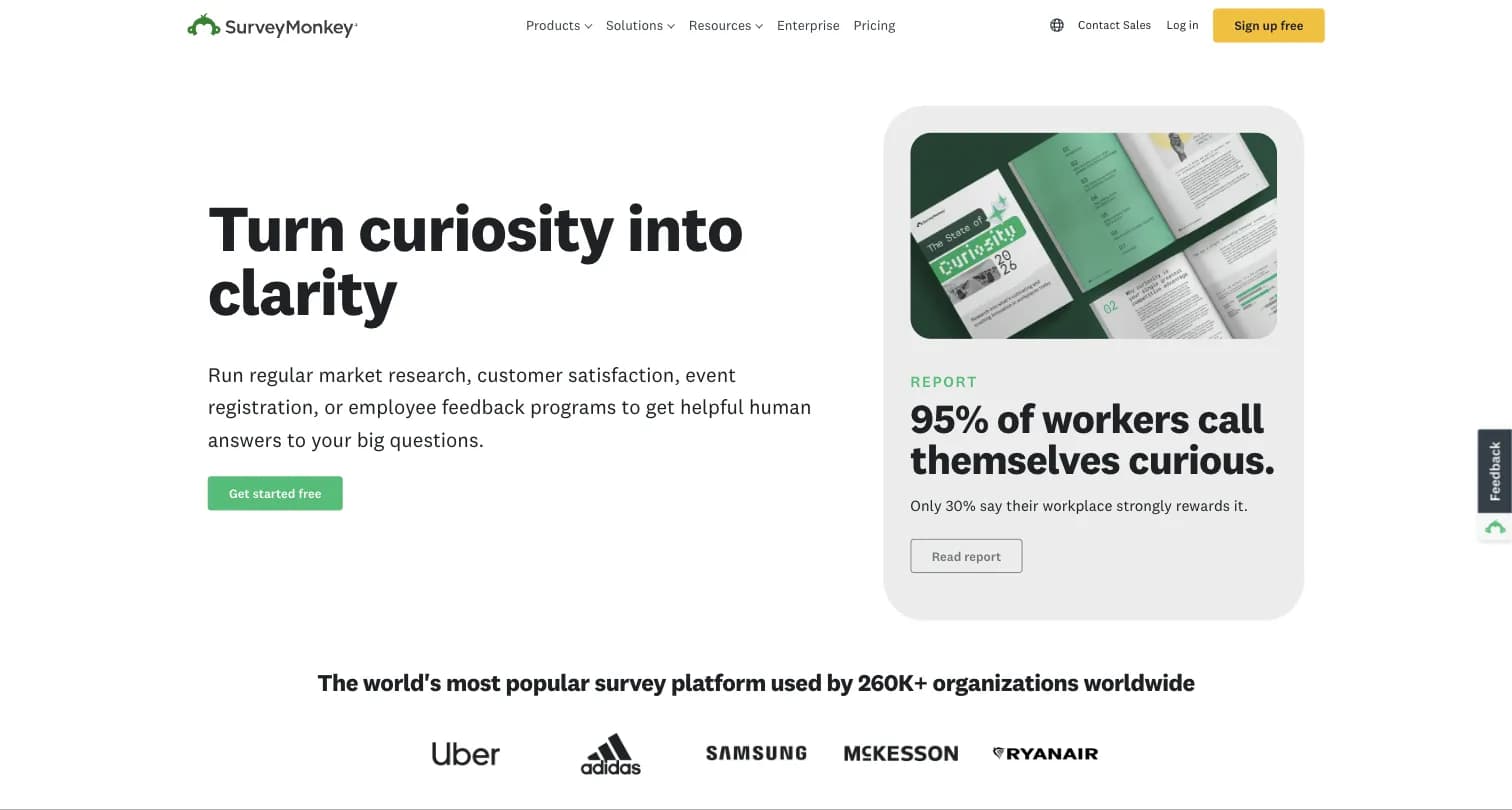
SurveyMonkey is the self-described world's most popular survey platform, founded in 1999, used by 260,000+ organizations worldwide.
Key features:
- 500+ expert-designed templates and AI-assisted survey building
- SurveyMonkey Audience, a respondent panel of 335M+ people across 130+ countries
- Statistical significance testing, crosstabs, and benchmarking on paid tiers
Why Choose SurveyMonkey Over Tally
Statistical Rigor and Panel Access Tally Doesn't Offer. SurveyMonkey supports statistical significance testing and crosstabs on paid tiers, plus a 335M+ person respondent panel for market research when you don't have your own list to survey.
The Tradeoff to Know About. SurveyMonkey's free Basic plan caps surveys at 10 questions with limited response viewing, far more restrictive than Tally's unlimited free plan, and pricing is the single most-disliked theme in SurveyMonkey's own reviews per third-party sentiment analysis.
Captured August 2026.
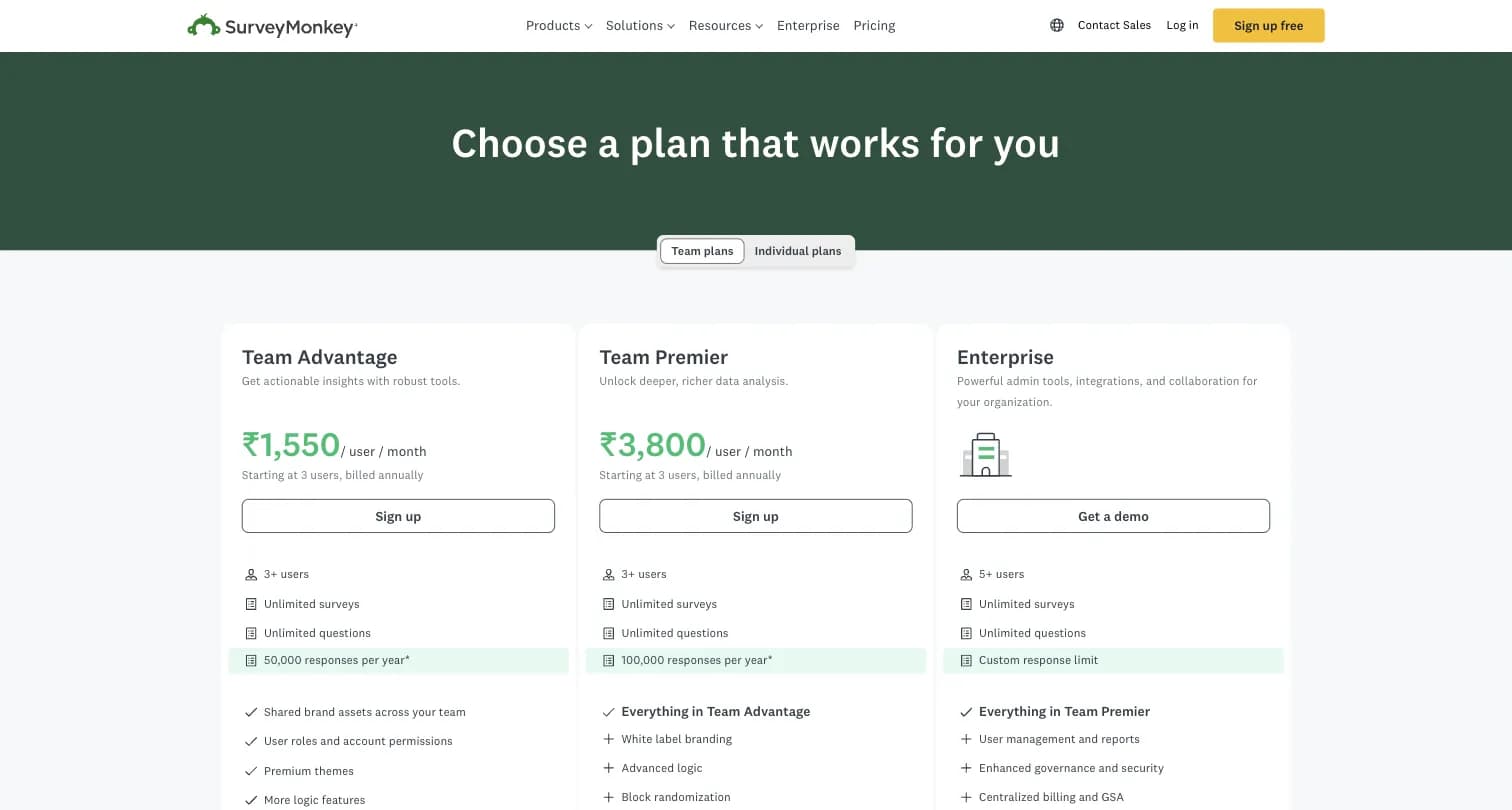
SurveyMonkey Pricing: Free Basic (10-question cap), Team Advantage $30/user/month billed annually (3-user minimum, 50,000 responses/year), Team Premier $92/user/month billed annually, Team Enterprise custom.
SurveyMonkey holds a 4.4/5 rating on G2 (23,901 reviews).
Who Should Use SurveyMonkey?
- You need statistical significance testing or crosstabs that Tally can't provide
- You want access to a third-party respondent panel for market research
- Your organization is comfortable with per-seat team pricing
7. Paperform: Best for Payment- and Content-Heavy Landing-Page Forms
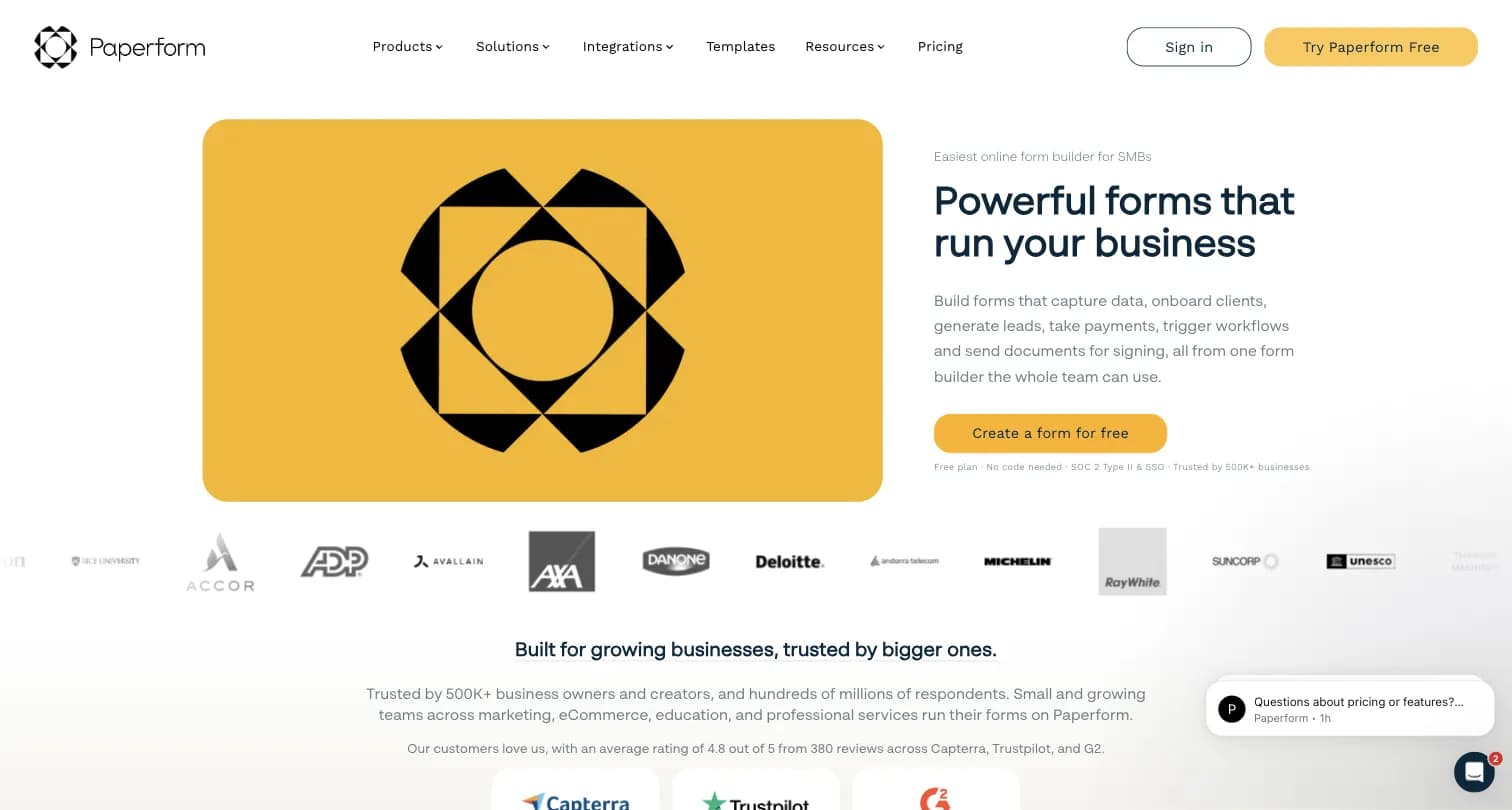
Paperform combines a form builder with a landing-page builder, letting you add rich text, images, and video before the user answers a single question, more like a written page that happens to have questions in it.
Key features:
- Doc-style editor with rich media support, similar in spirit to Tally's inline editing but built for landing-page-style selling
- Built-in appointment booking and calendar-aware scheduling
- Custom pricing and calculations for order forms
- Automated emails and PDF receipts
Why Choose Paperform Over Tally
A Storefront Feel Tally's Editor Doesn't Aim For. Paperform's landing-page-style forms look like a product page rather than administrative paperwork, useful if you're using the form to actually sell something, per third-party comparison research on form-builder positioning.
The Tradeoff to Know About. Paperform's free plan caps at 30 responses a month, per a third-party pricing breakdown, considerably tighter than Tally's unlimited free plan.
Paperform Pricing: Free (30 responses/month), Essentials $24/month (1,200 responses/year), Pro $49/month (12,000 responses/year, custom CSS), Business $99/month (unlimited forms, 120,000 responses/year, SSO). Source: third-party pricing breakdown, captured February 2026; confirm current figures at paperform.co before purchasing.
Who Should Use Paperform?
- You're selling a product, service, or ticket and want the form itself to look like a storefront, not an intake sheet
- You need built-in appointment booking alongside form collection
- Design and conversion matter more than Tally's speed-focused document editor
8. Cognito Forms: Best for Complex Logic and Calculations
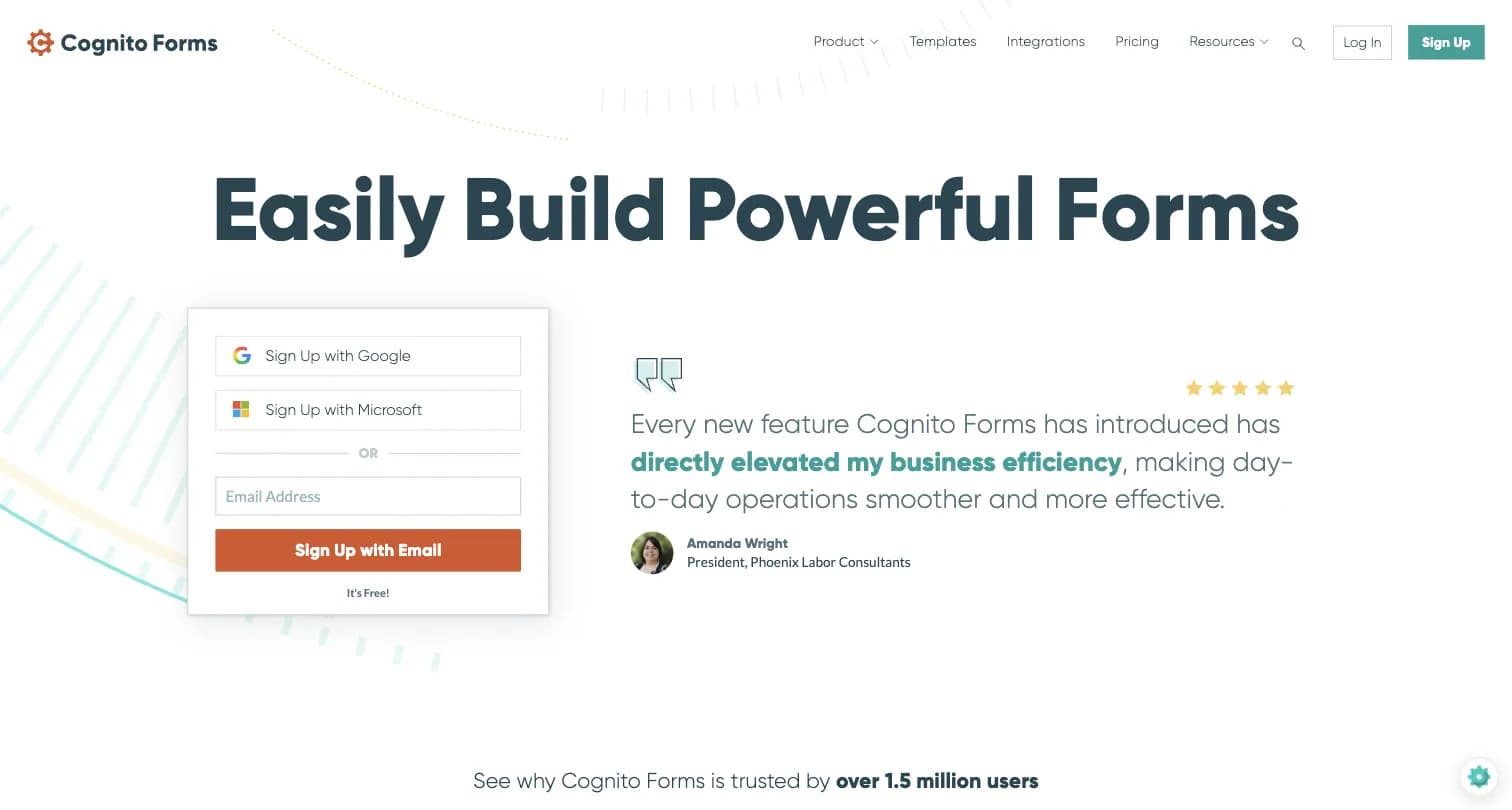
Cognito Forms is a form and workflow automation platform founded in 2012, positioned around powerful calculations, repeating sections, and document generation.
Key features:
- Advanced conditional logic, calculations, and repeating sections for collecting lists of data
- Save and resume functionality
- Document generation and e-signatures
- Payment processing via Stripe, Square, and PayPal
Why Choose Cognito Forms Over Tally
A Logic and Calculation Engine Built for Math. Cognito Forms can perform actual math on fields, combine text strings, and handle repeating sections for collecting multiple entries, going further than Tally's formula/calculator engine for order forms, registrations, or invoicing use cases.
The Tradeoff to Know About. Per G2 reviewers, Cognito Forms' advanced template customization is effectively gated to its highest ($129/month annual) Enterprise tier, a limitation not called out on its own pricing page.
Cognito Forms Pricing: Free Individual (100 entries/month), Pro $19/month billed annually (2,000 entries/month), Team $39/month billed annually (10,000 entries/month), Enterprise $129/month billed annually (unlimited entries, HIPAA).
Cognito Forms holds a 4.6/5 rating on G2 (132 reviews).
Who Should Use Cognito Forms?
- Your forms need real math: totals, taxes, or conditional calculations across repeating sections
- You're building registration systems with multiple attendees or line items
- E-signatures and document generation matter alongside logic depth
How to Choose the Right Tally Alternative
Picking a replacement depends on whether you just need a faster or more design-flexible free form, or whether your forms have grown into a feedback program.
Start With Your Use Case
- Design and completion rates matter most: Typeform
- You need payments, e-signatures, or heavy templates: Jotform
- You're already on Google Workspace: Google Forms
- Your team lives in Airtable or Notion: Fillout
- You need enterprise scale or respondent panels: SurveyMonkey
- You're selling something through the form itself: Paperform
- Your forms need real math and calculations: Cognito Forms
- You're running a recurring feedback or NPS program, or need self-hosting: Formbricks
Then Evaluate These Criteria
| Criteria | Questions to Ask |
|---|---|
| Response limits | Does the free or entry tier actually cover your real volume, not just a test? |
| Design flexibility | Do you need visual, brand-specific design control beyond a document-style editor? |
| Logic depth | Does conditional logic go beyond single-question branching or basic formulas? |
| Data residency | Does your data need to stay off a third party's servers entirely, not just "EU-hosted"? |
| What happens after the response | Do you need analytics, segmentation, and workflows, or just the raw submission? |
The Self-Hosting Factor
Tally is EU-hosted and GDPR-compliant, a genuine strength most competitors on this list don't match. But every tool here, Tally included, is closed-source and cloud-only. If your organization has a hard data-residency requirement beyond "EU-hosted," a compliance review that rules out third-party SaaS entirely, or you simply want to own your infrastructure, Formbricks is the only open-source option on this list, with a free, self-hostable Community Edition.
For related reading, see our Wufoo alternatives, Google Forms alternatives, and SurveySparrow alternatives guides.
Frequently Asked Questions
Most people comparing Tally alternatives just need a similarly fast, free form with a bit more design control or business workflow depth, and Typeform, Jotform, Google Forms, Fillout, SurveyMonkey, Paperform, or Cognito Forms will get that done. If your forms have grown into a recurring feedback program, or you need self-hosting for data residency beyond Tally's EU hosting, Formbricks gives you website, in-app, link, and email surveys, feedback analytics, and workflow integrations with Salesforce, HubSpot, Slack, Google Sheets, and Notion, plus a free API on every tier. Self-host it for full data ownership, or start on the cloud Hobby plan for free.
Try Formbricks now