

Google Forms Pricing in 2026: The Storage Number That Depends Which Page You Read, and a Feedback-First Alternative

Johannes
Co-Founder @ Formbricks
9 Minutes
August 16th, 2026
Google Forms has no standalone price of its own, it's a feature bundled into any Google account and into Google Workspace. That makes "Google Forms pricing" a search that content across the web answers inconsistently: one page currently ranking for the term, last updated in September 2023, tells readers the free storage cap for file uploads is 30GB. Google's own current pricing documentation puts the actual shared Google Drive allowance at 15GB, split across Gmail, Drive, and Photos, not a Forms-specific number at all.
I pulled Google's own Workspace pricing page and a third-party breakdown ranking for this exact keyword to see where the numbers disagree. Here's what Google Forms actually costs, and how it compares to Formbricks, an open feedback and experience management suite.
I believe Google Forms is the right call if:
- You already pay for Google Workspace, or use a personal Google account, and need a free, no-frills internal survey or RSVP form
- You have no budget or requirement for branding, payments, or a CX program layer
- Simplicity and zero setup time matter more than feature depth
It's a weaker fit if:
- You need branded, targeted, or recurring customer feedback programs (NPS, CSAT, PMF)
- You need advanced conditional logic beyond single-question branching, payment collection, or e-signatures
- You want GDPR-specific compliance features built into the form tool itself, not just Google Cloud's general compliance program
Because of that, I've included a full comparison with Formbricks later in this breakdown, since structured feedback programs are Formbricks' core product, something a free, general-purpose form tool isn't built for.
Table of contents:
- Google Forms Pricing at a Glance
- The Free Storage Number Depends Which Page You Read
- Free Plan: Any Personal Google Account
- Google Workspace Business Starter: $7/User/Month
- Google Workspace Business Standard: $14/User/Month
- Google Workspace Business Plus: $22/User/Month
- Enterprise: Custom
- Where Google Forms Pricing Falls Short
- Formbricks: An Open Feedback and Experience Management Suite
- What Reviewers Say About Google Forms
- Feature Value Breakdown
- Google Forms vs Formbricks: Side-by-Side Pricing
- Who Should Actually Use Google Forms
- Google Forms Pricing FAQ
- Final Verdict
Google Forms Pricing at a Glance
| Plan | Price | What It Actually Buys |
|---|---|---|
| Free (personal Google account) | $0 | Unlimited forms and responses, standard 15GB shared Google Drive storage |
| Google Workspace Business Starter | $7/user/month | 30GB pooled storage, business email, video meetings up to 100 participants |
| Google Workspace Business Standard | $14/user/month | 2TB pooled storage, AI note-taking, appointment booking, eSignature |
| Google Workspace Business Plus | $22/user/month | 5TB pooled storage, meetings up to 500 participants, advanced endpoint management |
| Enterprise | Custom | Data loss prevention, enterprise data regions, in-domain live streaming up to 1,000 participants |
Source: workspace.google.com/pricing, captured August 15, 2026. Google Forms itself has no separate price at any tier; paying for Workspace buys email, storage, and the rest of the suite, not a different version of Forms.
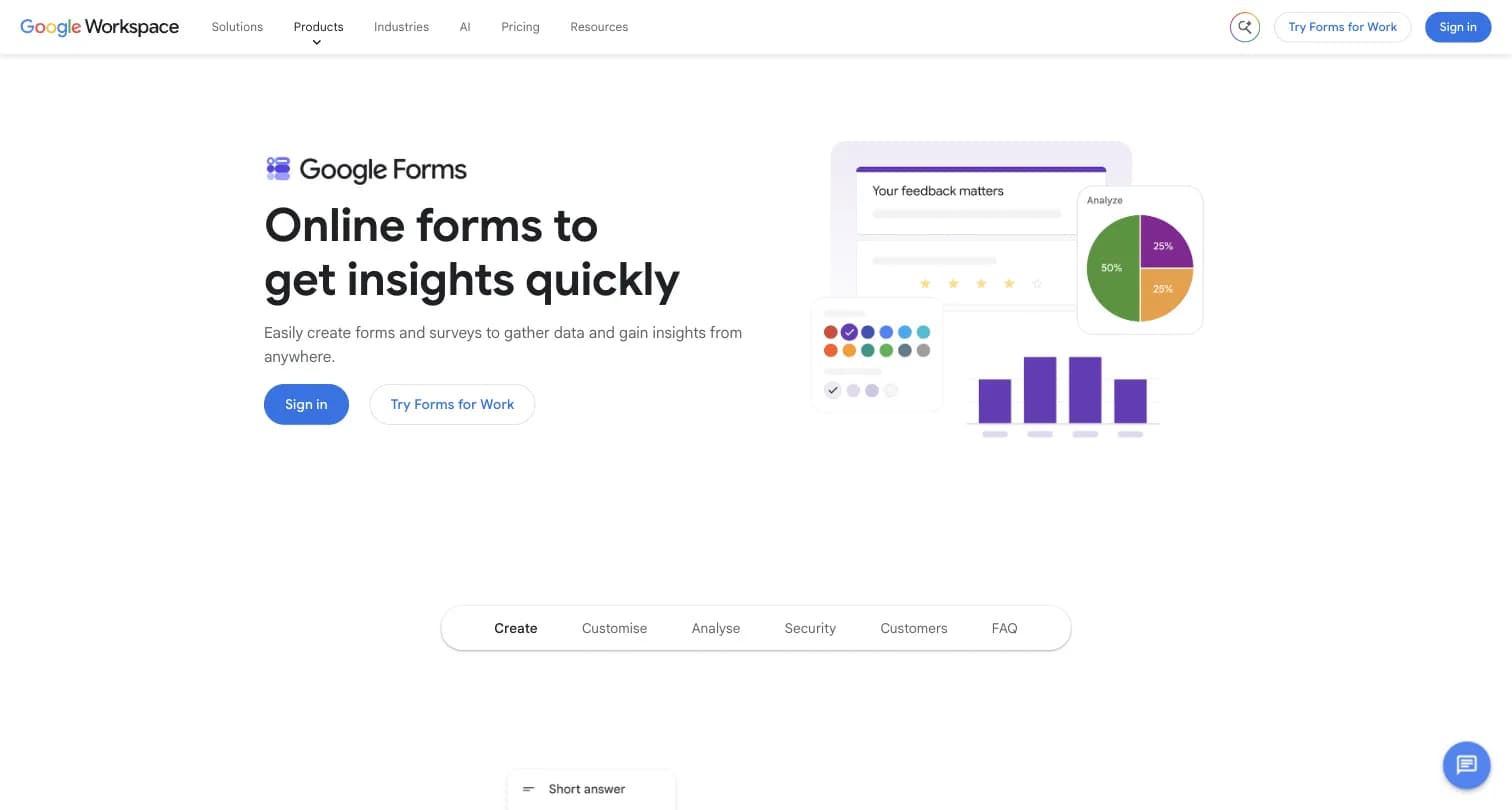
Captured August 15, 2026 from workspace.google.com/products/forms.
The Free Storage Number Depends Which Page You Read
This is the part a "Google Forms pricing" search actually runs into. A page currently ranking for this exact keyword, last updated in September 2023 per its own byline, states plainly: "the free storage capacity is limited to 30GB" for file uploads collected through Google Forms.
Google's own current Workspace pricing documentation tells a different story. The standard free allowance is 15GB of shared Google Drive storage, split across Gmail, Drive, and Google Photos on the same account, not a dedicated allowance for Forms file uploads. Interestingly, 30GB is the pooled per-user storage figure on the paid Business Starter tier, not a free-tier number at all, suggesting the older article may have conflated the two.
The Bottom Line: if you're budgeting storage for Google Forms file-upload questions, plan around the 15GB shared-account baseline, not the 30GB figure some older ranking content still cites.
Free Plan: Any Personal Google Account
| Feature | Details |
|---|---|
| Price | $0 |
| Forms and responses | Unlimited |
| Storage | 15GB, shared across Gmail, Drive, and Photos |
| Question types | Multiple question types, drag-and-drop organization, premade templates |
| Analysis | Real-time automated charts, export to Google Sheets |
The free plan requires nothing beyond a Google account and includes unlimited forms and responses, a genuine differentiator from every other tool in this category.
| Free Plan | |
|---|---|
| Pros | Cons |
| ✅ Completely free, no response cap at any volume | ❌ No custom branding at all |
| ✅ Direct, real-time export to Google Sheets | ❌ Conditional logic limited to single-question branching |
| ✅ No new account needed if you're already on Google | ❌ No payment collection, e-signatures, or "save as draft" |
The Bottom Line: Free is genuinely unlimited on responses, the rare form tool with no ceiling, but it's also the only tier Google Forms has; there's no upgrade path to unlock more features within Forms itself.
Google Workspace Business Starter: $7/User/Month
| Feature | Details |
|---|---|
| Price | $7/user/month (annual/fixed-term) |
| Storage | 30GB pooled storage per user |
| Added Features | Secure custom business email, video meetings up to 100 participants |
This is the cheapest Workspace tier, but it buys business email and pooled storage across the whole suite, not a different version of Google Forms.
The Bottom Line: Business Starter's 30GB pooled allowance is a real number, just not a Forms-specific one, and it requires paying for the entire Workspace suite to access it.
Google Workspace Business Standard: $14/User/Month
| Feature | Details |
|---|---|
| Price | $14/user/month (annual/fixed-term) |
| Storage | 2TB pooled storage per user |
| Added Features | AI note-taking in video meetings, appointment booking pages, eSignature with Docs/PDFs |
Business Standard is the first Workspace tier with eSignature, though that lives in Docs and PDFs, not inside Forms itself.
The Bottom Line: if e-signatures matter to your form workflow, they arrive here, at the cost of the full Workspace suite, not a Forms upgrade.
Google Workspace Business Plus: $22/User/Month
| Feature | Details |
|---|---|
| Price | $22/user/month (annual/fixed-term) |
| Storage | 5TB pooled storage per user |
| Added Features | Video meetings up to 500 participants with attendance tracking, advanced endpoint management |
The Bottom Line: Business Plus is aimed at meeting scale and device management, not at unlocking new Forms-specific capability.
Enterprise: Custom
| Feature | Details |
|---|---|
| Price | Custom, contact sales |
| Added Features | Data loss prevention (DLP), enterprise data regions, in-domain live streaming up to 1,000 participants |
The Bottom Line: even at custom Enterprise pricing, none of these added features change what Google Forms itself can do.
Source: workspace.google.com/pricing, captured August 15, 2026.
Where Google Forms Pricing Falls Short
No Standalone Pricing Tier of Its Own
- Google Forms has no independent price; "pricing" always means the cost of a Google Workspace seat, which also buys email, storage, and every other Workspace app
- There's no way to pay for just more Forms capability without buying the whole suite
No Custom Branding at Any Tier
- Every Google Form uses Google's own static visual template
- There's no way to remove Google's styling or add a custom domain, at any Workspace tier
Conditional Logic Only Branches One Question at a Time
- Google Forms supports basic conditional logic, skipping to a different question based on an answer
- There's no way to build multi-condition logic that more complex forms need
No Payments, E-Signatures, or "Save as Draft"
- Google Forms has no native payment integration and no e-signature capability
- Leaving a form before submitting loses all answers already entered; there's no draft-saving feature
No Advanced Analytics or GDPR-Specific Compliance Features
- Analytics are limited to basic auto-generated charts and a Sheets export
- There's no GDPR-specific compliance feature built into the product itself, beyond Google Cloud's general compliance program
- No dedicated NPS/CSAT program layer, closed-loop follow-up, or segment-level feedback analytics exists at any tier
Formbricks: An Open Feedback and Experience Management Suite
Formbricks isn't a free, bundled basic form tool competing on price alone. It's an open source feedback and experience management suite built around three things: feedback management, feedback analytics, and workflows and integrations, published transparently on its own dedicated pricing page.
Feedback Management. Formbricks unifies website surveys, in-app surveys, link surveys, and branded email surveys on one platform, all with full conditional logic available from the free Hobby tier, well beyond Google Forms' single-question branching.
Feedback Analytics. Every response flows into one dashboard. Teams can follow individual responses, zoom out for the aggregate view, track drop-off and partial submissions, and segment by custom attributes, none of which Google Forms offers at any tier.
Workflows and Integrations. Formbricks Workflows automate what happens after a response comes in. Native integrations connect to Salesforce, HubSpot, Slack, Google Sheets, and Notion through webhooks and a free, unrestricted API on every tier, including the self-hosted Community Edition.
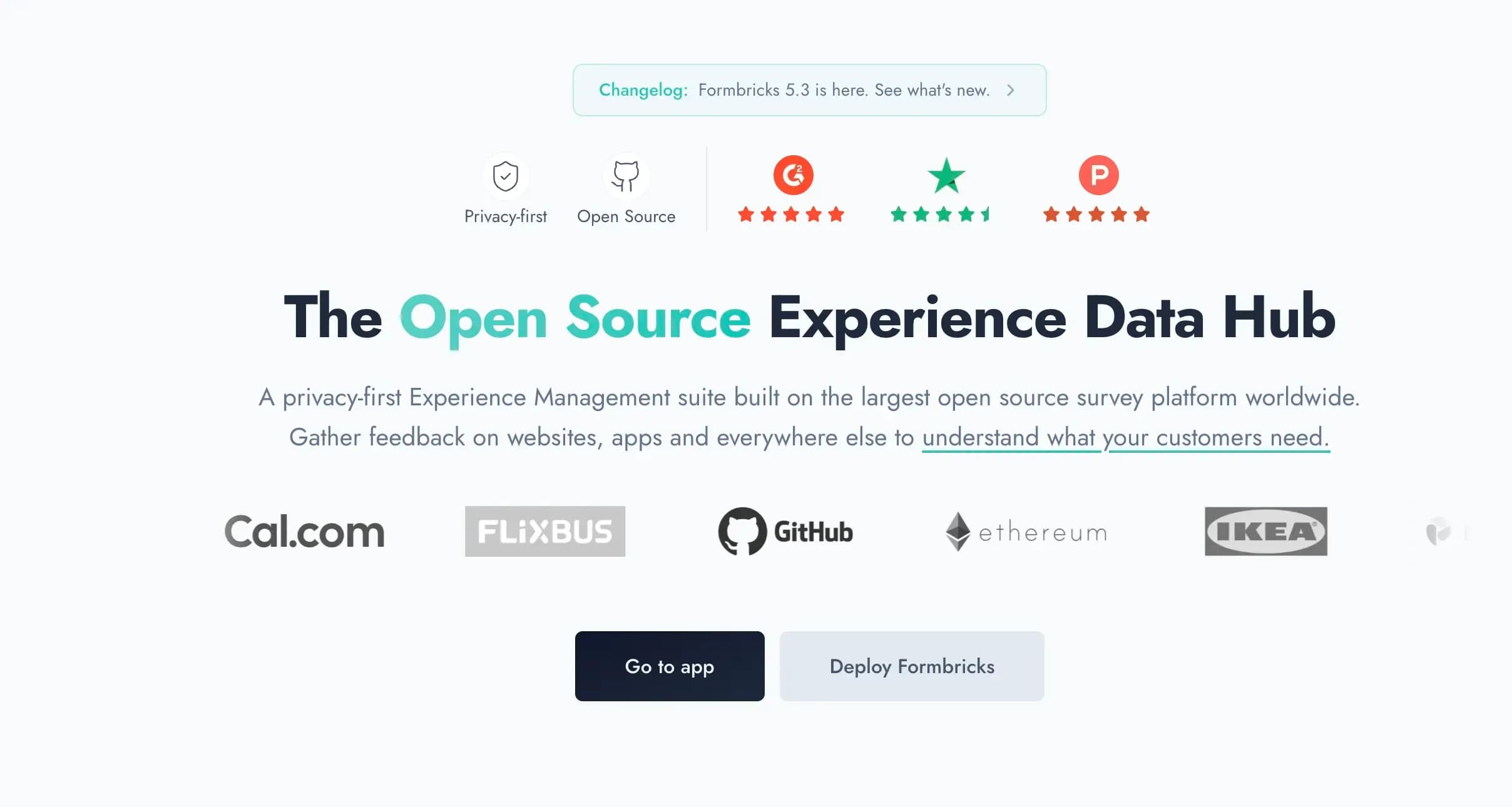
Captured August 15, 2026 from formbricks.com.
Formbricks Hobby Plan: Free Forever
| Feature | Details |
|---|---|
| Price | $0 |
| Workspaces | 1 |
| Responses | 250/month |
| API access | Full, including MCP |
| Hosting | Frankfurt, Germany |
Google Forms wins outright on raw response volume, it has no cap at any budget, but Formbricks includes multi-condition logic, drop-off tracking, and full API access from its own free tier, none of which Google Forms offers regardless of Workspace tier.
| Hobby Plan | |
|---|---|
| Pros | Cons |
| ✅ Multi-condition logic and drop-off tracking included free | ❌ 250 responses/month cap (Google Forms has none) |
| ✅ Full API access, no restrictions | ❌ 1 workspace only |
| ✅ Hosted in Frankfurt (EU data residency) | ❌ No native Google Sheets-style spreadsheet view (uses its own dashboard) |
The Bottom Line: Google Forms wins on pure cost-per-response since it's free at unlimited volume; Formbricks wins on what you can actually do with the logic, analytics, and targeting once a response comes in.
Formbricks Pro Plan: $89/Month (or $74/Month Billed Annually)
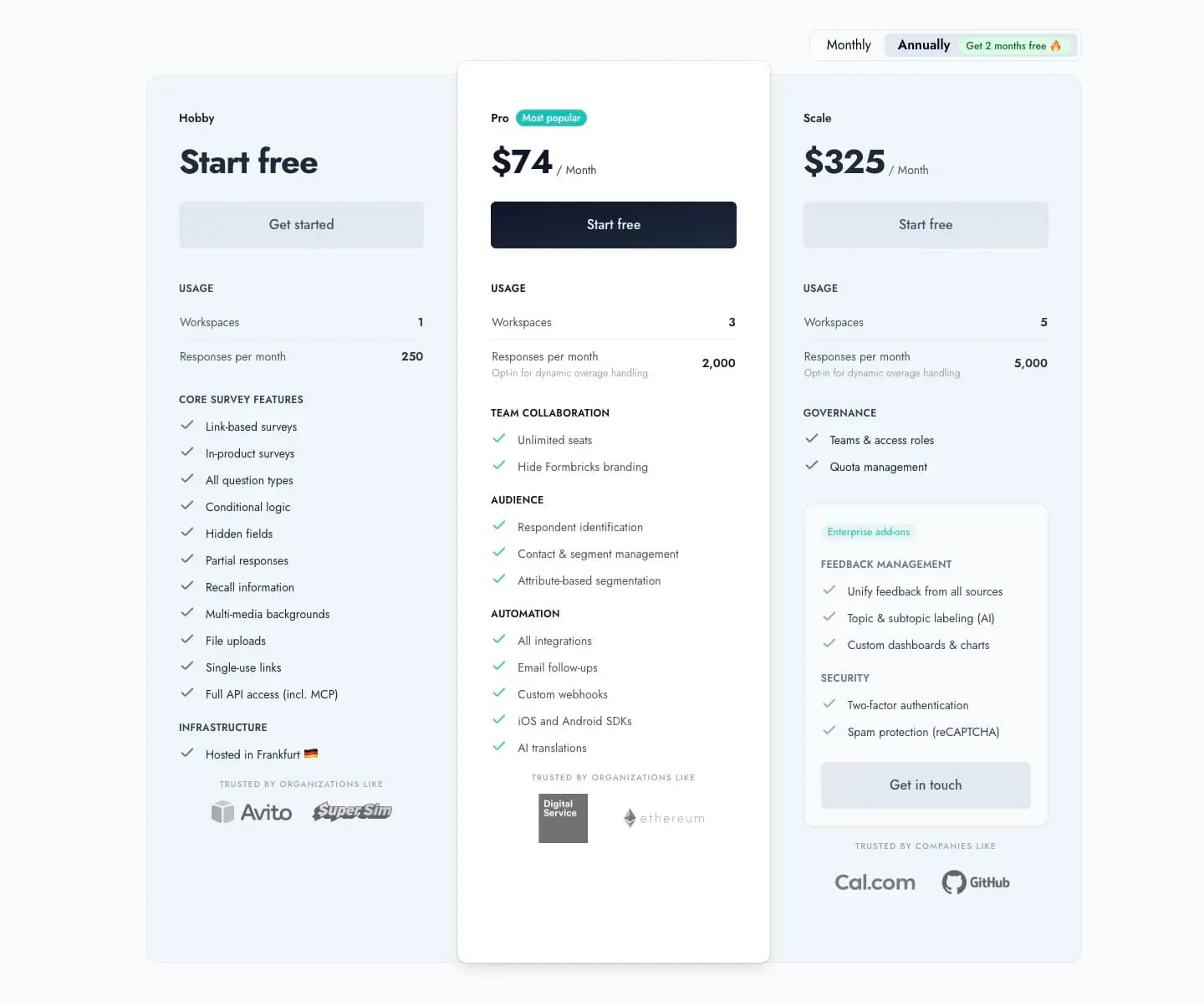
Captured August 15, 2026 from formbricks.com/pricing.
| Feature | Details |
|---|---|
| Price | $89/month, or $74/month billed annually ($890/year) |
| Workspaces | 3 |
| Responses | 2,000/month |
| Added Features | Unlimited seats, attribute-based segmentation, remove branding, all integrations |
Pro adds attribute-based targeting and full branding removal, capabilities that don't exist anywhere in Google Forms, at any Workspace price point.
| Pro Plan | |
|---|---|
| Pros | Cons |
| ✅ Attribute-based segmentation for targeted surveys | ❌ Real cost, versus Google Forms' $0 |
| ✅ Full branding removal, unlike Google Forms at any tier | ❌ 2,000 response cap (overage available) |
| ✅ Unlimited team seats included | ❌ No native Sheets integration equivalent |
The Bottom Line: if budget allows, Pro buys targeting, branding, and analytics depth Google Forms simply doesn't build toward at any price.
Formbricks Scale Plan: $390/Month (or $325/Month Billed Annually)
| Feature | Details |
|---|---|
| Price | $390/month, or $325/month billed annually ($3,900/year) |
| Workspaces | 5 |
| Responses | 5,000/month |
| Governance | Teams & access roles, quota management |
| Enterprise add-ons | Feedback unification, AI topic labeling, custom dashboards, two-factor authentication |
The Bottom Line: Scale is Formbricks' highest published, self-serve tier, with governance features Google Workspace's Enterprise tier doesn't apply to Forms at all.
Formbricks Self-Hosting: Community and Enterprise Editions
| Feature | Details |
|---|---|
| Community Edition | Open source, free, unlimited surveys and responses |
| Enterprise Edition | Contact us, adds SSO (SAML/OIDC), multi-language surveys, whitelabel, support SLAs |
| License | AGPLv3 |
| Data Control | Data never leaves your own infrastructure |
Google Forms has no self-hosted option at any tier; every response lives on Google's servers regardless of Workspace plan. Formbricks' free, self-hosted Community Edition puts full data control on any budget, matching Google Forms' own price point of $0 while adding a data-residency guarantee Google Forms can't offer.
What Reviewers Say About Google Forms
Google Forms holds a 4.7 rating across 11,526 reviews on Capterra, in the Survey category. Google Forms does not appear to have a distinct G2 product listing; the G2 URL pattern for it redirects to G2's general Survey Software category page rather than a Forms-specific reviews page.
| Google Forms Reviews | |
|---|---|
| Pros | Cons |
| ✅ Completely free and simple to use, no learning curve | ❌ No custom branding, basic conditional logic (single-question only) |
| ✅ Deeply integrated with Google Workspace (Sheets, Drive) | ❌ No payment integration, no e-signature, no "save as draft" |
| ❌ No advanced analytics/reporting and no GDPR-specific compliance features |
Feature Value Breakdown
Cost for Basic Data Collection
Google Forms' Approach: Free, standalone, with no response cap at any volume.
Formbricks' Approach: Free Hobby tier caps at 250 responses/month; unlimited on the self-hosted Community Edition.
Value Verdict: Google Forms wins on raw, unlimited-volume free cost.
Branding, Targeting, and CX Program Features
Google Forms' Approach: None of these exist per Google's own feature page: no custom branding, no attribute-based targeting, no NPS/CSAT program layer.
Formbricks' Approach: Built around feedback analytics, attribute-based segmentation, and Formbricks Workflows as core, named capabilities.
Value Verdict: Formbricks wins decisively. This isn't a category Google Forms competes in.
Conditional Logic Depth
Google Forms' Approach: Single-question branching only; no multi-condition rules.
Formbricks' Approach: Full conditional logic from the free Hobby tier, plus attribute-based targeting on Pro.
Value Verdict: Formbricks wins on logic depth at every price point, including free.
Data Residency and Self-Hosting
Google Forms' Approach: Cloud-only on Google's infrastructure at every tier, with no self-hosted or dedicated data-region option below custom Enterprise DLP features.
Formbricks' Approach: Free, self-hosted Community Edition (AGPLv3), plus a Frankfurt-hosted Cloud option.
Value Verdict: Formbricks wins decisively for any buyer where data residency is a requirement rather than a preference.
Google Forms vs Formbricks: Side-by-Side Pricing
| Google Forms | Formbricks | |
|---|---|---|
| Free tier | Unlimited forms and responses, 15GB shared storage | Hobby: 250 responses/month, full API including MCP |
| Cheapest paid tier | N/A (Workspace $7/user/month buys email/storage, not Forms features) | Pro: $89/month, or $74/month billed annually |
| Conditional logic | Single-question branching only | Full logic from the free tier |
| Branding | Not available at any tier | Removable from the Pro tier |
| Feedback analytics | Basic auto-generated charts only | Drop-off tracking, segmentation, dashboards from free tier |
| Self-hosting | Not offered at any tier | Community Edition, free, self-hosted, AGPLv3 |
| Core product | Free, general-purpose data collection | Feedback management, feedback analytics, workflows as the core platform |
Who Should Actually Use Google Forms
Google Forms makes sense if you already pay for Google Workspace, or use a personal Google account, and need a free, no-frills internal survey or RSVP form, with no budget or requirement for branding, payments, or a CX program.
As an illustrative example, a small nonprofit might use Google Forms to collect volunteer sign-ups because it's free and every volunteer already has a Google account, a use case well outside the structured-feedback focus a dedicated platform is built for. This is a hypothetical scenario, not a published customer story.
It's a weaker fit if you need branded, targeted, or recurring customer feedback programs, advanced logic beyond single-question branching, or GDPR-specific compliance features built into the tool itself.
Google Forms Pricing FAQ
Final Verdict
👍 Google Forms is the right call if you already pay for Google Workspace, or use a personal Google account, and need a completely free, no-frills internal survey or RSVP form with no response cap at any volume. Its simplicity and zero setup time are genuine, earned strengths.
👉 Formbricks is the better fit if you're running a structured feedback or CX program rather than a one-off form, and want multi-condition logic, drop-off analytics, and attribute-based targeting that Google Forms doesn't offer at any Workspace tier. A free, self-hosted Community Edition matches Google Forms' price point of $0 while adding a data-residency guarantee Google Forms can't provide.
The honest read: these solve different problems. Google Forms is a free, general-purpose data-collection tool bundled into a much larger productivity suite; Formbricks is purpose-built for feedback management, feedback analytics, and workflows as its core product. If your search for "Google Forms pricing" was really a search for a dedicated feedback platform, see Formbricks' current pricing here, or read our full Google Forms alternatives breakdown.
Try Formbricks now