

There is no native Attio integration yet. Connect Formbricks to Attio with Attio Workflows, Make, n8n, or a custom webhook.
Prerequisites
- A Formbricks survey that collects email addresses
- An Attio plan that includes Workflows or API access
- An Attio access token (n8n and webhook methods only)
Attio access token
1
Create an Integration
In Attio, go to Workspace Settings → Developers and click Create a new integration.
2
Set Scopes and Copy the Token
Grant
record_permission:read-write and object_configuration:read, save, and copy the access token.Method 1: Attio Workflows
Attio Workflows can receive Formbricks webhooks directly, so no third-party tool is needed.1
Create a Workflow
In Attio, go to Workflows → Create workflow and choose Webhook received as the trigger. Copy the generated URL.
2
Add the Webhook in Formbricks
Go to Configuration → Integrations → Manage Webhooks → Add Webhook. Paste the Attio URL, select Response Finished, and choose your survey.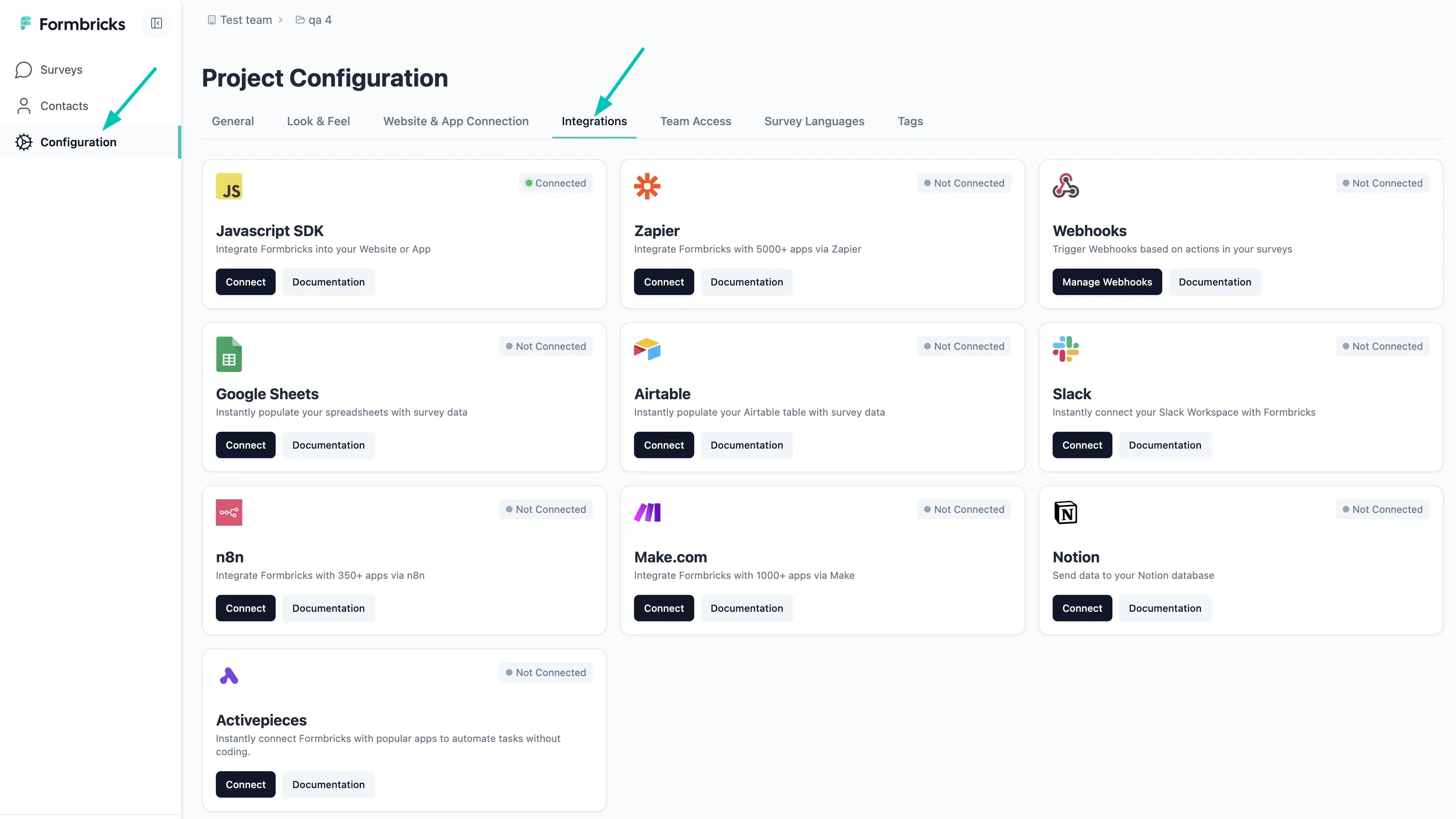
3
Add a Parse JSON Block
Submit a test response, then add a Parse JSON block. Set Input to Webhook Payload Body and generate the schema by pasting the sample Formbricks payload. Answers are under
data.data, keyed by questionId.4
Add a Create/Update Record Action
Choose People or Companies and map the parsed fields. To avoid duplicates, match People on email (e.g.
data.data.email) and Companies on domain.5
Test and Activate
Submit another response, confirm the record in Attio, and turn the workflow on.
Method 2: Make.com
1
Set Question IDs
Give each question a meaningful 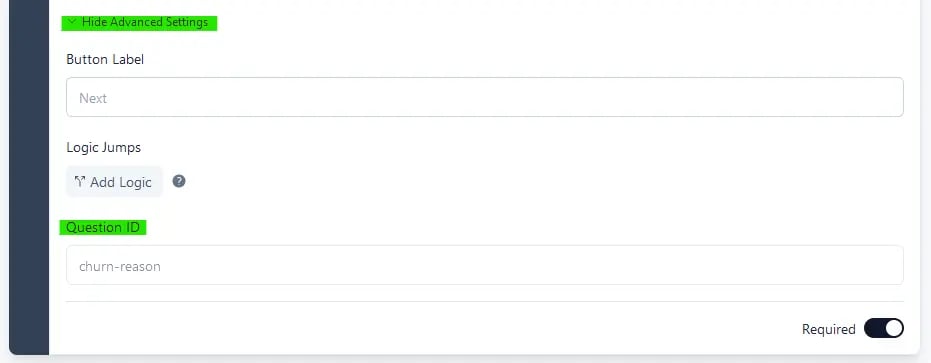
questionId so mapping is easier. These can only be changed before publishing; for a published survey, duplicate it first.2
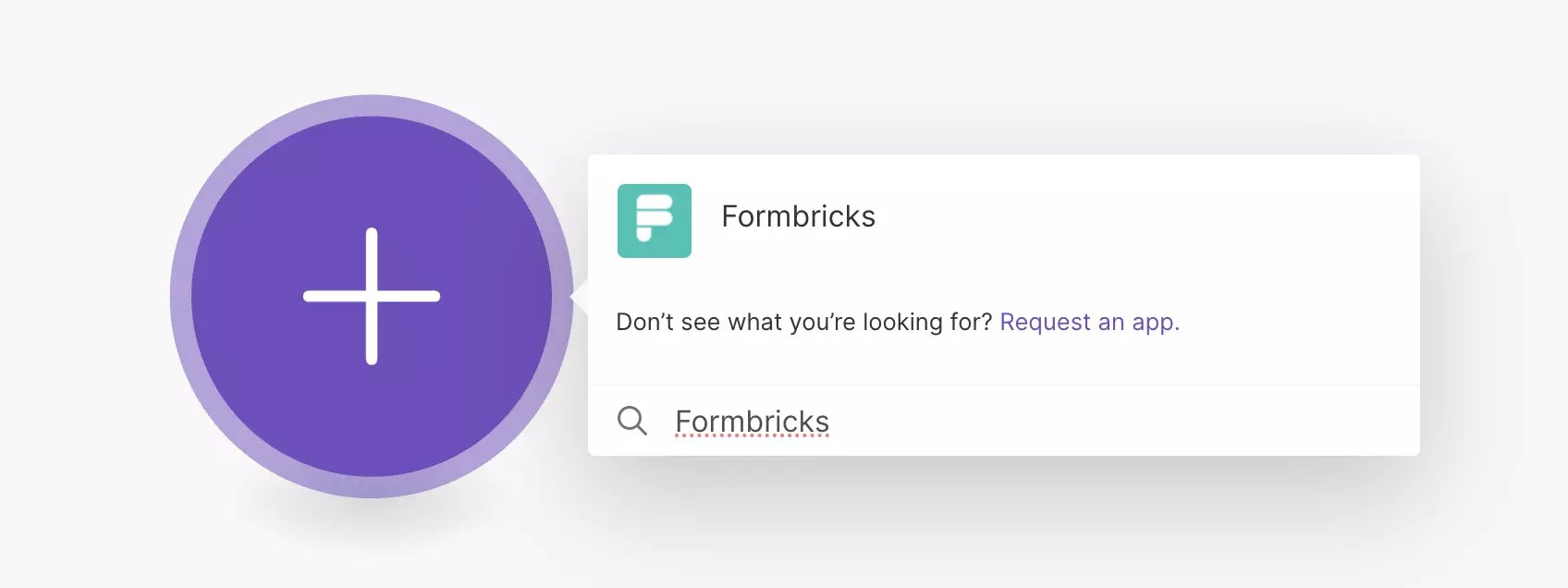
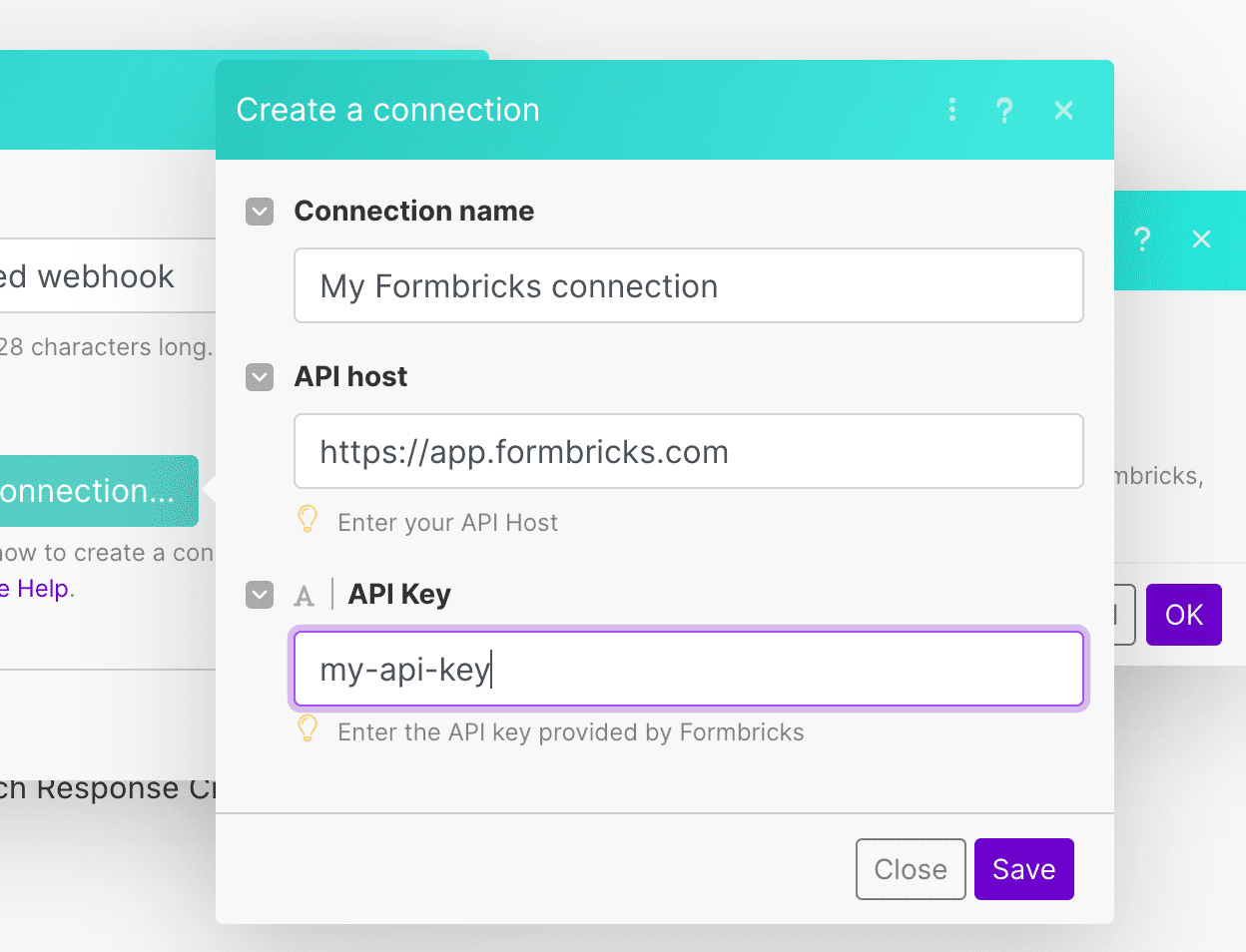
3
Add the Attio Module
Add Attio → Create or Update a Person (or Company) and connect your Attio account.
4
Map Fields
5
Test and Activate
Submit a test response, confirm the record in Attio, and turn on the scenario.
Method 3: n8n
The Formbricks and Attio nodes are community nodes for self-hosted n8n. On n8n Cloud, use a Webhook node as the trigger (with a Formbricks webhook pointing at it) and an HTTP Request node with the API call from Method 4. The Webhook node nests the request under
body, so use $json.body.data.data.* in place of $json.data.data.*.1
Add the Formbricks Trigger
Install 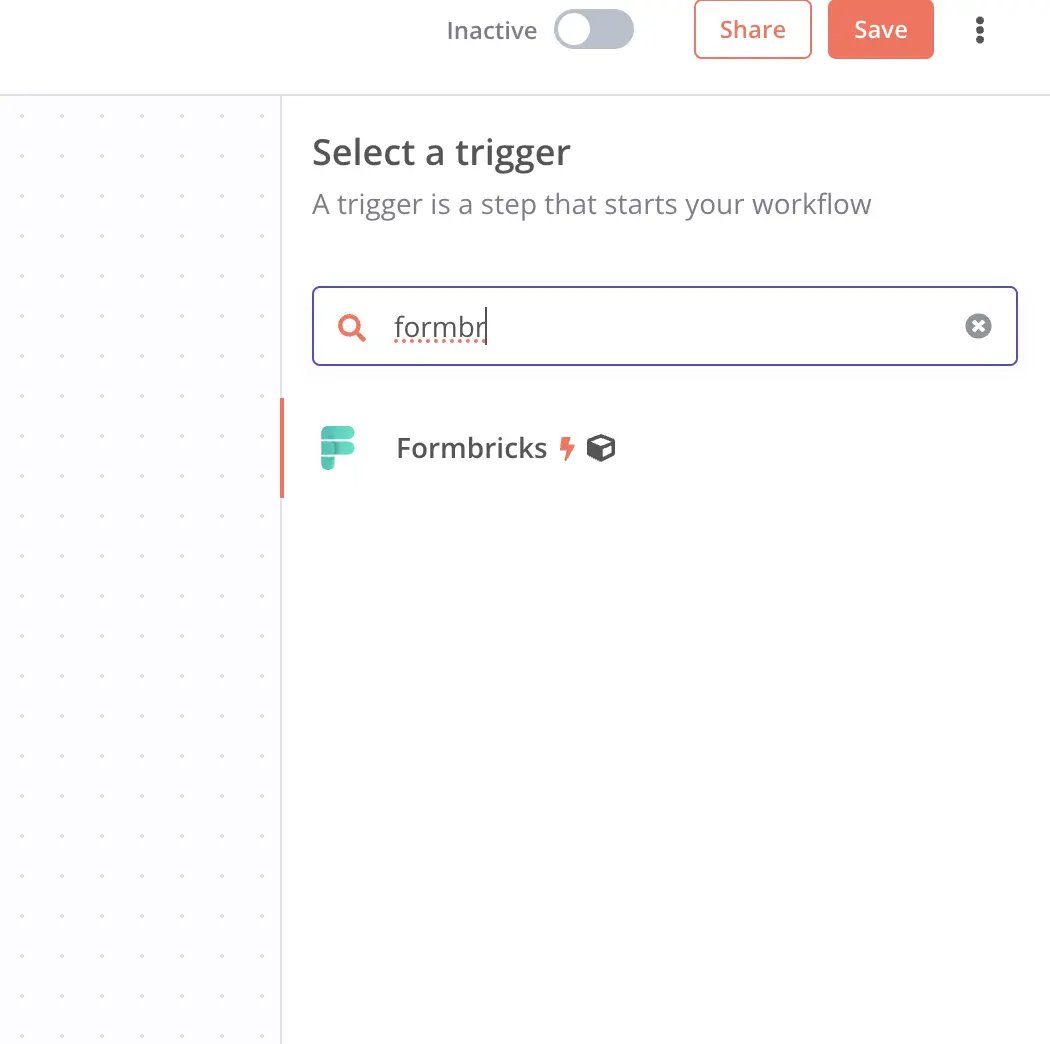
@formbricks/n8n-nodes-formbricks via Settings → Community Nodes. Then add the Formbricks trigger node, connect your API key and host, select Response Finished, and choose your survey.2
Add the Attio Node
Install
n8n-nodes-attio via Settings → Community Nodes, add it with the Assert Record operation, and authenticate with your access token.3
Configure the Record
Set object to
people and matching_attribute to email_addresses, then set the data body (replace the keys with your questionIds):4
Test and Activate
Click Listen for event, submit a test response, confirm the record in Attio, and activate the workflow.
Method 4: Custom webhook
1
Create a Formbricks Webhook
Go to Configuration → Integrations → Manage Webhooks → Add Webhook, enter your endpoint URL, select Response Finished, and choose your surveys.
2
Build the Handler
Read the answers from For signature verification, see Webhooks.
data.data (keyed by questionId) and call Attio’s Assert Record endpoint, which creates or updates in one call:3
Deploy and Test
Deploy the handler to a public URL, submit a test response, and confirm the record in Attio.
Troubleshooting
No record created- Check that you’re mapping the correct email
questionId. - Check the token has
record_permission:read-writeandobject_configuration:read.
- Use a create-or-update action (or the Assert endpoint) matching People on email and Companies on domain.
- Check the URL is public, Response Finished is selected, and the survey is linked.
Need help? Ask in GitHub Discussions.