If you are on a self-hosted instance, you will need to configure this integration separately. Please follow
the Notion operator guide to configure integrations on your self-hosted
instance.
Formbricks Cloud
- Click on the
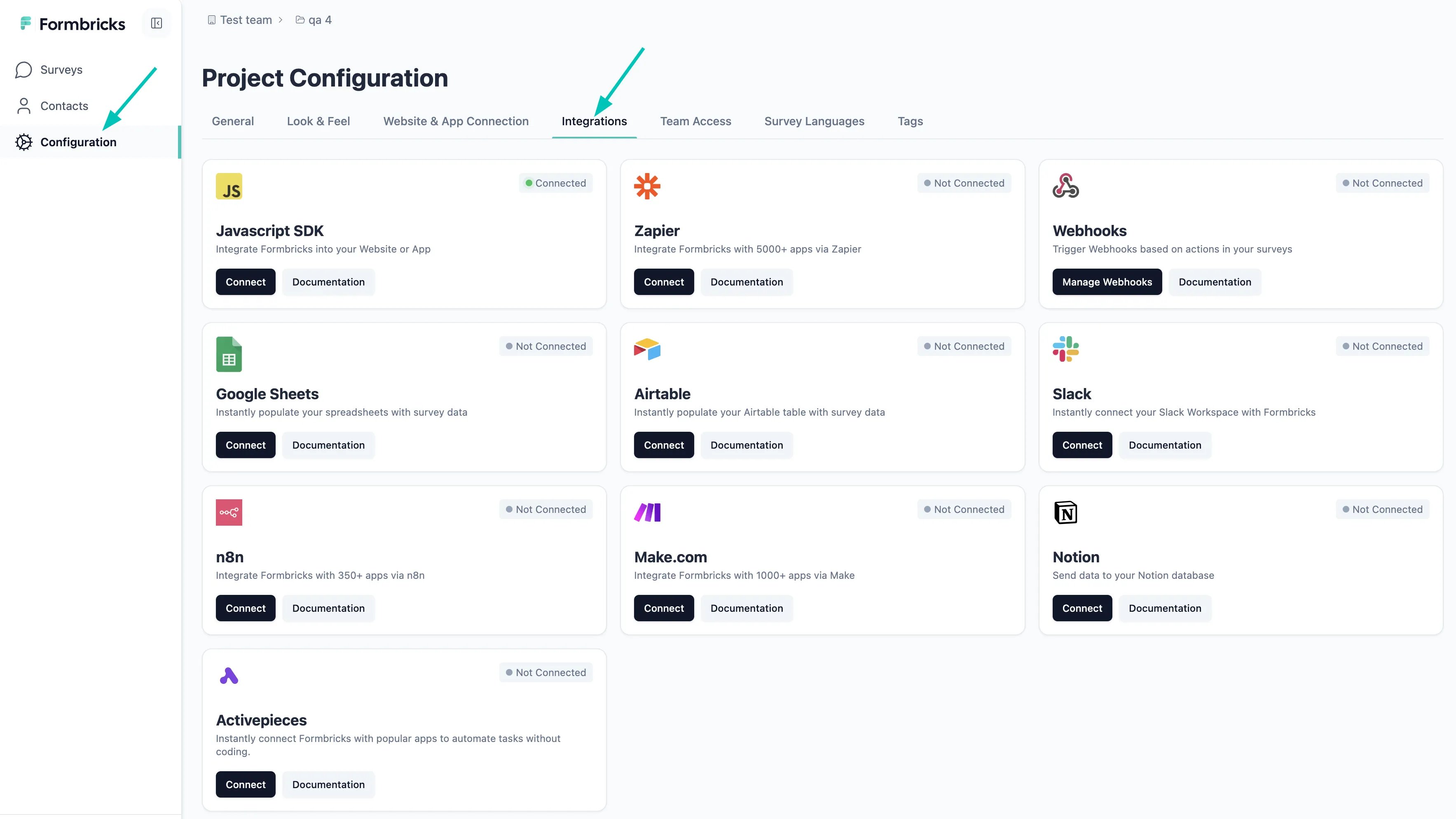
Configurationtab in the left sidebar and then click on theIntegrationstab and click on theconnectbutton under theNotioncard.
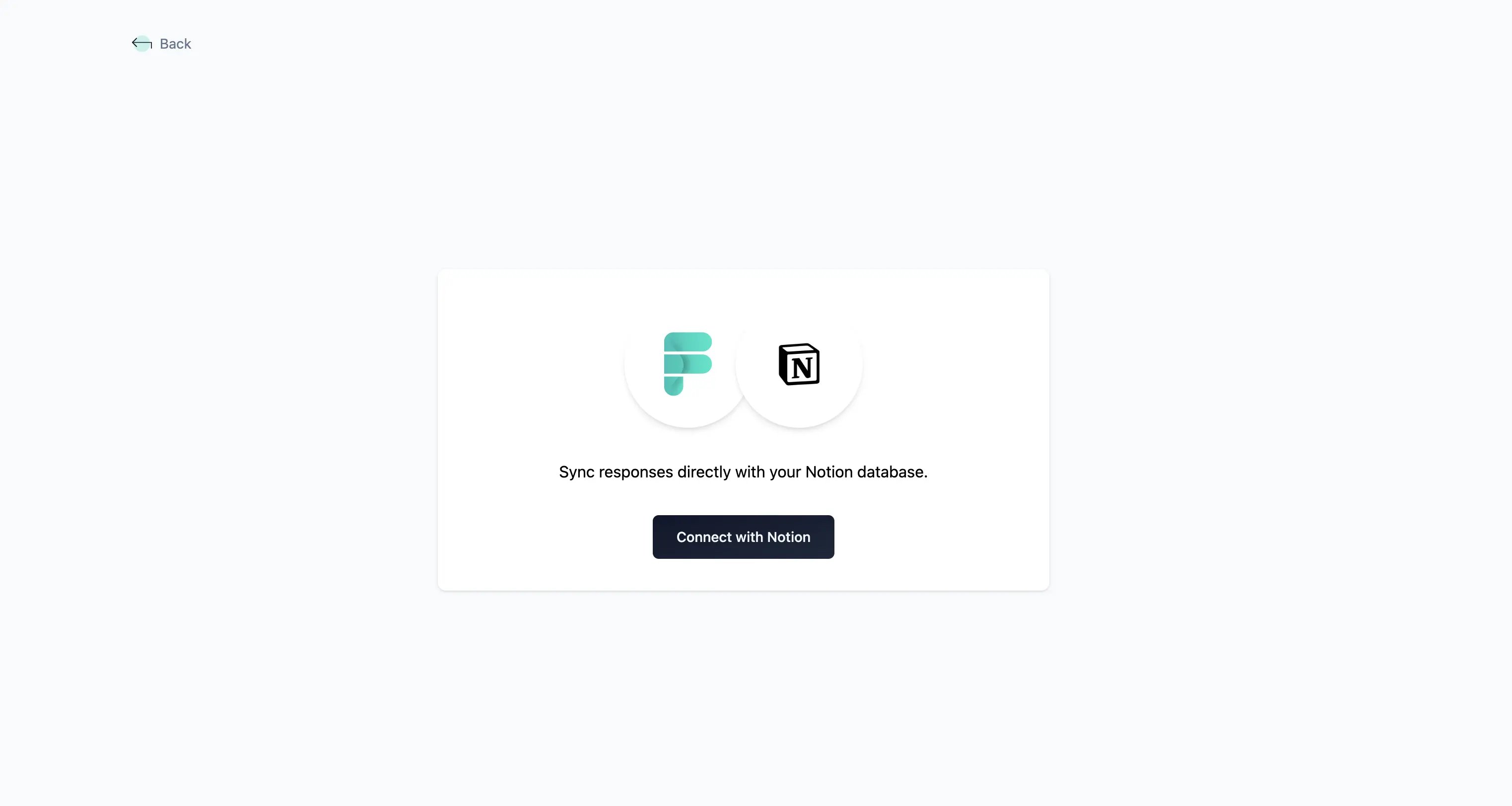
- Now click on the “Connect with Notion” button to authenticate yourself with Notion.
- You will now be taken to the Notion OAuth page where you can select the Notion account you want to use for the integration
- Once you have selected the account and databases and completed the authentication and authorization process, you will be taken back to Formbricks Cloud and see the connected status as below:
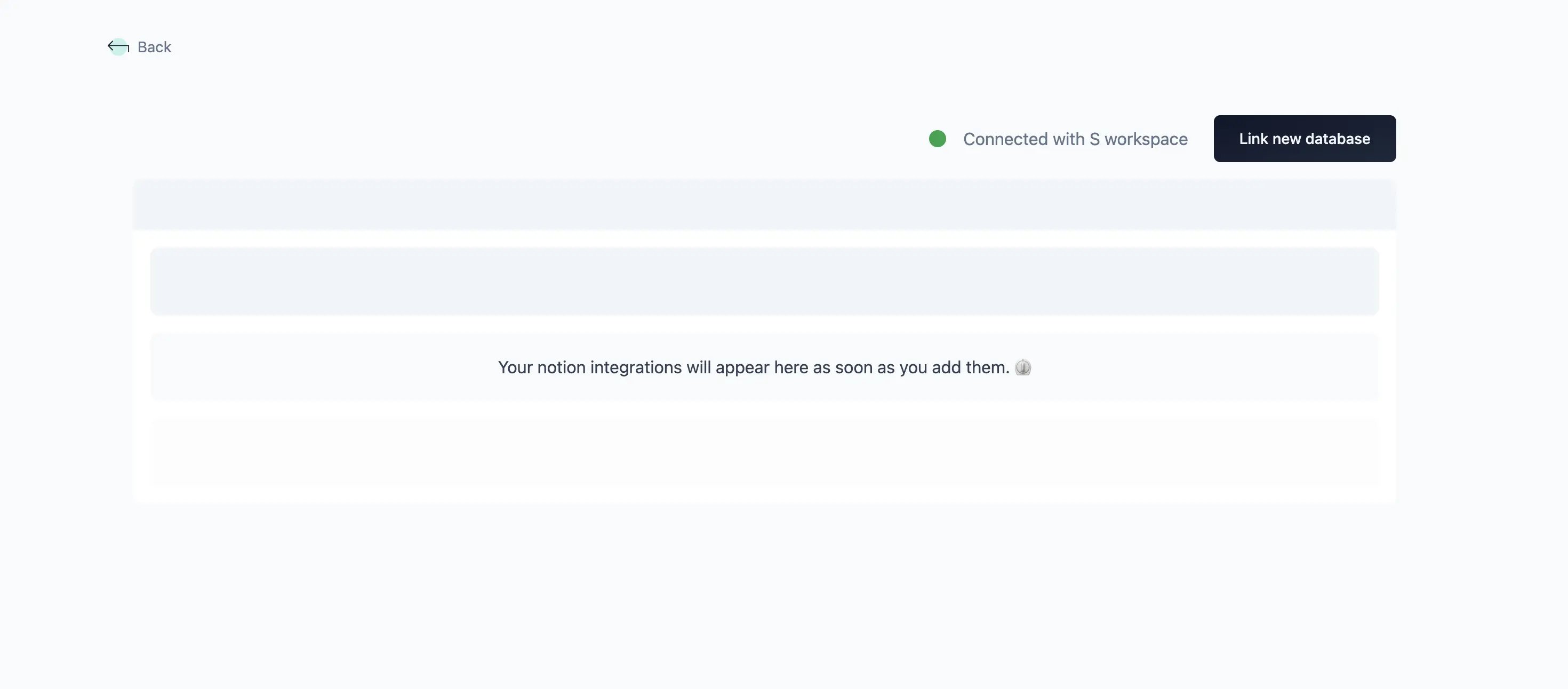
Before the next step, make sure that you have a Formbricks Survey with at least one question and a Notion
database in the Notion account you integrated.
- Now click on the “Link New Database” button to link a Notion database with Formbricks and a modal will open up.
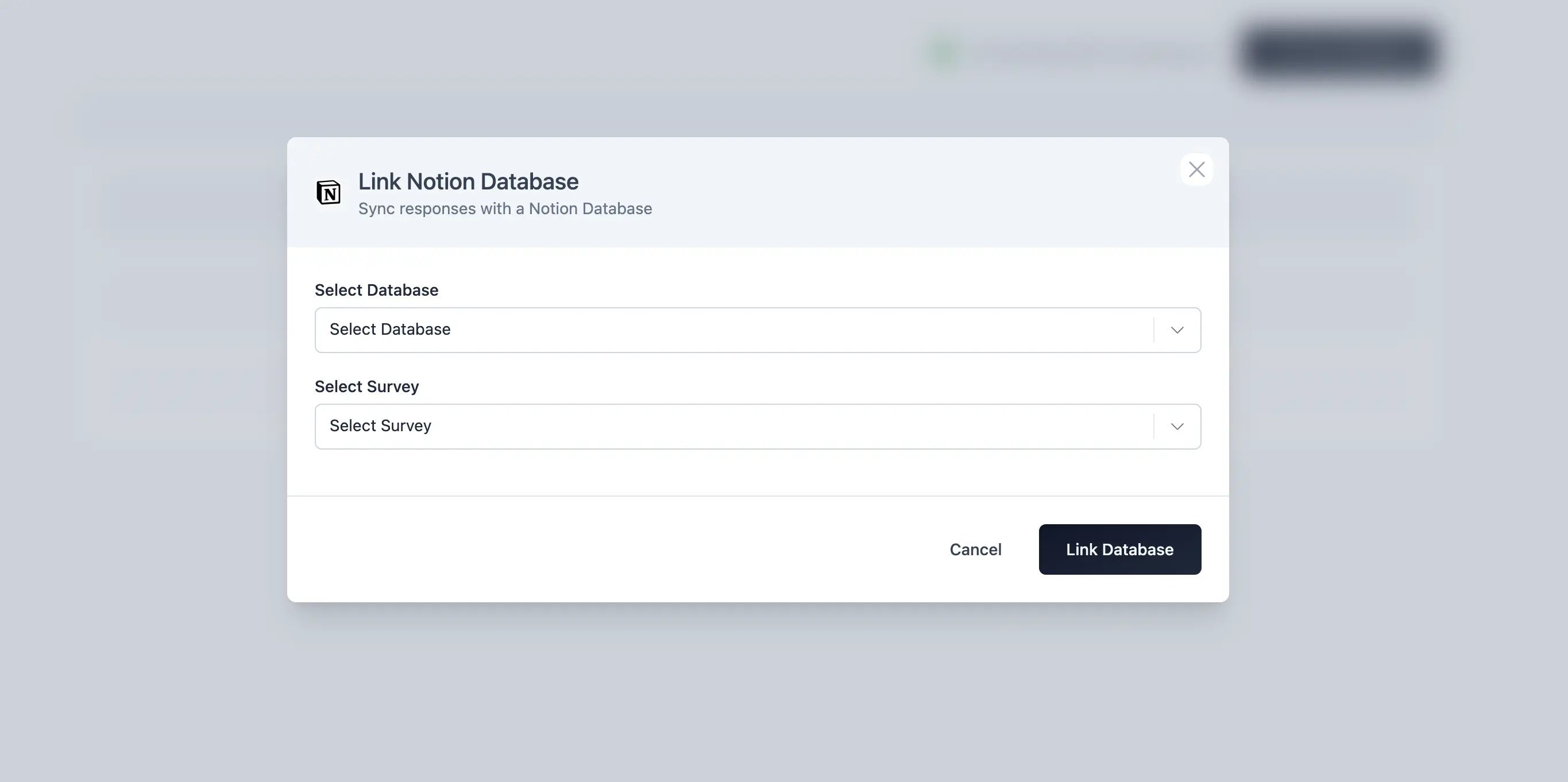
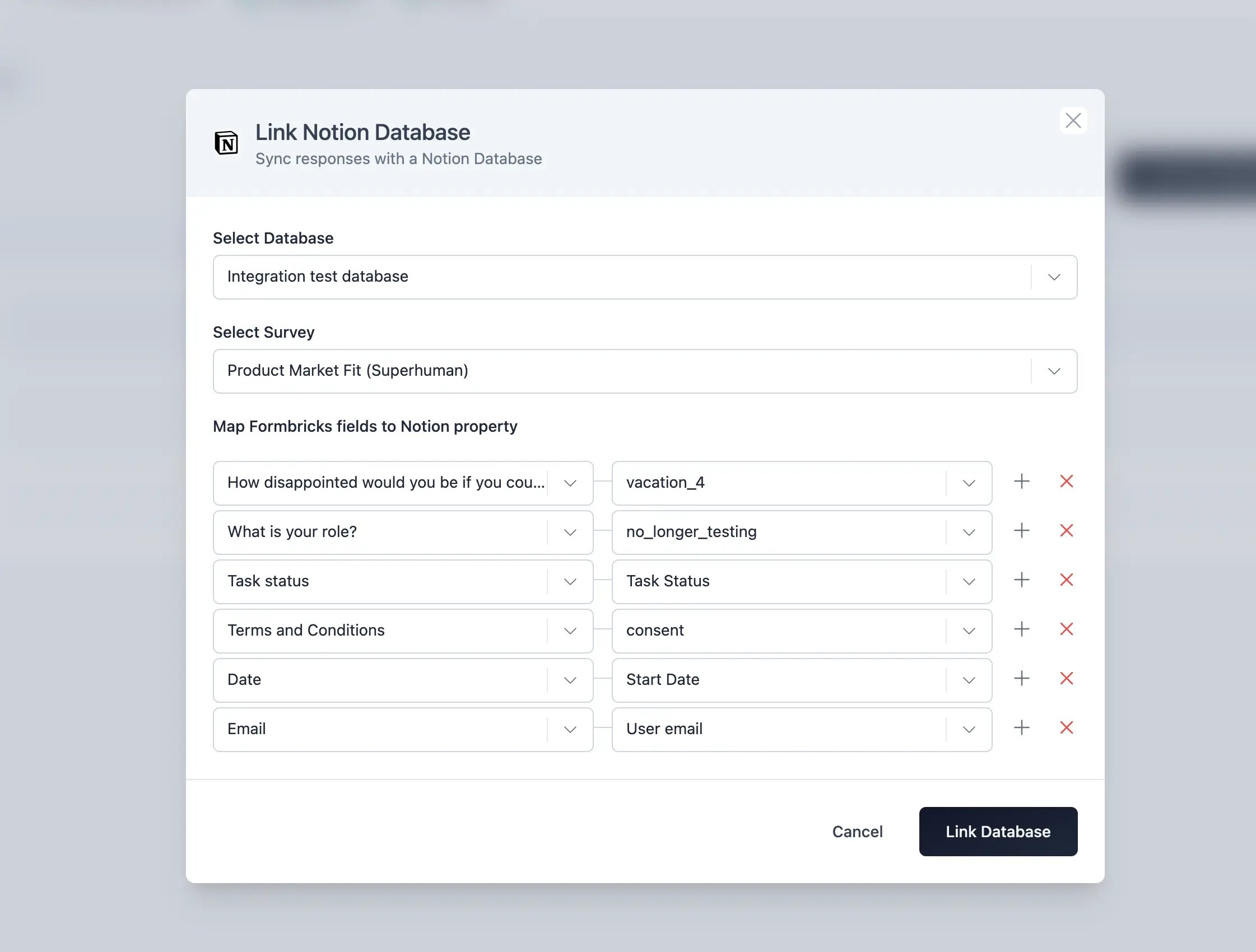
- Select the Notion database you want to link with Formbricks and the Survey. On doing so, you will be asked to map formbricks’ survey questions with selected databases’ column. Complete the mapping and click on the “Link Database” button.
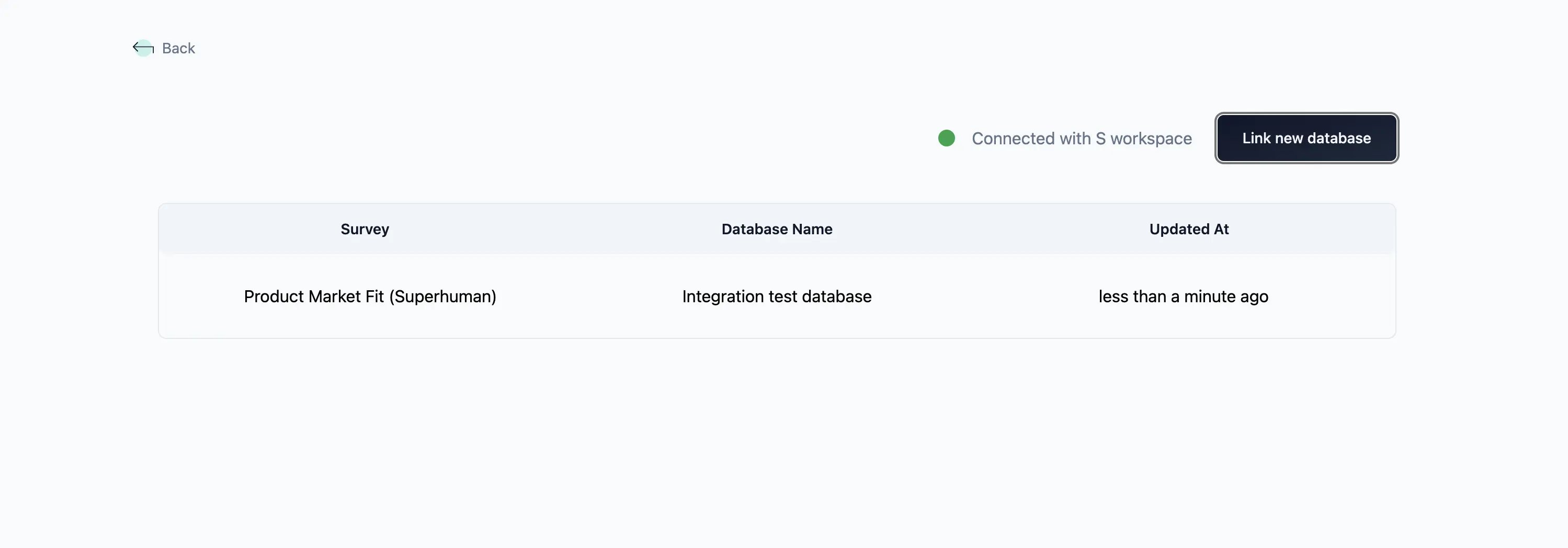
- On submitting, the modal will close and you will see the linked Notion database in the list of linked Notion databases.
Setup in self-hosted Formbricks
Ask your operator to complete the Notion OAuth setup. Then follow the connection steps above using your instance URL.Remove Integration with Notion Account
To remove the integration with your Notion account,- Visit the Integrations tab in your Formbricks Cloud dashboard.
- Select “Manage” button in the Notion card.
- Click on the “Delete Integration” button.
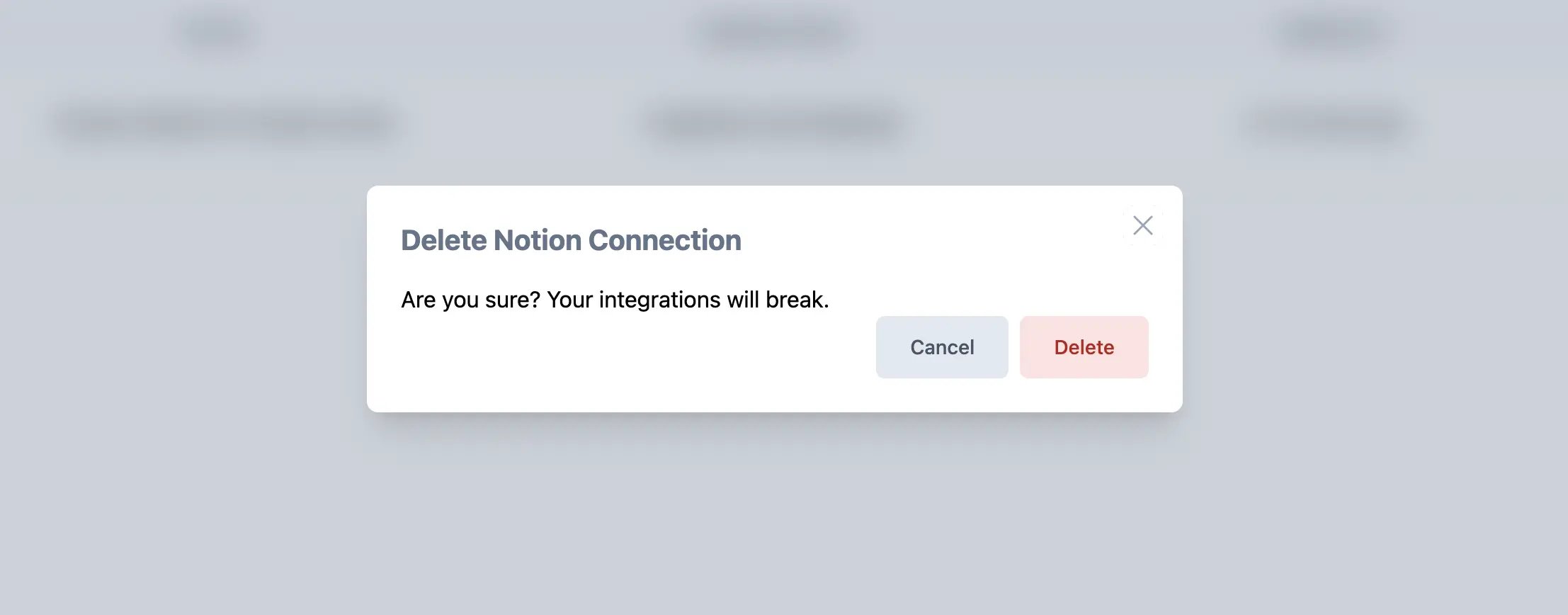
- It will now ask for a confirmation to remove the integration. Click on the “Delete” button to remove the integration. You can always come back and connect again with the same Notion Account.