

Contacts are part of the Formbricks Enterprise Edition.
Contacts
The Contacts tab lists everyone in the workspace.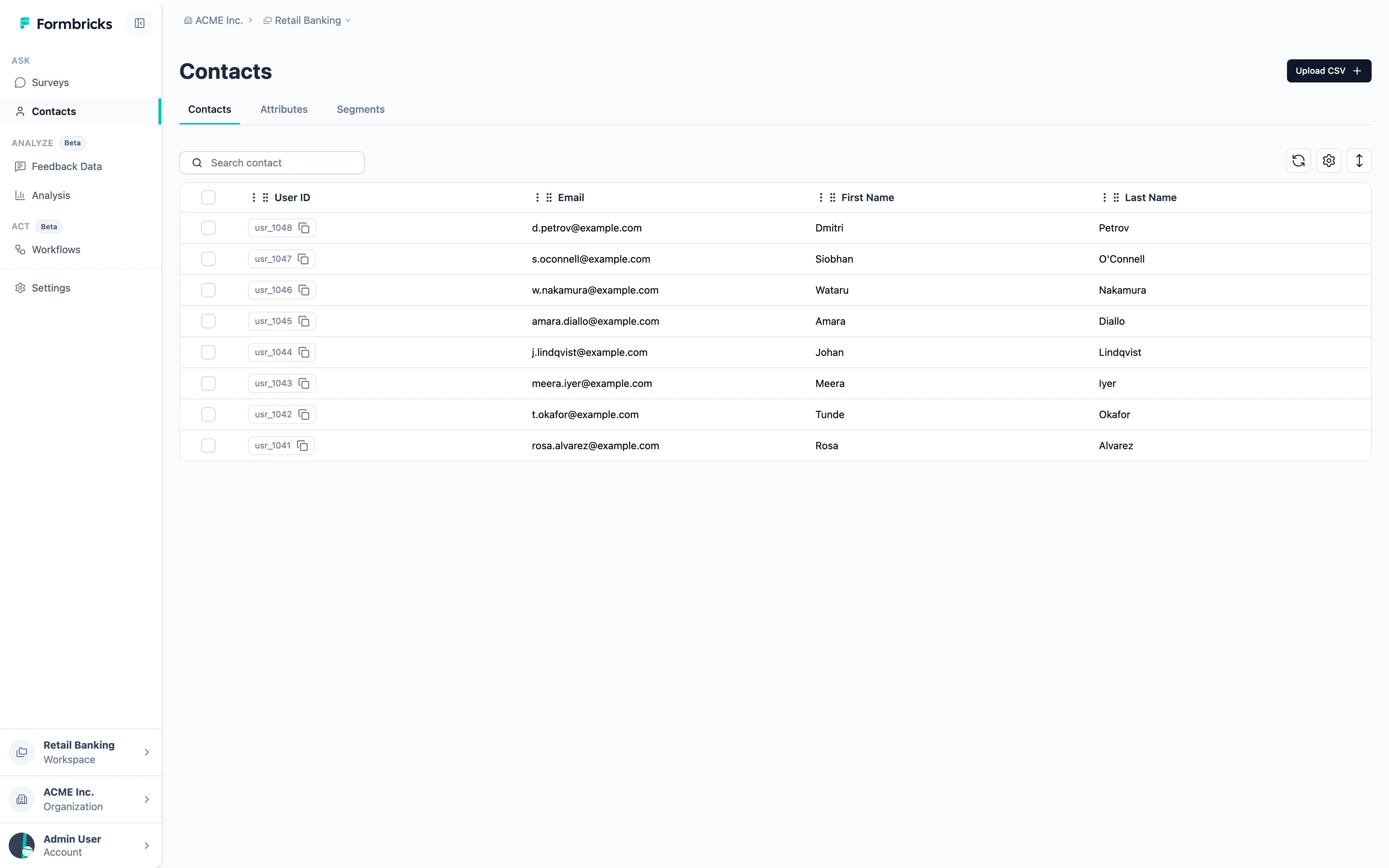
- From your app, when the SDK identifies someone. See User Identification for
setUserId,setAttributeand friends. - From a CSV, using Upload CSV. Useful for a list you already hold outside your product.
- From the API —
POST /api/v2/management/contactsfor one,PUT /api/v2/management/contacts/bulkfor many. Both need every attribute key to exist already. See the API v2 reference.
Attributes
An attribute is one field on a contact — a plan, a branch, a signup date. The Attributes tab lists every attribute key the workspace knows about.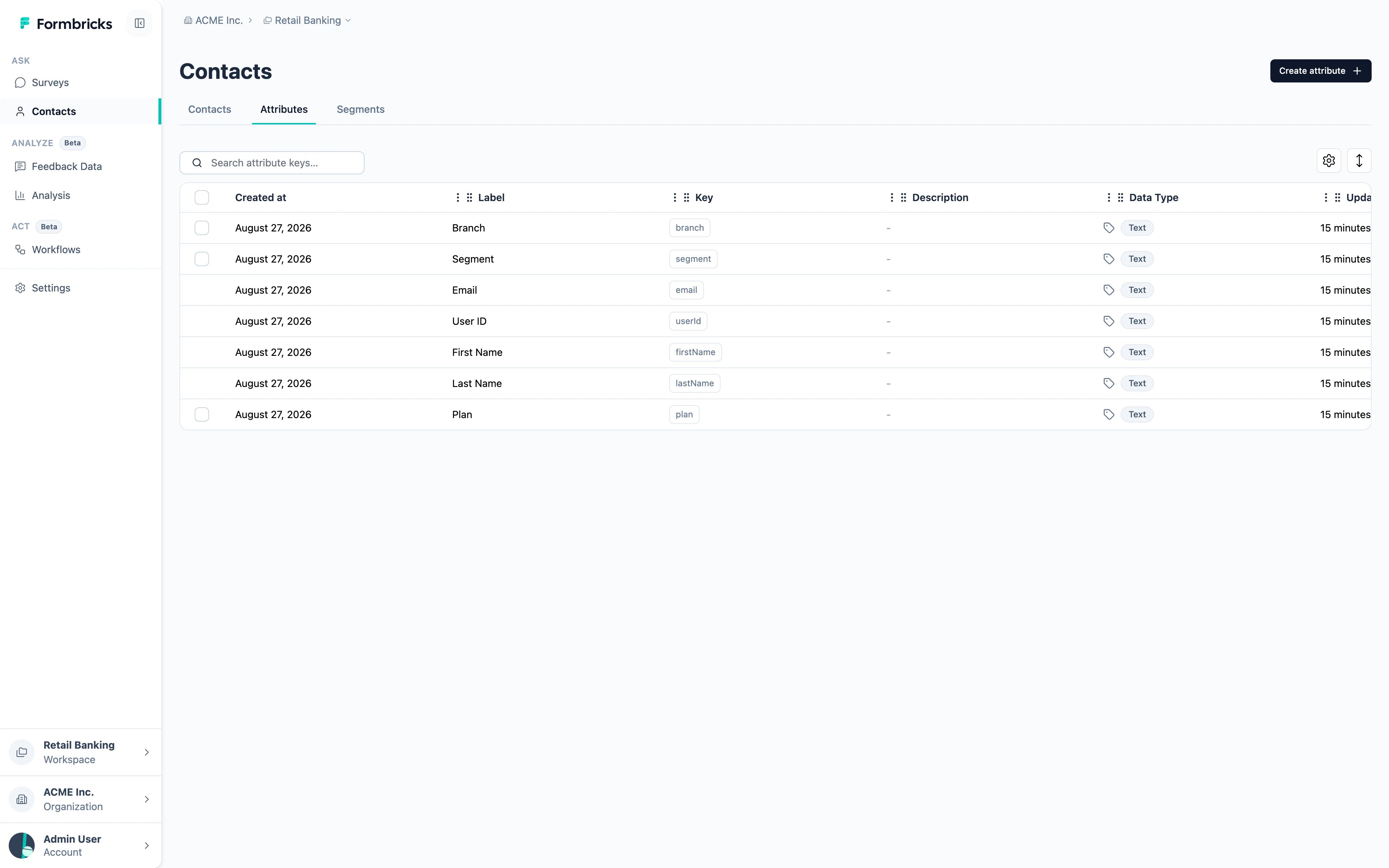
- Default attributes —
email,userId,firstName,lastName. Formbricks creates these itself and they cannot be deleted, which is why they have no checkbox in the table. - Custom attributes — anything you send. Create them ahead of time with Create attribute, or let them appear the first time the SDK sends one.
A workspace can hold up to 150 attribute keys. That is a limit on the number of distinct fields, not on how many contacts have them.
Segments
A segment is a saved group of contacts, defined by a filter rather than a fixed list. Membership is evaluated when it is used, so a contact joins or leaves as their attributes change.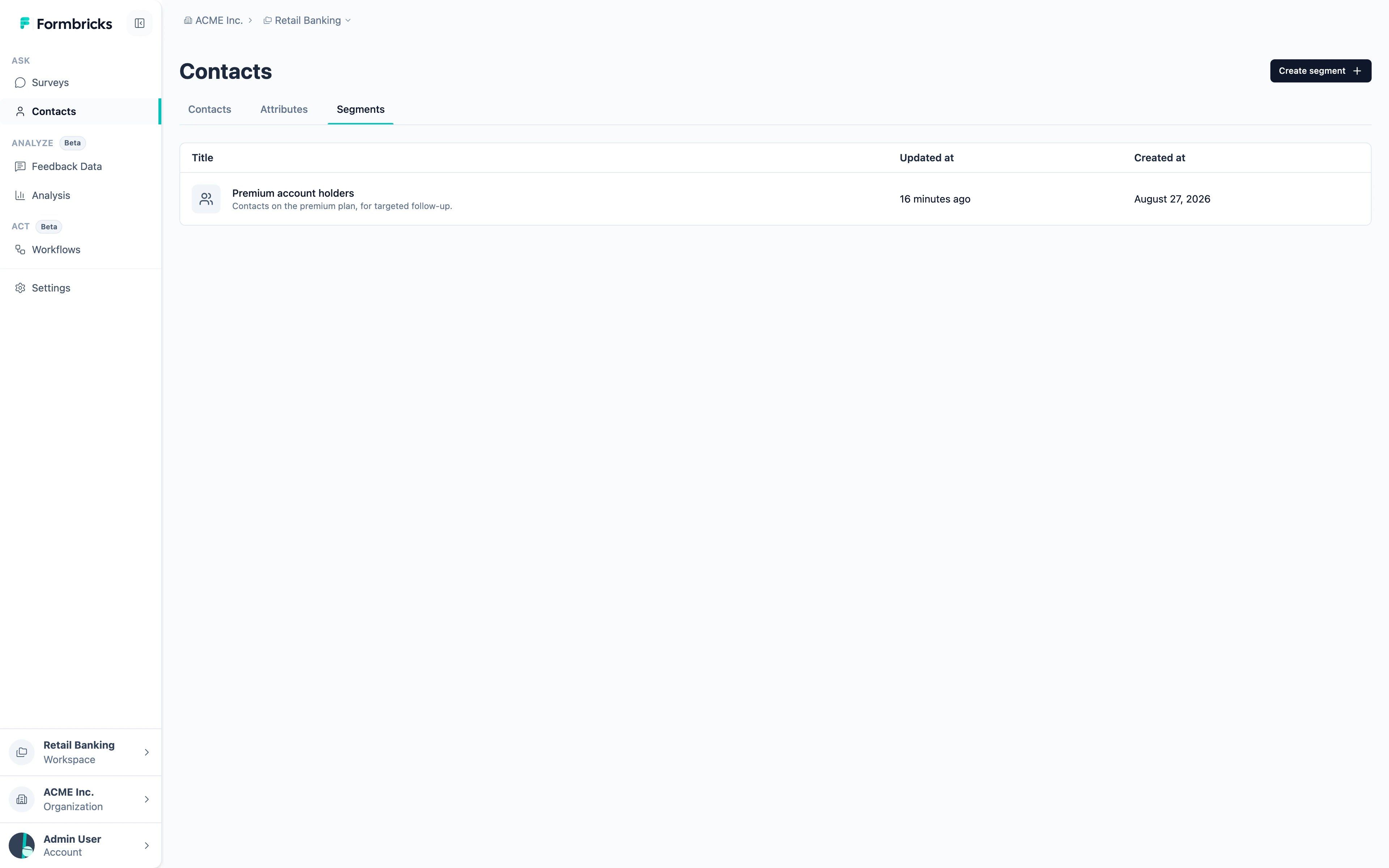
What Contacts change about a response
Once a response is linked to a contact, it stops being anonymous:- The response table shows who answered instead of “Anonymous”.
- You can filter and segment responses by any attribute the contact carries.
- Personal Links can be generated per contact, so a link survey attributes its answers too.