

Documentation Index
Fetch the complete documentation index at: https://formbricks.com/docs/llms.txt
Use this file to discover all available pages before exploring further.
Prerequisites
- Google Tag Manager installed on your website
- Your Formbricks Workspace ID (Settings > Connect Your App)
- Your App URL:
https://app.formbricks.com(or your self-hosted URL)
Use PUBLIC_URL for multi-domain setups, WEBAPP_URL for single-domain setups.
Basic Setup
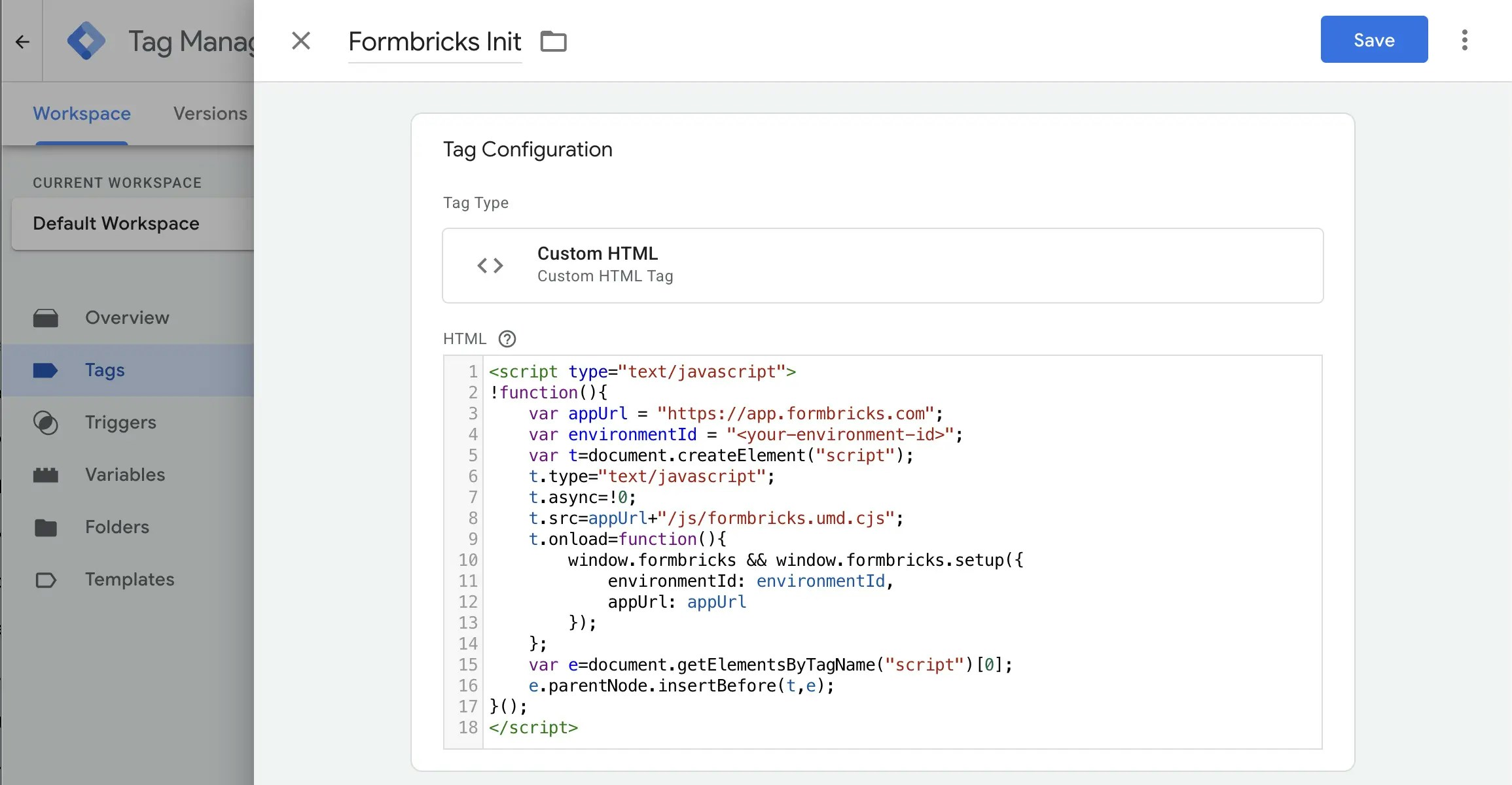
Create a Custom HTML tag in GTM
- Create a new tag with preferred name e.g. “Formbricks Intercept Surveys”
- Tag Type: Custom HTML
- Paste the code from Step 2. Make sure to replace
<your-workspace-id>and if you self-host, replace<your-app-url>
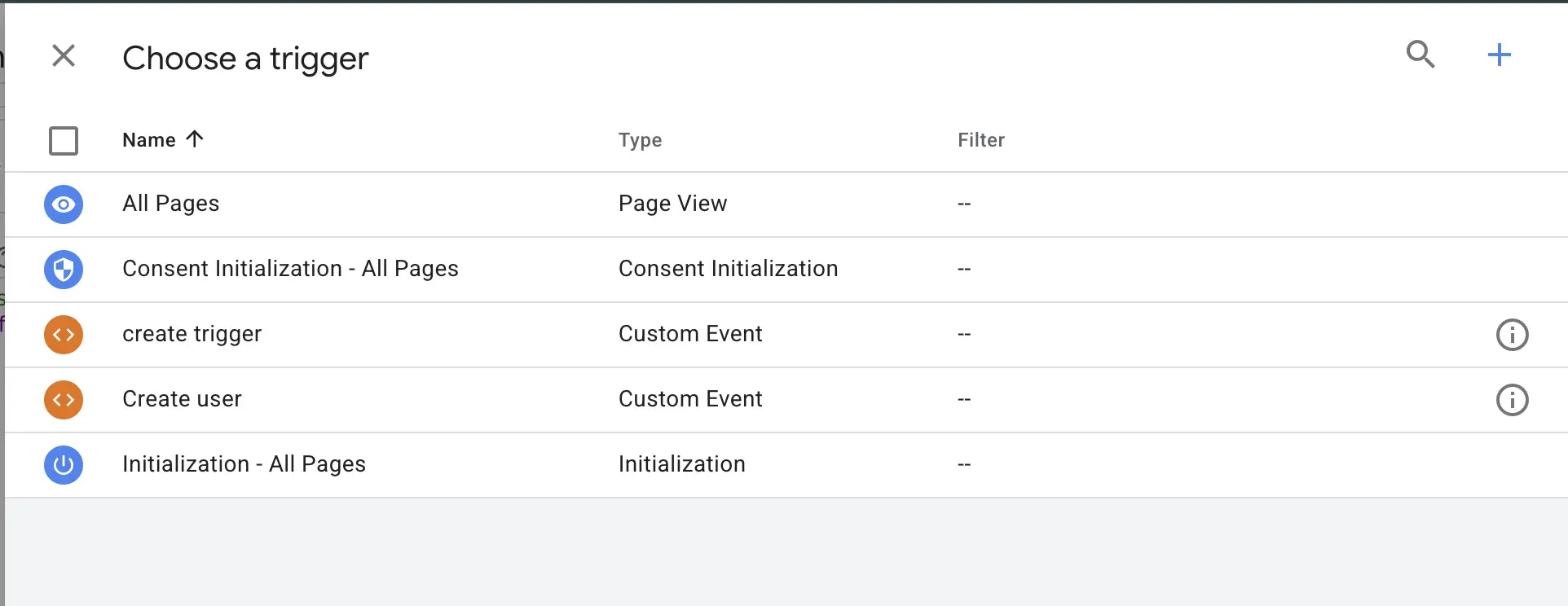
Test
- Use GTM Preview mode
- Verify the tag fires
- Add
?formbricksDebug=trueto the URL to see test logs in browser console (see Debugging Mode for more details)
User Identification
Identify users to enable targeting and attributes. Learn more about user identification.User identification is part of the Formbricks Enterprise Edition.
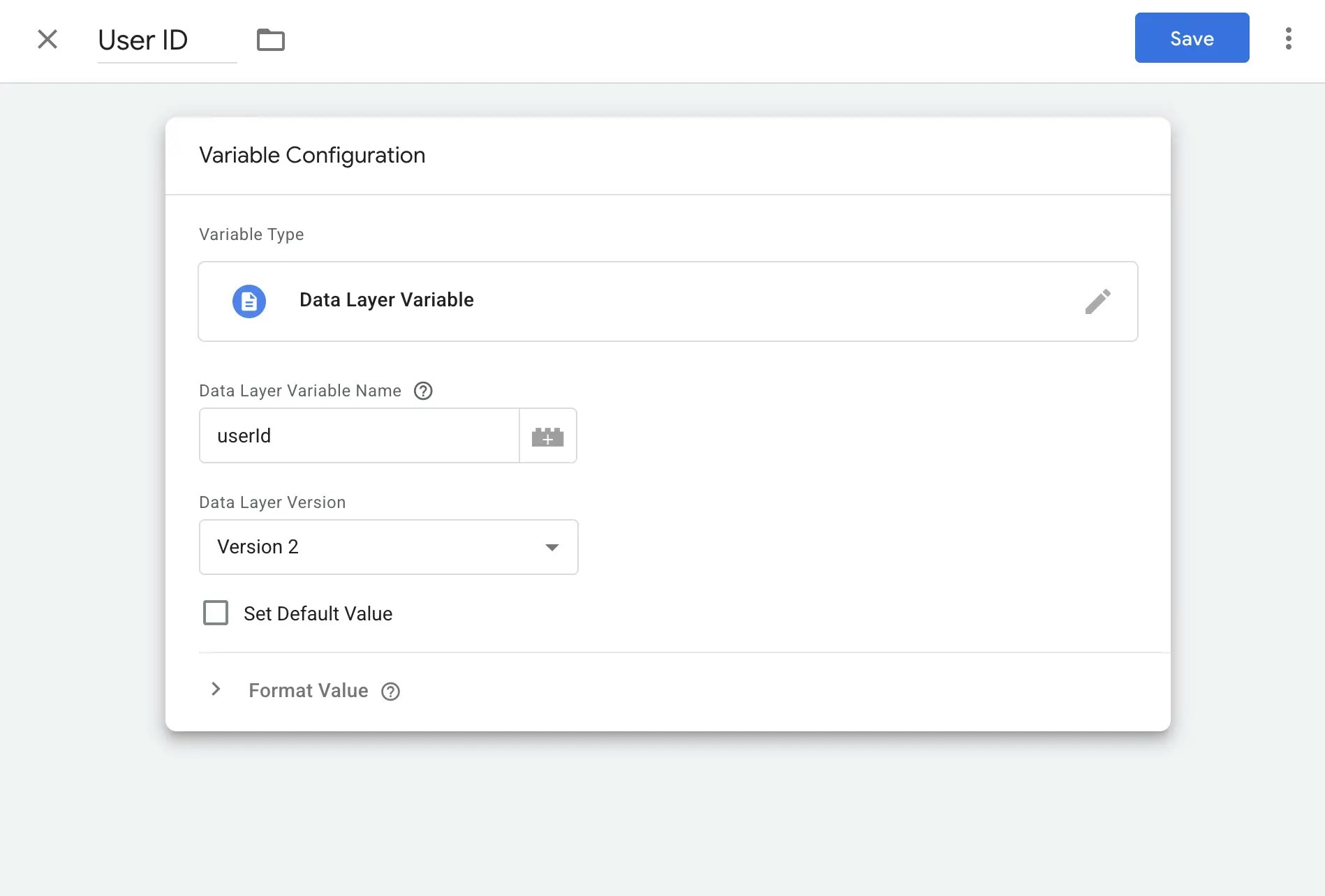
Create GTM variables
- Go to Variables on GTM dashboard
- Create new User-defined variable
- Name it (e.g., “User ID”)
- Variable Type: Data Layer Variable
- Data Layer Variable: “userId”
- Save and publish
-
Repeat for attributes you want to track e.g. “userEmail” and “userPlan” (optional)
Track Custom Events
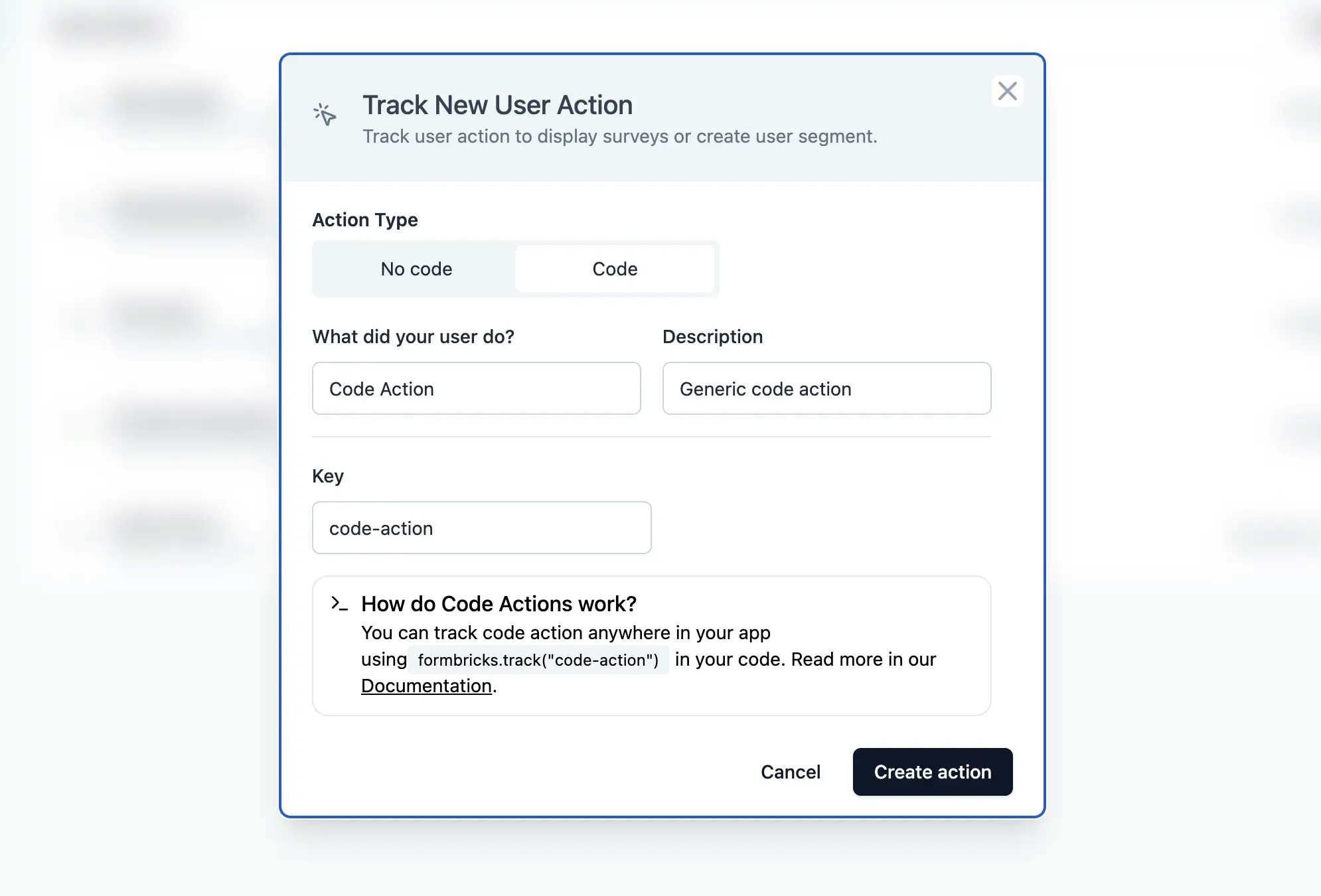
Create GTM variable for Event Name
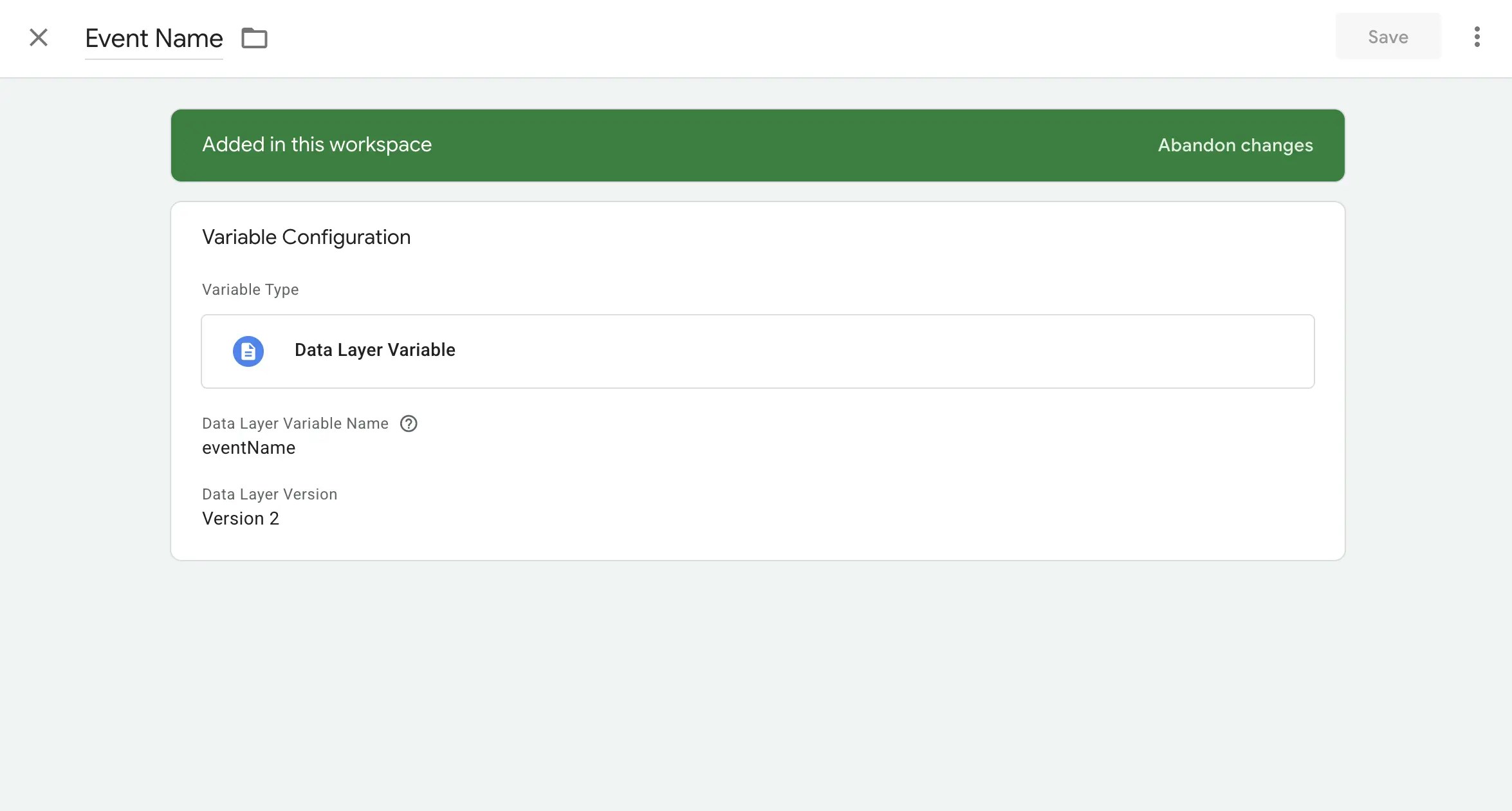
- Go to Variables on GTM dashboard
- Create new User-defined variable
- Name it “Event Name”
- Variable Type: Data Layer Variable
- Data Layer Variable: “eventName”
-
Save and publish
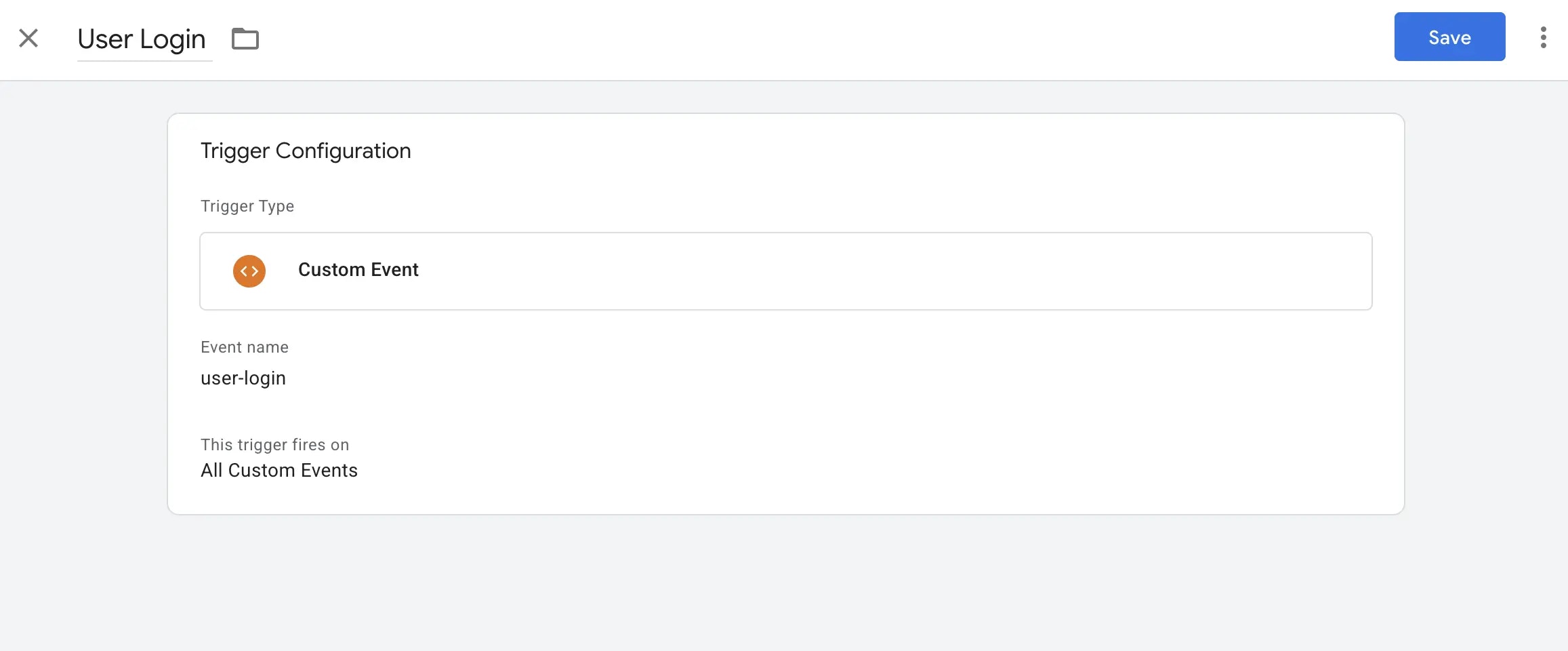
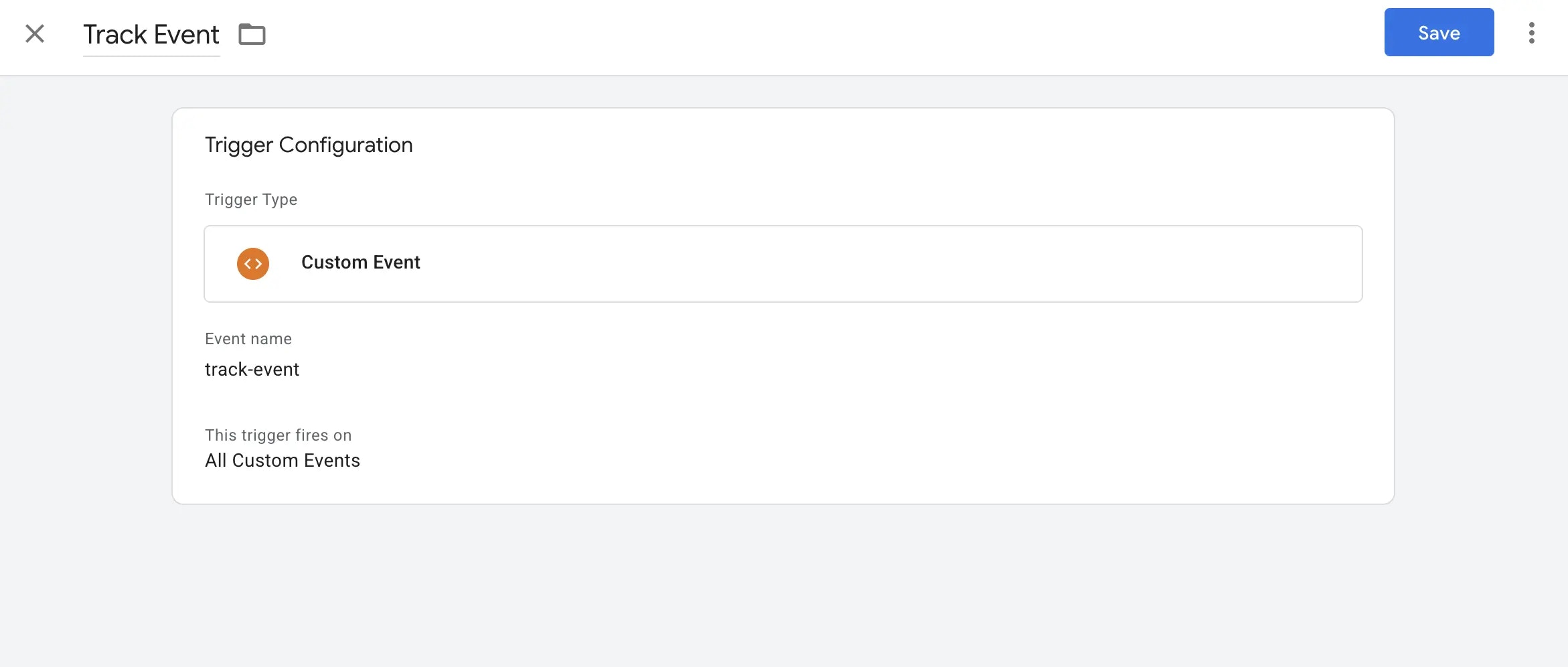
Create custom trigger
- Create a custom event trigger in GTM
- Trigger Type: Custom Event
-
Event name:
eventNameor name that matches with your event in code. - Attach this trigger to your event tracking tag
-
Save and publish
Troubleshooting
Surveys not showing?- Use GTM Preview mode to check tag firing
- Add
?formbricksDebug=trueto your URL - Check browser console for errors
- Wait 1 minute for the Server Cache to refresh
- Verify Data Layer push syntax
- Check GTM variables are reading correct values
- Ensure user tag fires after initialization
- Confirm
window.formbricksexists before calling track - Match event names exactly with Formbricks action names
- Check timing - Formbricks must be initialized first