

Documentation Index
Fetch the complete documentation index at: https://formbricks.com/docs/llms.txt
Use this file to discover all available pages before exploring further.
Quick comparison
| Feature | Link Surveys | Website & App Surveys |
|---|---|---|
| Best for | Known touchpoints | Behavior-based intercepts |
| SDK required | No | Yes |
| Delivery | Email, SMS, push, or webview | Triggered in-app by SDK |
| Segmentation | You control externally | Built-in via Formbricks |
| Survey fatigue prevention | You control externally | Automatic |
| User identification | Personal Links | SDK user attributes |
Link Surveys
Also known as invitation-based surveys. No SDK needed. You control when and who receives the survey, often through CRMs, marketing tools, or similar platforms.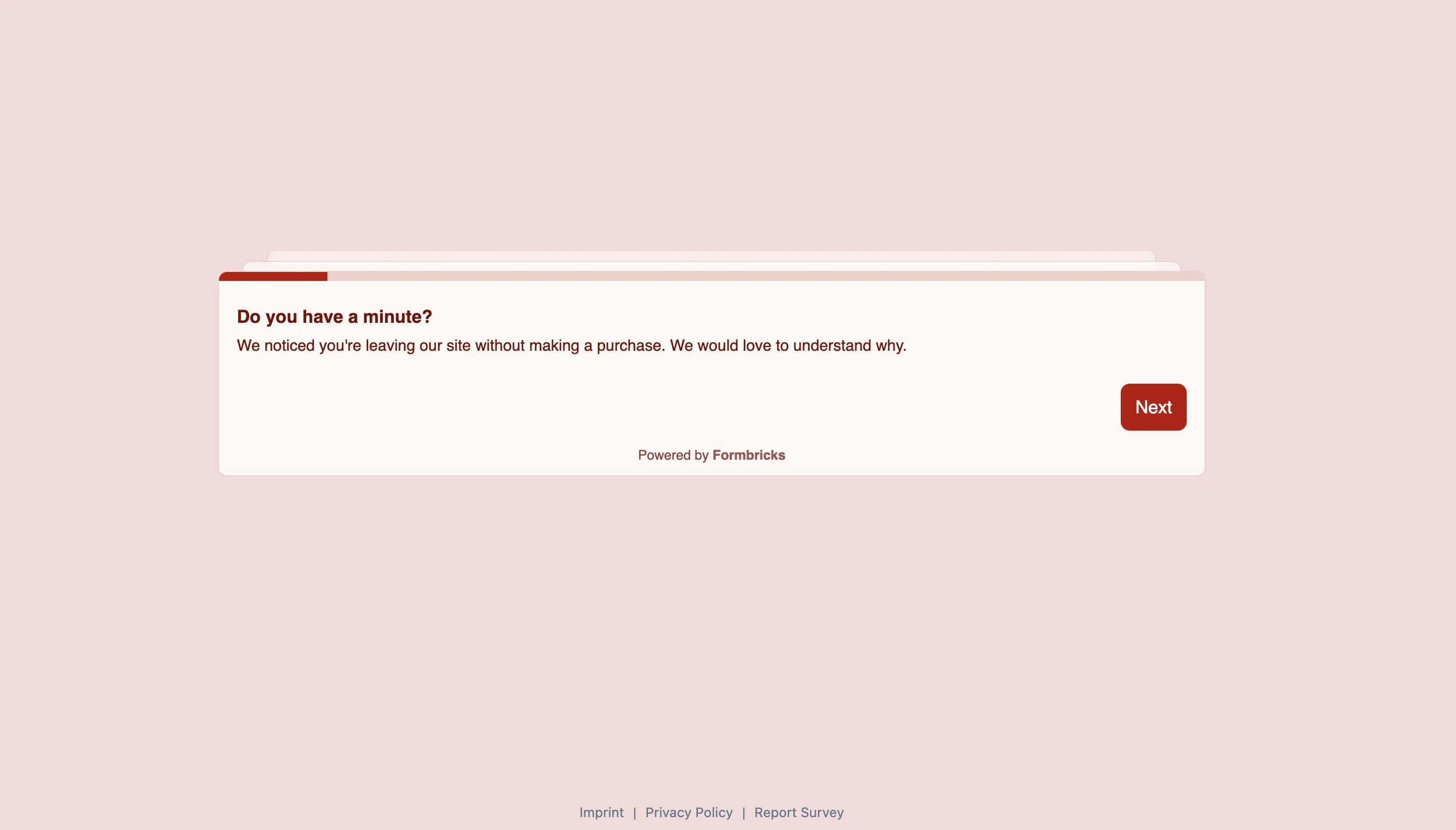
Delivery channels
- SMS
- Push notification
- In-app webview
URL features
- Hidden Fields: Pass user ID, order ID, or any identifier
- Data prefilling: Pre-populate answers and optionally skip prefilled questions
- Personal Links: Generate unique survey links for individual contacts
Webview with Embed mode
For mobile apps, you can display Link Surveys in a webview with full control over when the survey appears. Your app decides the timing—open the webview when the moment is right. Enable Embed mode by appending?embed=true to the survey URL:
- When: Your app opens the webview at the right moment (after purchase, case closed, etc.)
- Who: Personal links allow you to have unique links for identified contacts.
- Display: Survey renders inside your app
- Dismissal: Close the webview on completion or user exit
When to use
- You already decide externally who should receive which survey
- Survey timing is tied to a known event such as a click on a link or button and in each case, you want to show the survey
- You want fastest approach to production
- Your platform doesn’t have a supported SDK
- You don’t need Formbricks attribute-based targeting & survey fatigue controls
Website & App Surveys (SDK)
Also known as intercept surveys. Requires SDK integration. Formbricks handles targeting, triggering, and survey fatigue.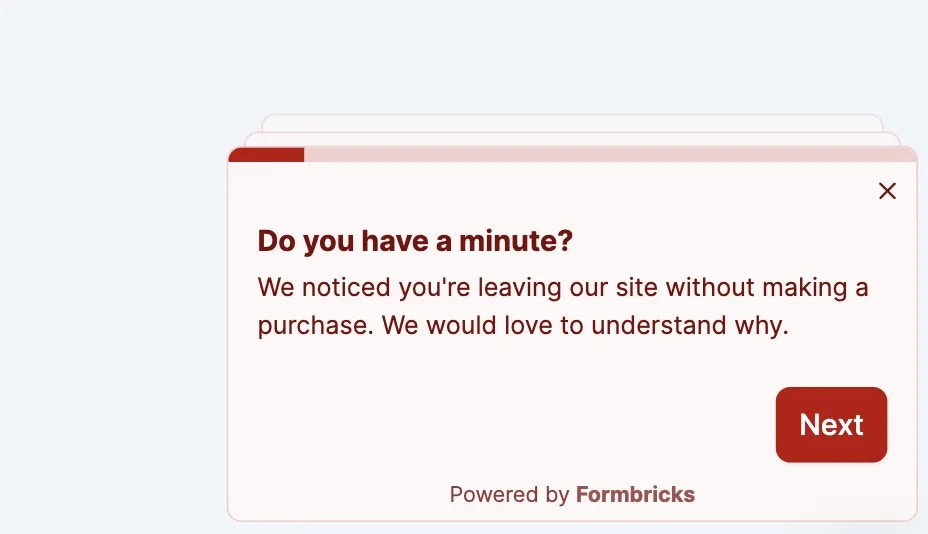
In-app features
Action tracking Track in-app events and trigger surveys based on them:- Global waiting time (e.g., show max 1 survey every 7 days per user)
- Per-survey overrides for high-priority surveys
When to use
- You want Formbricks to handle who sees which survey
- Surveys should trigger based on user behavior (page views, clicks, custom events)
- You want automatic survey fatigue prevention
- You need percentage-based sampling (e.g., show to 10% of users)
Decision guide
Do you control survey triggering externally?
Do you control survey triggering externally?
Use Link-based Surveys. Send the URL when the moment is right, even for in-app surveys.Pass context via Hidden Fields.
Should surveys trigger based on in-app behavior?
Should surveys trigger based on in-app behavior?
Use Website & App Surveys. The SDK tracks actions and triggers surveys automatically.
Do you want automatic survey fatigue prevention?
Do you want automatic survey fatigue prevention?
Use Website & App Surveys. Built-in cooldown prevents over-surveying.
Need the fastest path to production?
Need the fastest path to production?
Start with Link Surveys. No SDK integration needed. Add SDK later if you need behavior-based triggers.
Need help? Join us in GitHub Discussions