> ## Documentation Index
> Fetch the complete documentation index at: https://formbricks.com/docs/llms.txt
> Use this file to discover all available pages before exploring further.
# Contacts
> Contacts are the people you survey. Store what you already know about them, then use it to decide who sees a survey and to read responses in context.
A **contact** is one person in a workspace, with a set of attributes you supply. Contacts let you do two things you cannot do with anonymous responses: target a survey at a specific group, and see who said what.
Contacts live under **Contacts** in the main navigation, which has three tabs — Contacts, Attributes and Segments.
Contacts are part of the Formbricks [Enterprise Edition](/docs/self-hosting/advanced/license).
## Contacts
The Contacts tab lists everyone in the workspace.
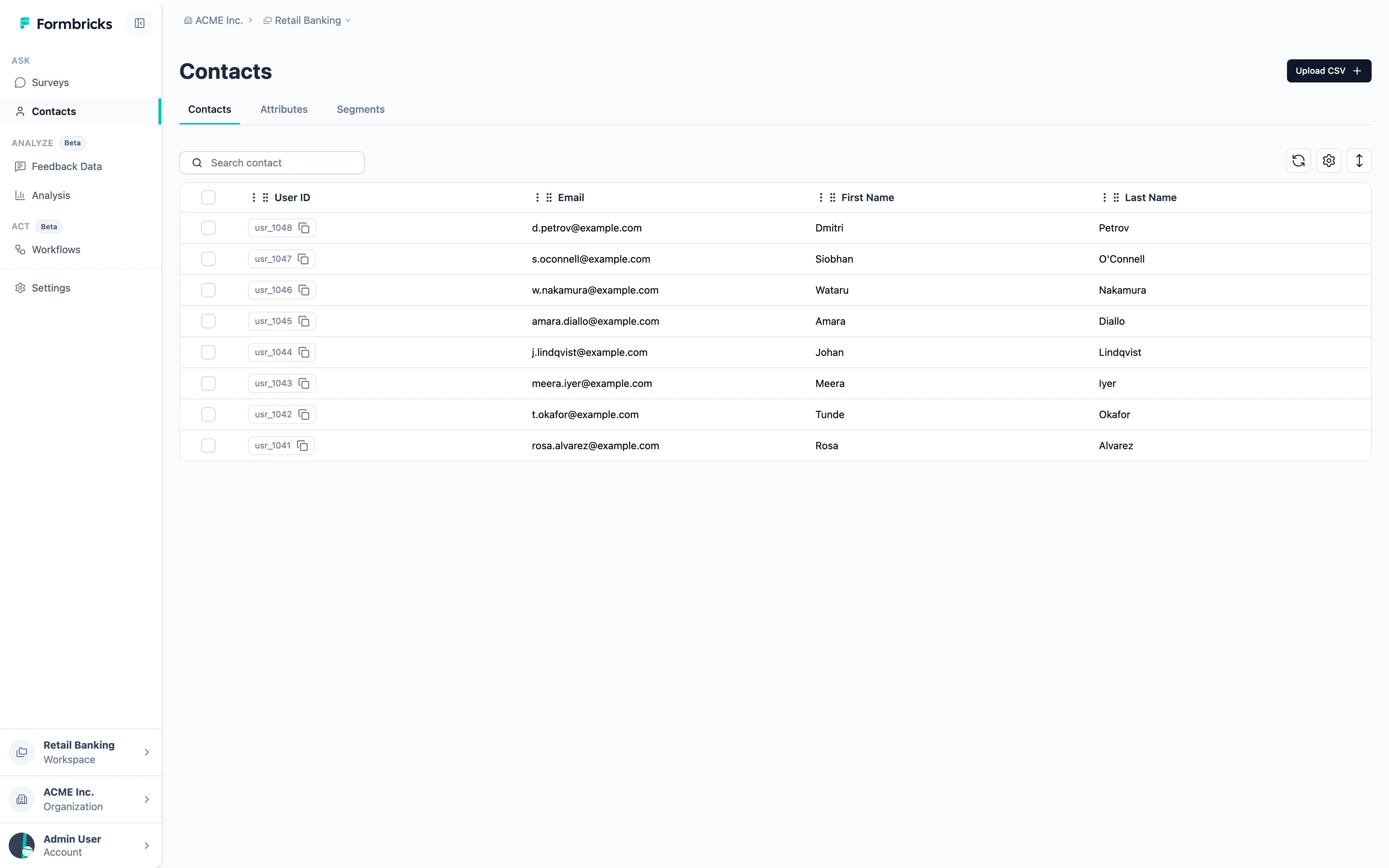 Contacts arrive in three ways:
* **From your app**, when the SDK identifies someone. See [User Identification](/docs/surveys/website-app-surveys/user-identification) for `setUserId`, `setAttribute` and friends.
* **From a CSV**, using **Upload CSV**. Useful for a list you already hold outside your product.
* **From the API** — `POST /api/v2/management/contacts` for one, `PUT /api/v2/management/contacts/bulk` for many. Both need every attribute key to exist already. See the [API v2 reference](/docs/api-v2-reference/introduction).
Contacts are scoped to a **workspace**. A person known in one workspace is not automatically known in another.
## Attributes
An attribute is one field on a contact — a plan, a branch, a signup date. The Attributes tab lists every attribute key the workspace knows about.
Contacts arrive in three ways:
* **From your app**, when the SDK identifies someone. See [User Identification](/docs/surveys/website-app-surveys/user-identification) for `setUserId`, `setAttribute` and friends.
* **From a CSV**, using **Upload CSV**. Useful for a list you already hold outside your product.
* **From the API** — `POST /api/v2/management/contacts` for one, `PUT /api/v2/management/contacts/bulk` for many. Both need every attribute key to exist already. See the [API v2 reference](/docs/api-v2-reference/introduction).
Contacts are scoped to a **workspace**. A person known in one workspace is not automatically known in another.
## Attributes
An attribute is one field on a contact — a plan, a branch, a signup date. The Attributes tab lists every attribute key the workspace knows about.
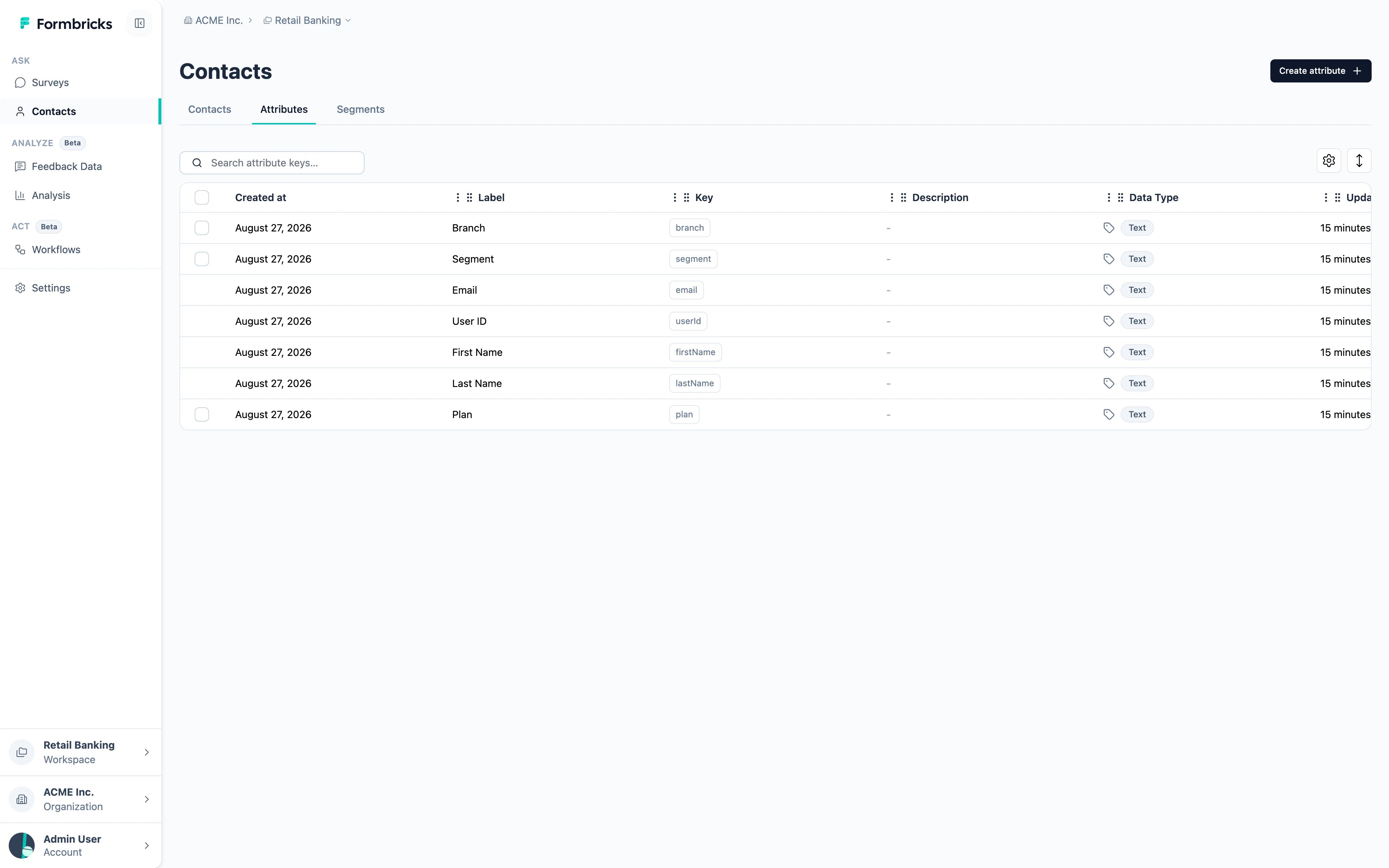 Two kinds:
* **Default attributes** — `email`, `userId`, `firstName`, `lastName`. Formbricks creates these itself and they cannot be deleted, which is why they have no checkbox in the table.
* **Custom attributes** — anything you send. Create them ahead of time with **Create attribute**, or let them appear the first time the SDK sends one.
Each key carries a label, the key your code uses, and a data type.
A workspace can hold up to **150 attribute keys**. That is a limit on the number of distinct fields, not on how many contacts have them.
## Segments
A segment is a saved group of contacts, defined by a filter rather than a fixed list. Membership is evaluated when it is used, so a contact joins or leaves as their attributes change.
Two kinds:
* **Default attributes** — `email`, `userId`, `firstName`, `lastName`. Formbricks creates these itself and they cannot be deleted, which is why they have no checkbox in the table.
* **Custom attributes** — anything you send. Create them ahead of time with **Create attribute**, or let them appear the first time the SDK sends one.
Each key carries a label, the key your code uses, and a data type.
A workspace can hold up to **150 attribute keys**. That is a limit on the number of distinct fields, not on how many contacts have them.
## Segments
A segment is a saved group of contacts, defined by a filter rather than a fixed list. Membership is evaluated when it is used, so a contact joins or leaves as their attributes change.
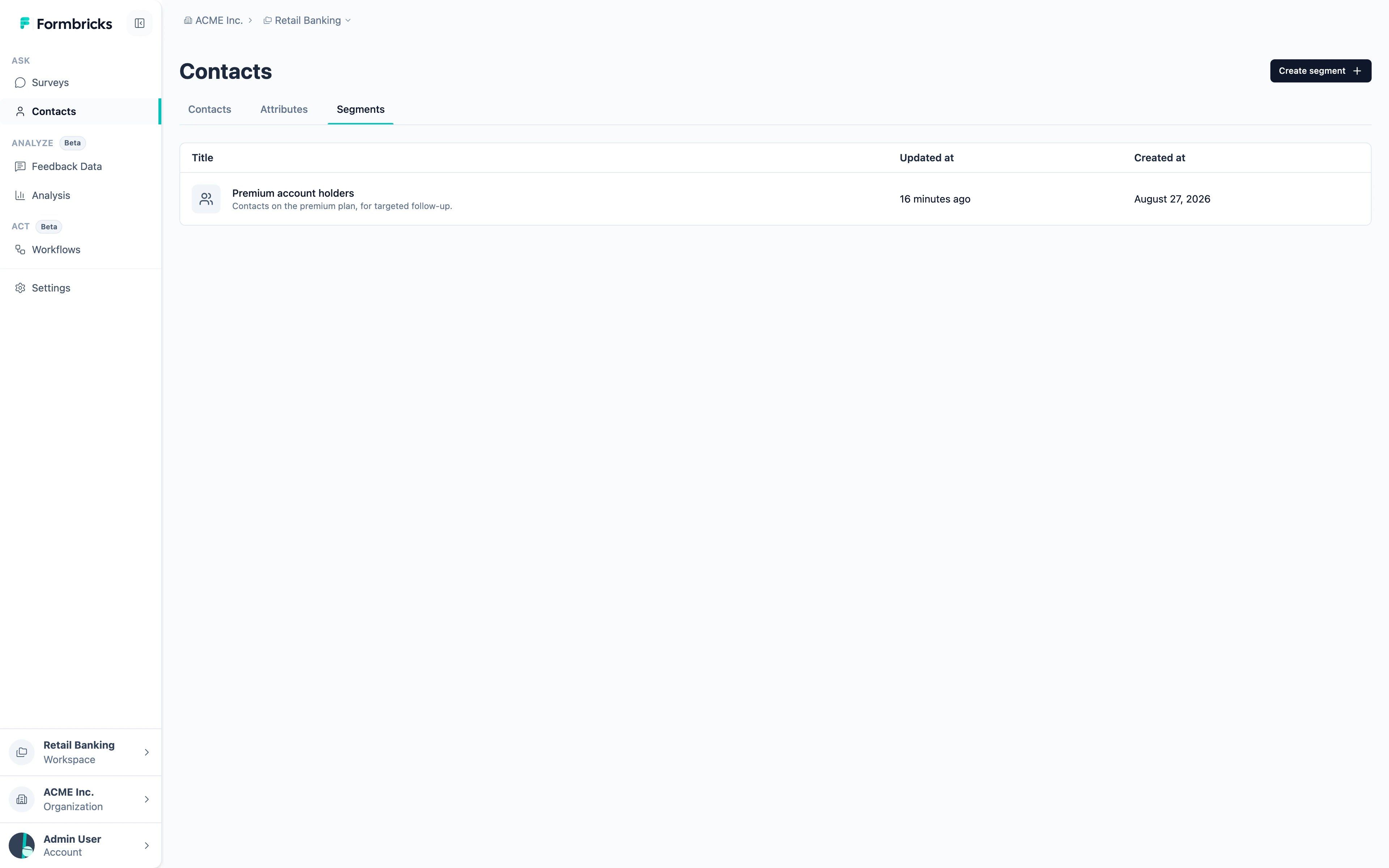 Filters combine attributes, devices and previous survey interaction, and can be grouped with **and** / **or**. A segment built on "plan equals premium" always means today's premium customers, without anyone maintaining a list.
Segments are what [attribute-based targeting](/docs/surveys/website-app-surveys/attribute-based-targeting) uses to decide who sees an app survey.
## What Contacts change about a response
Once a response is linked to a contact, it stops being anonymous:
* The response table shows who answered instead of "Anonymous".
* You can filter and segment responses by any attribute the contact carries.
* [Personal Links](/docs/surveys/link-surveys/personal-links) can be generated per contact, so a link survey attributes its answers too.
Filters combine attributes, devices and previous survey interaction, and can be grouped with **and** / **or**. A segment built on "plan equals premium" always means today's premium customers, without anyone maintaining a list.
Segments are what [attribute-based targeting](/docs/surveys/website-app-surveys/attribute-based-targeting) uses to decide who sees an app survey.
## What Contacts change about a response
Once a response is linked to a contact, it stops being anonymous:
* The response table shows who answered instead of "Anonymous".
* You can filter and segment responses by any attribute the contact carries.
* [Personal Links](/docs/surveys/link-surveys/personal-links) can be generated per contact, so a link survey attributes its answers too.